

This page displays information about the machine status, such as the axis positions and the mounted tool.
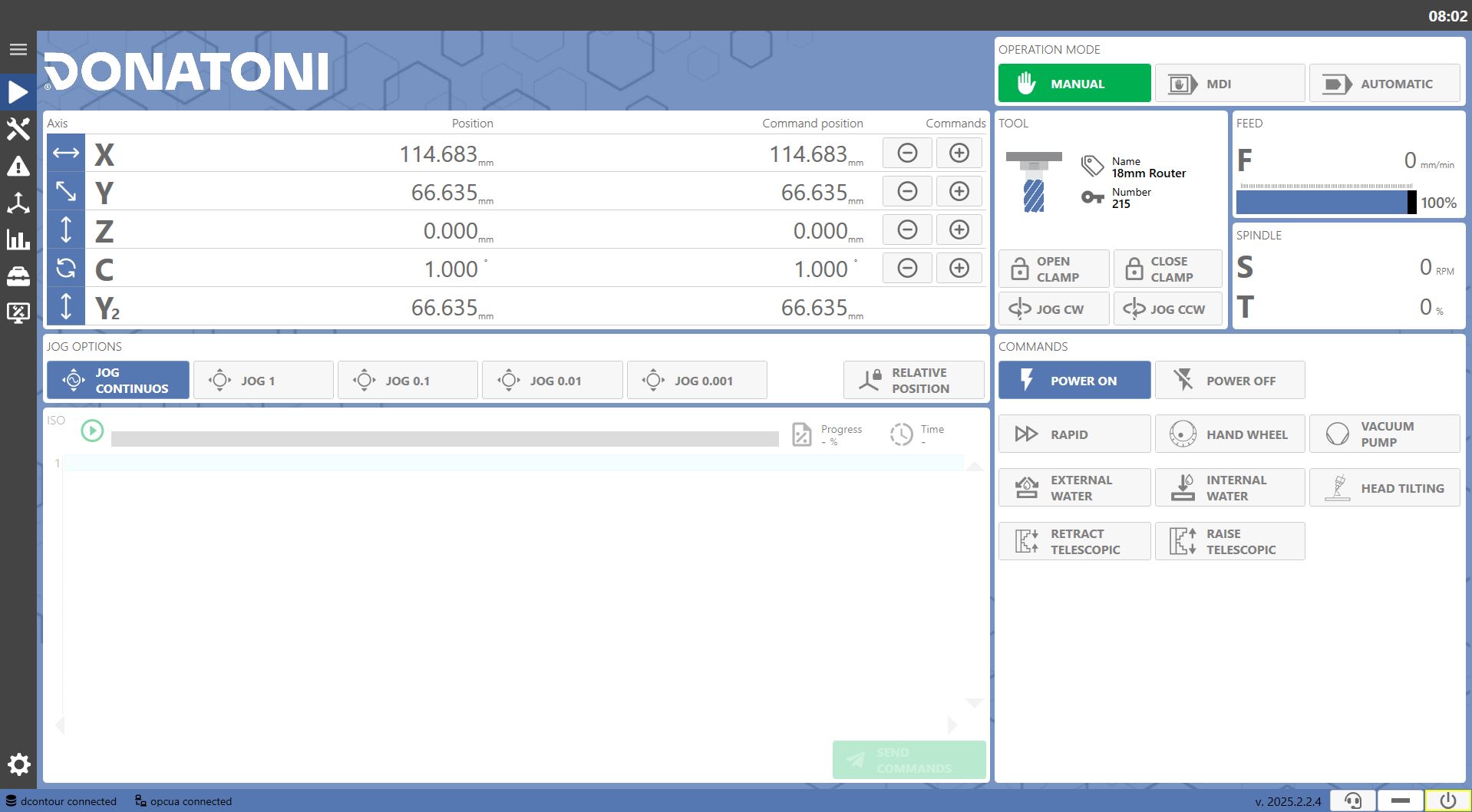
Operating Mode
The machine can be operated in 3 operating modes, shown in a small panel at the top right.
The commands displayed on the interface may vary depending on the selected operating mode.

 | Manual Mode |
 | MDI Mode |
 | Automatic Mode |
Mounted tool
On the right side of the interface, just below the operating mode selection panel, information about the mounted tool can be displayed and the following operations can be performed:
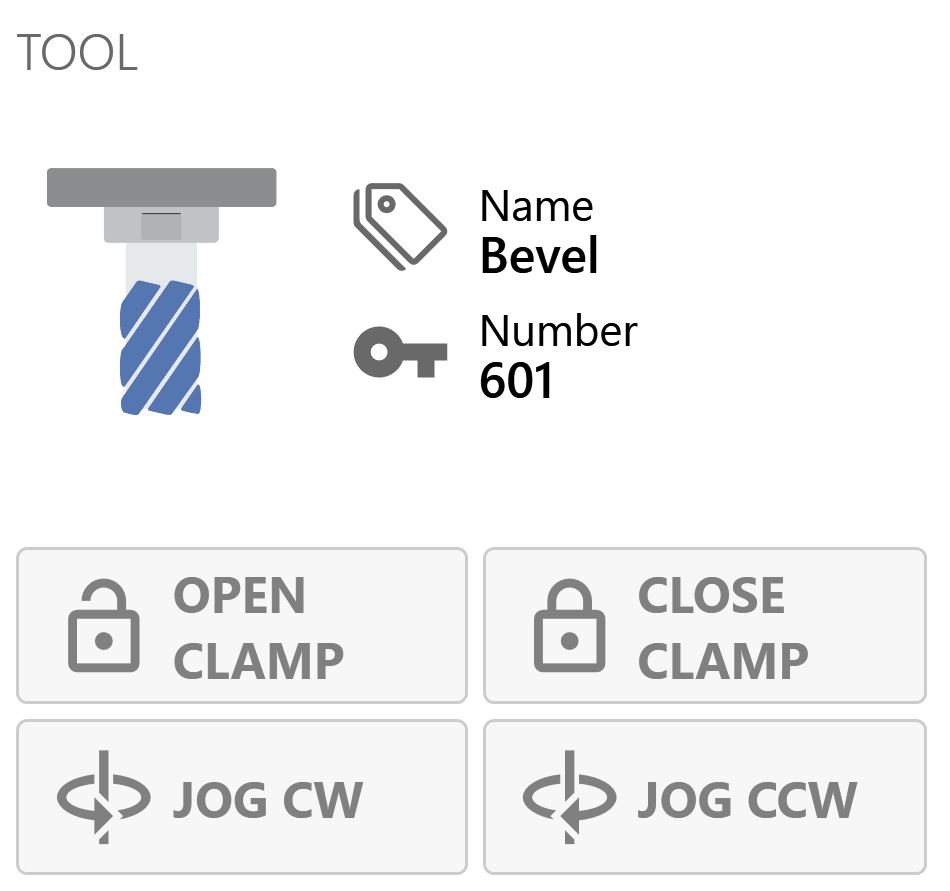
 | Open Clamp |
 | Close Clamp |
 | Clockwise Spindle Rotation (Manual Mode Only) |
 | Counterclockwise Spindle Rotation (Manual Mode Only) |
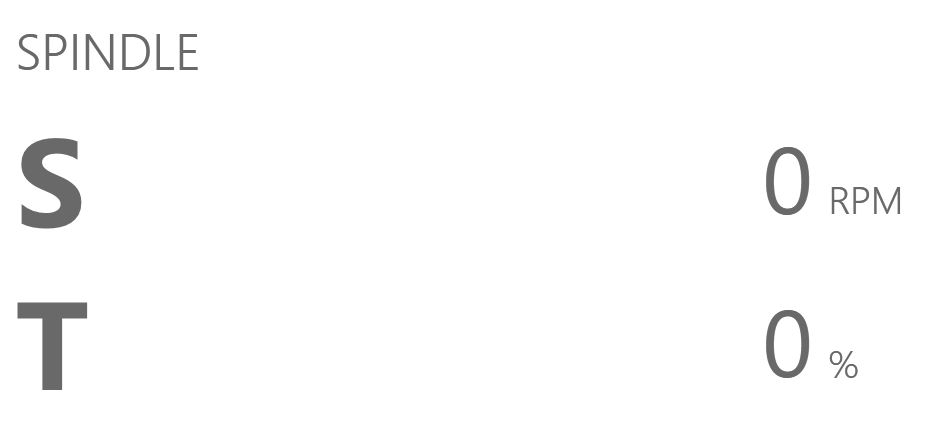
Spindle Data
This panel, located at the top right, displays spindle data such as RPM and delivered torque.
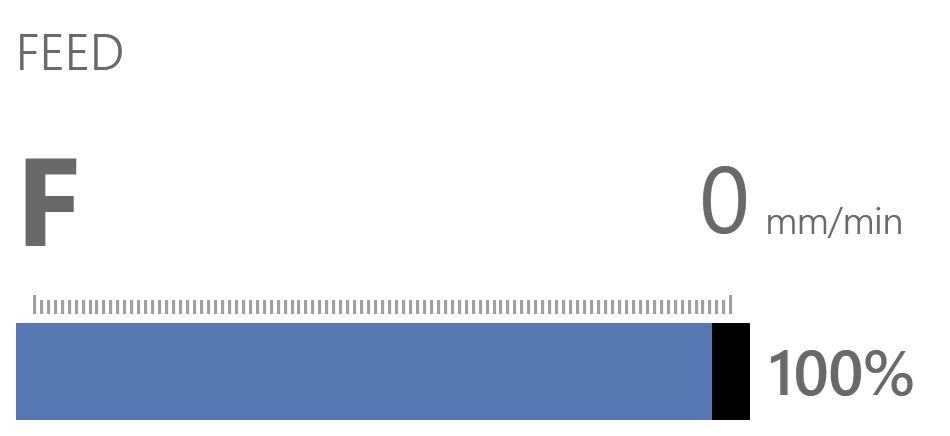
Feed
This panel, located on the right, displays the feed rate and override.
Commands
The panel in the lower-right area always displays the following buttons:
 | Enable Commands |
 | Disable Commands |
