Machine technical documentation Operational document
This MES page allows customer records to be managed. The user can create new customers, edit existing ones, copy them, delete them and associate a preview image.
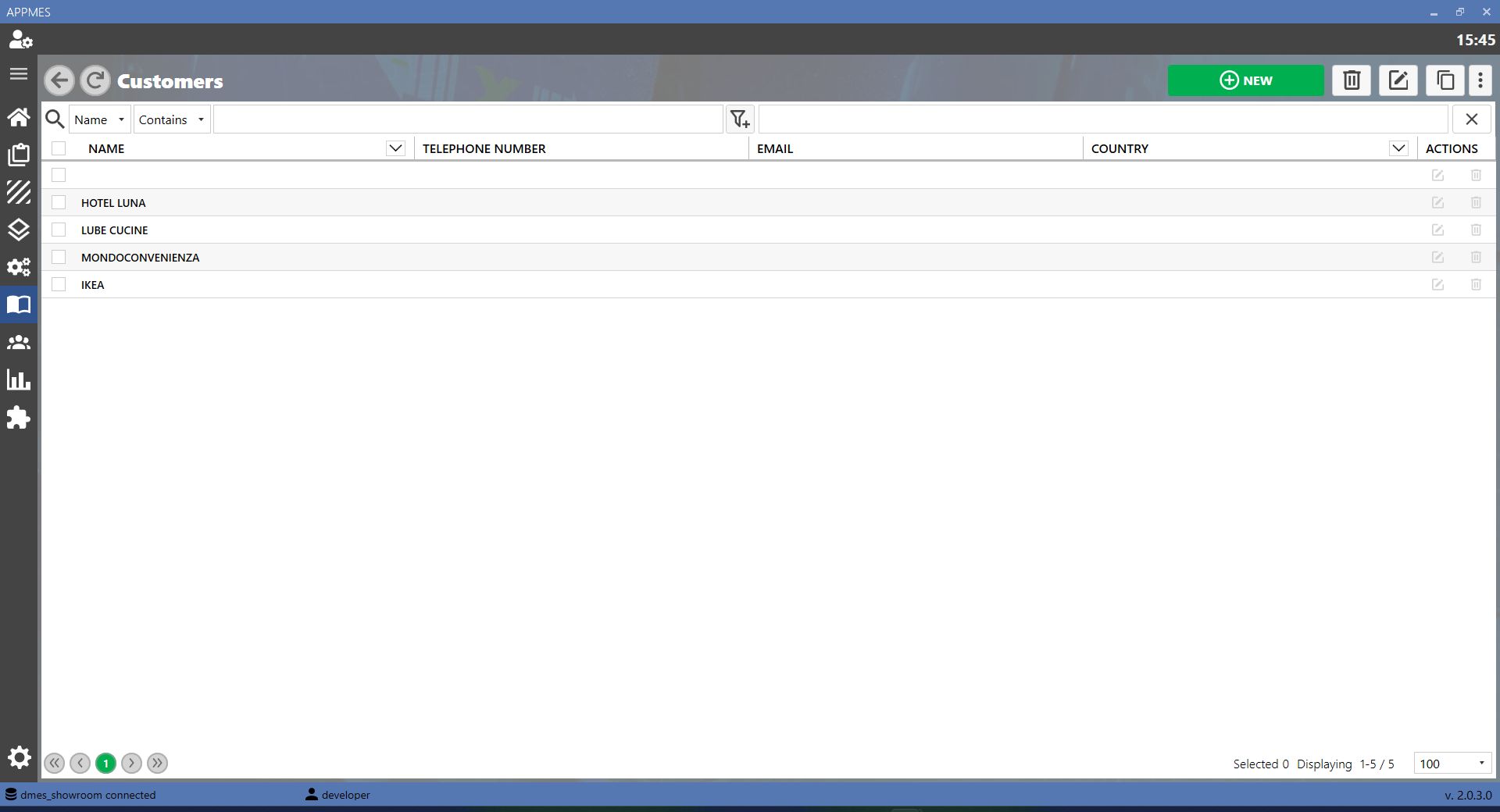
BUTTONS
 | ADD |
-20260819-060407.png) | EDIT Updates the data of a customer already registered in the MES. |
 | COPY Duplicates an existing customer record, allowing a new customer to be created from existing data. |
 | DELETE Removes a customer record that is no longer required from the MES. |
 | IMAGES Associates a preview image with the customer record during creation or editing. |
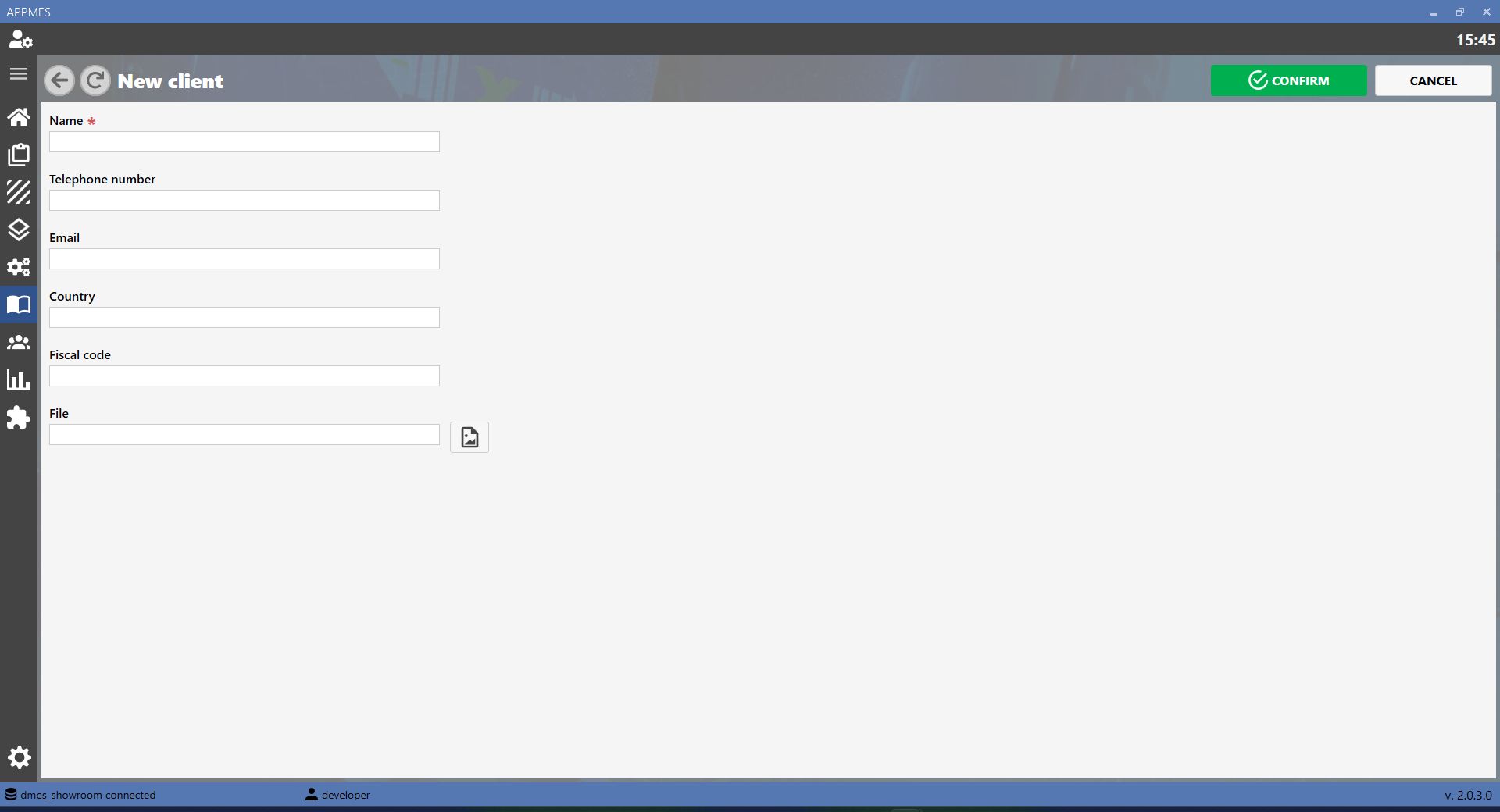
CREATING A NEW CUSTOMER
To create a new customer, click the ADD button. The MES opens a screen where the customer data can be entered.