To access this section, refer to points 4.1 and 4.1.1 of the manual.
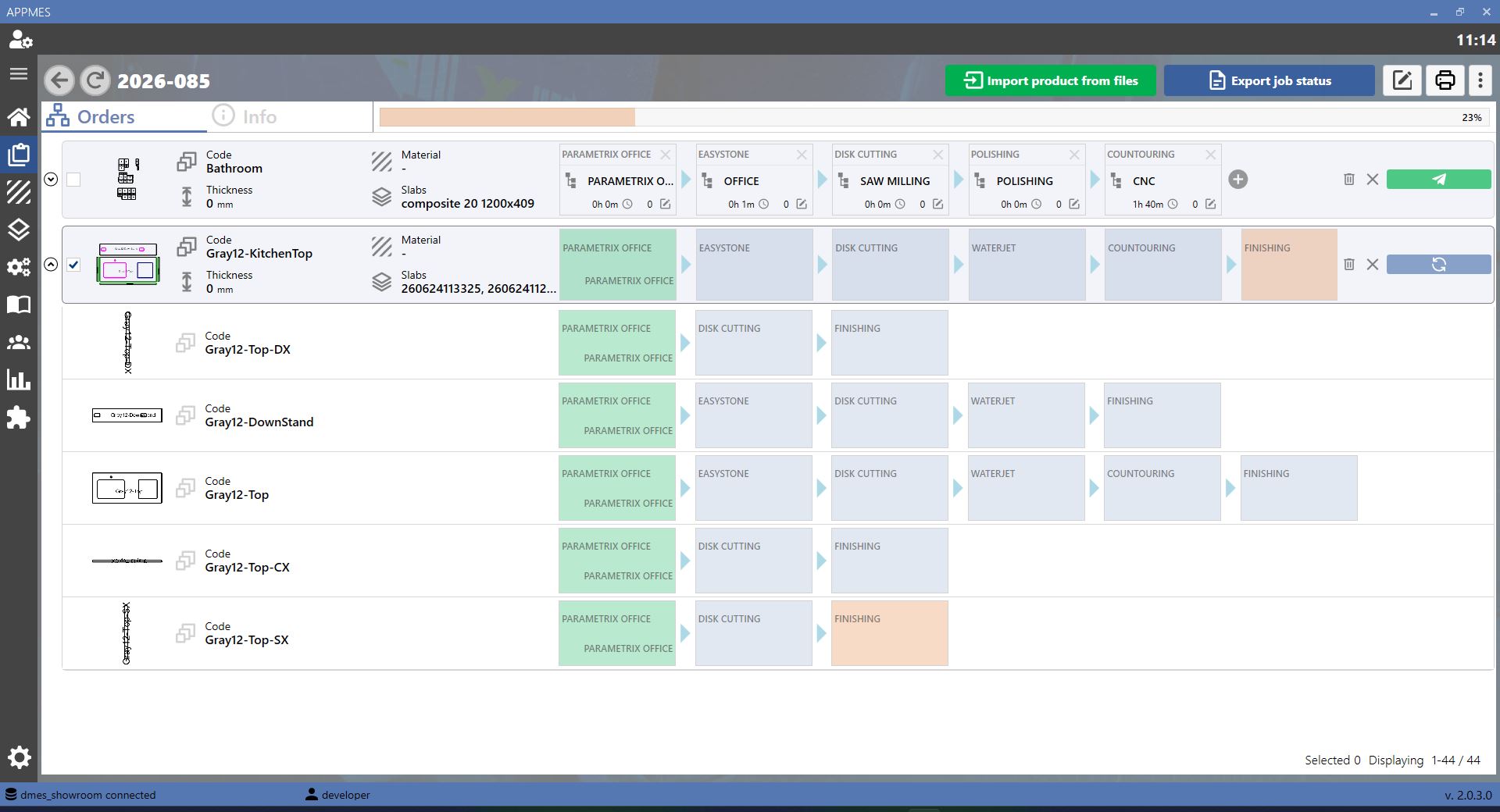
DMES PRO Buttons
This section describes the main DMES PRO MES buttons. These buttons allow the working data to be set before proceeding with the export.
 | Material |
 | Slabs |
 | Thickness |
 | Export |
Material Section
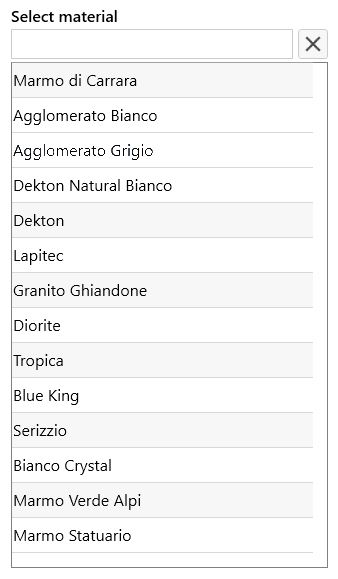
Pressing the Material button opens a screen similar to the one shown below. On this screen, the material associated with the working can be changed.
Slabs Section
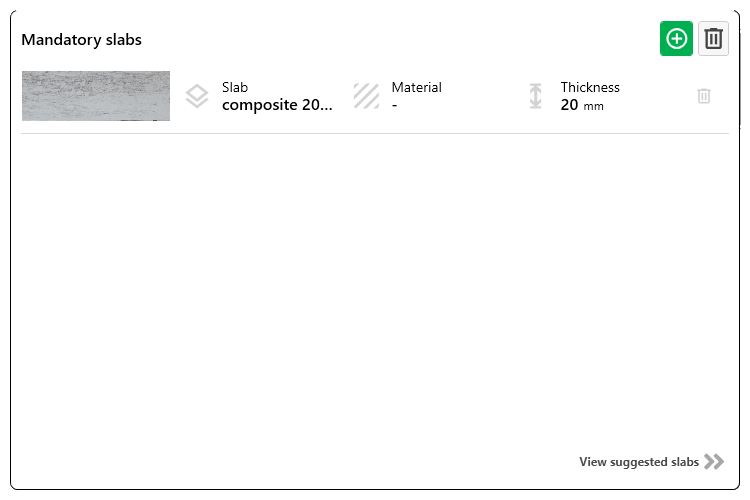
Pressing the Slabs button opens a screen similar to the one shown below. On this screen, the slab to be processed can be selected.
Thickness Section
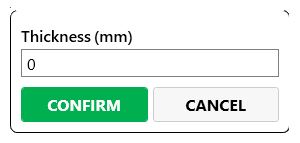
Pressing the Thickness button opens a screen similar to the one shown below. On this screen, the thickness of the slab or material being processed can be specified.
Working Export
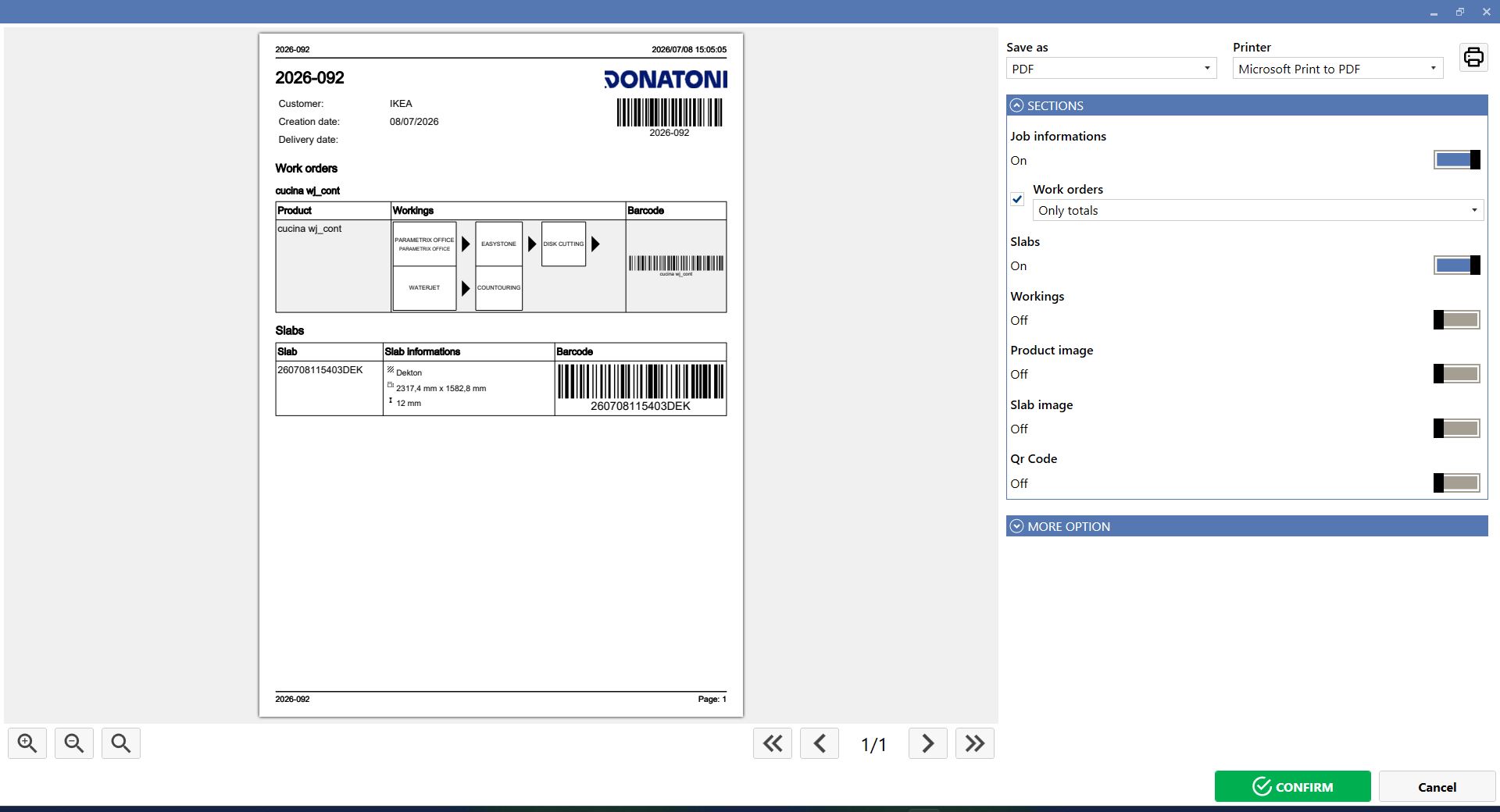
To export the working, click the Export button. A screen similar to the one shown below opens. From this screen, the information to be exported can be modified and the export file settings can be configured.