Machine technical documentation Operational document
This page allows the production stages to be managed in the MES. The MES is the software used to track and record production activities, assign operators and monitor work progress in a simple and organized manner.
Starting a production stage
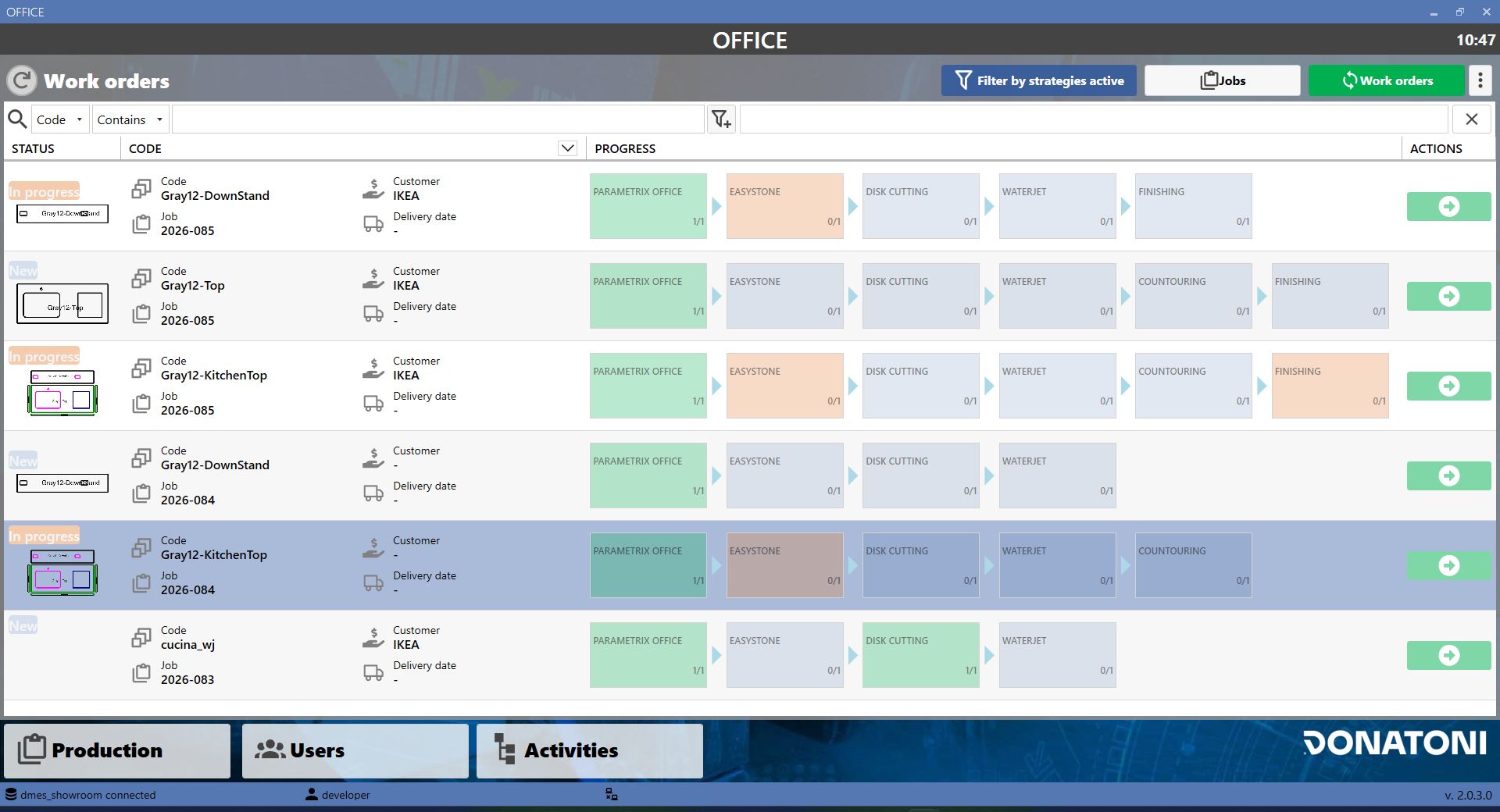
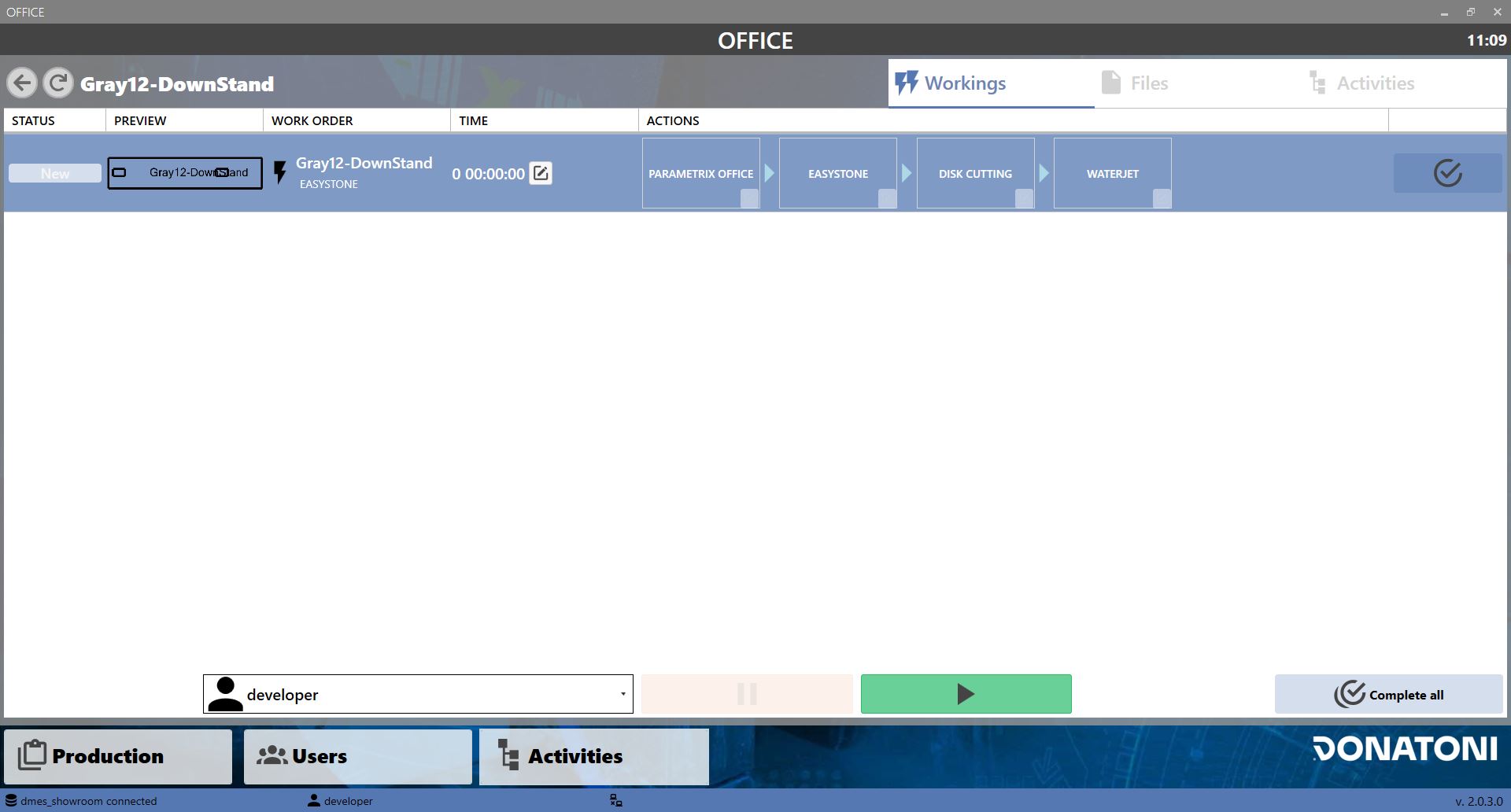
To start a production stage, press the Play button on the required stage. In the screen that opens, select the user who will perform the work and press the start button to confirm.
Starting an activity
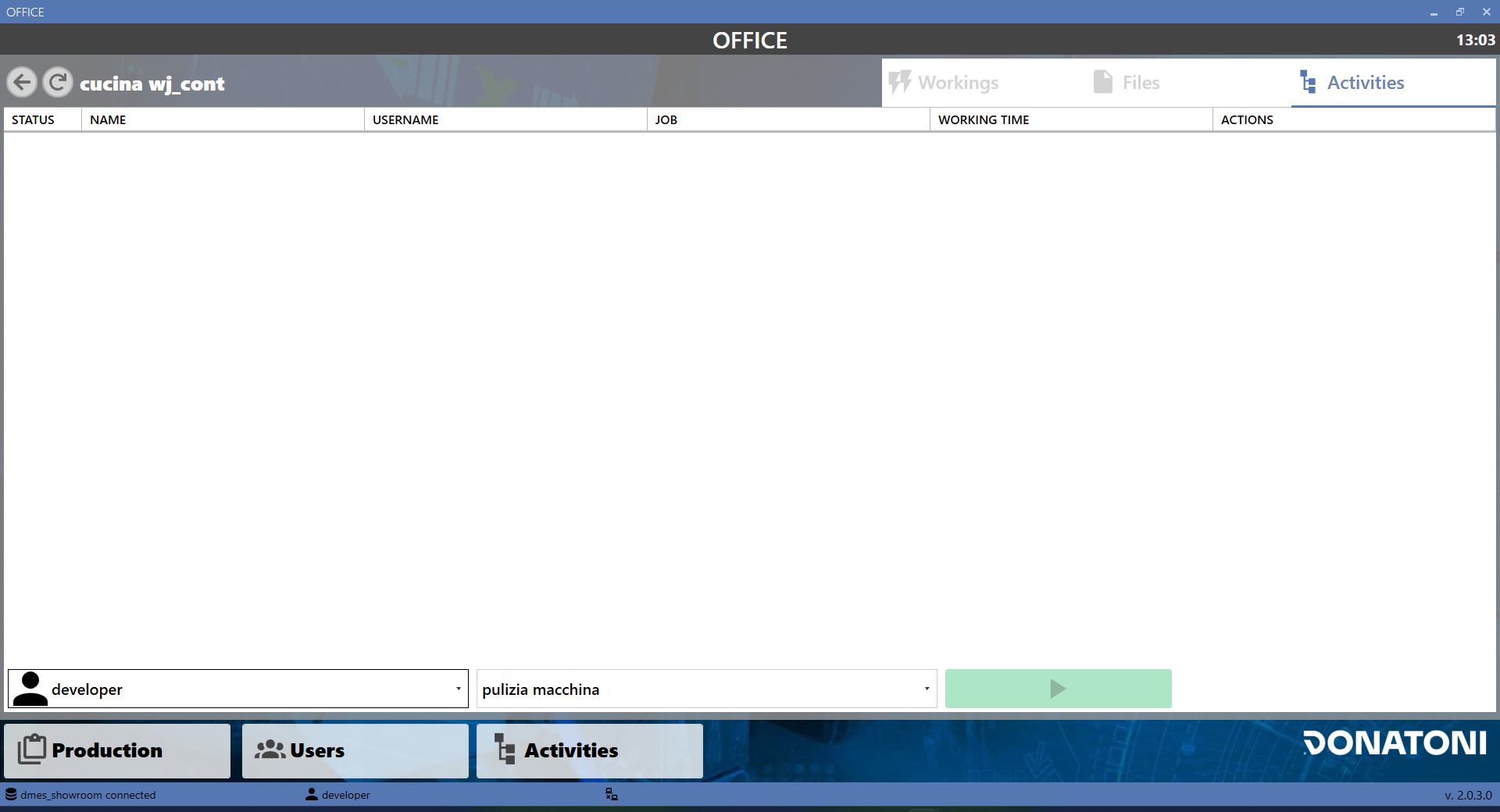
To start an activity, go to the WORKINGS section and select ACTIVITIES at the top right. A screen opens where the user and the activity to be performed can be specified.