This functionality allows the operator to recover the history of the created pieces.
Types of viewing of the pieces in the history
Three different viewing modes of the pieces present in this section are made available.
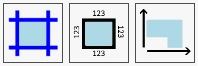
 | Visible cuts |
 | Visuale quote |
 | Visible Bound |
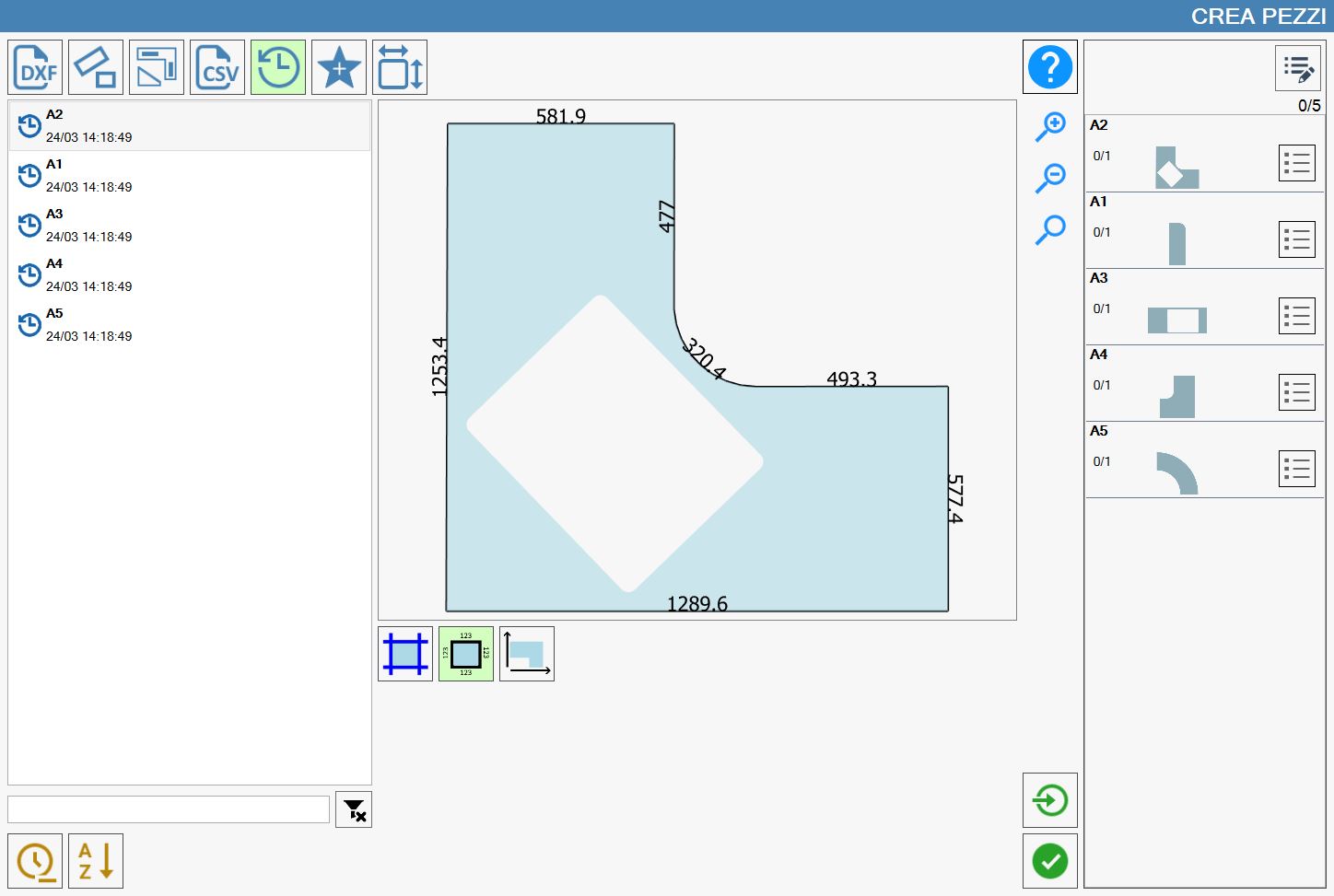
For the following examples five pieces (A1, A2, A3, A4 and A5) have been imported from the DXF named 'Kitchen_Curve'.
Regardless of the selected viewing, it will be always possible to view all pieces both in the list of the history on the left side, that in the list of the pieces currently imported on the right side.
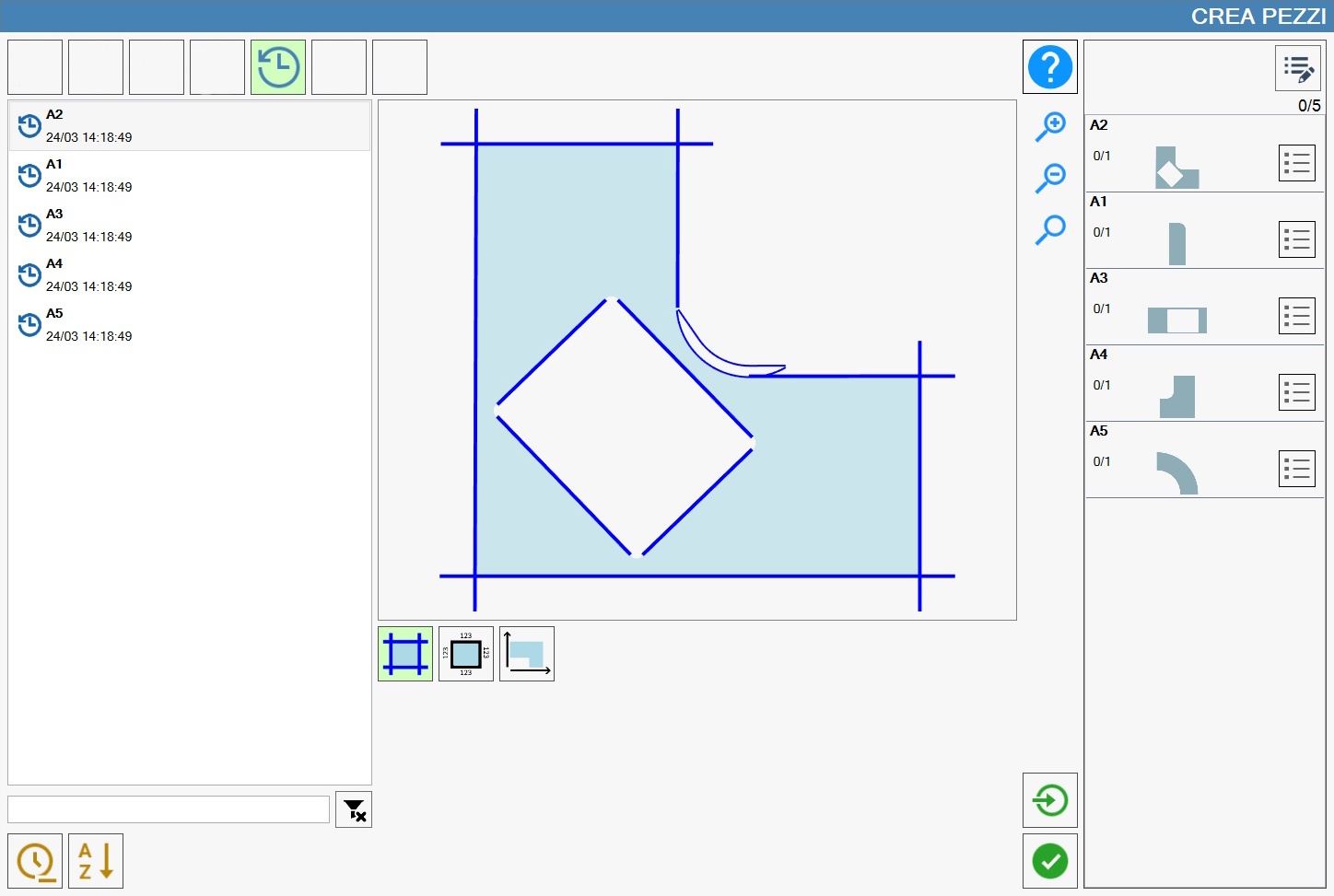
Viewing of the cuts
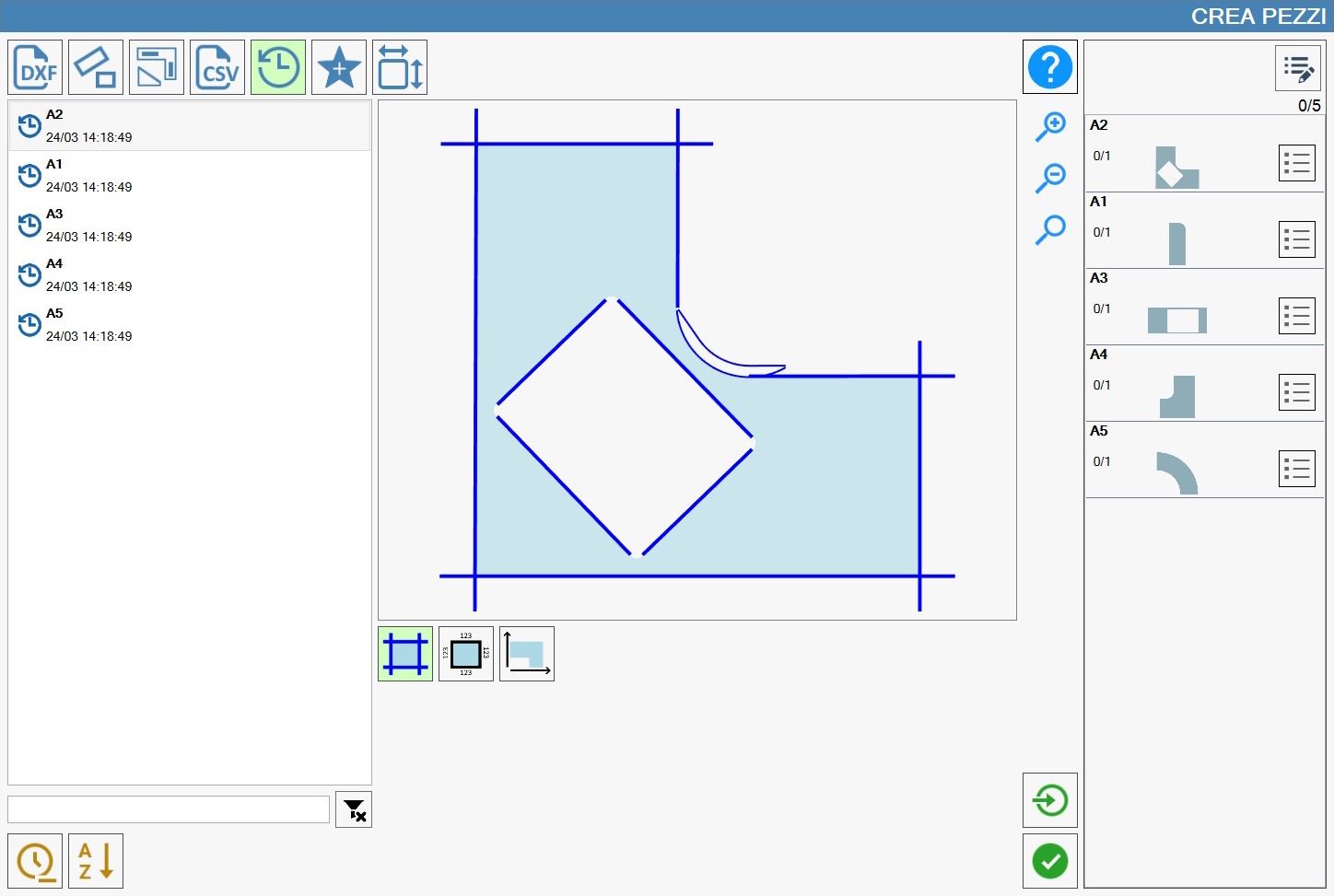
The view cuts highlights all cuts, both perimeter and internal to the piece, hiding other information like the value of their length.
Visible of the cut quotes
The quote view cuts highlights the external perimeter coloring it in black color, and places in proximity of the center of each cut on the perimeter the relative length.
Visual bulk
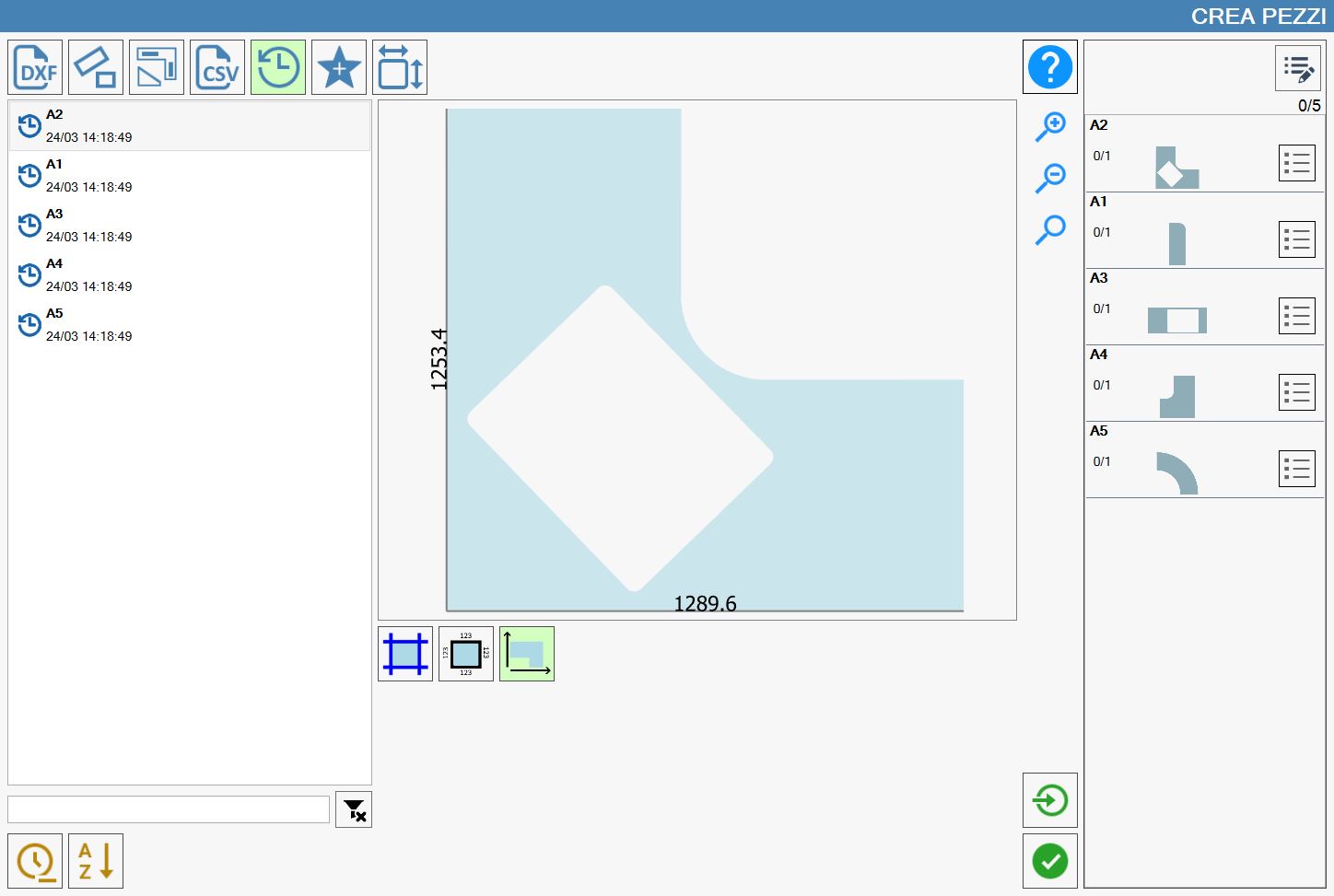
The view of dimensions does not highlight any cut, instead it allows observing the maximum dimensions of the piece in terms of width and length of the piece.
In the following image it is possible to observe two black lines with at center of each the value of the length and width maximum of the piece, but it is important to observe that only for a coincidence the sides of the piece A2 coincide with the black lines, the remaining cuts of the piece indeed they are not highlighted and they do not show any information.