The function 'Scasso Interno' allows to add on the piece an internal break of rectangular, circular or elliptical shape.
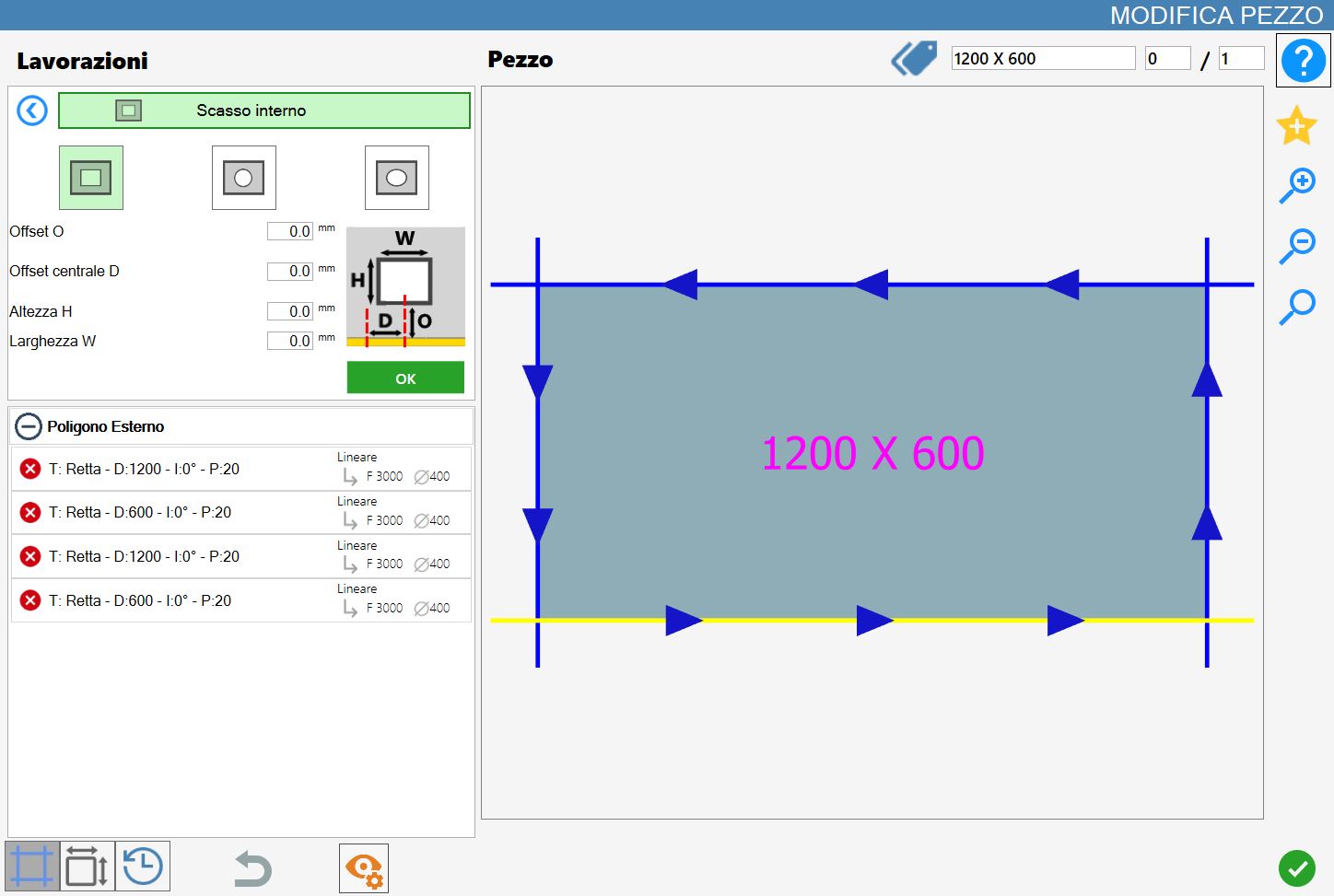
The interface for this function resembles the following image:
Processing types
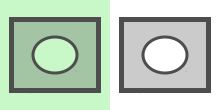
To use this working, it is necessary to first choose one of the two available modes, selecting the corresponding button:
The modes 'Rectangular', 'Circular' and 'Elliptical' are mutually exclusive: the activation of one excludes automatically the other.
 | Rectangular crack |
 | Circular breach |
 | Elliptical break |
Rectangolar crack
When this mode is activated, the rectangular rebate preview is displayed directly in the work preview, highlighted in light green. The dimensions and positioning of the rebate depend on the default parameters, which can be modified by the user.
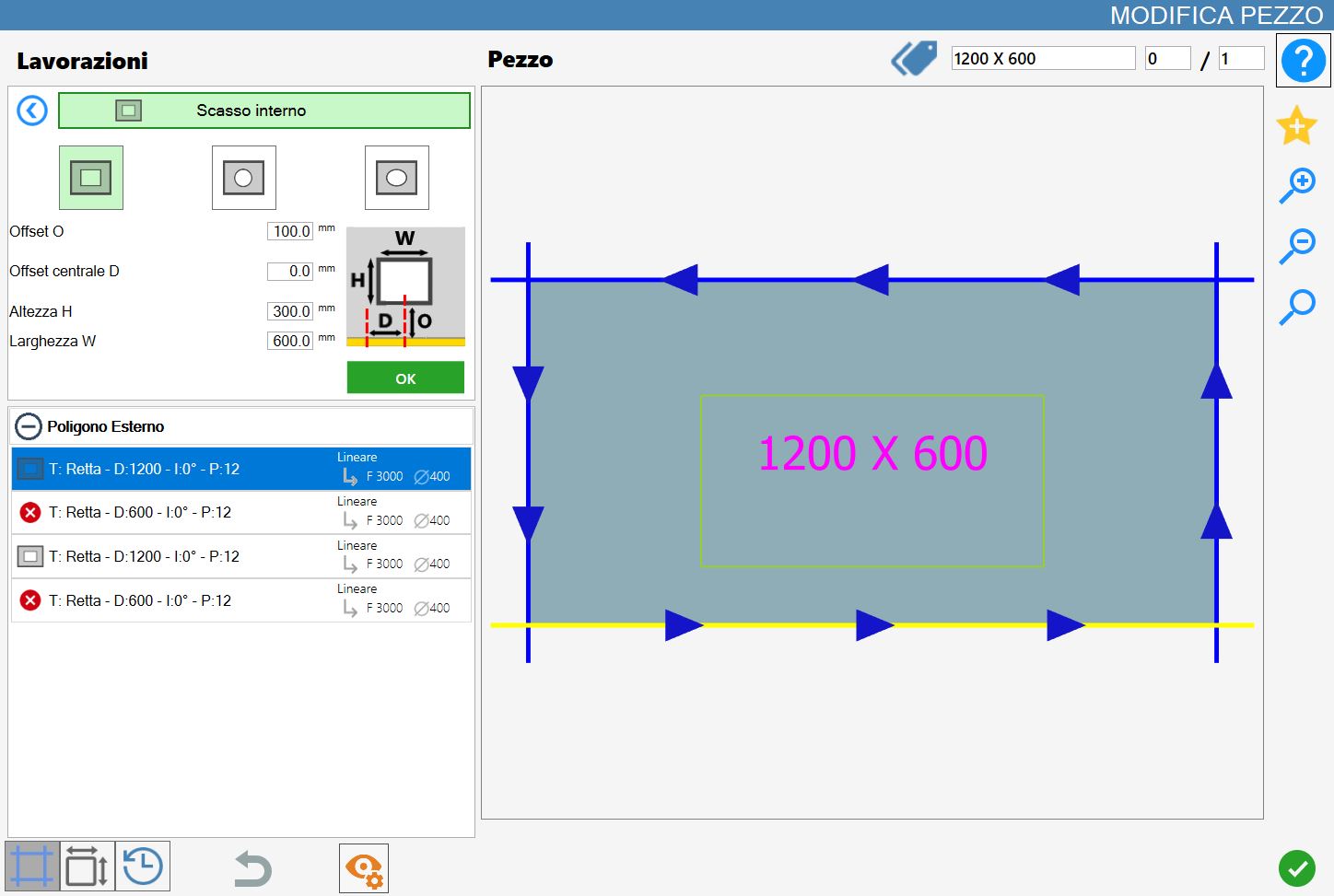
Rectangular slot parameters
While you are in this mode the following parameters panel will be shown:
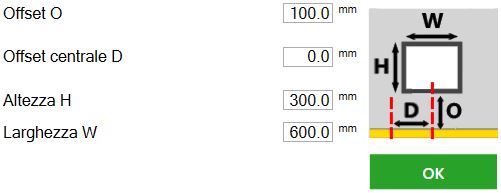
Offset O | Distance between the edge of the notch and the reference side of the selected piece. |
Midpoint offset D | Distance between the side of the piece parallel to the selected one and the center of the notch. |
Height H | Height of the slot. |
Width W | Width of the break. |
Rectangular recess execution
It is possible apply the processing pressing the button on the left of the suitable cut in the polygon list.
An icon red with a 'X' indicates that the process cannot be applied to the desired cut.
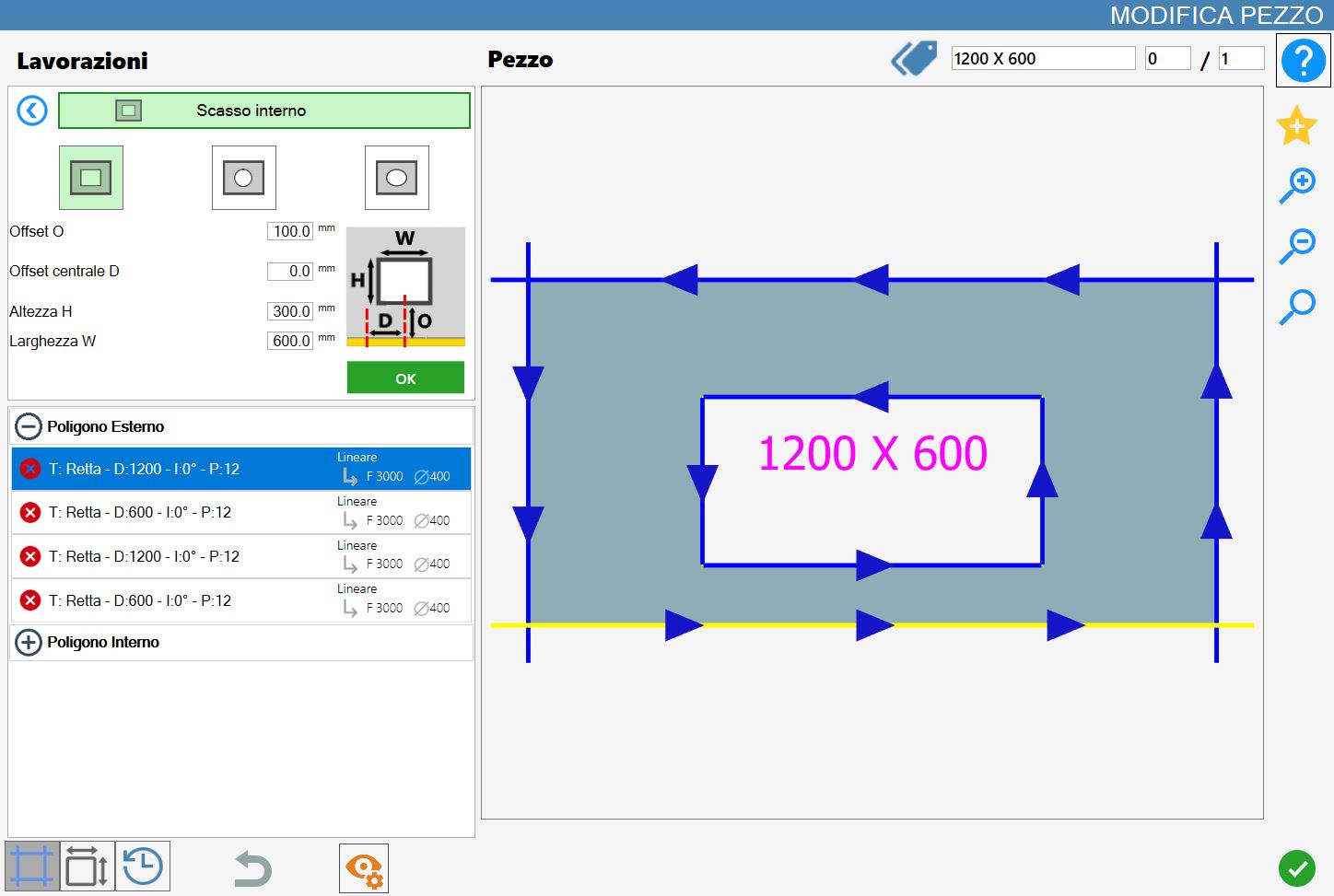
The working confirmation adds a new inner polygon to the piece both graphically and in the polygon list on the left side:
Circular breach
When this mode is activated, the preview of the circular pocket is displayed directly in the work preview, highlighted in light green. The dimensions and positioning of the pocket depend on the default parameters, which can be modified by the user.
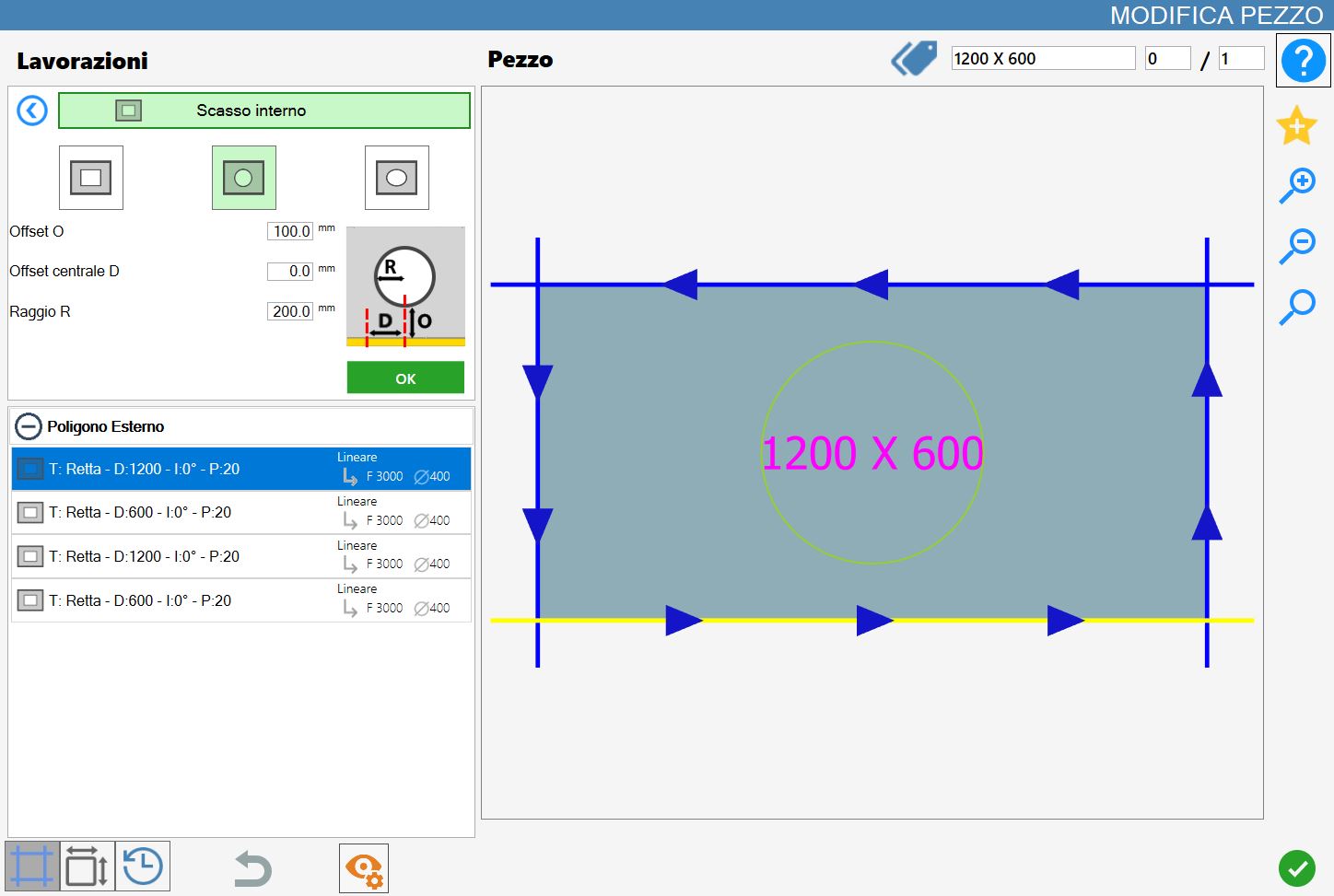
Circular carving parameters
While you are in this mode the following parameters panel will be shown:
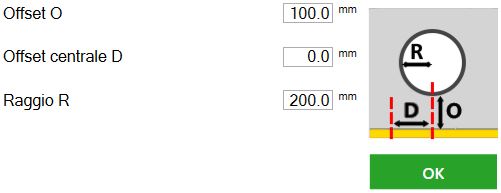
Offset O | Distance between the edge of the notch and the reference side of the selected piece. |
Midpoint offset D | Distance between the side of the piece parallel to the one selected and the center of the recess. |
Radius R | Measure of the break radius. |
Circular recess execution
It is possible to apply the processing by pressing the button on the left of the suitable cut in the polygon list.
An icon red with a 'X' indicates that the working cannot be applied to the desired cut.
The confirmation of the working adds a new internal polygon to the piece both at graphic level, and in the list of polygons on the left side:
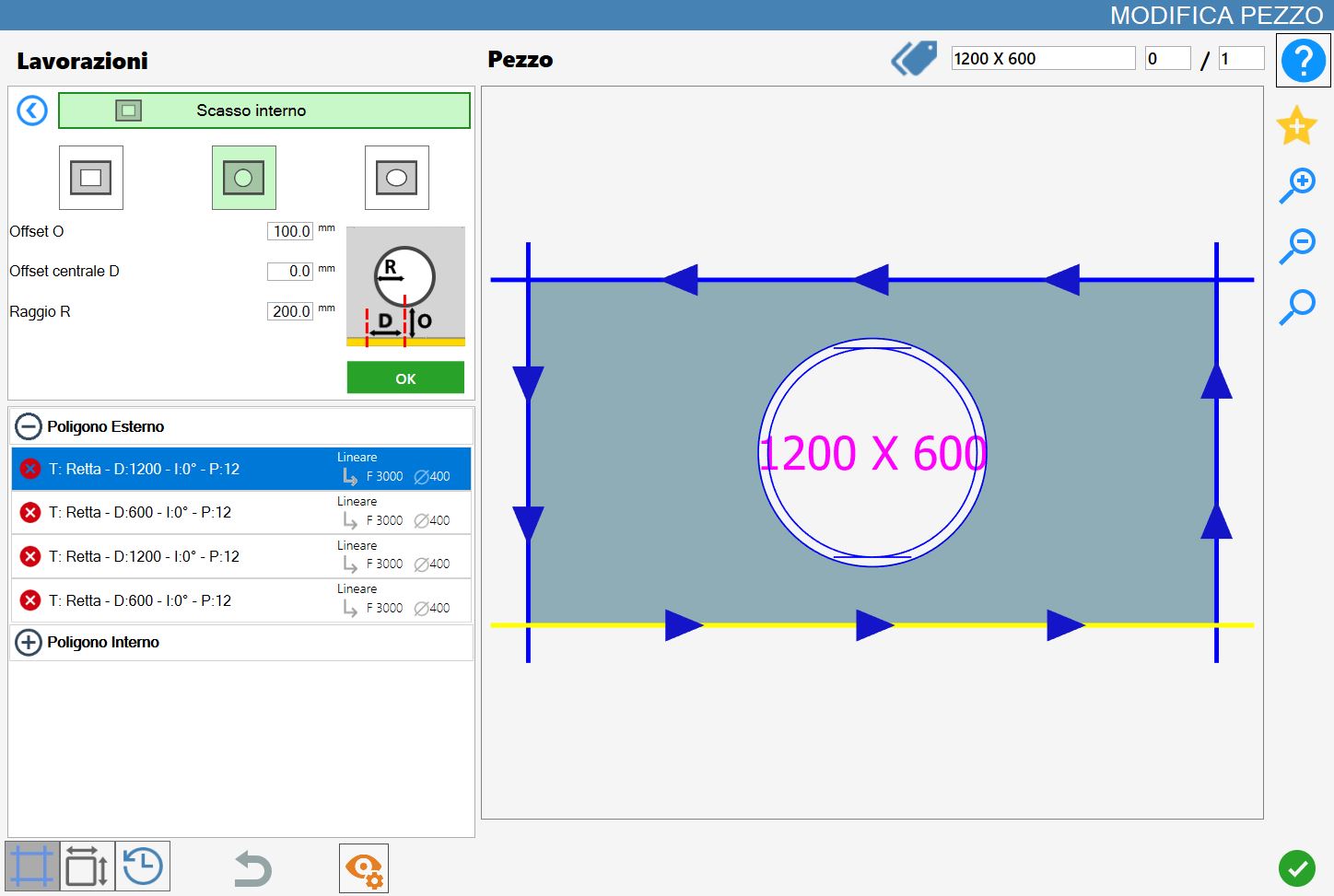
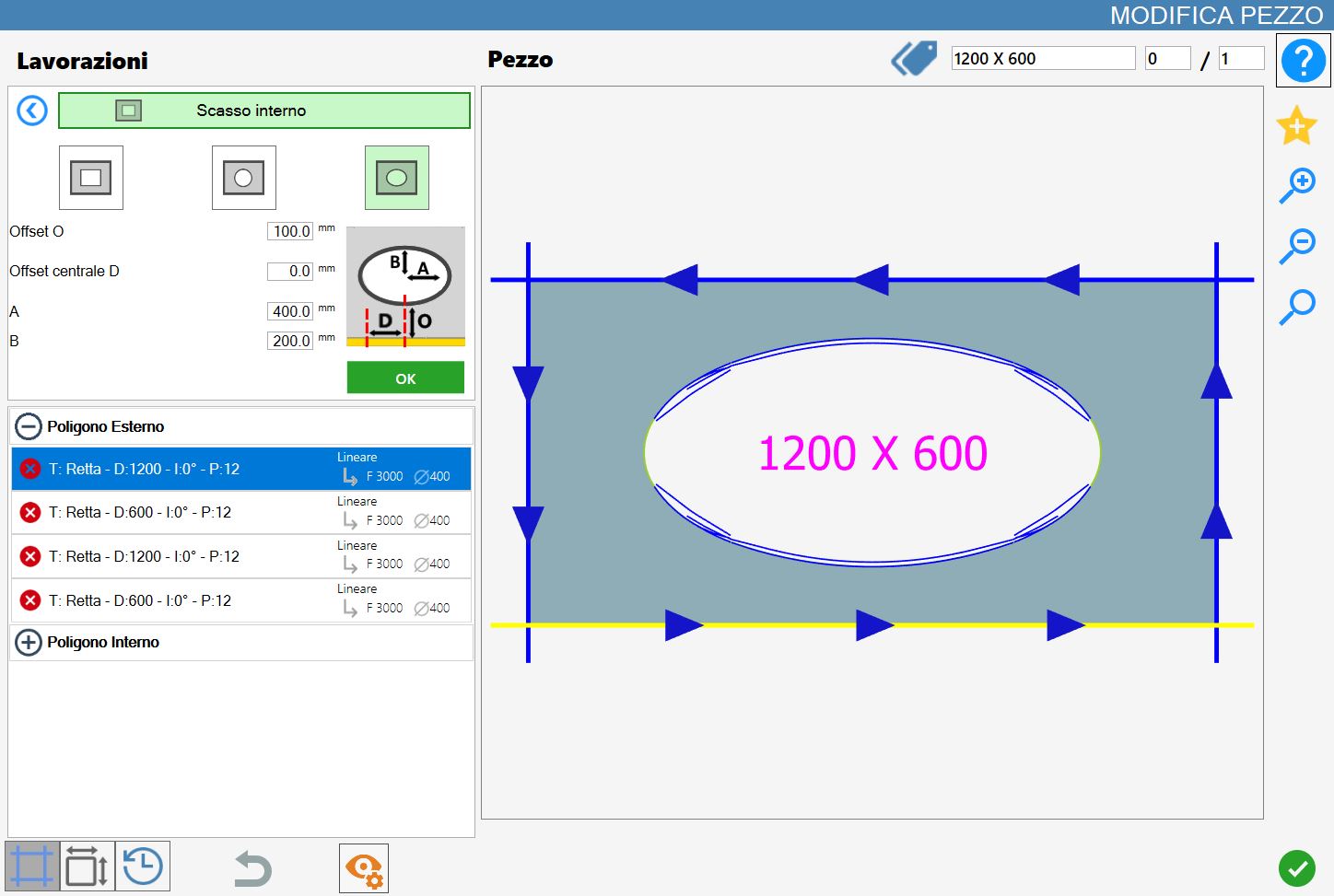
Elliptical break
When this mode is activated, the preview of the elliptical rebate is displayed directly in the processing preview, highlighted in light green. The dimensions and positioning of the rebate depend on the predefined parameters, which can be modified by the user.
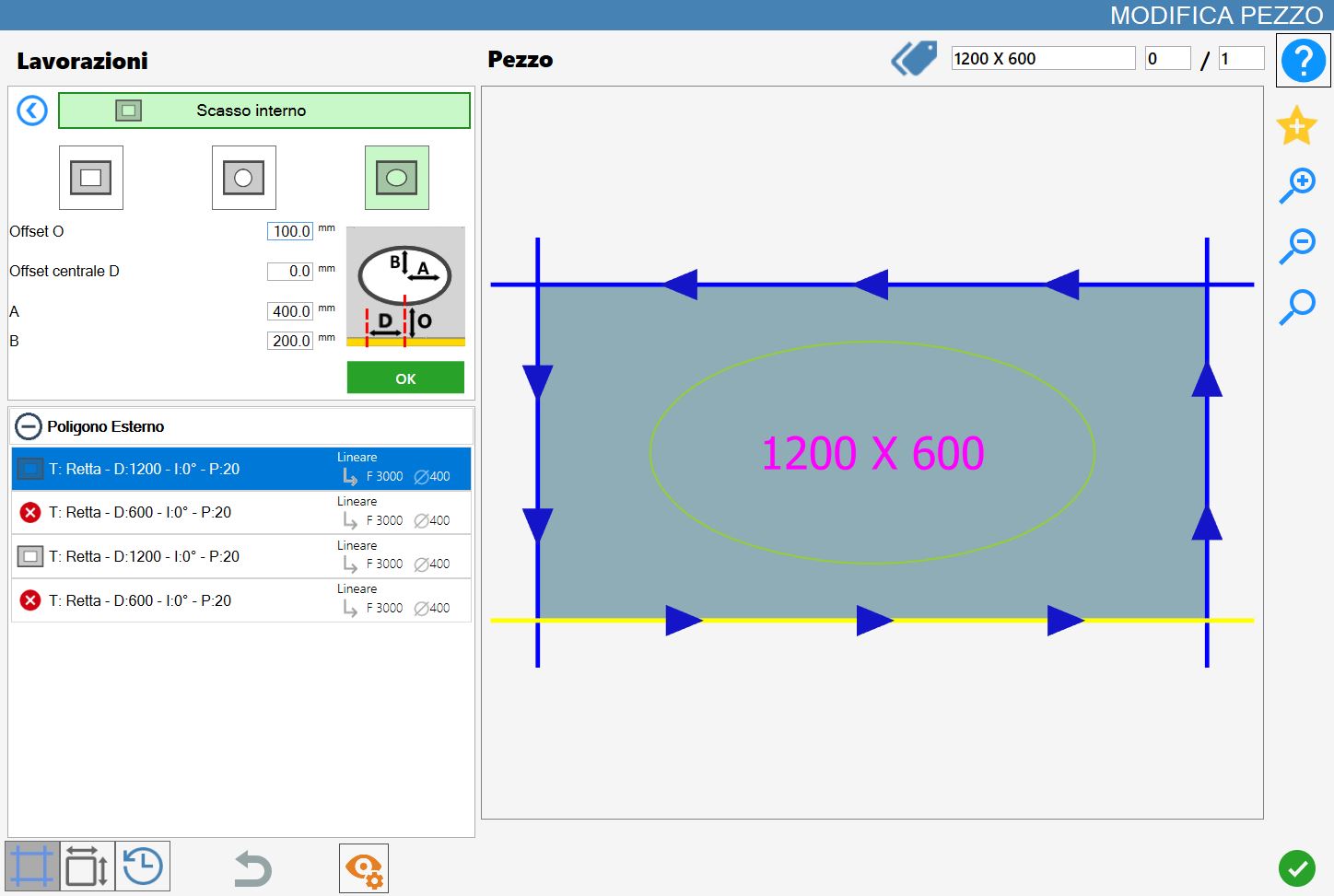
Elliptical recess parameters
While you are in this mode will be shown the following parameters panel:
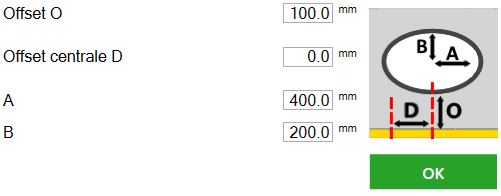
Offset O | Distance between the edge of the slot and the reference side of the selected piece. |
Midpoint offset D | Distance between the side of the piece parallel to the selected one and the center of the recess. |
A | Value corresponding to the major semiaxes of the elliptical recess. |
B | Value corresponding to the smaller semi-axis of the elliptical recess. |
Elliptical slot execution
It is possible apply the working pressing the button to the left of the suitable cut in the polygon list.
An icon red with a 'X' indicates that the process can not be applied to the desired cut.
The confirmation of the working adds a new inner polygon to the piece both at the graphic level, and in the list of polygons on the left side: