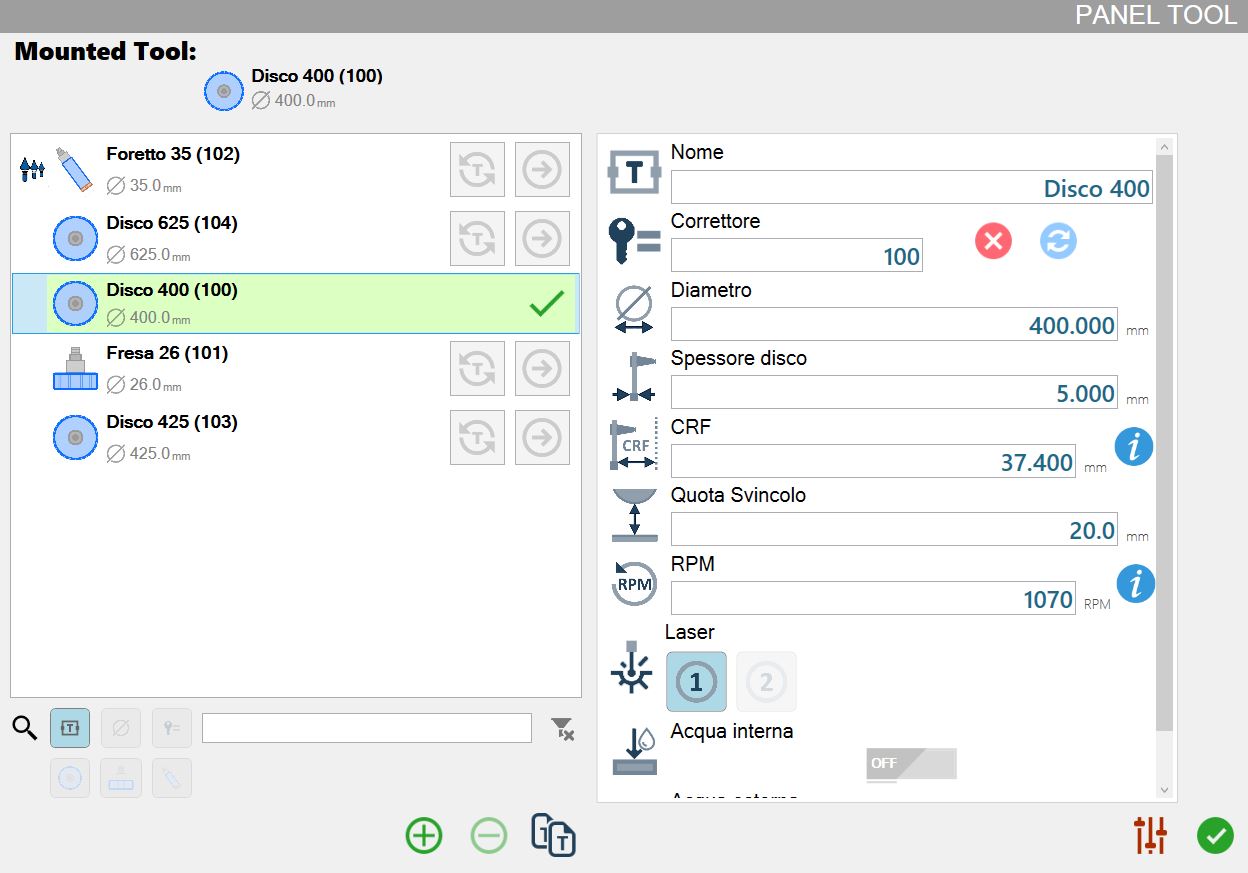
It is possible to manage the tools of a machine with automatic change from this panel.
Tool list
In the left section is possible to see the list of all tools available for the machine.
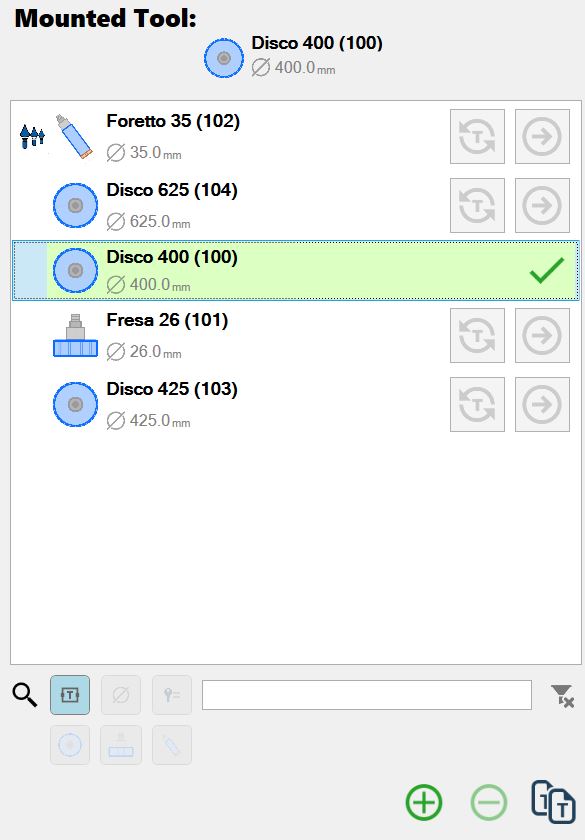
Above is indicated the tool currently mounted on the machine.
Below, a list shows a list of tools usable by the machine. Next to each tool, there are two buttons:
 | Force mounted tool |
 | Start change tool |
Tool parameters
In the left section there are the parameters associated with the selected tool.
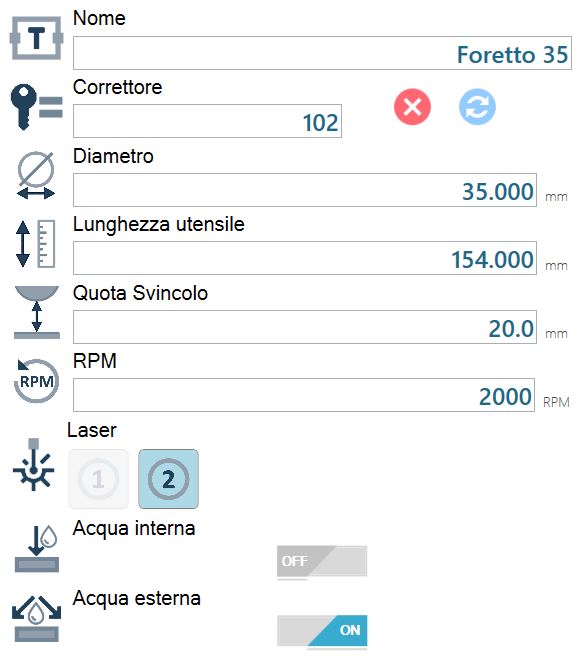
 | Corrector |
 | Laser |
Corrector
This field indicates the position in which the unused tools are stored inside the machine's warehouse.
 | Change corrector |
 | Delete corrector |
Automatic tool change procedure
By pressing the button associated with a tool, the operator will be able to start the automatic tool change procedure.
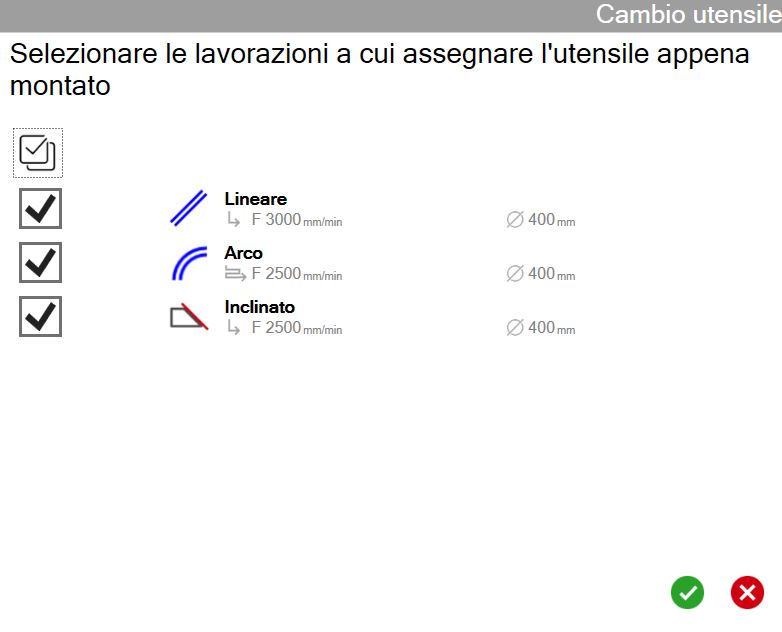
At start, is requested for which workings you want to use the new tool that is about to be mounted.