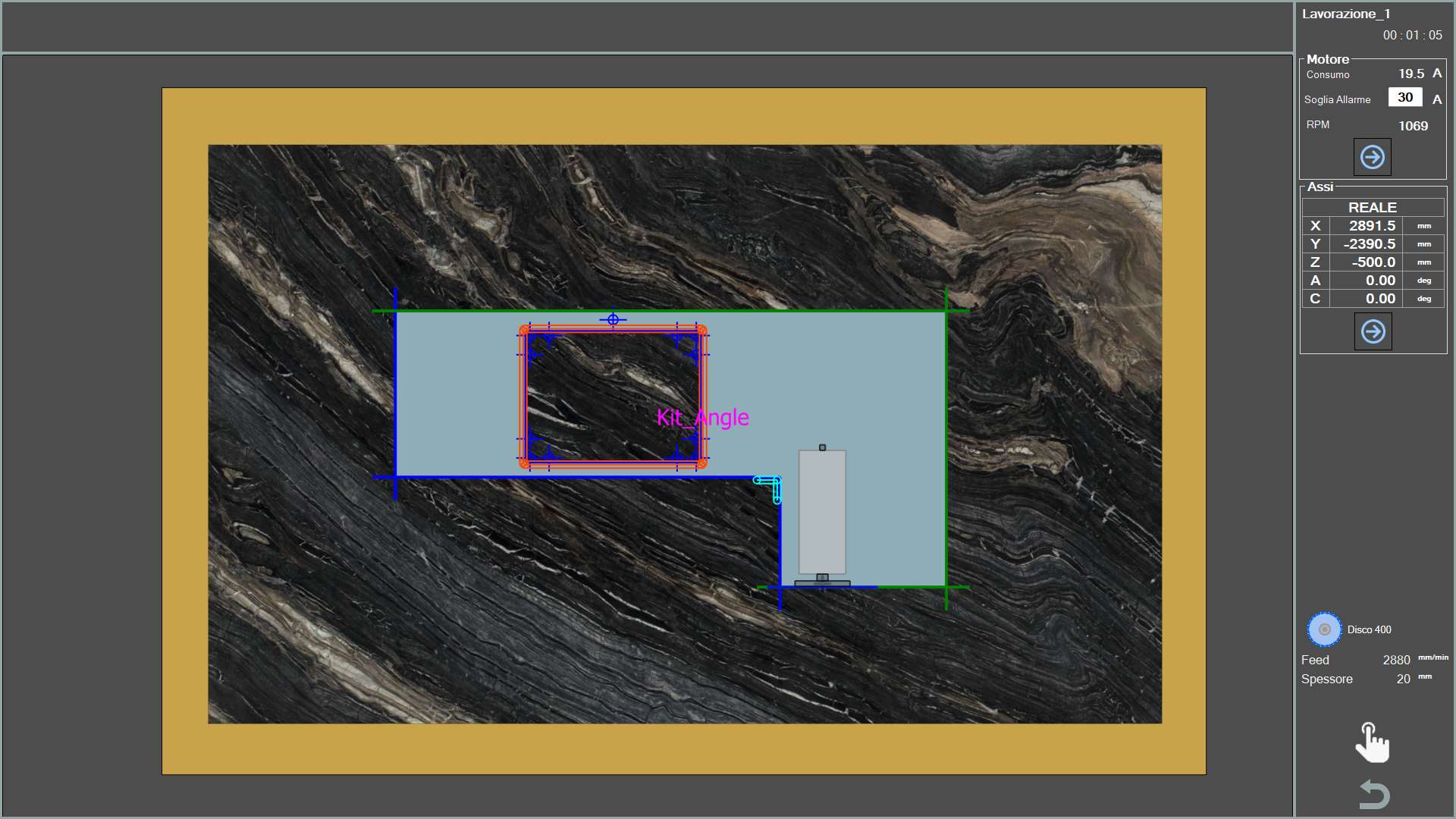
The central section of the screen shows the machine movement in real time in the work area. Piece cuts that have already been performed are coloured green, while those still to be performed retain their original colour.
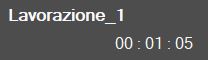
Working name and elapsed time The name of the program being executed and the time the machine is taking to execute it are shown.
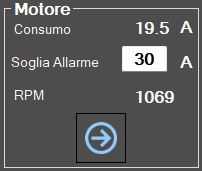
This section displays information relating to the machine motors.
Motor
Main spindle motor.
External motor
Tool Plus motor, if present.
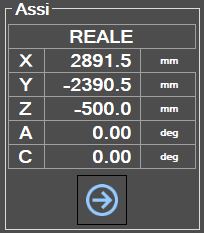
The information panel can be changed using the buttons below.
Previous/next information panel These buttons allow the operator to change the category of information displayed.
For each motor, the following is shown:
Intake
Indicates the current drawn by the motor.
Ampere threshold
Indicates the Ampere threshold above which the alarm is activated and motor rotation is stopped. It is recommended to set the value according to the mounted tool and the working being performed.
RPM
Indicates the number of motor revolutions per minute. If the direction of rotation is clockwise, the value is positive. Conversely, if the direction is counterclockwise, the sign is negative.
Internal water On/Off Pressing this button activates the water supply from inside the tool. The indicator above the button changes colour: Green = On; Red = Off.
Water On/Off Pressing this button activates the water supply from the main line. The indicator above the button changes colour: Green = On; Red = Off.
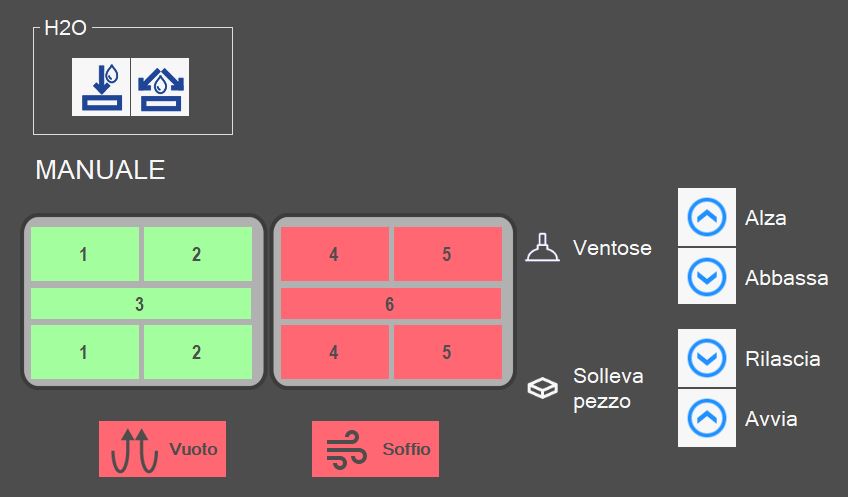
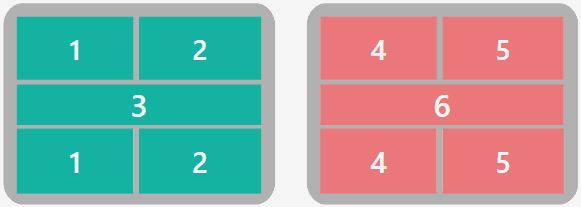
Enable / disable suction cups The screen shows a top view of the suction cup assembly and the various zones into which it is divided. Pressing the relevant area changes its status. Green indicates that the zone is set for vacuum. Red indicates that the zone is set for blowing.
SUCTION CUPS: UP - Suction cup parking When the button is pressed, the suction cups are retracted into the rest/parking position.
SUCTION CUPS: DOWN - Prepare suction cups When the button is pressed, the suction cups are lowered from the parking position to the limit stop. It is important that the suction cups have enough space to extend fully.
LIFT PIECE: RELEASE - Piece unloading When the button is pressed, the Z axis is lowered until the material contacts the work surface, the vacuum pump is switched off and all suction cups are blown to release the piece. After a time-out, the axis is raised to the safety position.
LIFT PIECE: START - Piece lifting With this command, the suction cups are brought into contact with the material, the vacuum pump is switched on in the areas marked in green and blowing is activated in the areas marked in red. When the vacuum switch indicates that the vacuum has been generated, the axis is raised to the position set for movement.
WARNING!
Pay attention to the active suction cups and use the largest possible area to lift the piece.
BLOW - Blow command The button switches blowing on or off for the suction cups that are not set for vacuum. The indicator shows whether blowing is on (green) or off (red).
VACUUM - Vacuum pump command This button switches the vacuum pump on and off. The indicator shows whether the pump is on (green) or off (red).