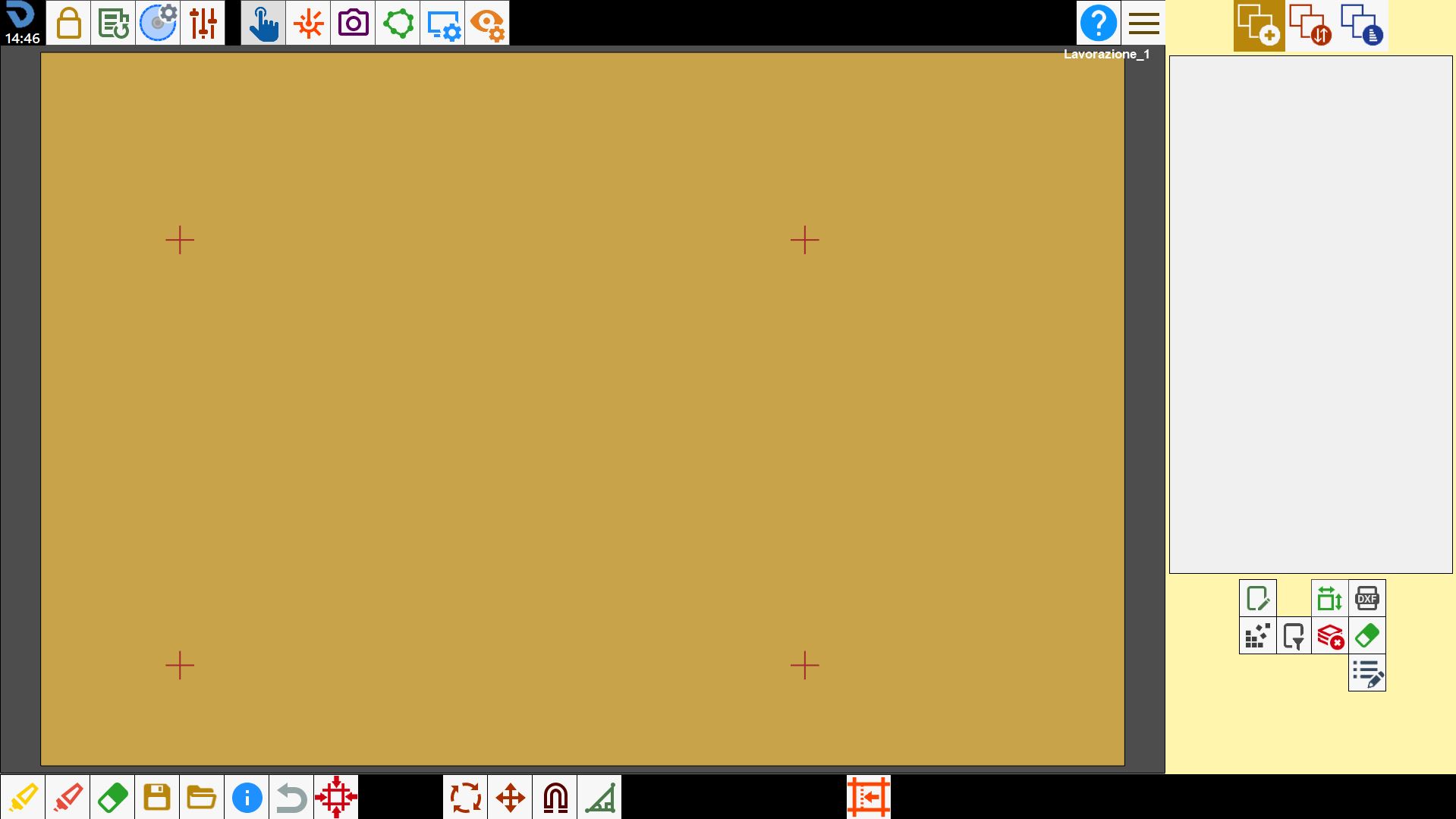
This panel allows laser references to be added to or removed from the work area.
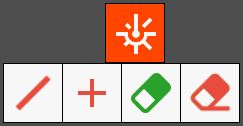
Buttons
 | Line laser reference |
 | Draw cross laser |
 | Delete all drawings |
 | Delete a single drawing |
Line laser
The line laser is a device aligned with the disk mounted on the machine. It is used to collect information about the position and orientation of the disk on the workbench.
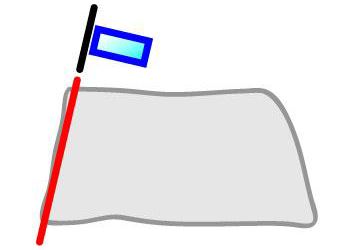
To acquire the reference, move the machine to the desired point and press the button to detect the line laser direction and add the reference to the work area.
Using multiple references, the perimeter and position of the slab or a piece on the workbench can be identified.
Cross laser
The cross laser is used to collect information about the position of the laser pointer on the workbench.
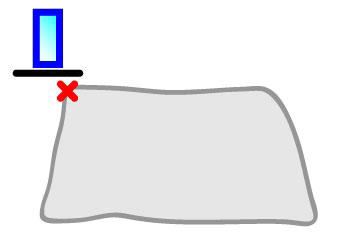
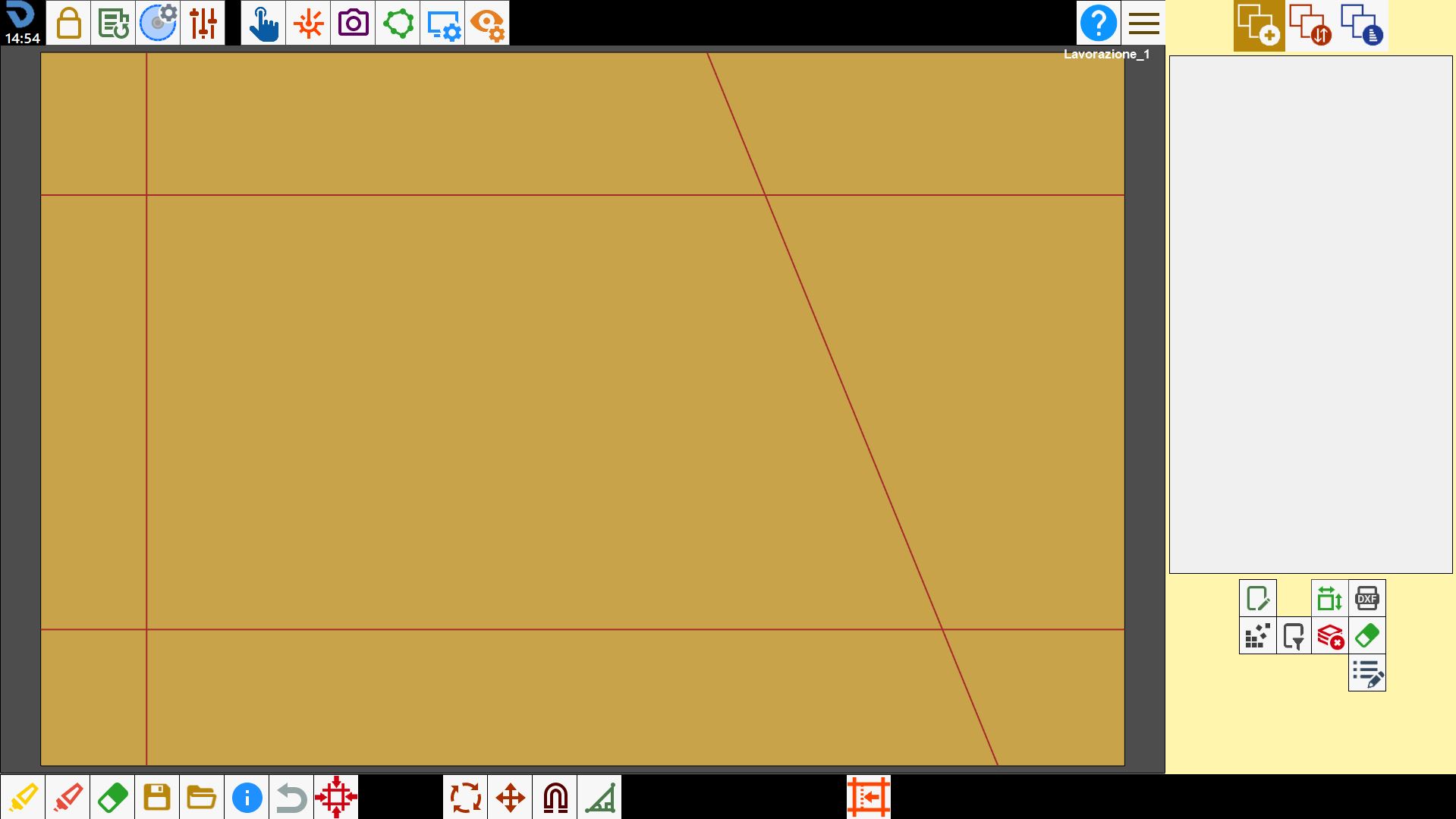
To acquire the reference, move the machine to the desired point and press the button to detect the cross laser position and add the reference to the work area.
Using multiple references, the perimeter and position of the slab or a piece on the workbench can be identified.