

In this mode, automatic cycles can be executed and working files can be loaded for automatic execution.
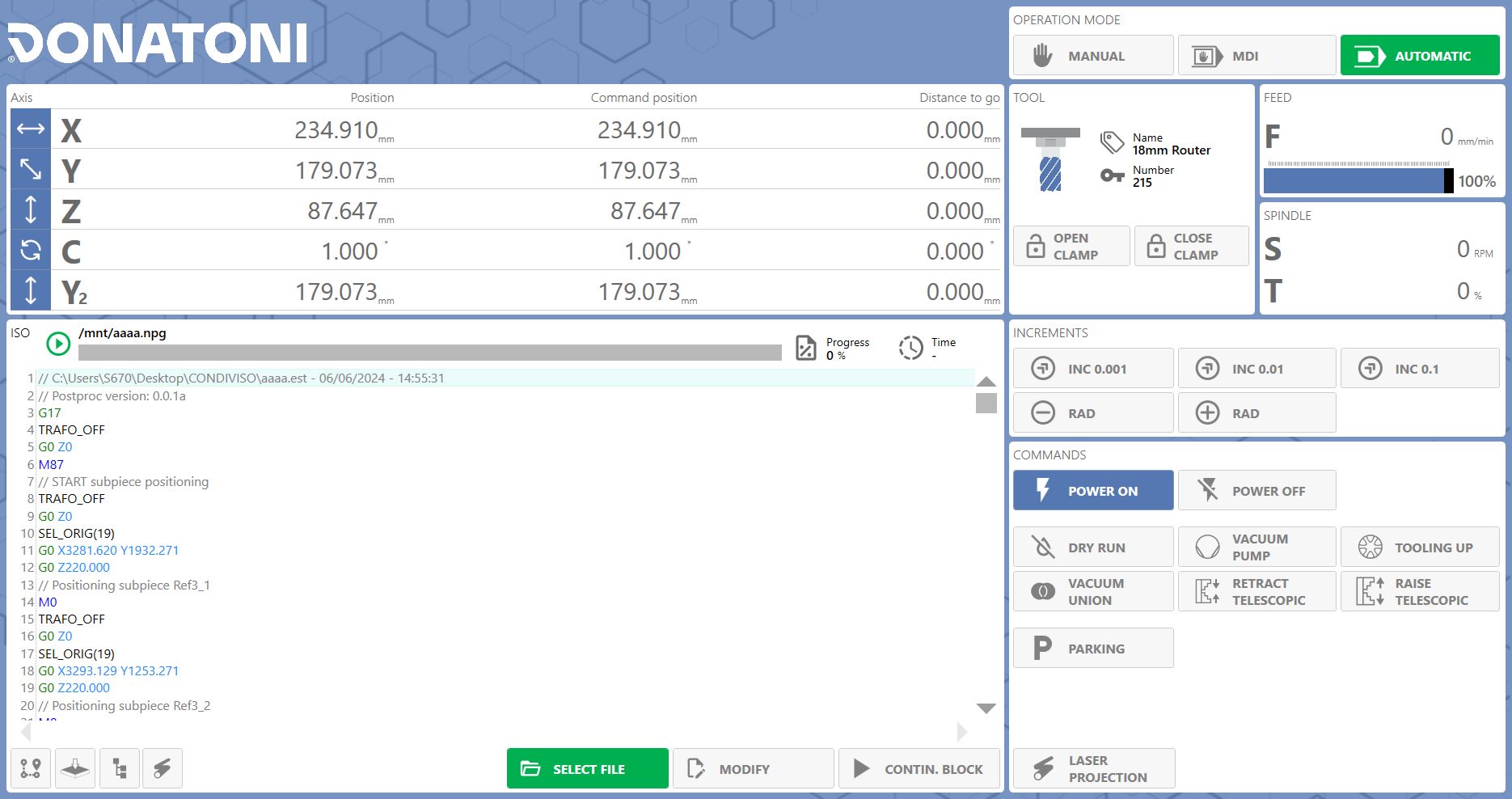
Axis display
The machine center position and the distances to travel to reach the target position are always displayed at the top of the page, organized by individual axis.
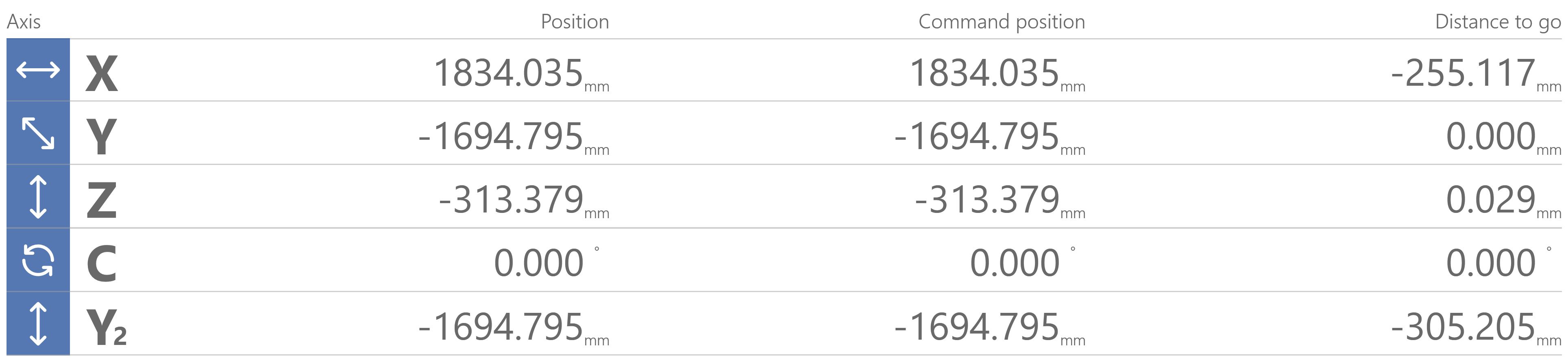
ISO control
The large panel in the lower-left area of this page allows a working file to be loaded and executed, edited, and its progress displayed.
 | Select working file |
 | Edit working file |
 | Change execution mode |
 | Cutting preview |
 | Workpiece probing |
 | List of machining operations with tools |
 | Laser projector display (Optional) |
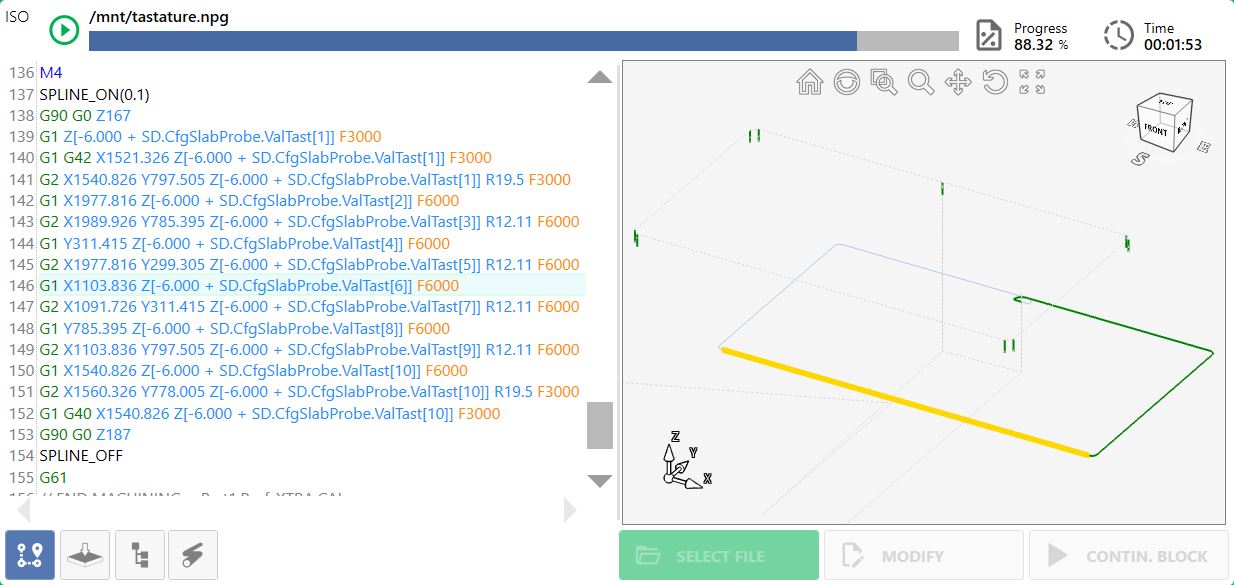
Cutting preview
Completed machining operations are highlighted in green, while operations in progress are highlighted in yellow. The instruction currently being executed is highlighted within the ISO code.
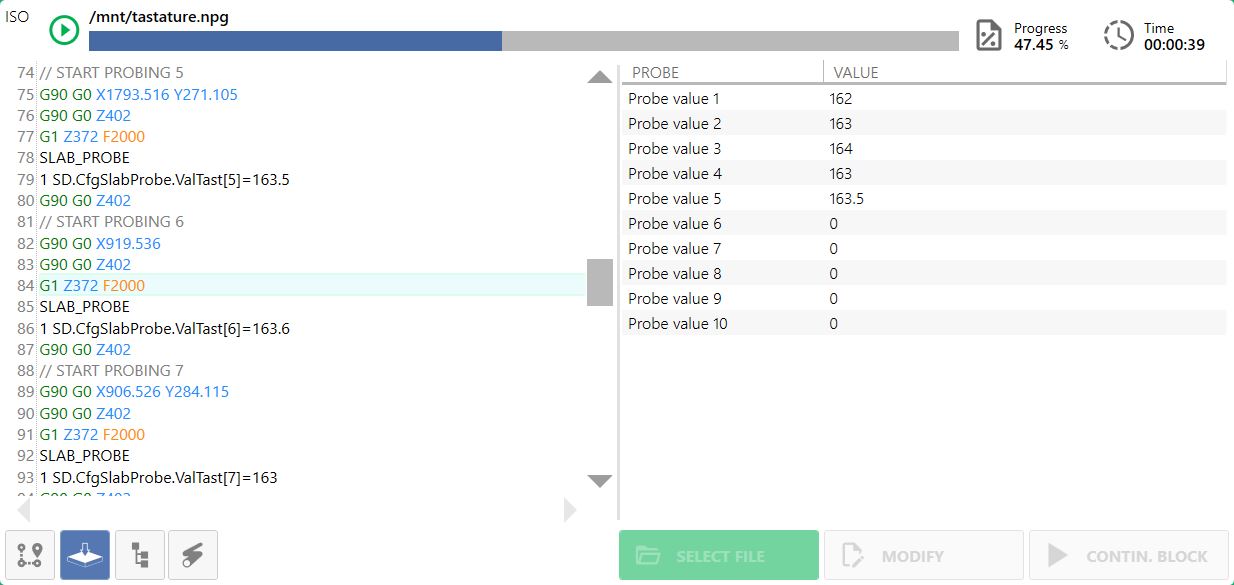
Workpiece probing
During execution of a working file, probing operations can be performed on the workpiece; the results are saved in a summary table.
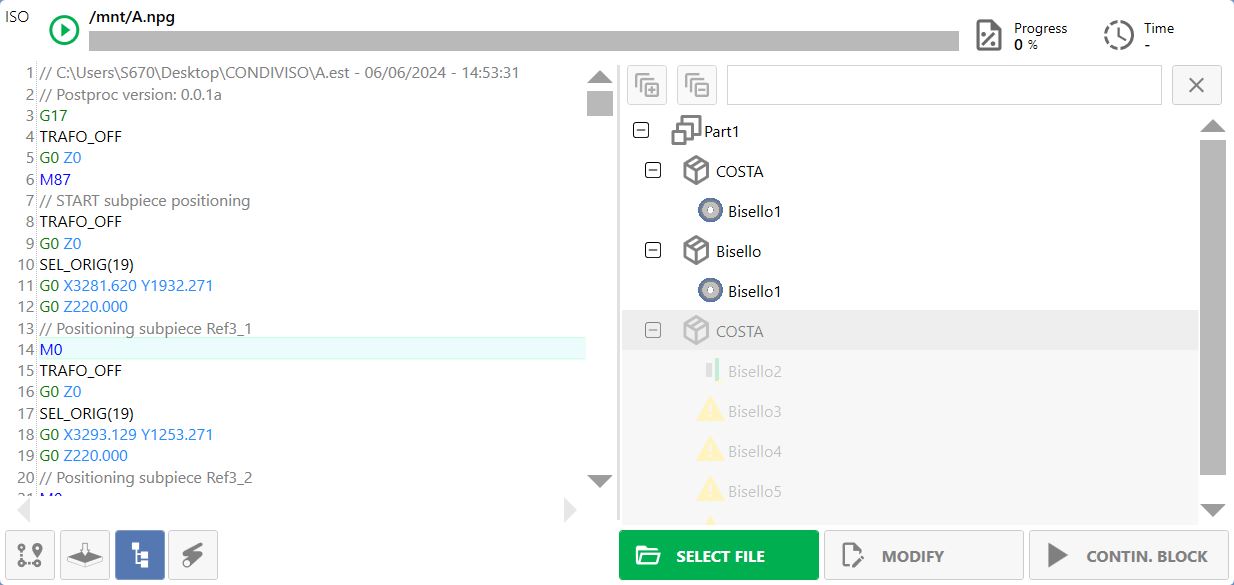
List of machining operations with tools
Displays the list of machining operations that will be performed during the work cycle.
Edit machining operations
Allows individual machining operations to be enabled/disabled.
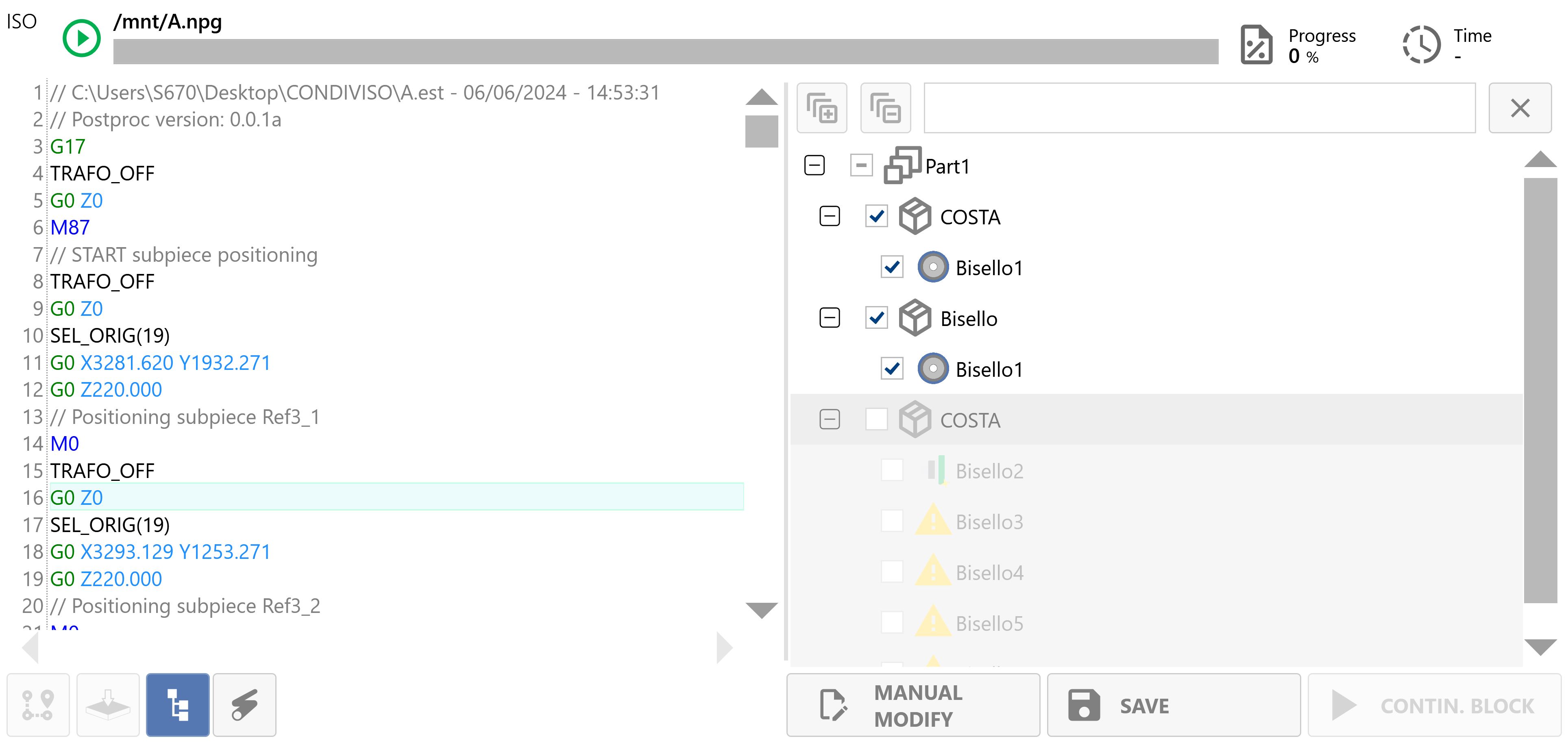
 | Manual working file editing |
 | Save working file |
 | Enable/disable machining operation |
Laser projection display (Optional)
Allows you to choose the layers to display with the laser; they can be activated from the list on the right. A DXF containing the drawing to be projected with the laser can also be opened manually.
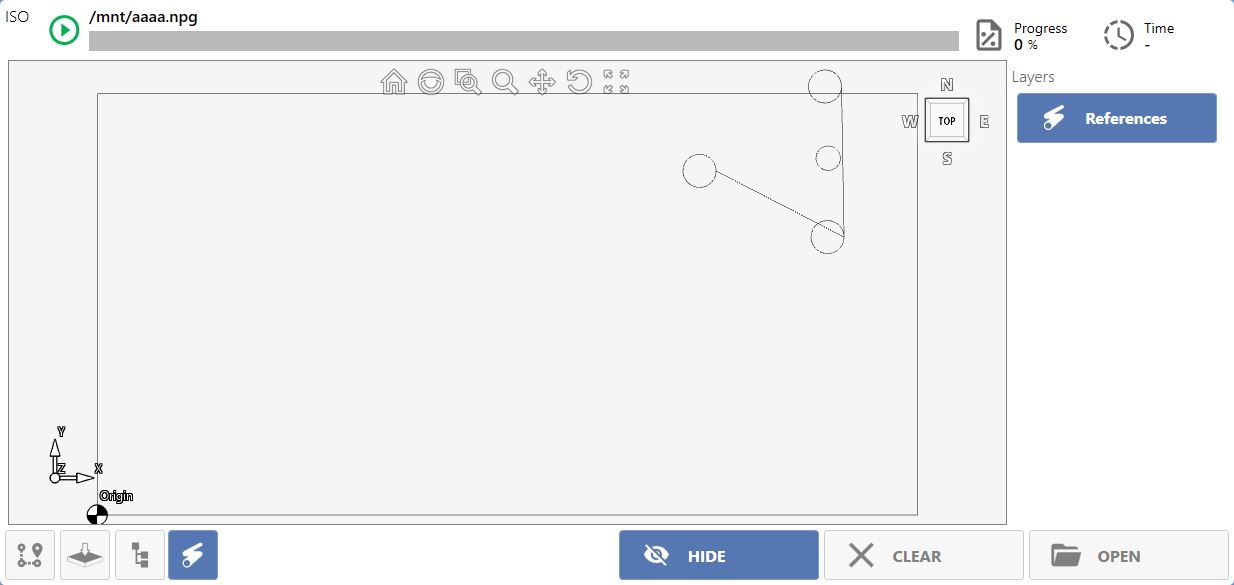
Laser commands (Optional)
The projection laser is managed using these commands.
  | Activate/Deactivate projection |
 | Delete projection file |
 | Load projection file |
Increments
These commands, located in the central area on the right side of the interface, allow the tool position to be fine-tuned during a profiling operation.
 | Increment 0.001 |
 | Increment 0.01 |
 | Increment 0.1 |
 | Decrease tool radius |
 | Increase tool radius |
Commands
The following commands are available in the bottom-right panel in Automatic mode:
 | Dry Run |
 | Vacuum pump |
 | Setup |
 | Join vacuum zones |
 | Lower telescopic devices |
 | Raise telescopic devices |
 | Parking |
