This page allows the machine tool list to be viewed and managed.
Tool List
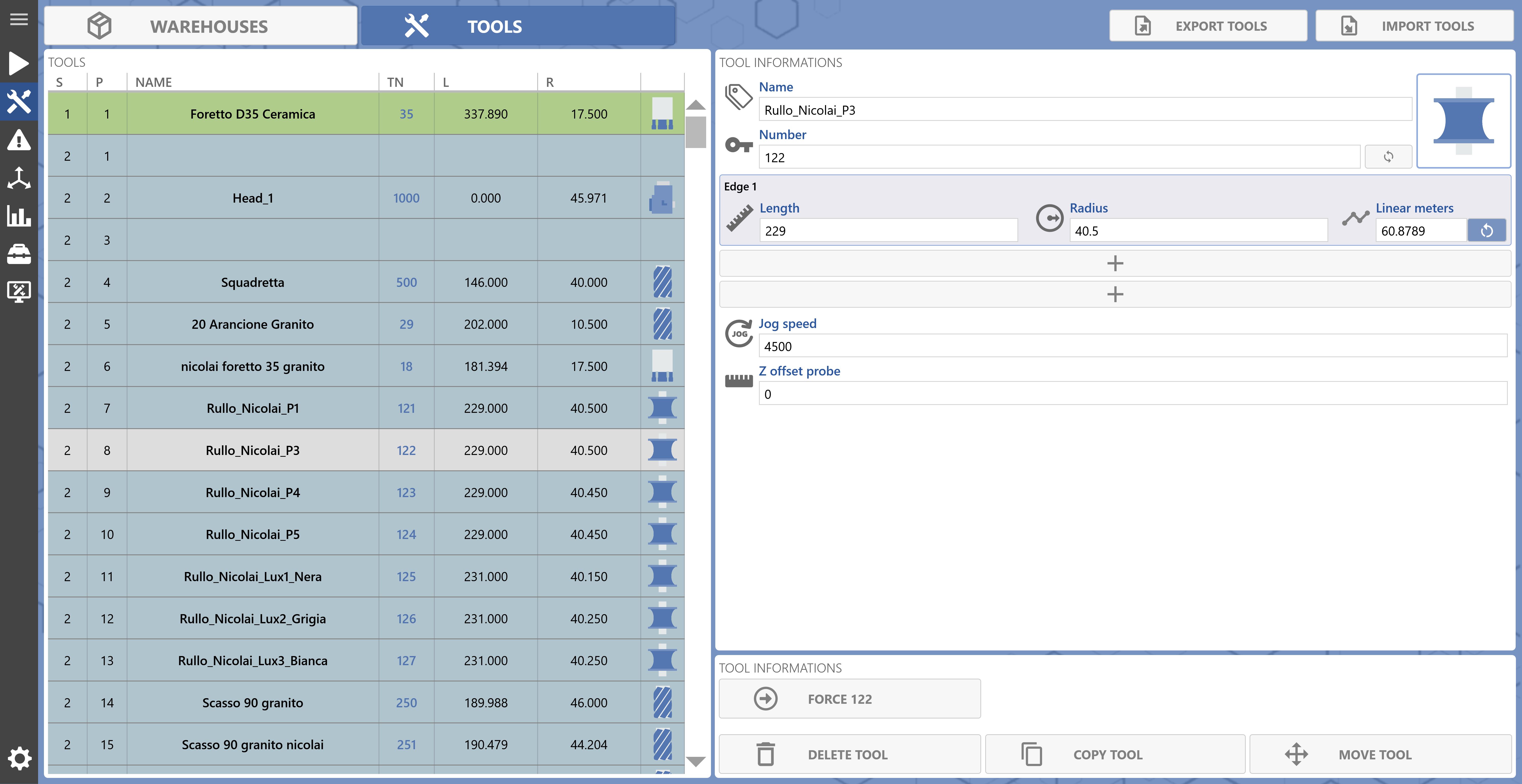
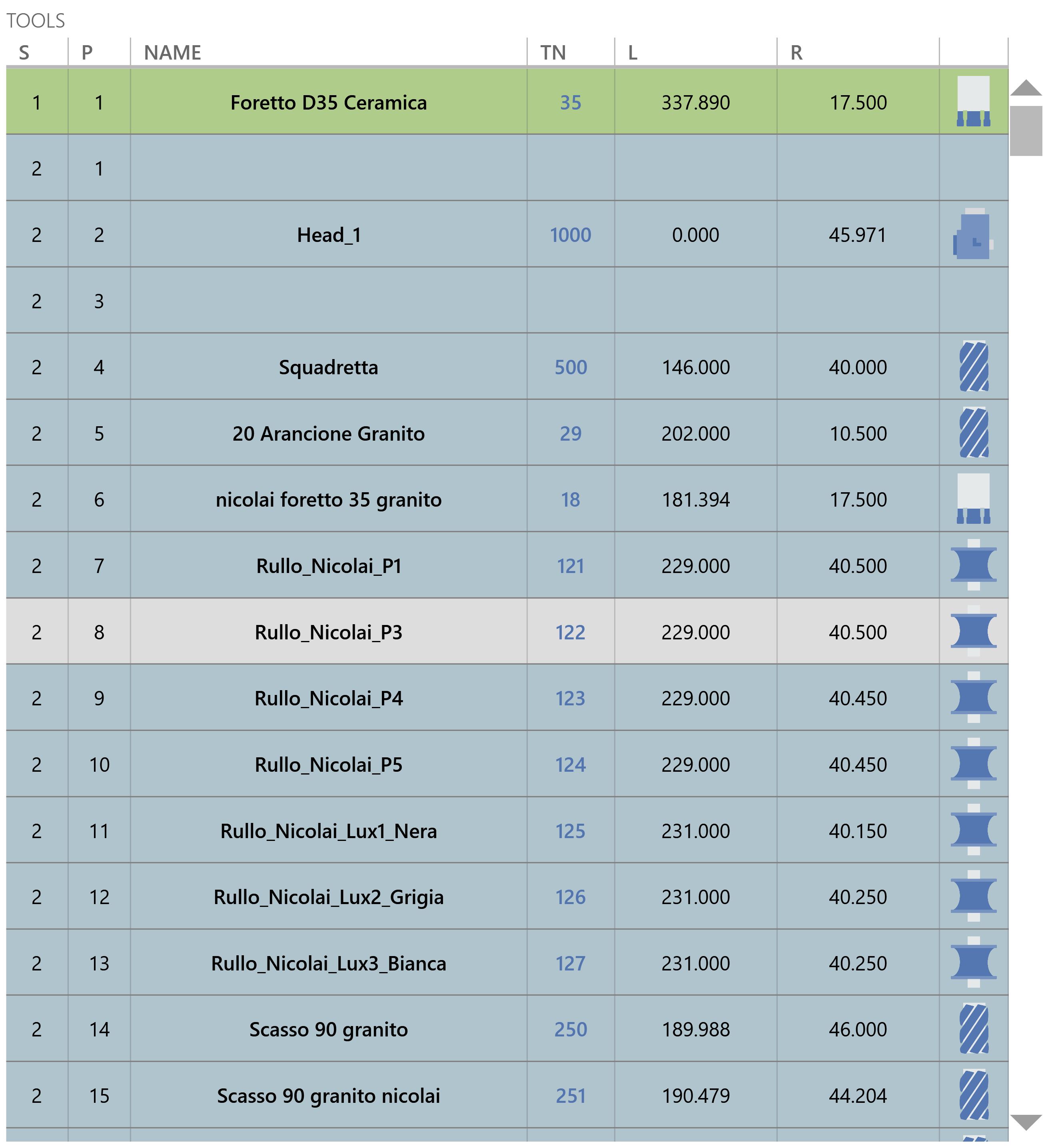
The left side of the page displays the list of tools available in the machine magazines and in the floor magazine, together with the main tool information.
Sector Sector in which the tool is positioned.
1 = Sector reserved for the mounted tool.
NOTE
The row is displayed as follows:
2 = Sector for tools in the machine's physical magazines.
NOTE
The row is displayed as follows:
3 = Sector for tools in the floor magazine.
NOTE
The row is displayed as follows:
Position Position of the tool within the sector.
Sector 1 has only 1 position reserved for the mounted tool.
Sector 2: the number of available positions depends on the configuration of the physical magazines.
Sector 3 has 300 available positions.
Name Name used to identify the tool.
Tool Number Indicates the corrector assigned to the tool.
Length Indicates the length of the tool Edges.
Radius Indicates the radius of the tool Edges.
Tool Type Icon Icon used to identify the tool type.
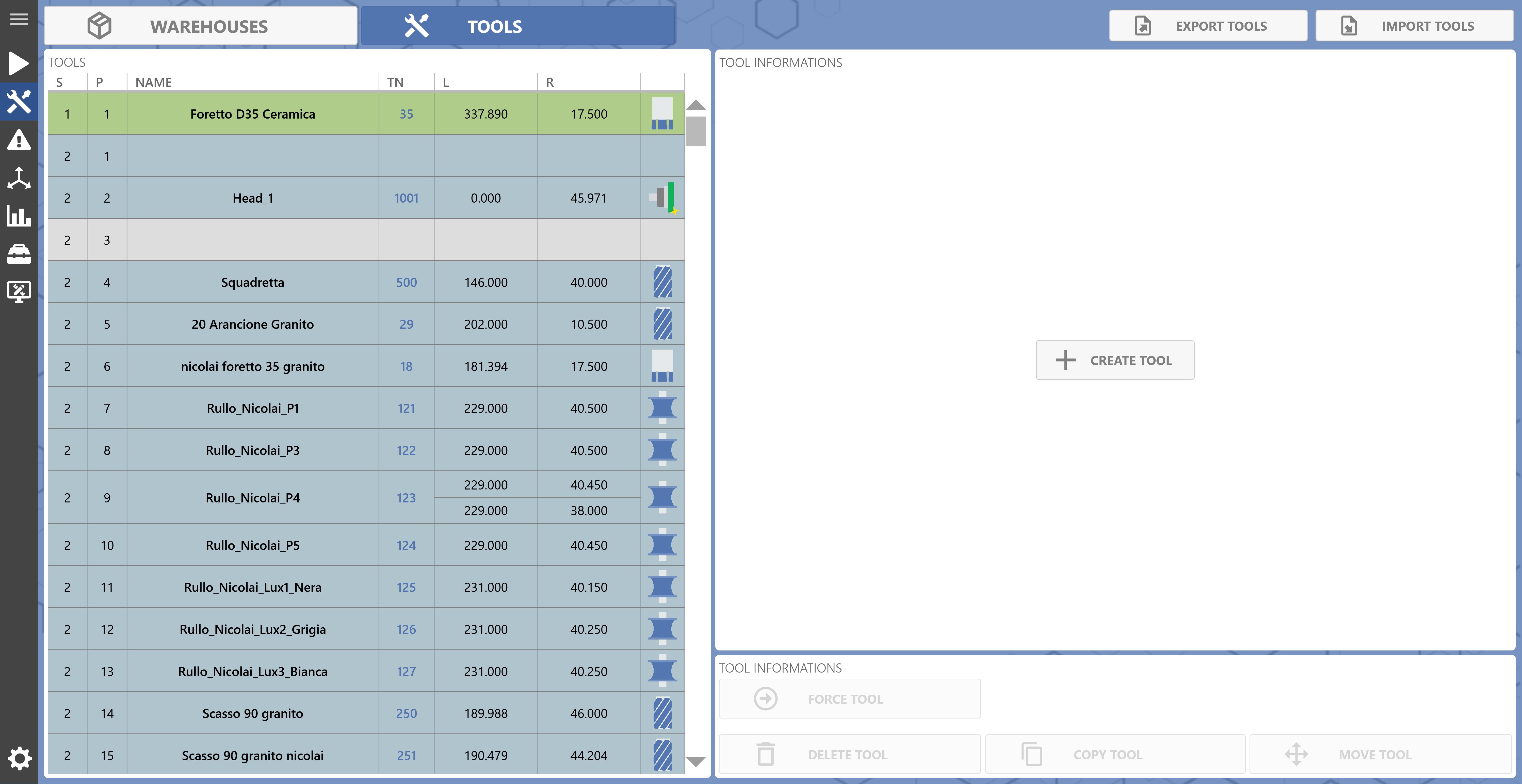
New Tool
Select a free sector from the tool list to create a new tool.
New Tool Button used to open the window for creating a new tool in the selected sector and position.
New Tool Window
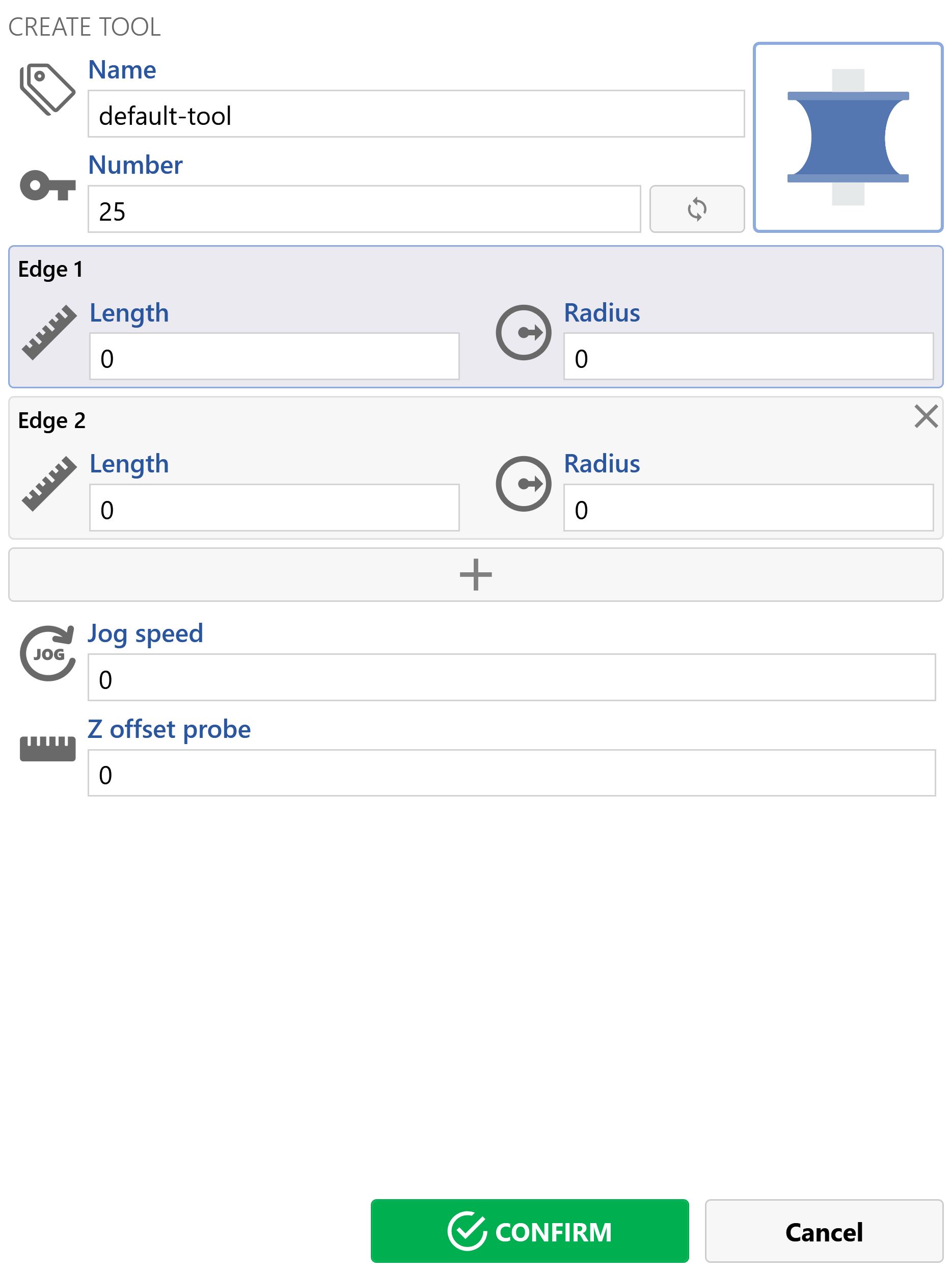
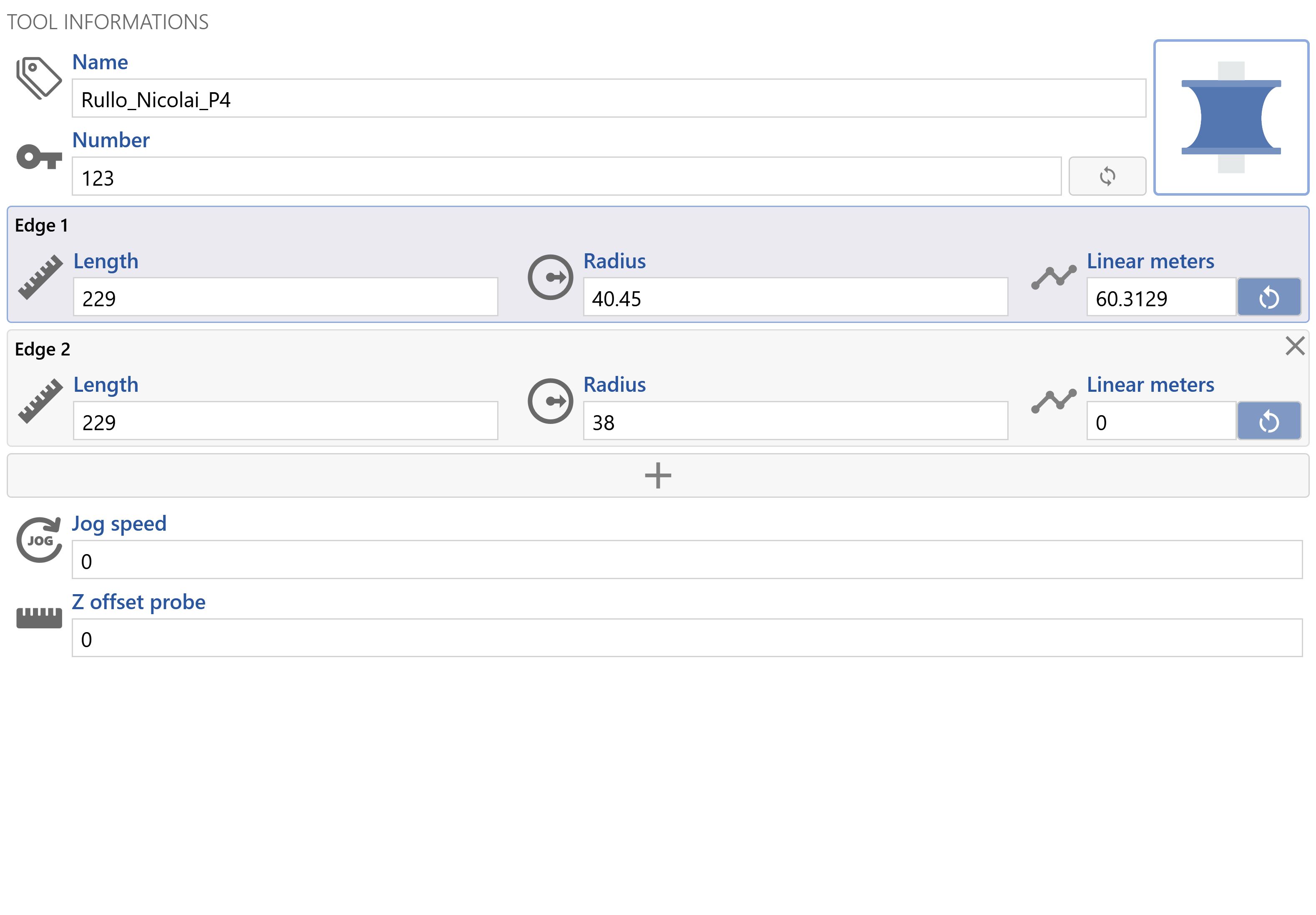
The following window is displayed for entering a new tool.
Name Displays and allows editing of the tool name.
Tool Number Displays the corrector associated with the tool.
Select Tool Number Button used to open the tool corrector selection window.
Select Tool Type Button used to open the tool type selection window.
Edge Length Displays and allows editing of the Edge length.
Edge Radius Displays and allows editing of the Edge radius.
Remove Edge Button used to delete the tool Edge.
NOTE
Visible only for
Profiled
tools.
Add Edge Button used to add an Edge to the tool.
NOTE
Visible only for
Profiled
tools.
JOG Speed Displays and allows editing of the tool JOG speed.
Z Offset for Probing Displays and allows editing of the Z offset when probing the tool Edge.
NOTE
Not visible
for tools
with a diamond tip
or
with an angle head
.
Number of Holes for Redressing Displays and allows editing of the number of holes to be made during tool redressing.
NOTE
Visible only for tools
with a diamond tip
.
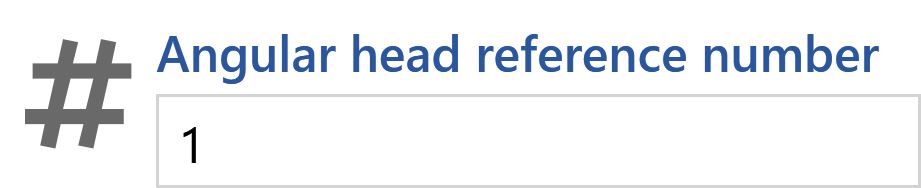
Angle Head Reference Number Displays and allows editing of the angle head reference number.
NOTE
Visible only for tools
with an angle head
.
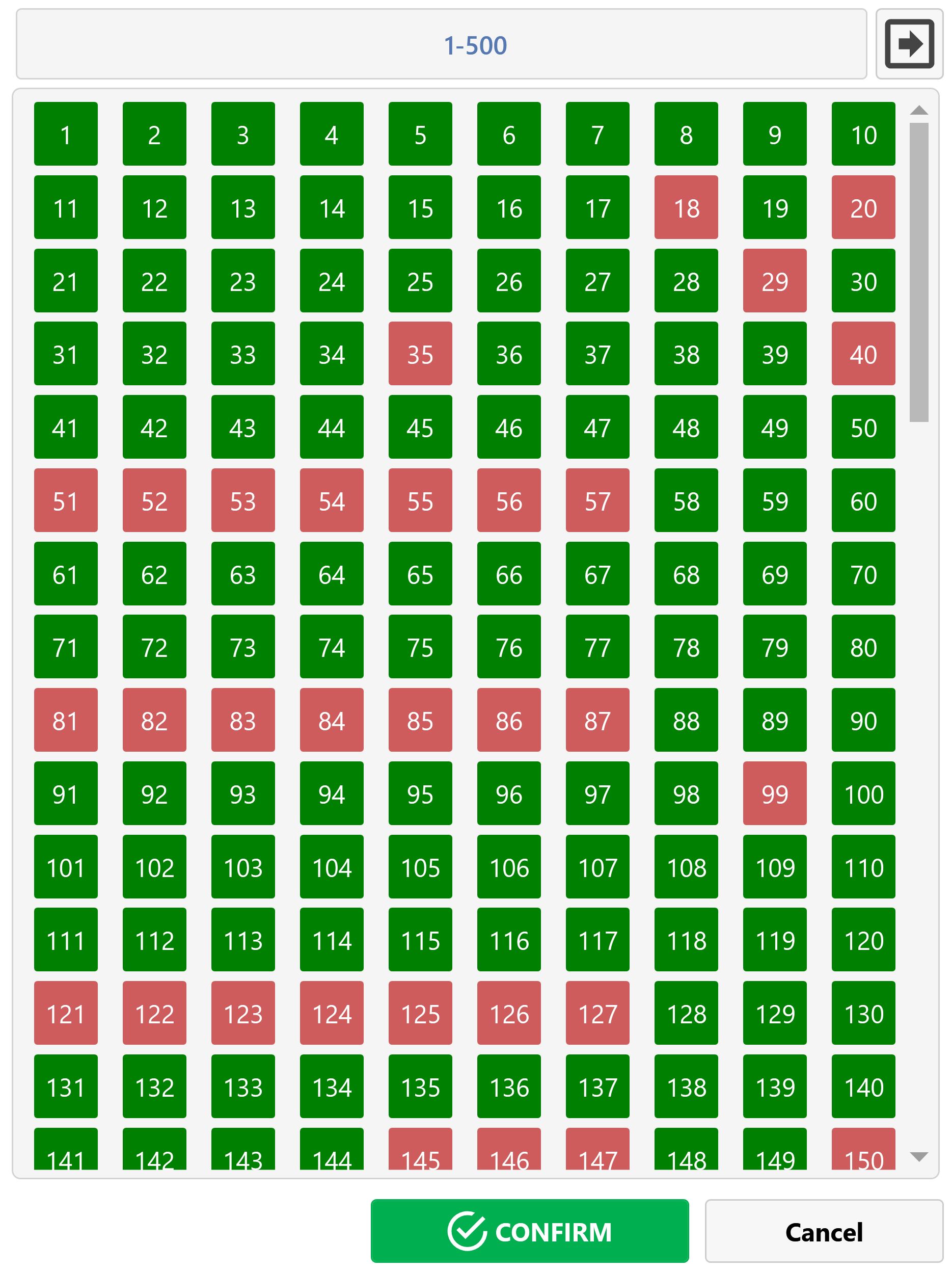
Edit Tool Number
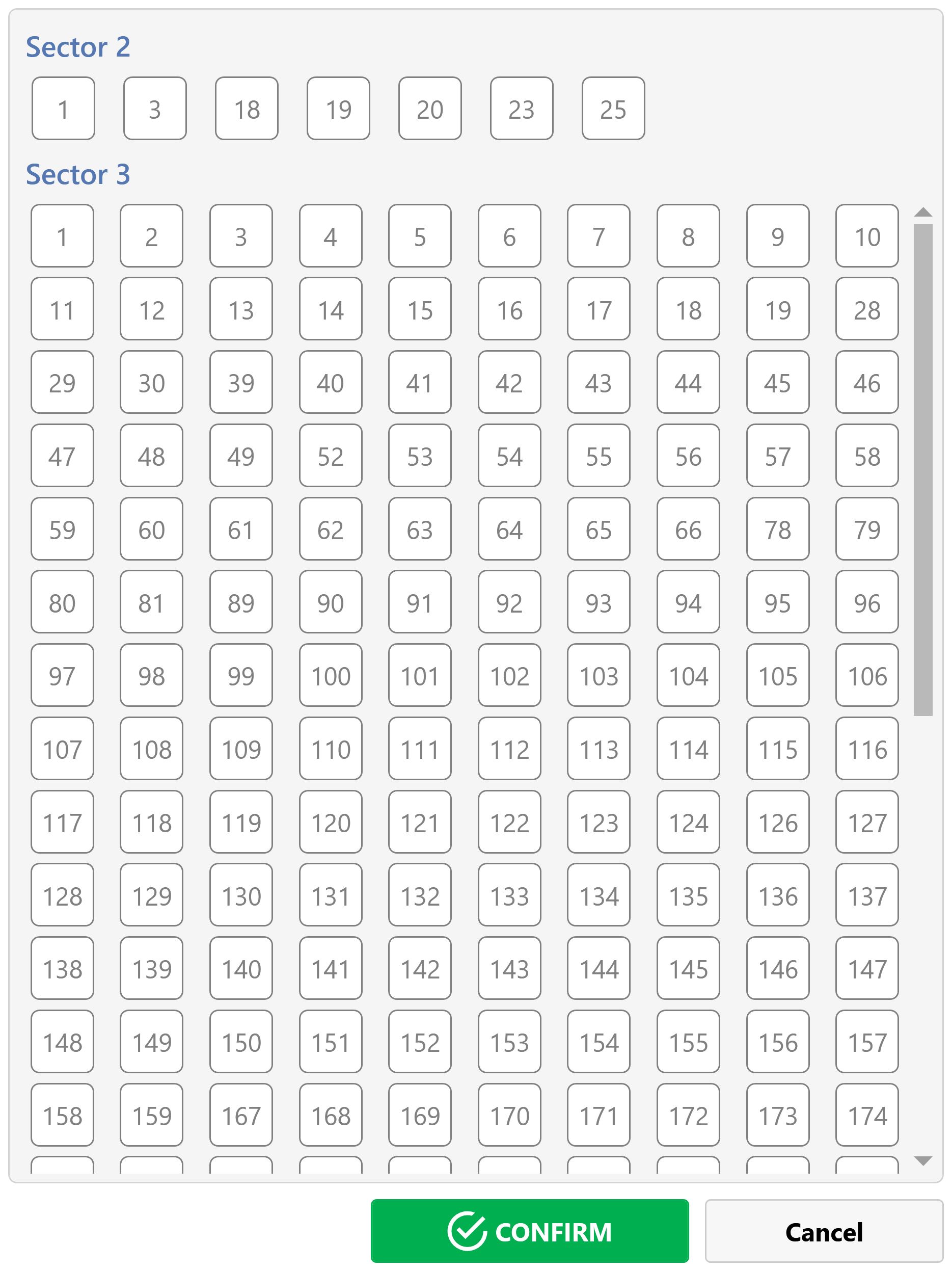
Window for editing the tool number, with a list of specific correctors based on the tool type.
Displayed Tool Numbers Indicates the minimum and maximum tool numbers displayed in the list.
Next Page Moves to the next page for tool number selection.
NOTE
Visible only if there are more than
500
tool numbers.
Previous Page Moves to the previous page for tool number selection.
NOTE
Visible only if there are more than
500
tool numbers.
Available Tool Number Indicates that the tool number is available.
Assigned Tool Number Indicates that the tool number is already assigned.
Confirm Button used to confirm the selected tool number.
Cancel Button used to close the window without updating the tool number.
Edit Tool Type
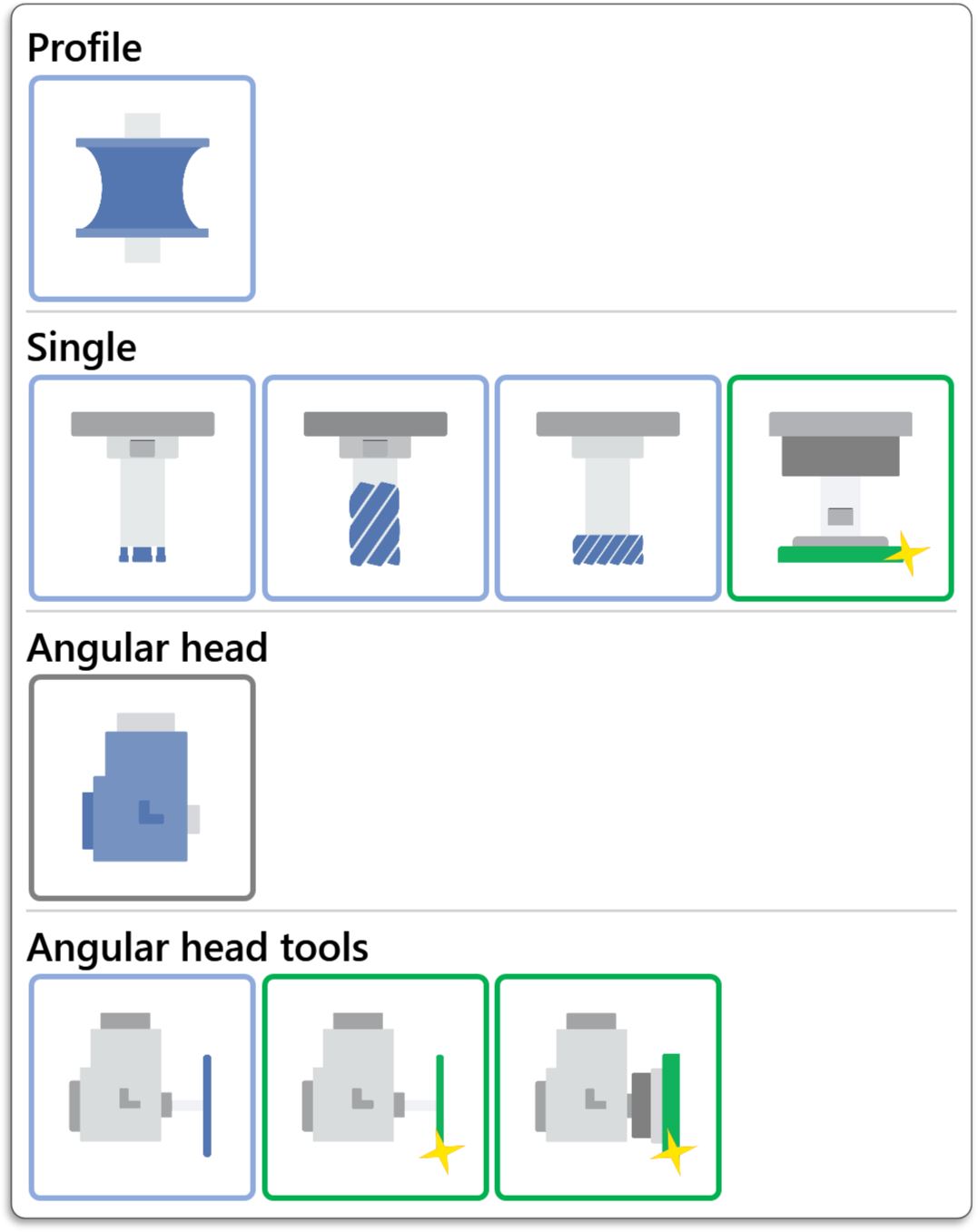
Window used to edit the tool type.
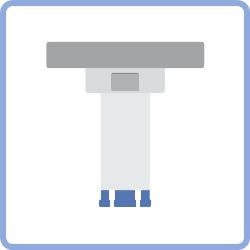
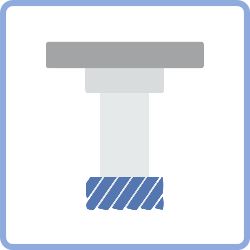
Profiled Tool Selects the Profiled tool type.
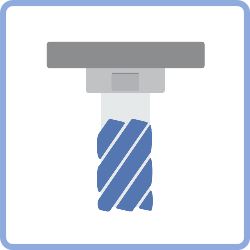
Core Drill Tool Selects the Core Drill tool type.
Milling Tool Selects the Milling tool type.
Pocket Milling Tool Selects the Pocket Milling tool type.
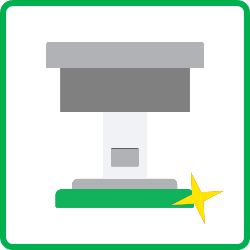
Polishing Pad Tool Selects the Polishing Pad tool type.
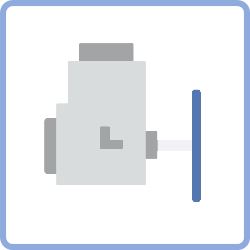
Angle Head Selects the Angle Head type.
Angle Head Disk Tool Selects the Angle Head Disk tool type.
Angle Head Polishing Disk Tool Selects the Angle Head Polishing Disk tool type.
Angle Head Polishing Pad Tool Selects the Angle Head Polishing Pad tool type.
Edit Tool Data
Displays the selected tool data and allows it to be edited.
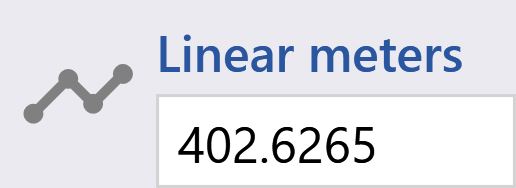
Edge Linear Meters Displays the statistics for the linear meters machined by the Edge.
Reset Edge Linear Meters Button used to reset the Edge linear meters statistics.
Tool Commands
List of commands for managing tools.
NOTE
The commands are disabled if the mounted tool is selected.
Force Mounted Tool Forces the selected tool as the mounted tool.
Delete Tool Deletes the selected tool.
NOTE
Confirmation is requested before deleting the tool:
Copy Tool Creates a copy of the selected tool.
Move Tool Moves the selected tool to another sector and/or position.
Copy Tool
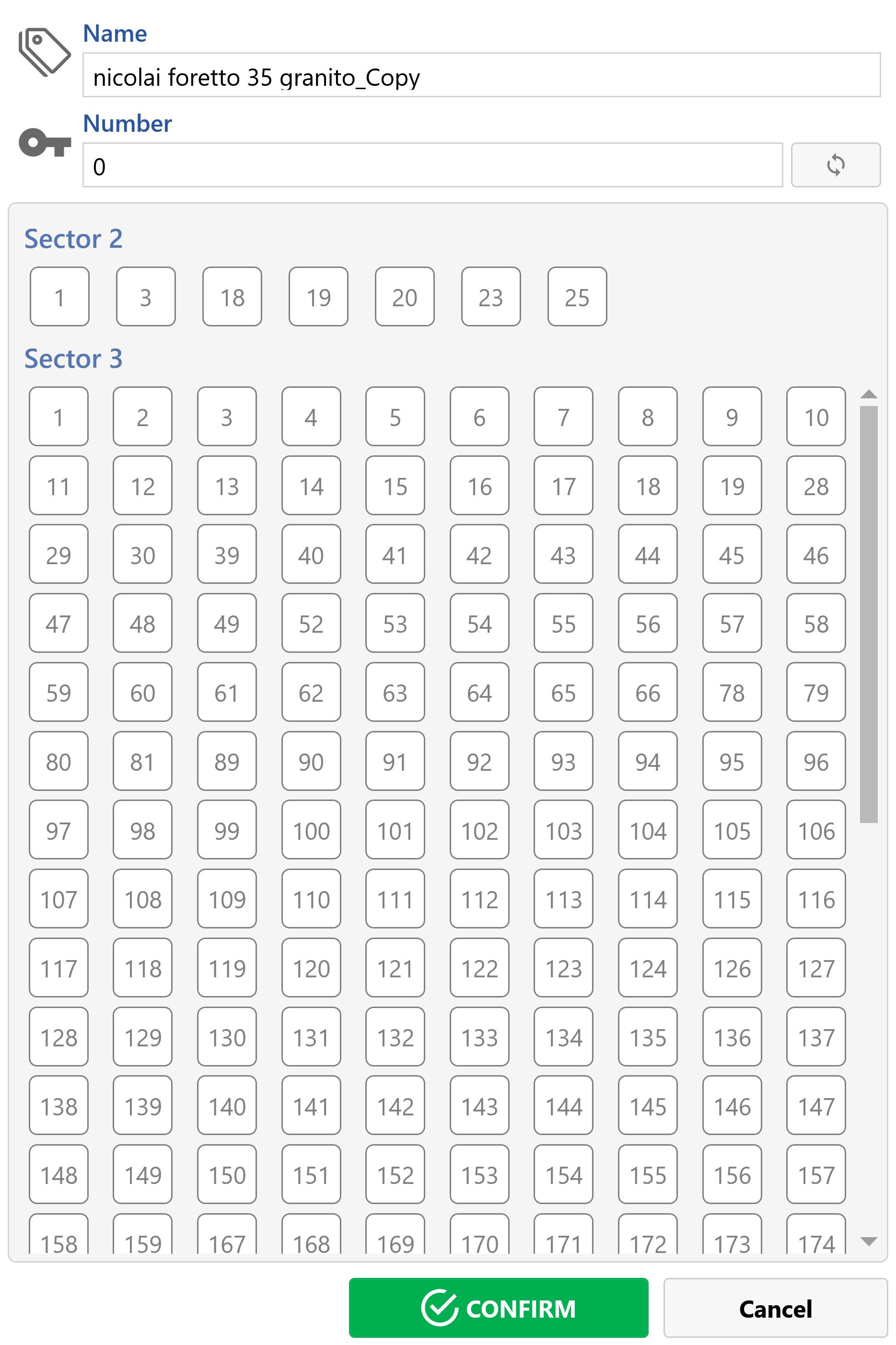
A window opens to define the name, tool number, sector and position of the new copied tool.
Name Allows the name of the new tool to be edited.
Tool Number Displays the tool number.
Select Tool Number Button used to open the tool corrector selection window.
Sector Position Allows the position of the new tool within the sector to be selected.
Confirm Button used to confirm and insert the new tool.
Cancel Button used to close the window without inserting the new tool.
Move Tool
A window opens to define the new sector and position of the selected tool.