Machine technical documentation Operational document
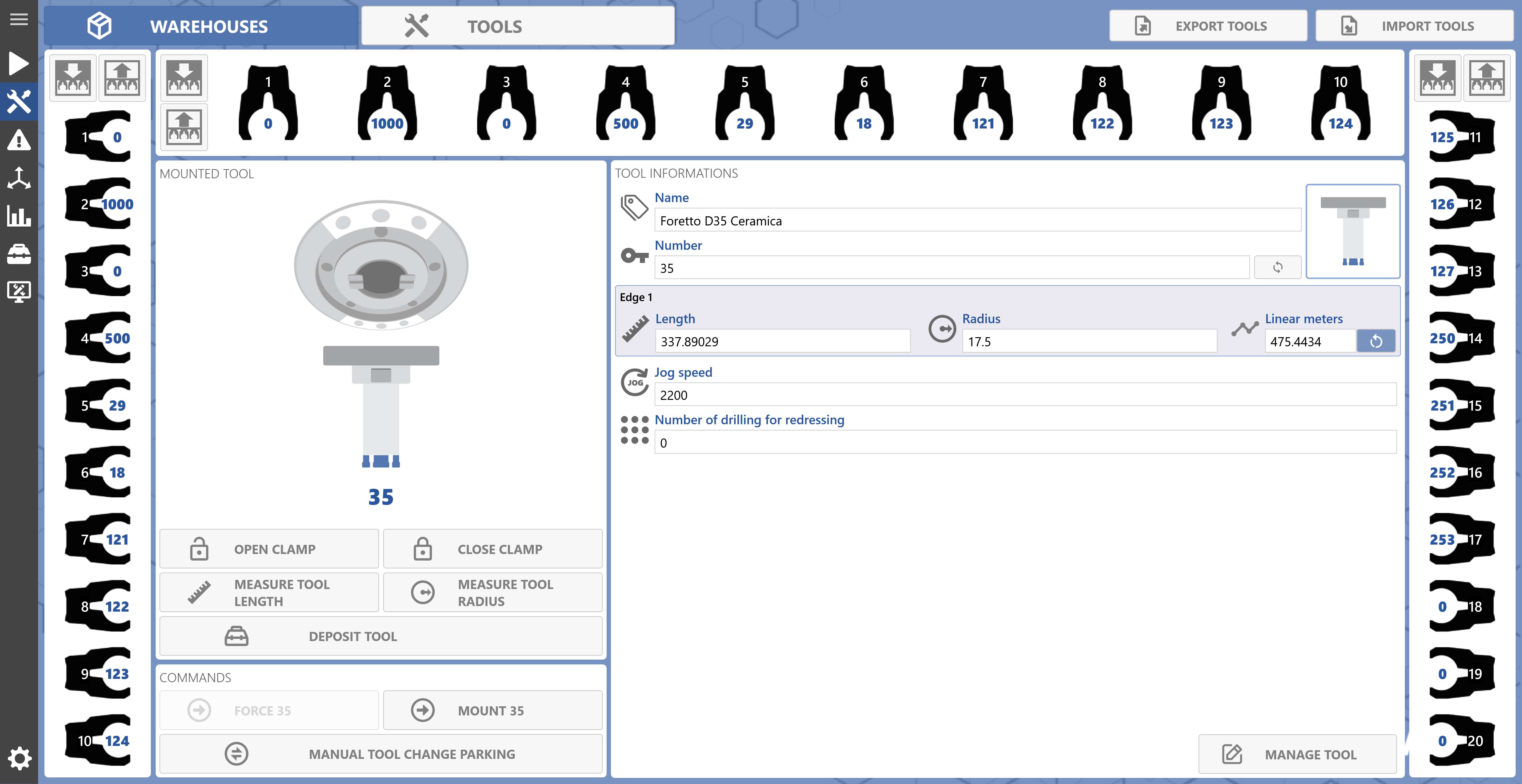
This page allows you to view and manage the mounted tool and the tools present in the magazines.
Warehouse
Displays the magazine according to the actual machine position.
| Clamp
Displays the tool present in the clamp associated with the magazine. |
| Open magazine
Allows the magazine to be opened. |
| Close magazine
Allows the magazine to be closed. |
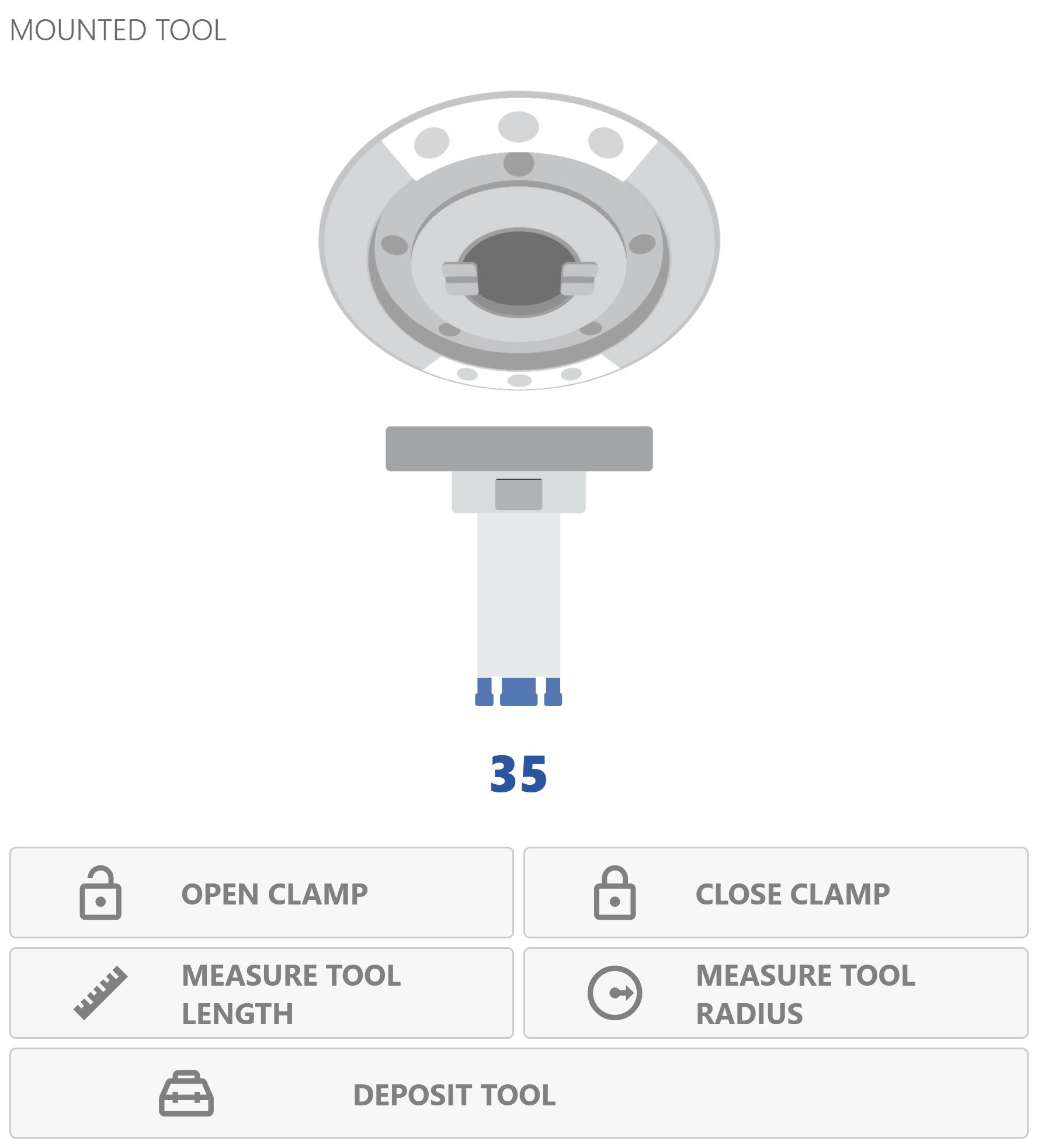
Mounted tool
Displays the currently mounted tool and allows certain functions to be managed.
| Open clamp
Allows the clamp to be opened.
The “Open clamp” command is executed only after the user confirms the following message:
|
| Close clamp
Allows the clamp to be closed. |
| Measure tool length
Starts the length measurement cycle for the selected Edge of the tool.
The selected Edge of the tool is the one with the following background:
|
| Measure tool radius
Starts the radius measurement cycle for the selected Edge of the tool. |
| Store tool
Starts the cycle for storing the mounted tool in its corresponding position in the relevant magazine. |
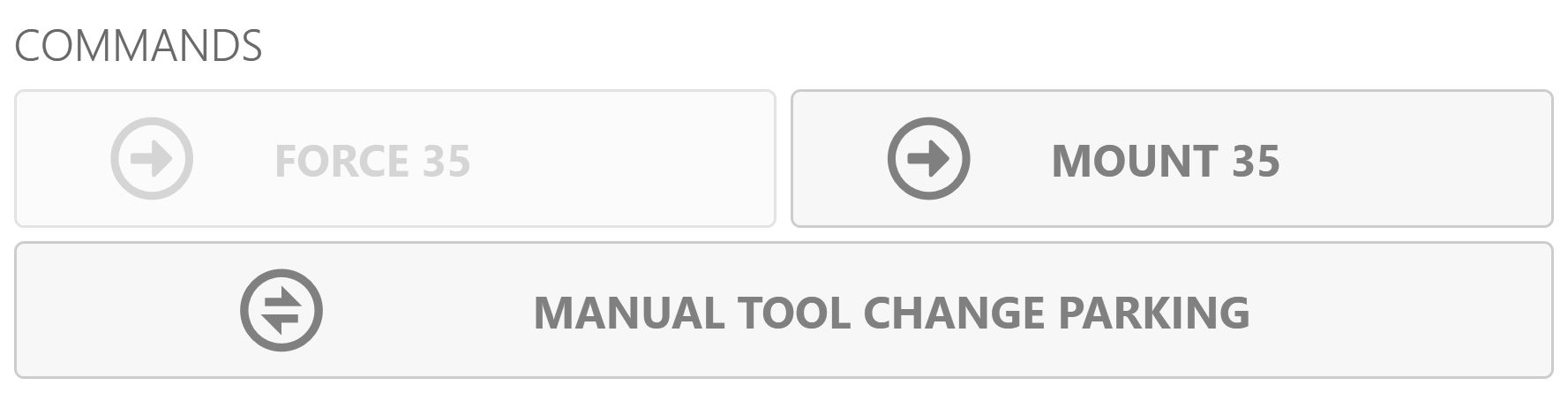
Commands
Commands for managing the mounted tool.
| Force mounted tool
Allows the selected tool to be forced as the mounted tool.
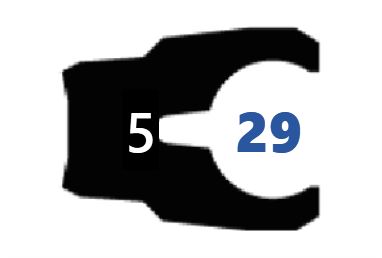
The tool can be selected using:
|
| Mount Tool
Starts the pick-up cycle for the selected tool. |
| Manual tool change parking
Starts the cycle for positioning the machine in the manual tool change position. |
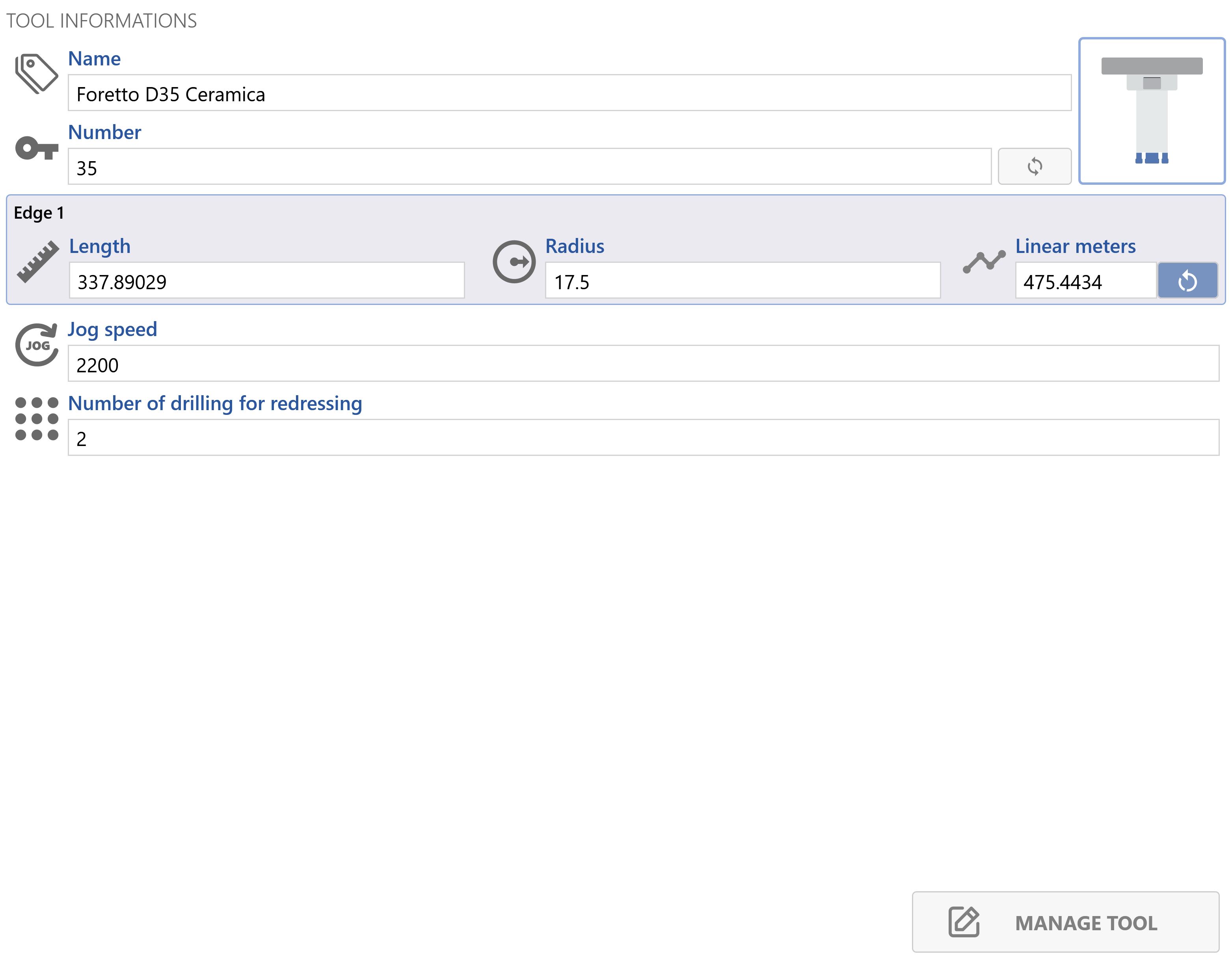
Tool information
The information relating to the selected tool is displayed in read-only mode.
| Reset tool Edge statistics
Resets the statistics for the tool Edge. |
| Tool management
Opens the tool management page. |