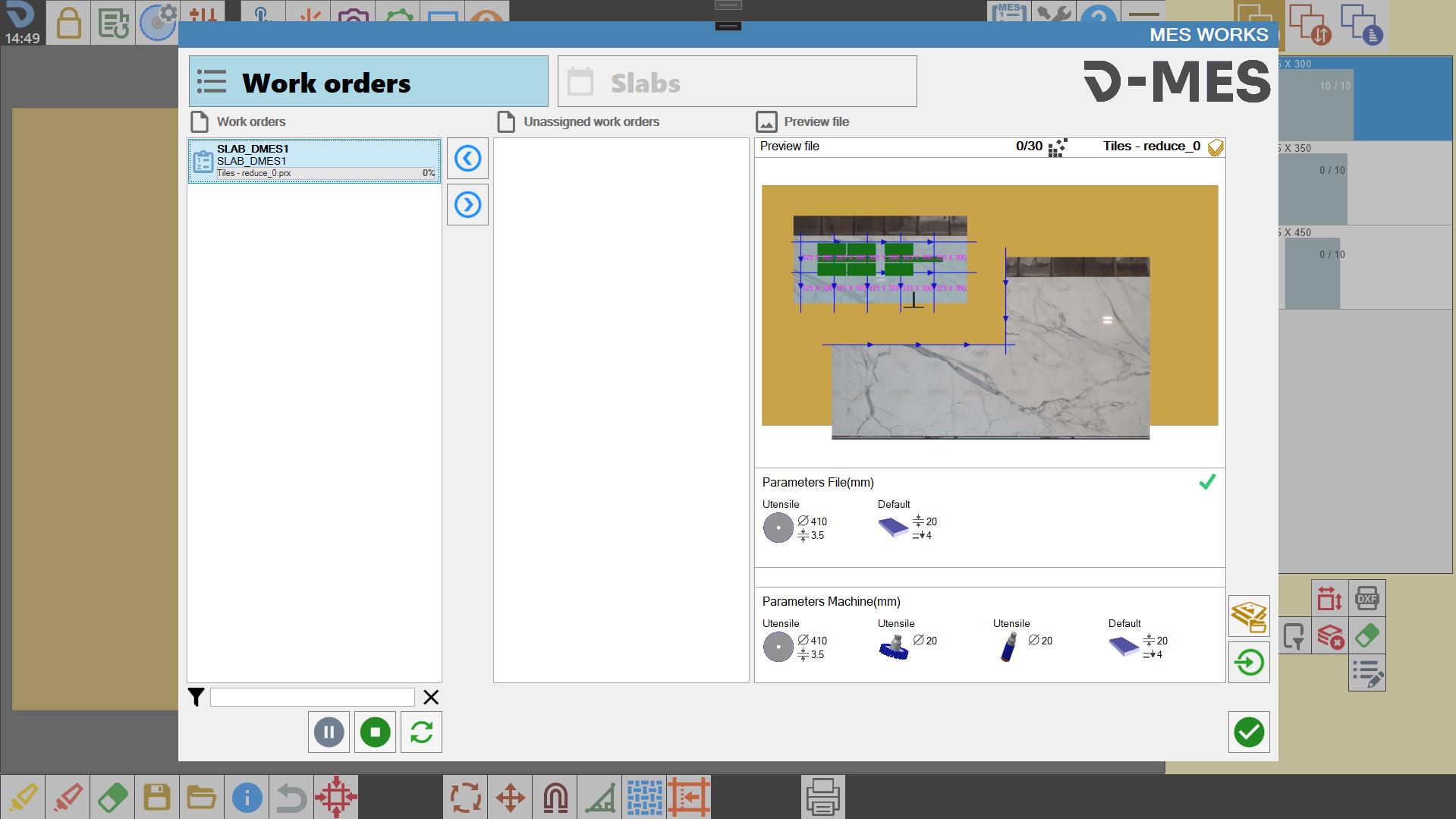
Package dedicated to managing slabs to be processed. It is intended for operational management only and is not an accounting inventory system.
The integrations described below require separate installation of the relevant software (D-SLAB, PARAMETRIX, PROJECT MATCH).
MINIMUM PACKAGE: BASE _ LABEL
SLAB VIEW
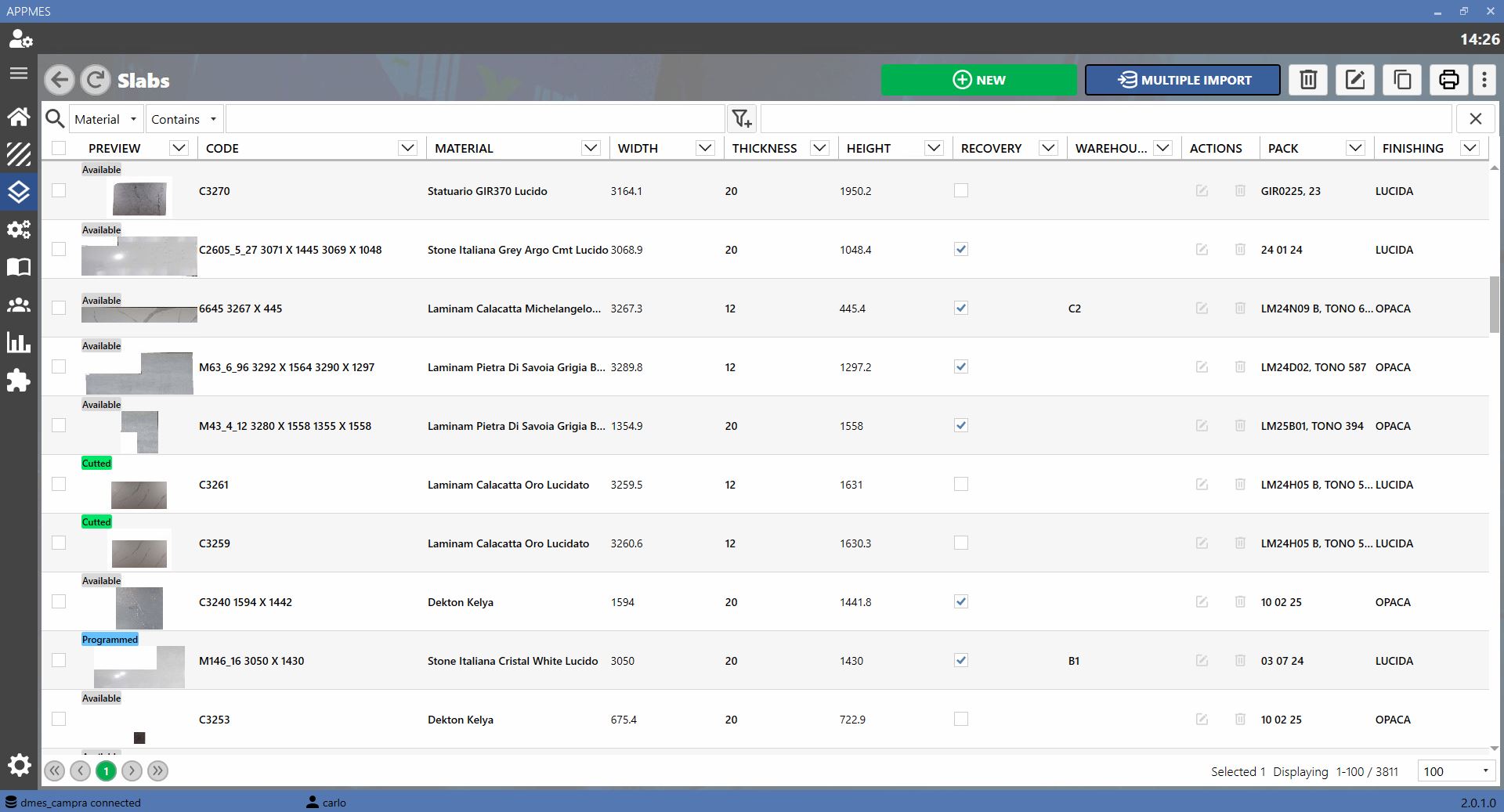
View the slabs available in DMES by applying filters; new slabs can be created or imported from a file.
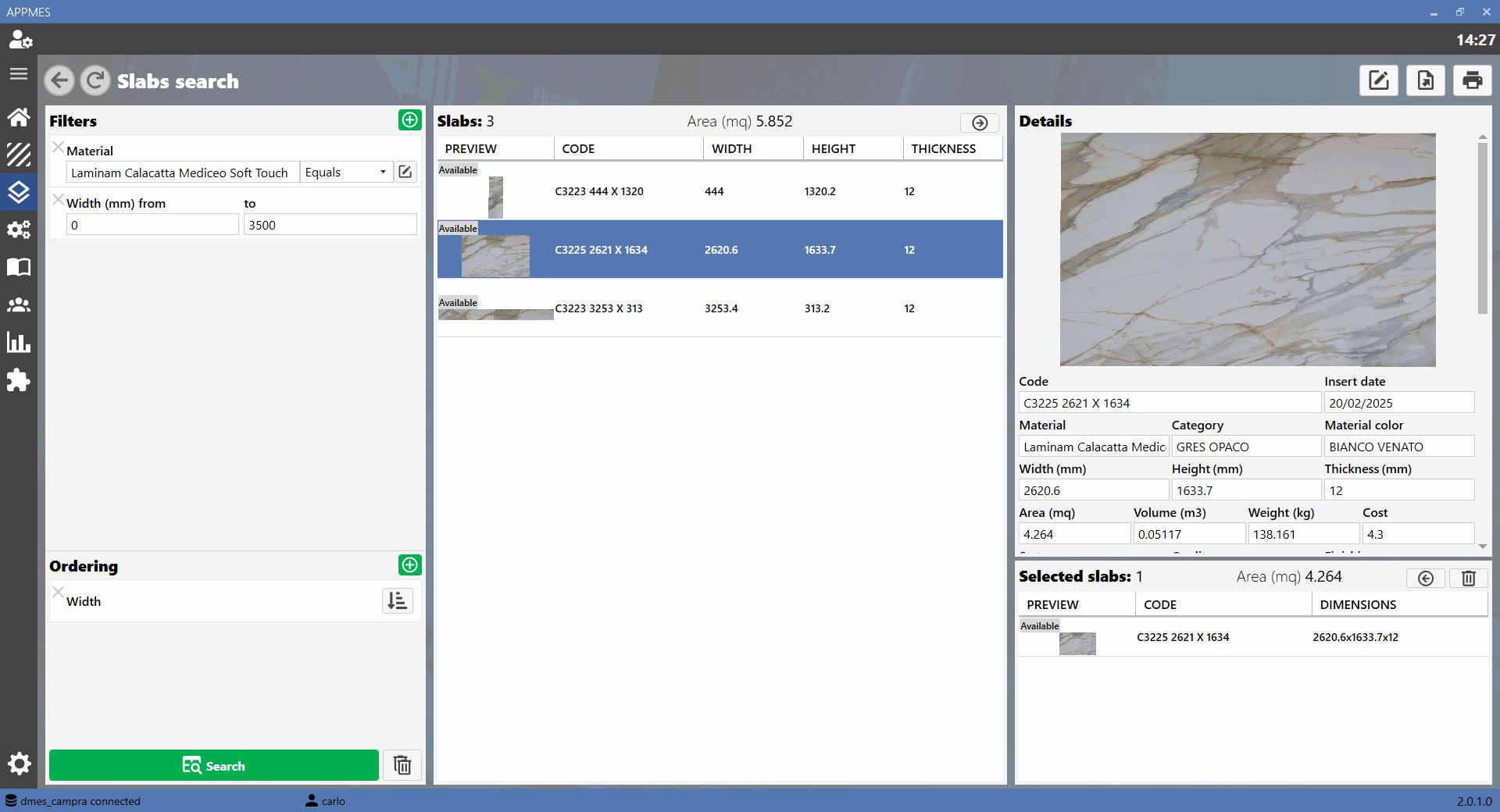
SEARCH SLABS
This page provides an advanced slab search using multiple filters such as material, colour, thickness, finish, etc., as well as sorting options.
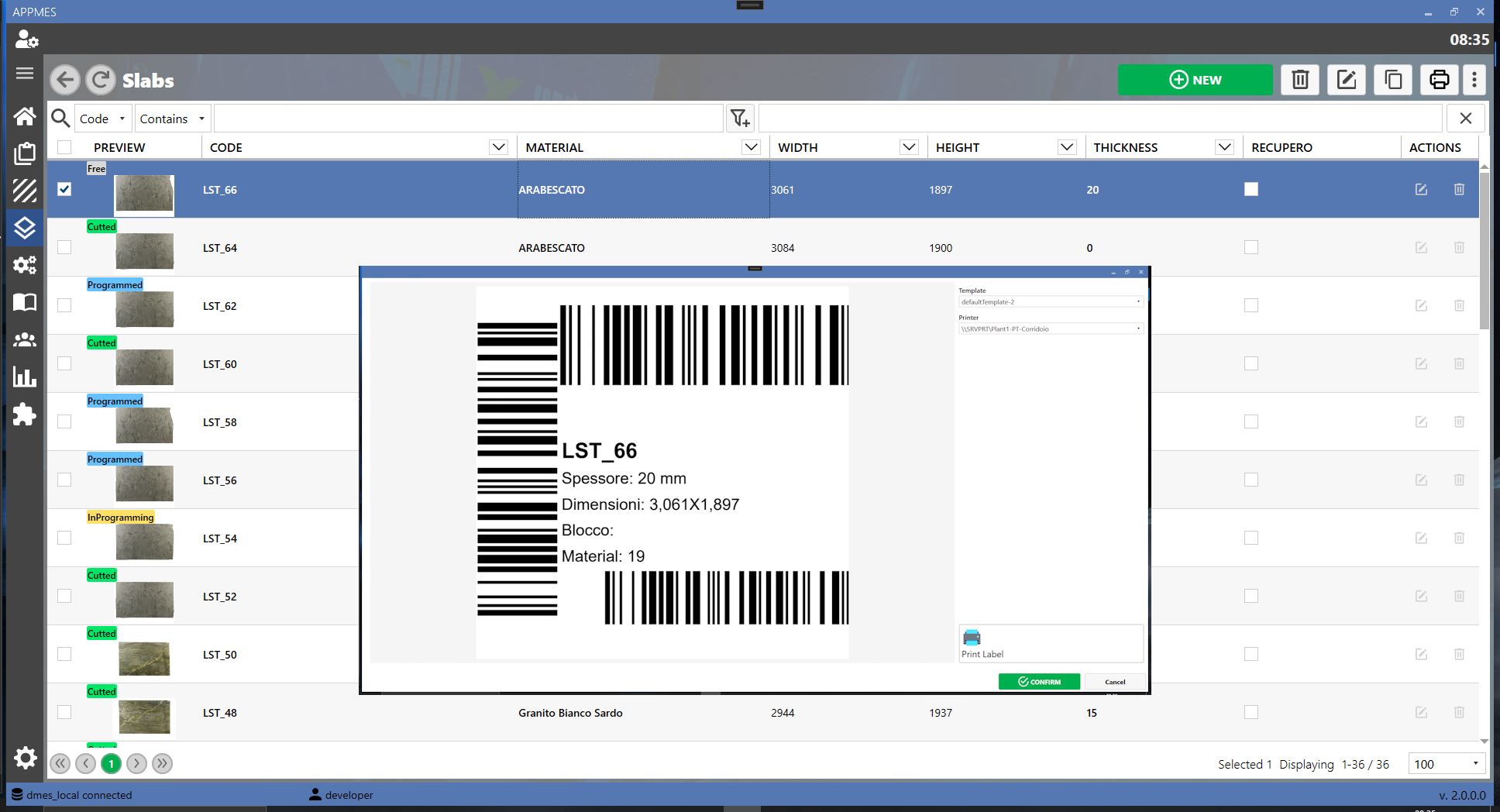
LABELS
DMES can print slab labels wherever required; the layout can be customised by the user.
D-SLAB INTEGRATION
Integration with the photographic station: slabs that are photographed are then stored in DMES.
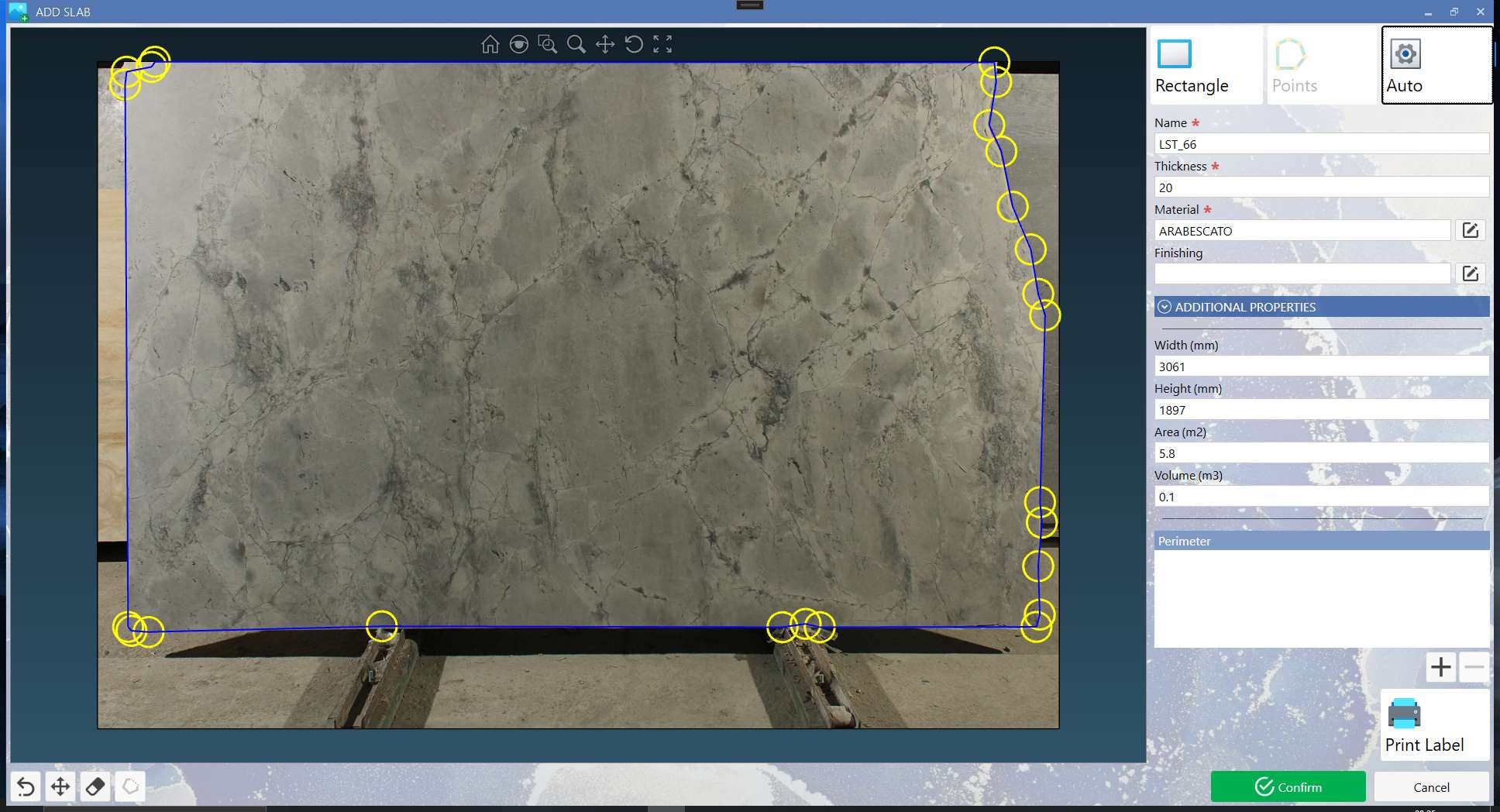
PARAMETRIX SLAB SELECTION INTEGRATION
Integration with Parametrix for slab selection and programming; filters can be applied by material, thickness, etc., and it is possible to see whether a slab is in use.
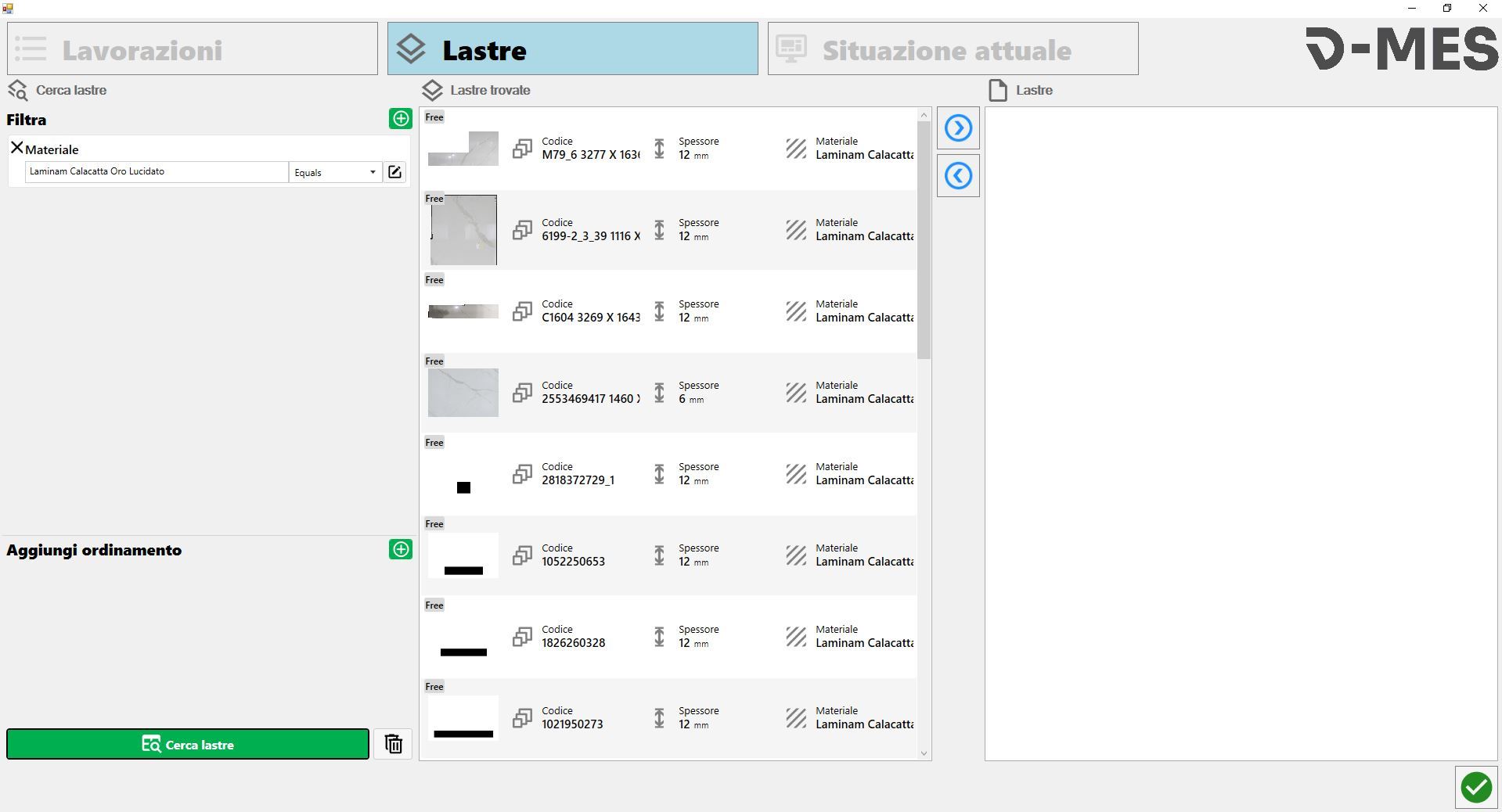
PARAMETRIX PROJECT MATCH INTEGRATION
If the Project Match option is available in Parametrix, DMES and slab selection can be used to automatically position slabs in the work areas; the slabs are then programmed and ready for machining.
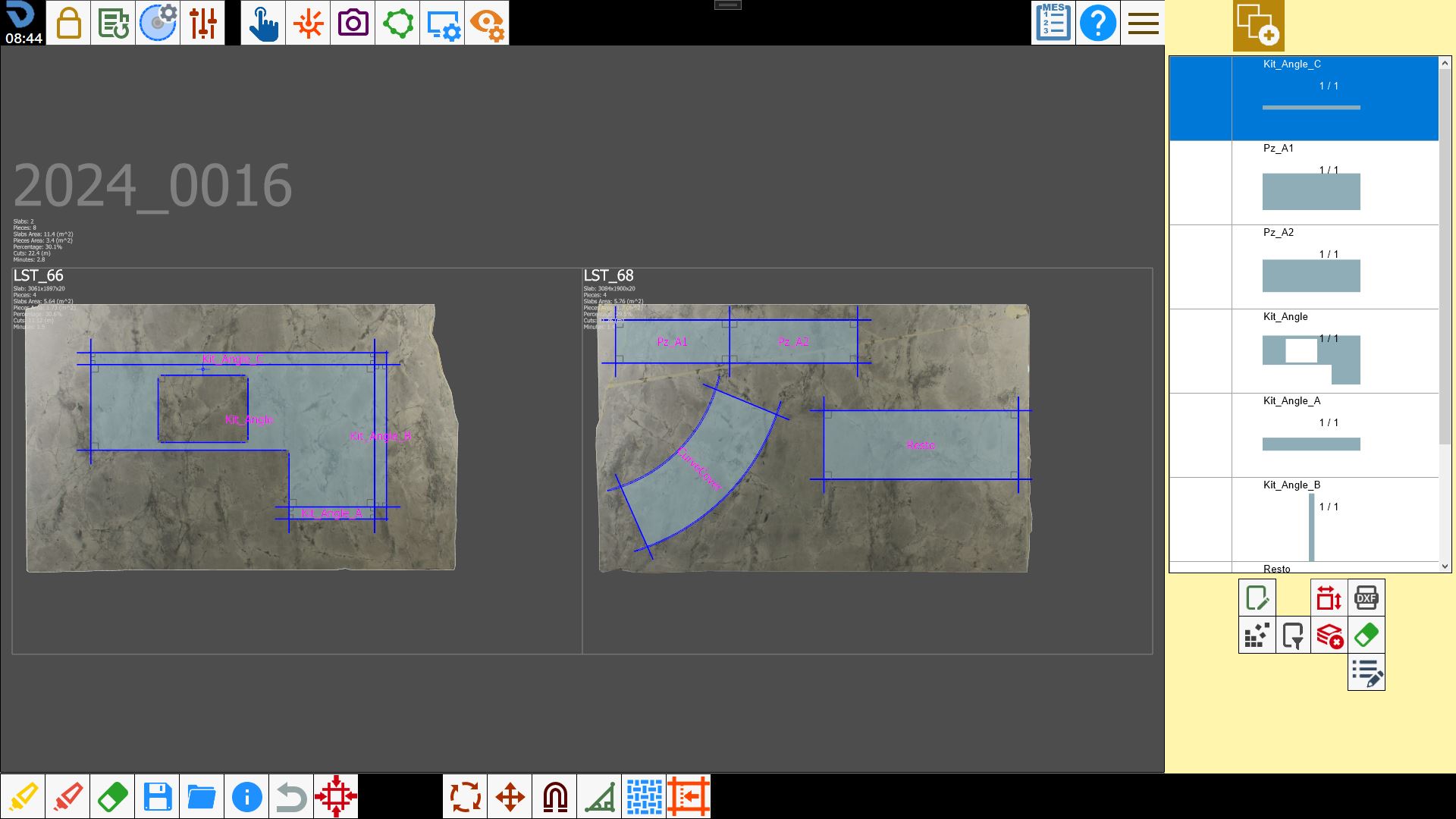
Open programmed slabs on the machines