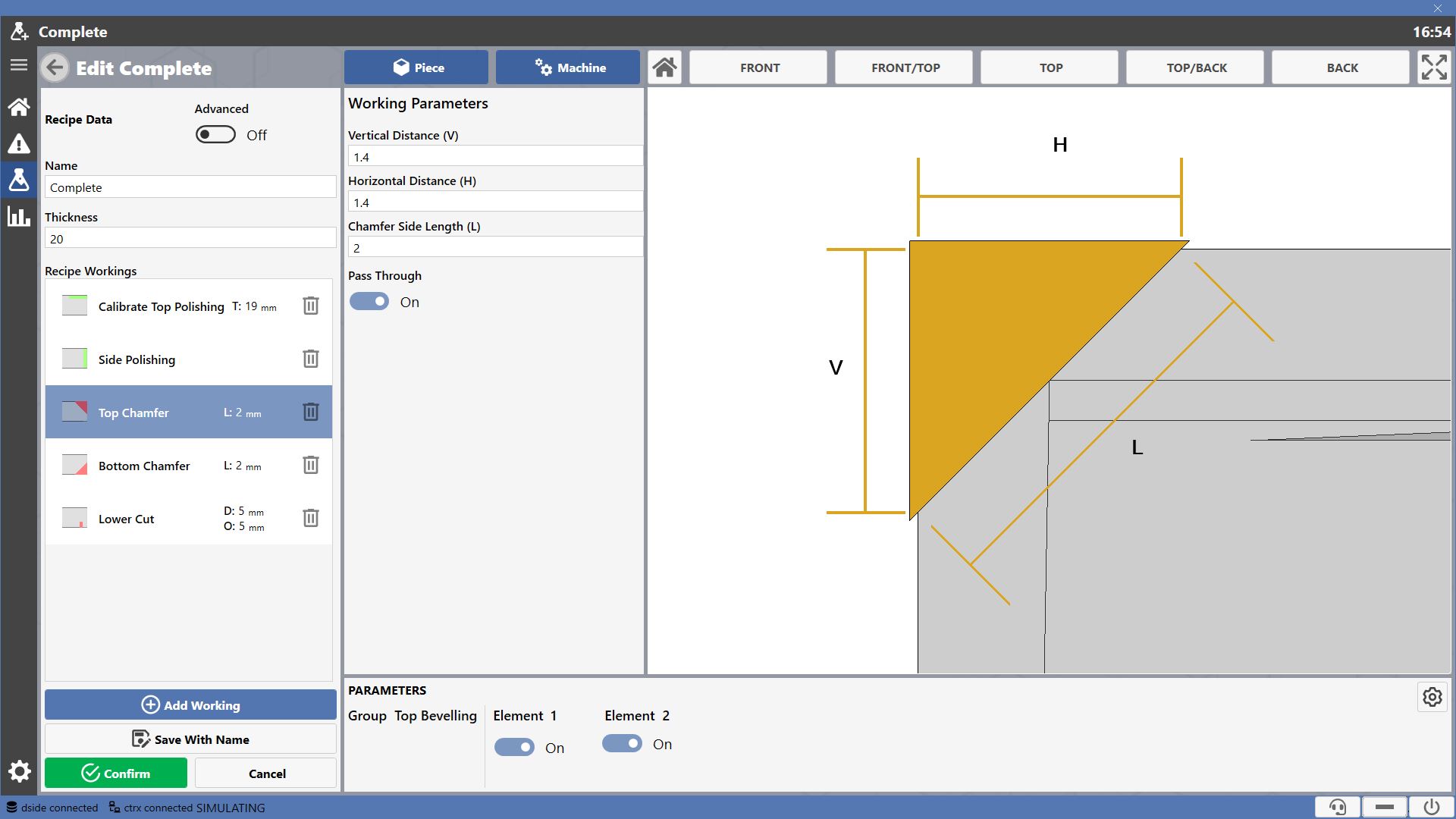
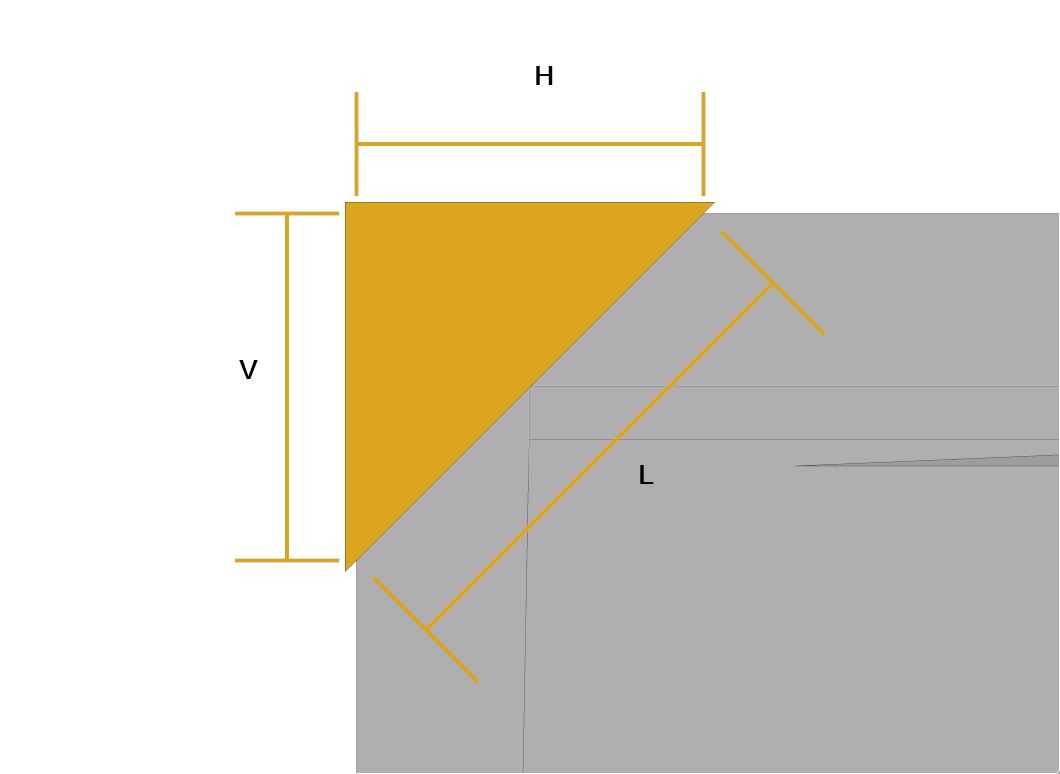
Each working allows the operator to modify the parameters defining its geometry. The affected dimensions are shown in the preview on the right.
Available Workings
The program provides the following workings.
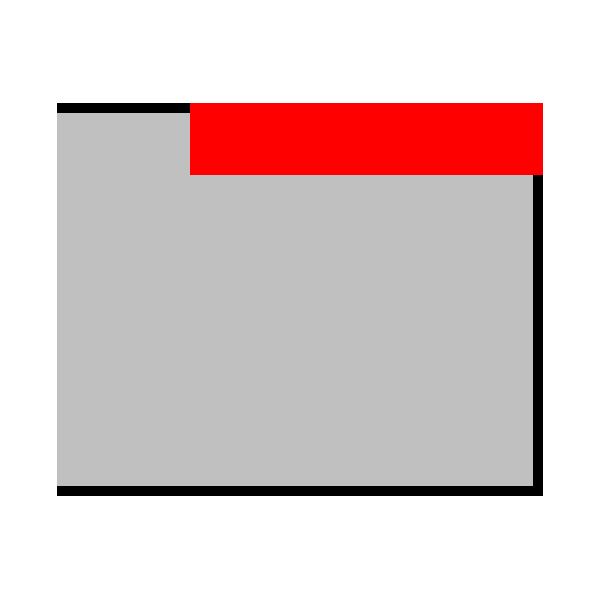 | Top Calibration | 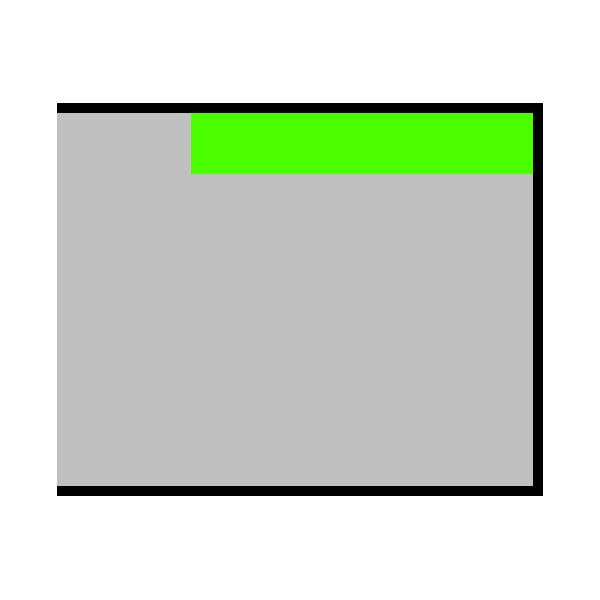 | Calibrate Top Polishing |
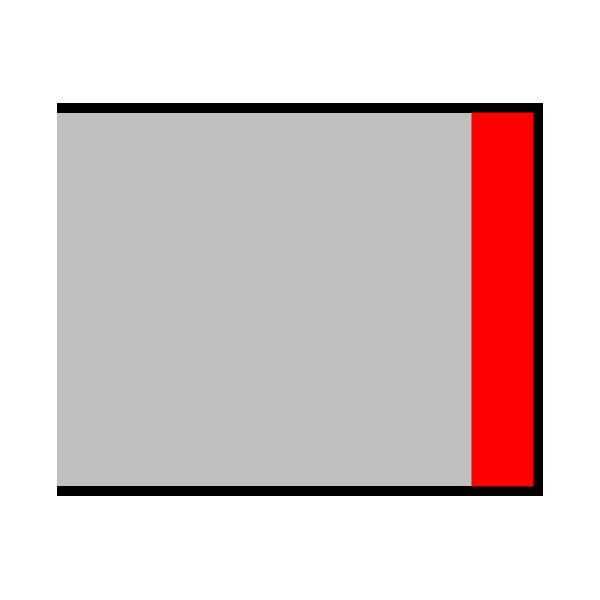 | Side Rectify | 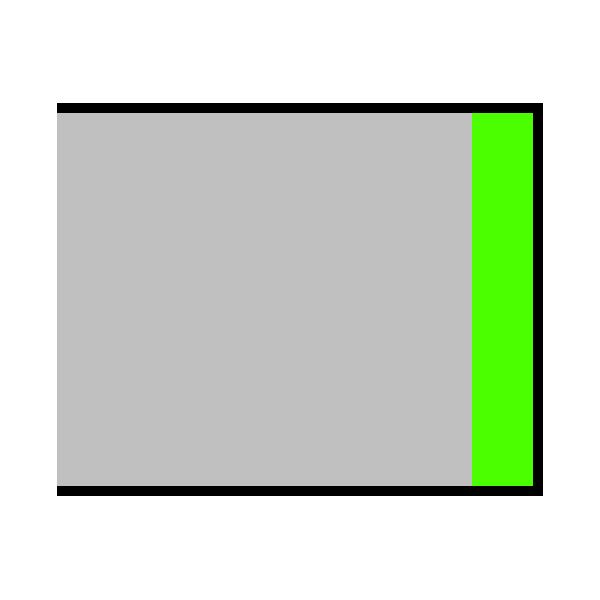 | Side Polishing |
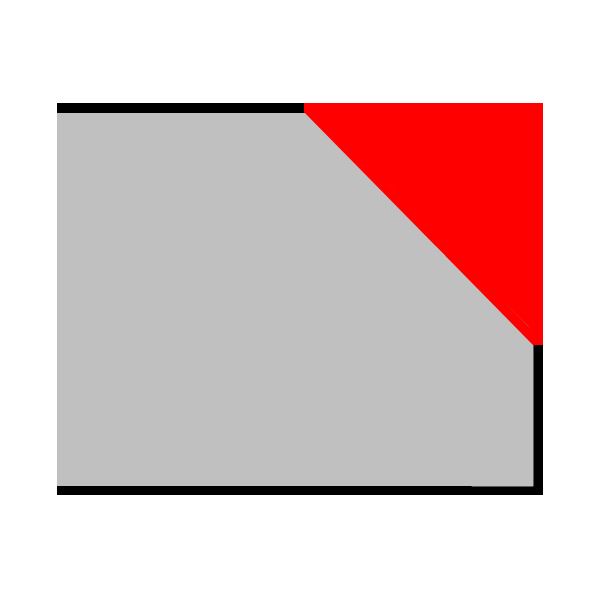 | Top Bevelling | 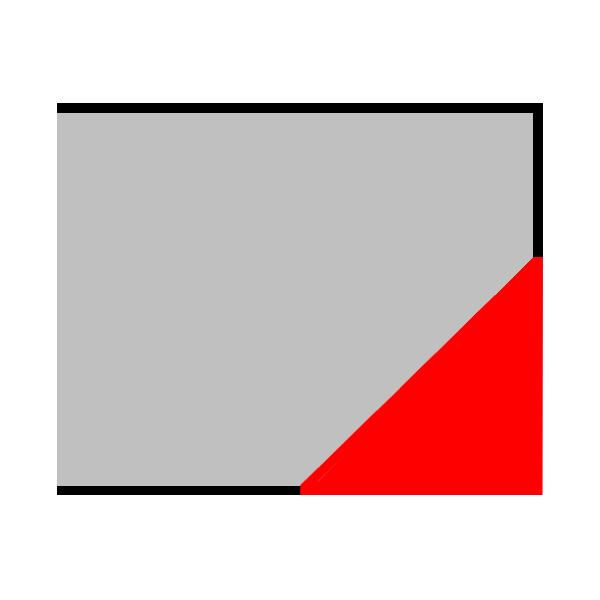 | Bottom Chamfer |
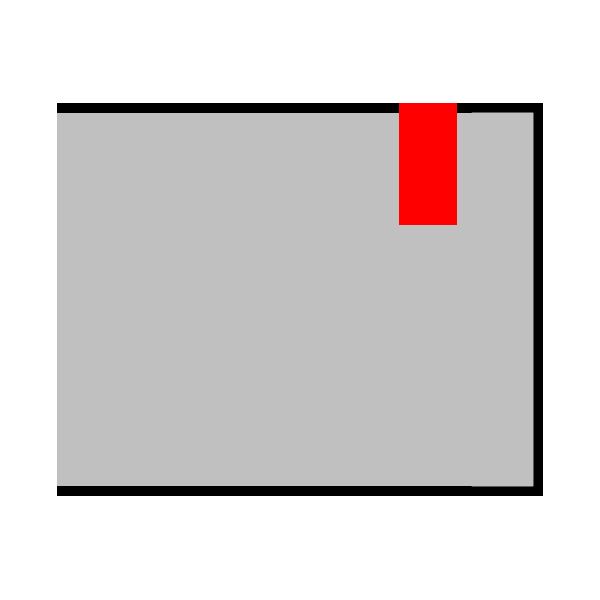 | Top Cut | 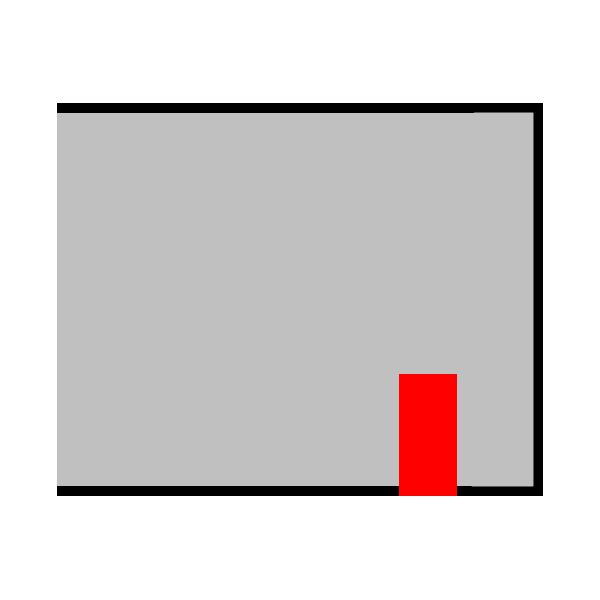 | Lower Cut |
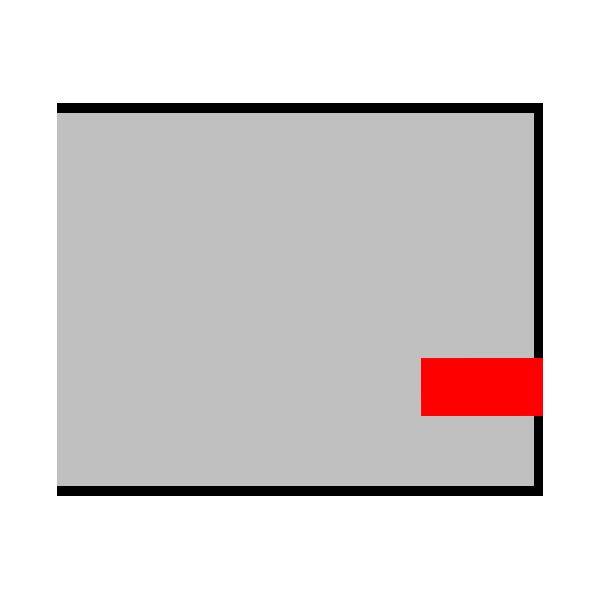 | Side Cut | 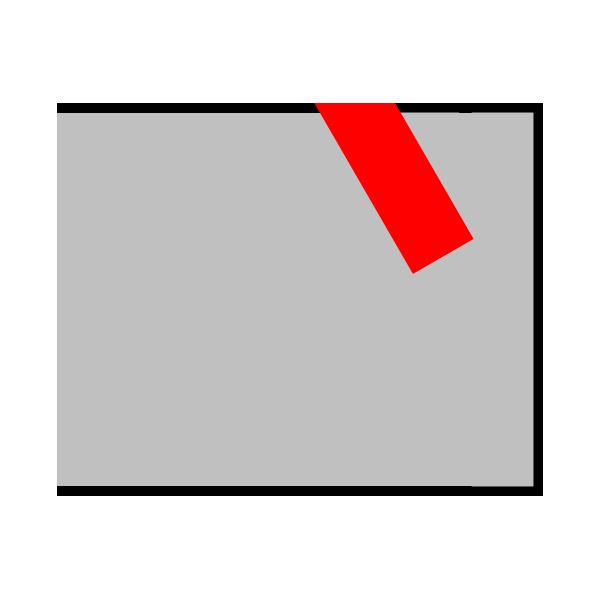 | Manual positioning cut |
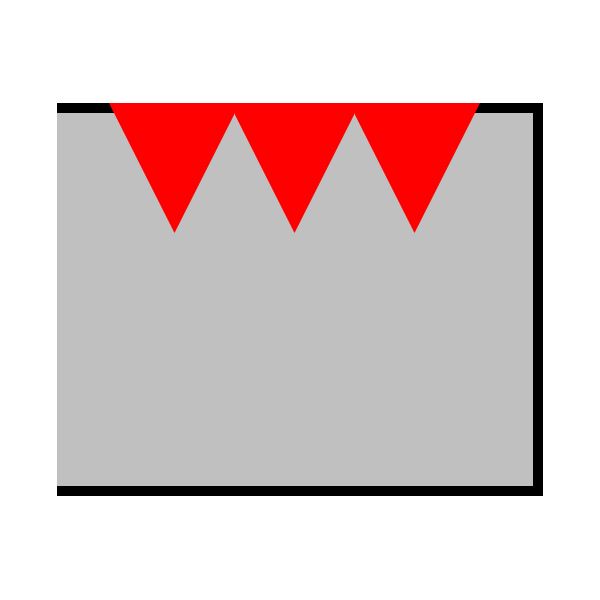 | Bush-hammering | 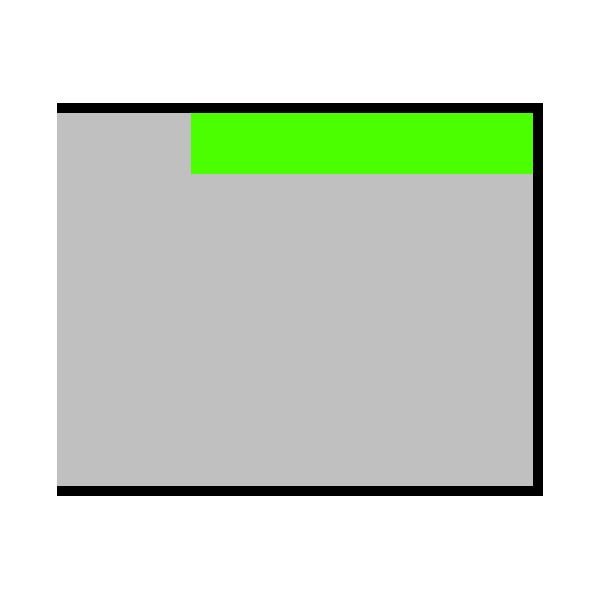 | Polish top |
The actually available workings depend on the machine configuration, i.e., which groups are mounted on it.
Recipe Workings
The workings that make up the recipe are listed within the list in the left section.
Each entry displays a preview of the working, the name identifying it, and some characterizing measurements.

Selecting the recipe displays all defining parameters and a preview. The operator can edit the parameters.
Use the button located to the right of the respective row to remove a working from the current recipe.
 | Remove Working |
Working parameters
Working parameters may be inserted in the dedicated section.
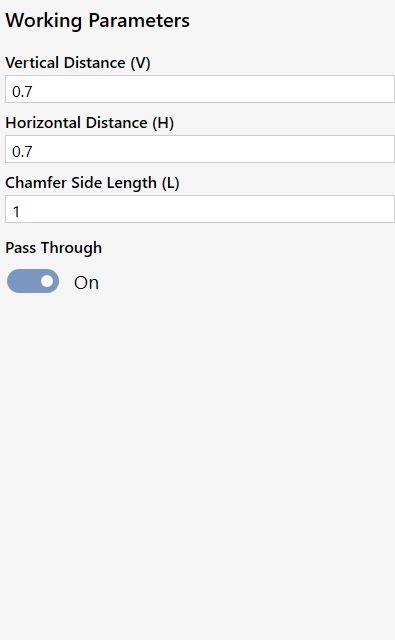
The specific parameters for the selected working are shown in the top part.
For workings that allow it, the operator can decide whether they must be executed for the entire length of the piece or not.
 | Pass-through working |
Additional parameters are displayed in case of non-through working.
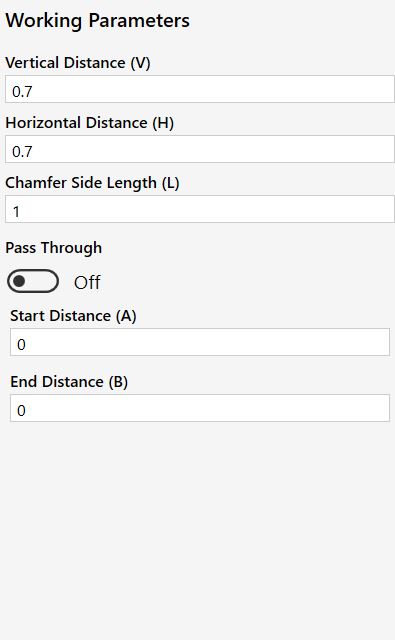
 | Start Distance |
 | End Distance |
In case the advanced recipe has been set, the operator is given more control over non-through working parameters.
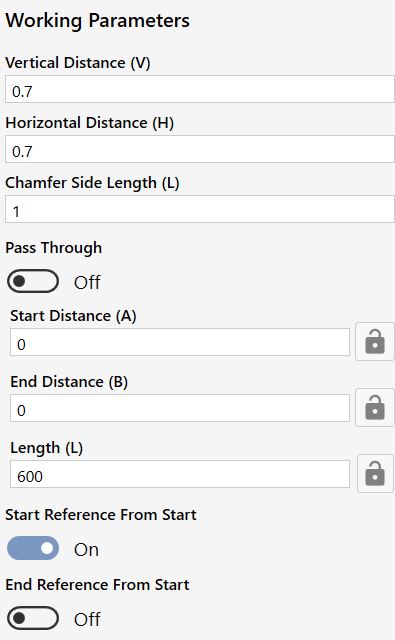
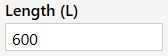 | Length |
 | Lock measurement |
 | Start Reference From Start |
 | End Reference From Start |
Preview
In the right section, a preview of the working is shown on the piece model, highlighting the dimensions the operator must enter within the parameters.
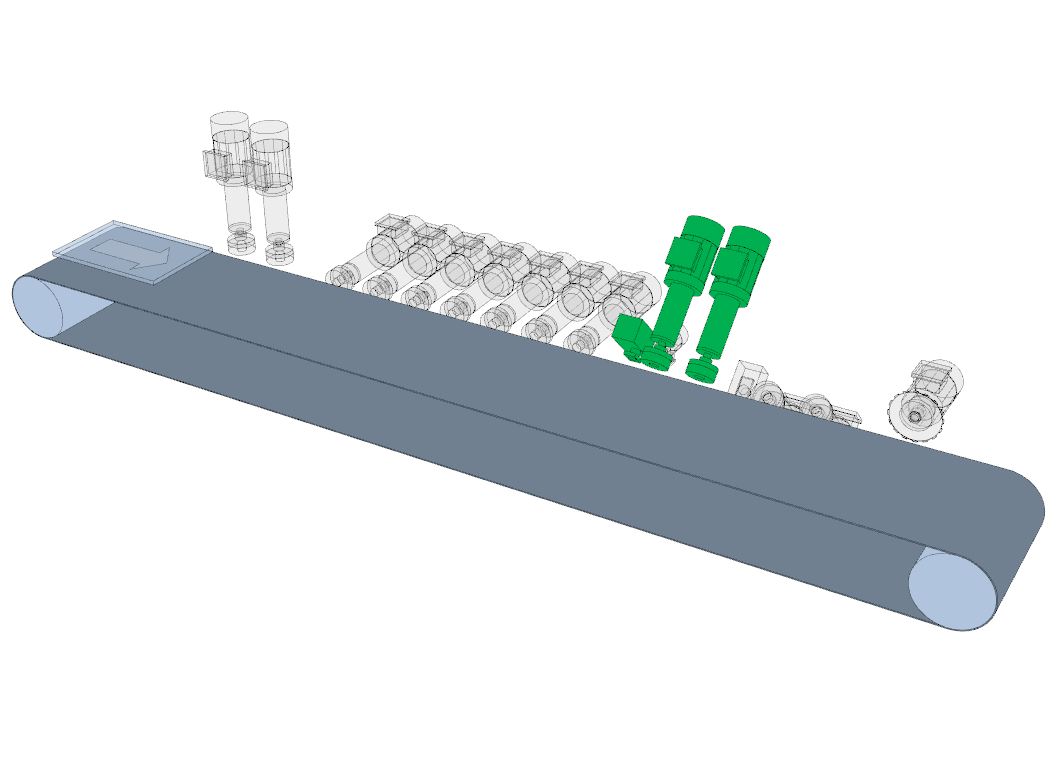
Moving the view on the machine model highlights in green the group assigned to the working.