

The advanced parameters panel allows viewing leads/lags of the various operations performed by the group assigned to the selected working and its elements.
The highlighted group is shown in green within the preview with the machine model view.
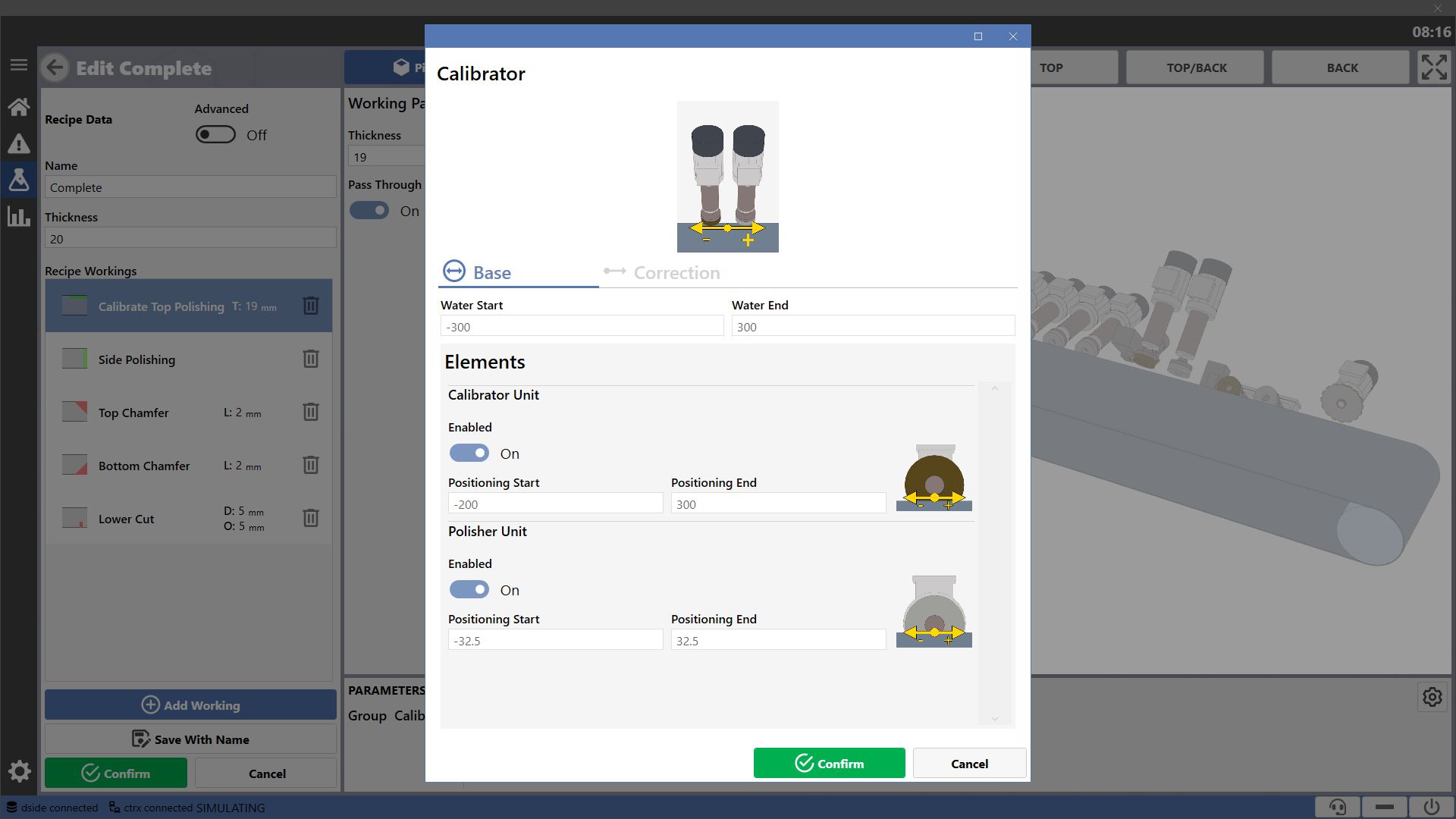
Sections
The informations provided by each window are divided into two sections.

 | Base |
 | Correction |
All parameter modifications in this panel are disabled for the standard operator; they can only be performed by an authenticated expert using a specific password.
Base
In this section you can view the parameters defining the default behaviors for the group and related elements when performing passing workings.
Non-passing working behaviors are automatically calculated by the machine based on the geometry of the workings to be performed.
The parameters always refer to the distance between the center of the element, or group, which must perform the indicated action, and the reference point, whether head or tail, of the piece they must work.
To represent delays, negative values are used. For delays instead, positive values are used.
The zero represents the moment when the reference point of the piece, whether head or tail, is exactly under the center of the element or group in question.
Group
The parameters managing the operation of some specific behaviors of the selected group are shown in the top section.
The timing of water start and end for the group is always indicated.

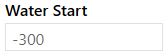 | Water Start |
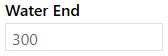 | Water End |
Item
Below is the list of parameters controlling each element composing the group. The delays and advances of the element positioning are always indicated.
Additionally, the operator may decide whether to use or not the element for the selected working.
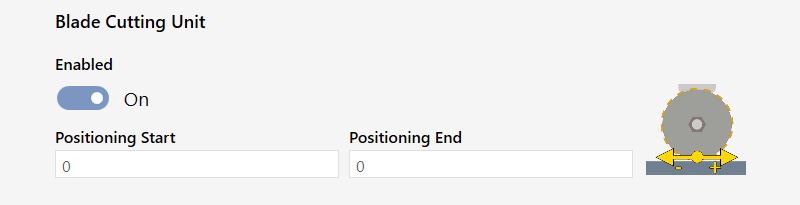
 | Element Enabled |
 | Positioning Start |
 | Positioning End |
Corrections
These parameters allow applying fixed positive or negative offsets to displayed actions. They are used to correct any detected delays or advances in the execution of these actions.
For example, if element 1 of group 5 always performs the positioning start with a 10mm delay, it is possible to set the related parameter to -10 to correct the issue.
Corrections apply to both passing and non-passing workings.
The parameters always refer to the space difference between the moment an operation is performed with the element’s or group’s default settings and the moment it is desired to be carried out.
To represent delays, negative values are used. For delays instead, positive values are used.
The zero represents the exact moment when the action is performed using the basic parameters.
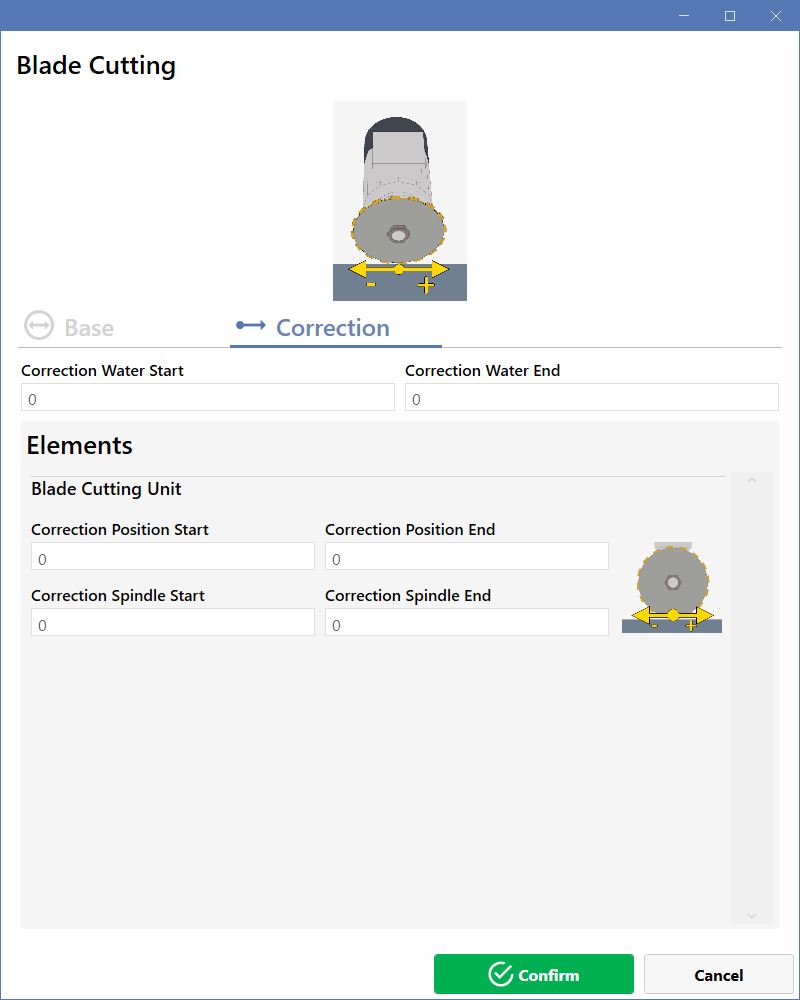
Group
The top section is dedicated to corrections of the group operations.
Correction of the advance/delay of water start/end is always indicated.

 | Correction Water Start |
 | Correction Water End |
Item
The list below shows the parameters that allow corrections to be applied to operations performed by each element of the group.
It is always possible to set delays or advances for element positioning or spindle start.
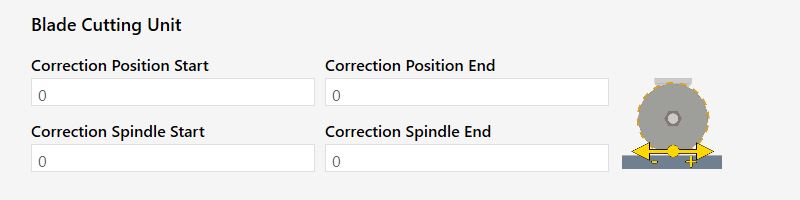
 | Correction Position Start |
 | Correction Position End |
 | Correction Spindle Start |
 | Correction Spindle End |
Calibrator Cleaner Group
Base
The basic parameters governing the group actions are only the general ones.
Both the calibrator element section and the cleaner element section do not add anything to the already described basic settings.
Corrections
The calibrator element is bound to the Z-axis of the group. If corrections are to be made, it is necessary to act on the group parameters.
In the section dedicated to the group, it is possible to act on the Position delays and advances related to the axis positioning.

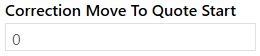 | Correction Move To Quote Start |
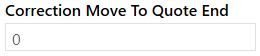 | Correction Move To Quote End |
As a result, in the calibrator element section, it is not possible to apply corrections to the element positioning.
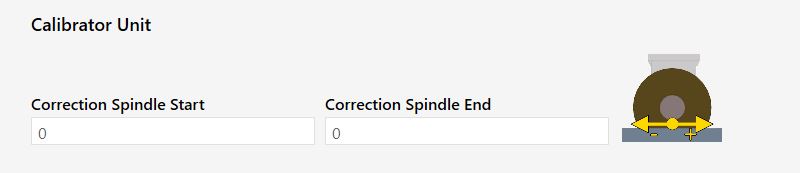
For the cleaner element no other parameters are shown besides those common to all elements.
Side Edge Polisher Group
Base
Among this group’s parameters, the timing of spindle start and end controlling its oscillation is indicated.
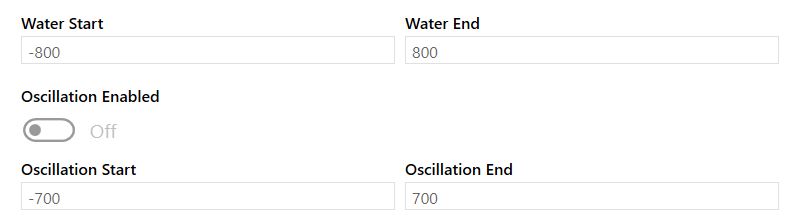
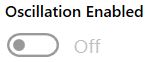 | Oscillation Enabled |
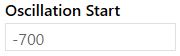 | Oscillation Start |
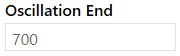 | Oscillation End |
The cleaner elements section adds nothing to the already described basic settings.
Corrections
In the section dedicated to the group, it is possible to act on the delays and advances related to the oscillation operation.

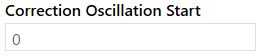 | Correction Oscillation Start |
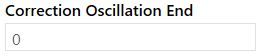 | Oscillation End Correction |
In the section dedicated to cleaning elements, no other parameters are shown besides the common ones already described.
Top Chamfer Group
Base
The basic parameters governing the group actions are only the general ones.
In the section dedicated to the calibrator, the parameters regulating the braking and guide delays and advances are displayed.
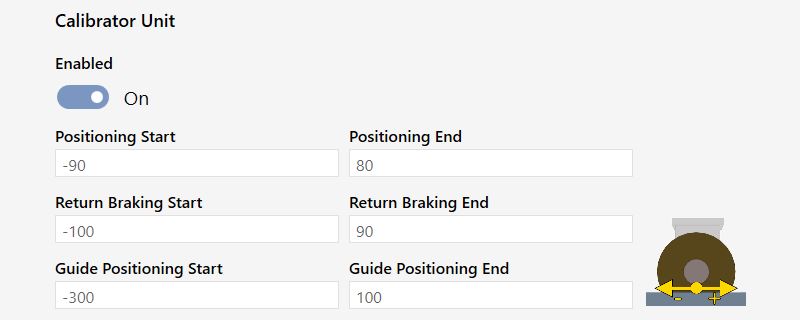
 | Return Braking Start |
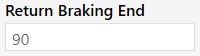 | Return Braking End |
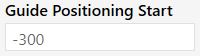 | Guide positioning start |
 | Guide Positioning End |
Section relating to the cleaning element adds nothing to the already described basic settings.
Corrections
In the section dedicated to the group it is possible to act on the delays and advances related to axis positioning.

Both the section related to the calibrator element and that of the calibrator element do not add anything to the existing correction settings.
Bottom chamfer group
Base
The basic parameters governing the group actions are only the general ones.
In the section dedicated to the calibrator, the parameters regulating the braking and guide delays and advances are displayed.
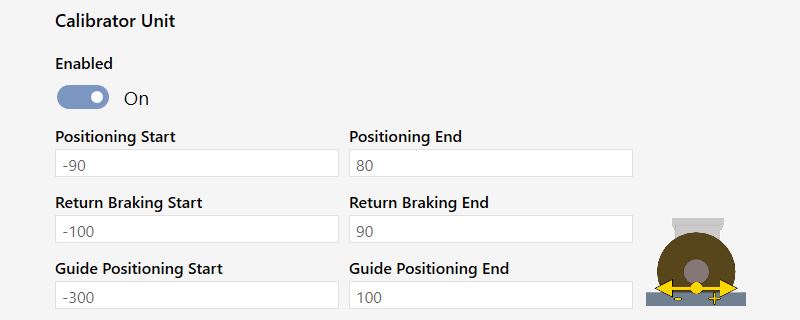
In the section dedicated to cleaning elements, no other parameters are shown besides the common ones already described.
Corrections
In the group-dedicated section, no other parameters are shown besides the common ones.
Both the section related to the calibrator element and that of the calibrator element do not add anything to the existing correction settings.
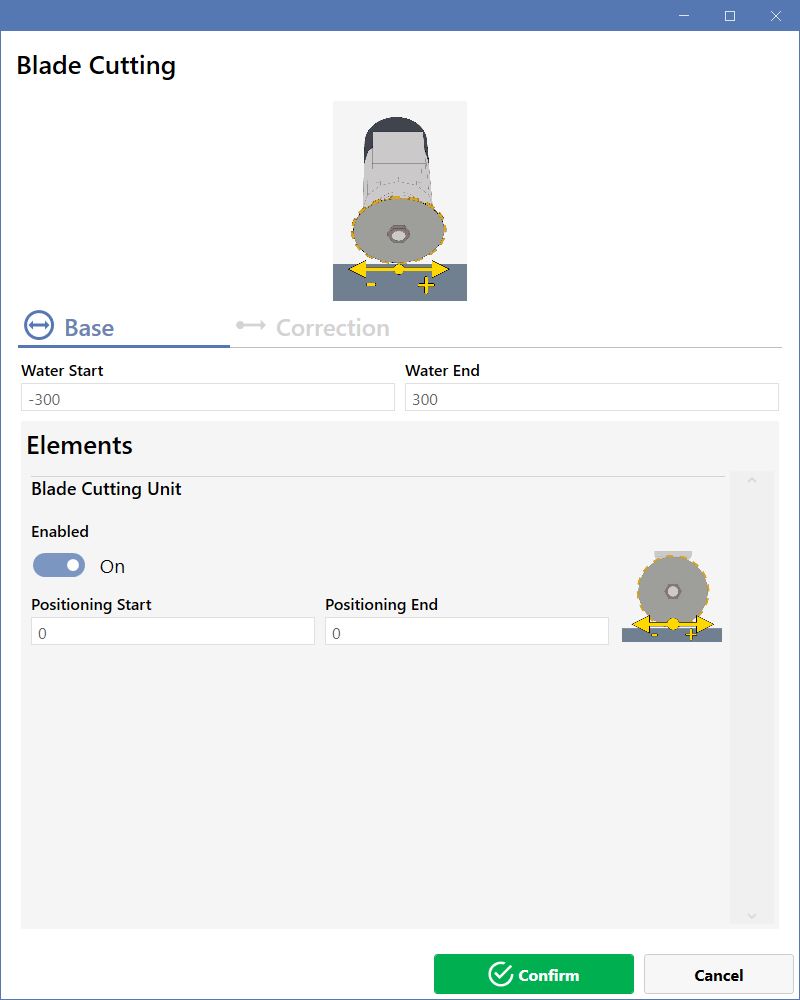
Blade Cutting Group
Base
The basic parameters governing the group actions are only the general ones.
The section related to the element adds nothing to the already described basic settings.
Corrections
In the group-dedicated section, no other parameters are shown besides the common ones.
The section dedicated to the element adds nothing to the already described correction settings.
Bush-hammer polisher group
Base
The basic parameters governing the group actions are only the general ones.
The section related to the element bush-hammering element allows only to handle its activation.
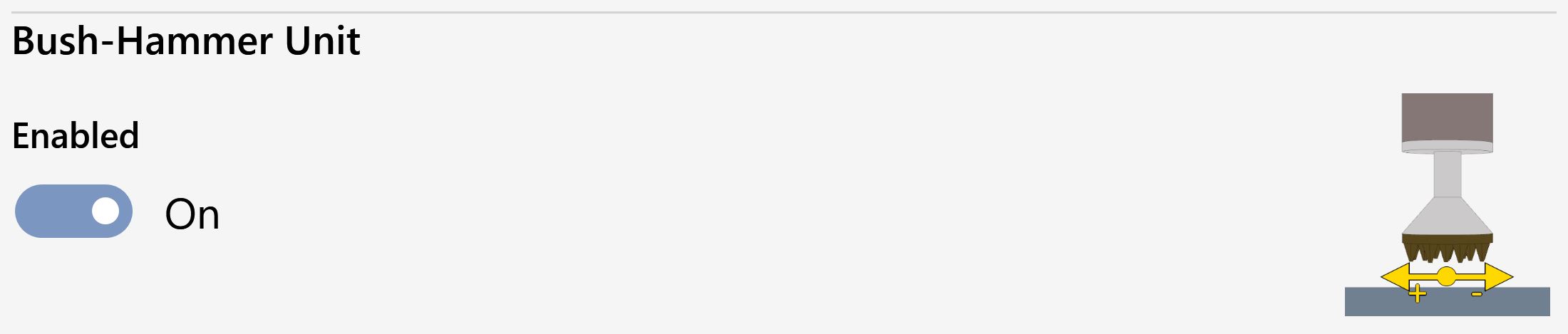
The polishing elements section adds nothing to the already described basic settings.
Corrections
In the group-dedicated section, no other parameters are shown besides the common ones.
Both the section related to the bush-hammering element and the ones of the polishing elements do not add anything to the existing correction settings.
