

Machine technical documentation Operational document
When the Move command is enabled, the window containing the movement parameters appears. The selection can be moved by clicking directly in the drawing area, including with snapping enabled, or by setting the parameters.
The movement must be confirmed using the OK.
Parameters
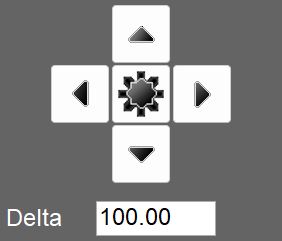 | Position selector |
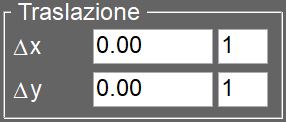 | Translation |
Move copy | When enabled, the function creates a copy of the selected entity and applies the movement only to this copy, leaving the original entity unchanged. |
