This MES page allows the tools used by the machines to be viewed and modified.
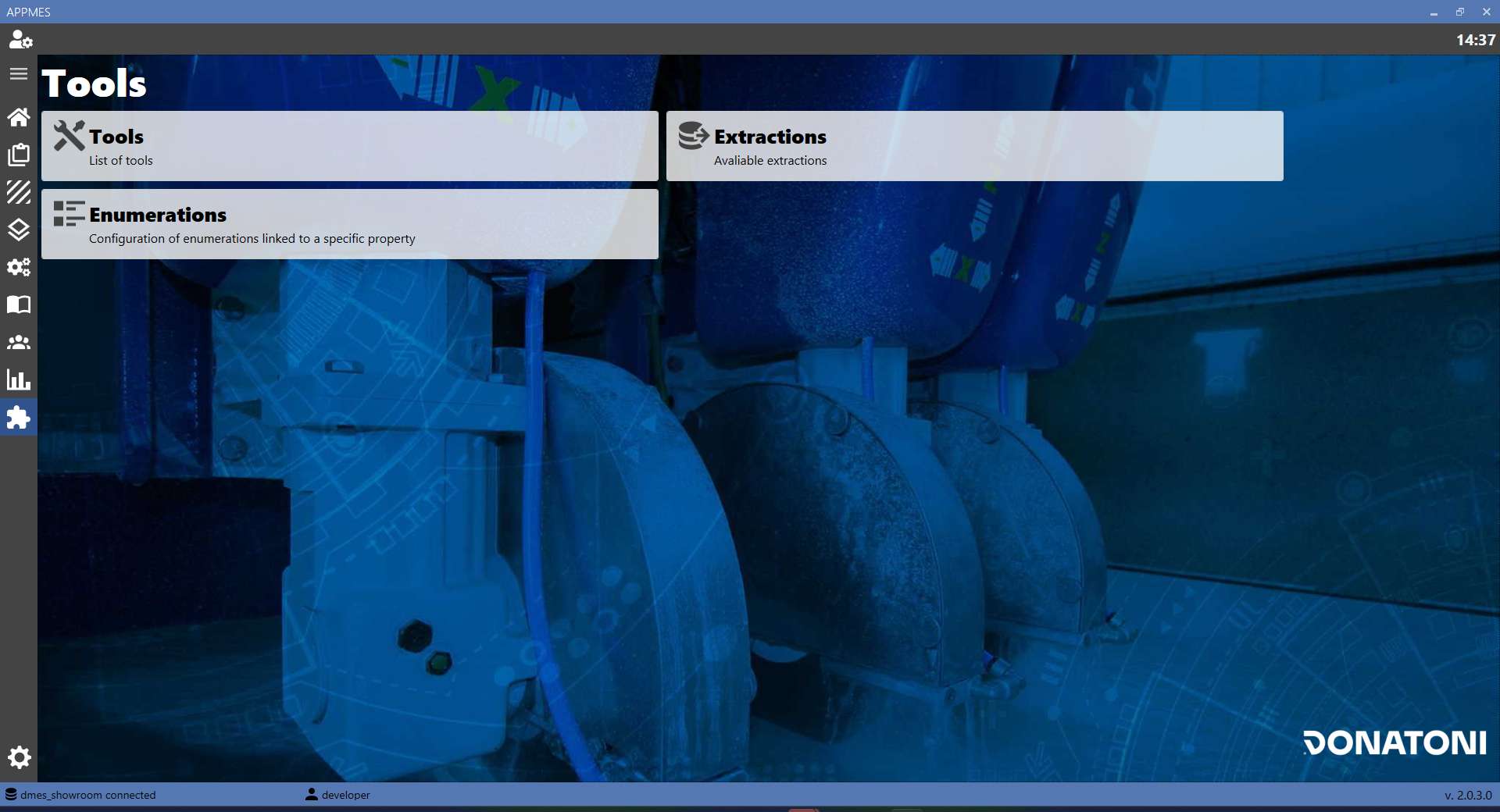
BUTTONS
 | TOOLS |
 | EXTRACTIONS |
 | ENUMERATIONS |
TOOLS
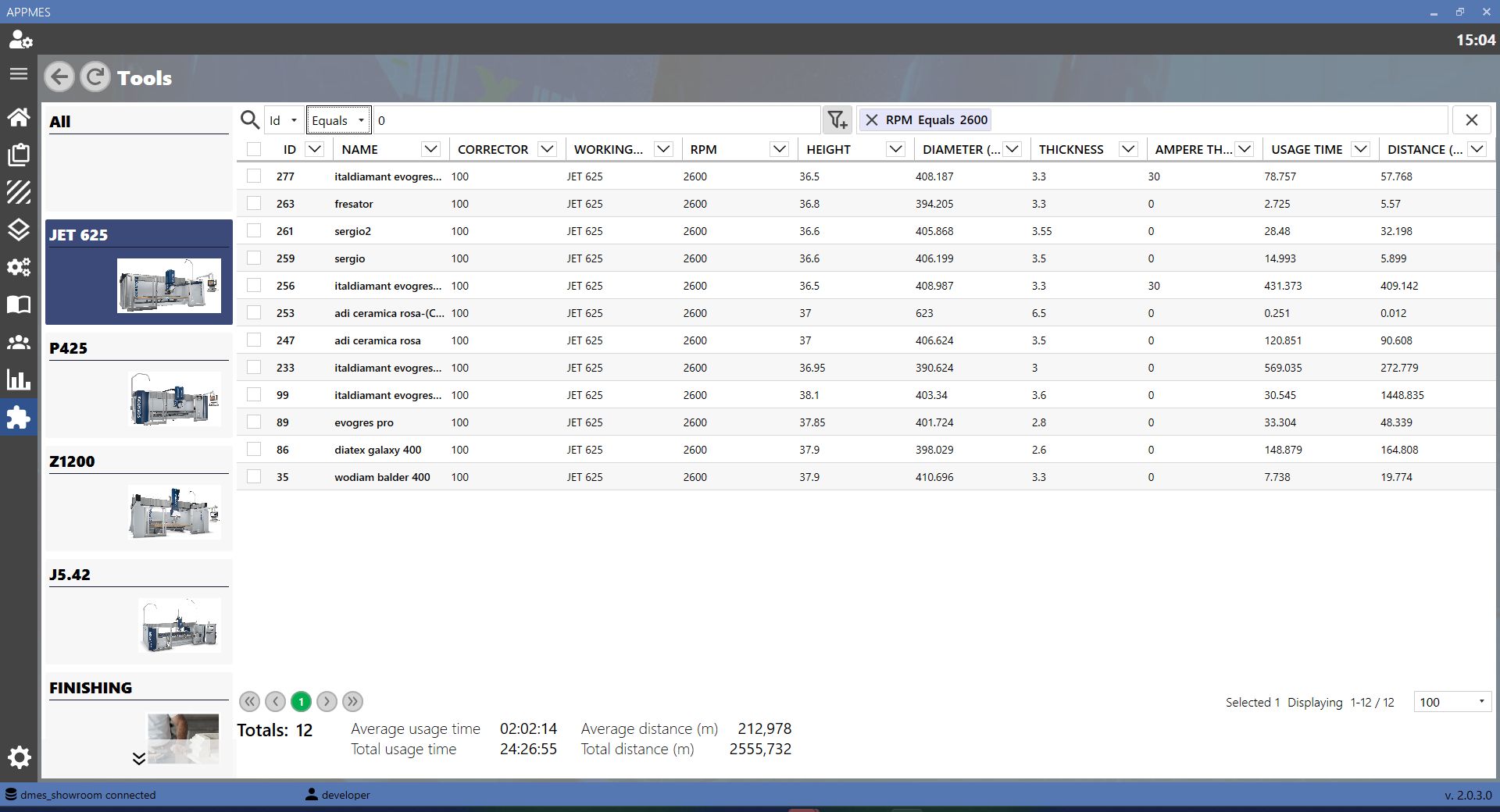
This section displays the data of the tools associated with the selected machine.
BUTTONS
These buttons allow the tool search to be filtered according to specific conditions.
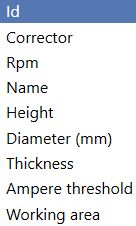 | CHARACTERISTICS Selects the characteristic to use for the filter, such as ID, corrector, RPM, name, height, diameter, thickness, current threshold or working area. |
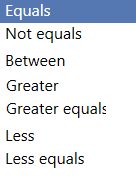 | CONDITIONS |
 | FILTERS |
 | REMOVE FILTERS |
EXTRACTIONS
This section allows data managed by the MES to be extracted from the server.
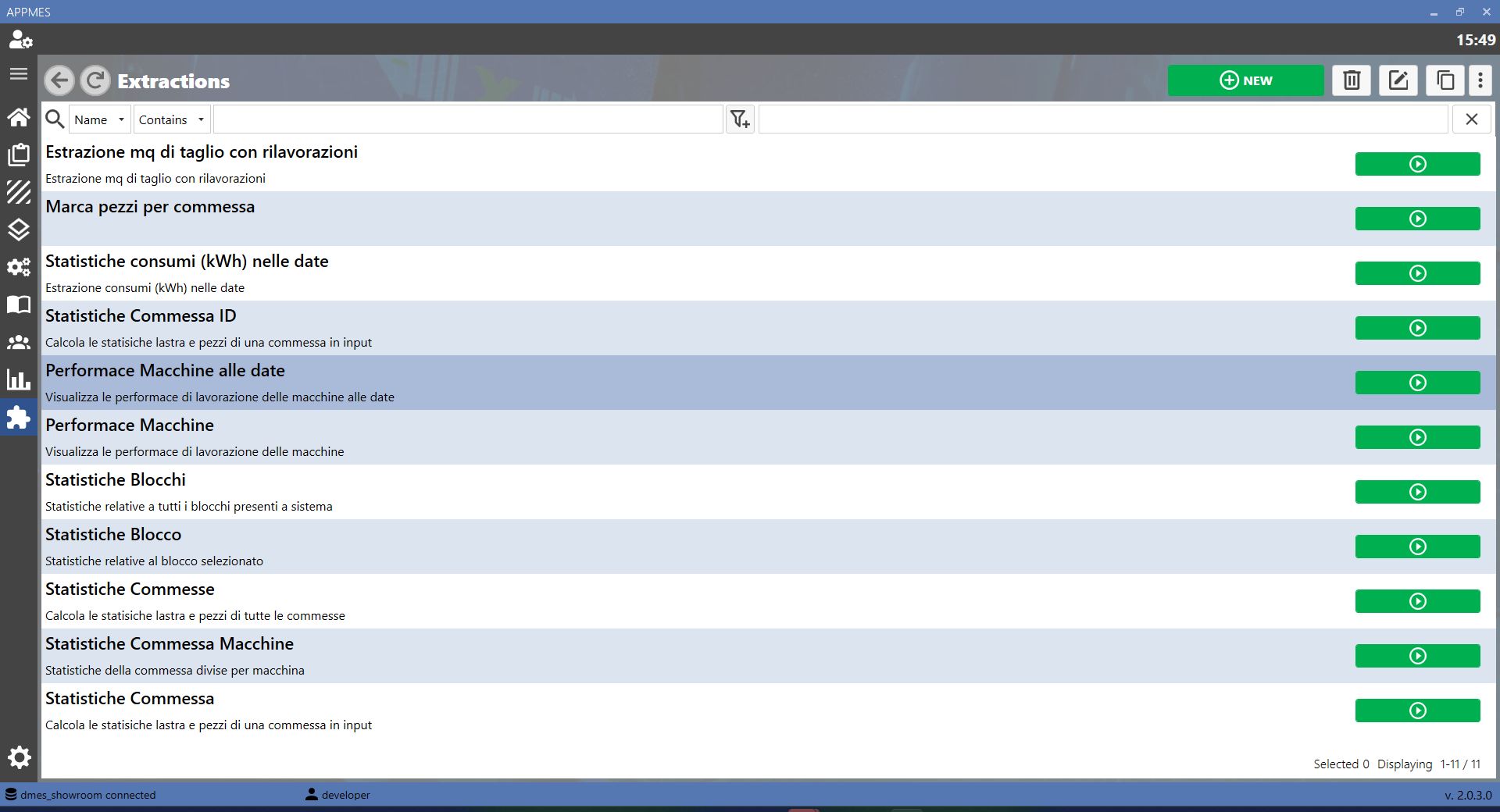
BUTTONS
 | RUN |
-20260819-054922.png) | CONFIRM |
 | CANCEL |
EXTRACTION COMPLETED
When the extraction is complete, if the operation was successful, a page similar to this one opens.
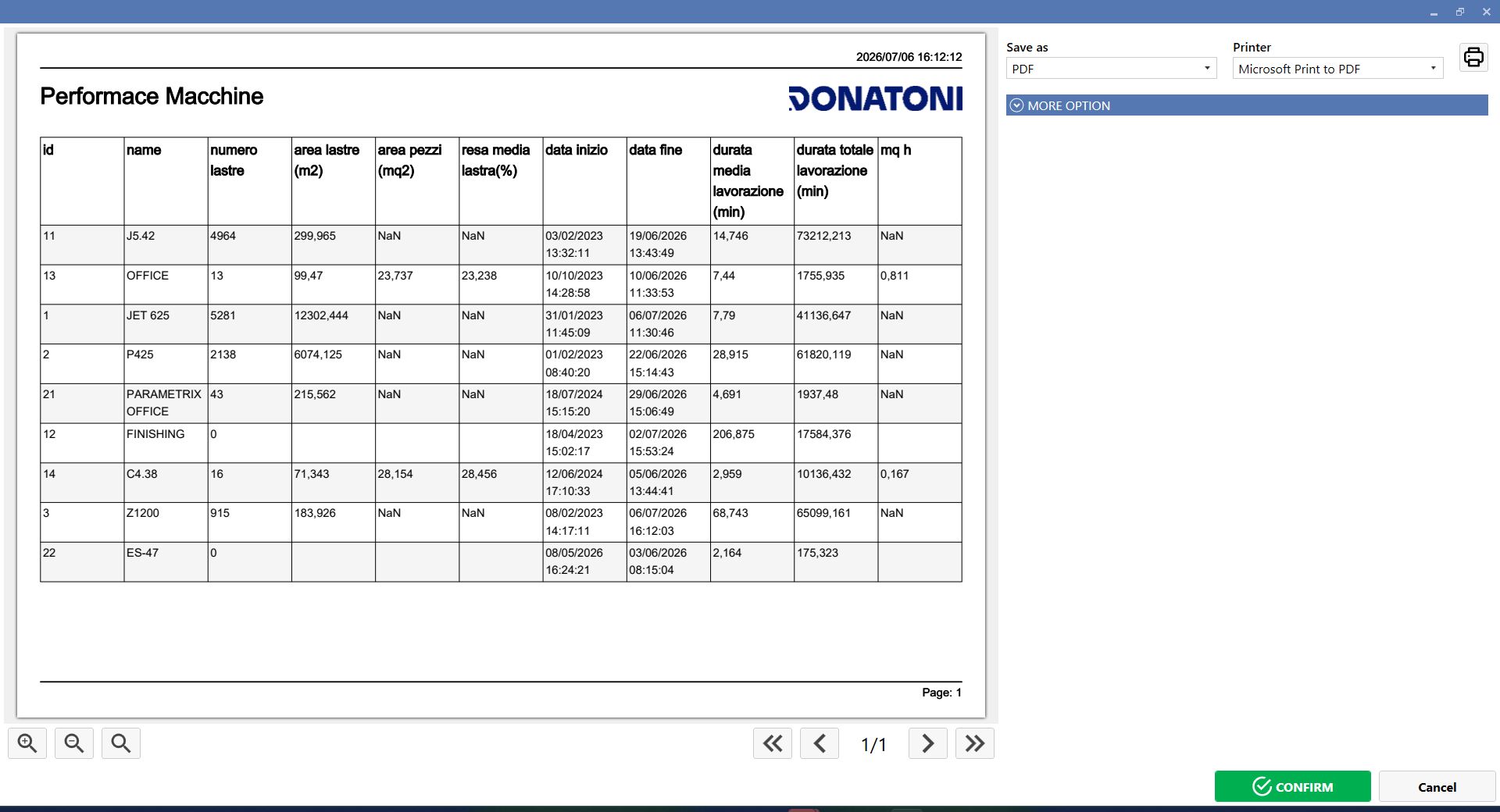
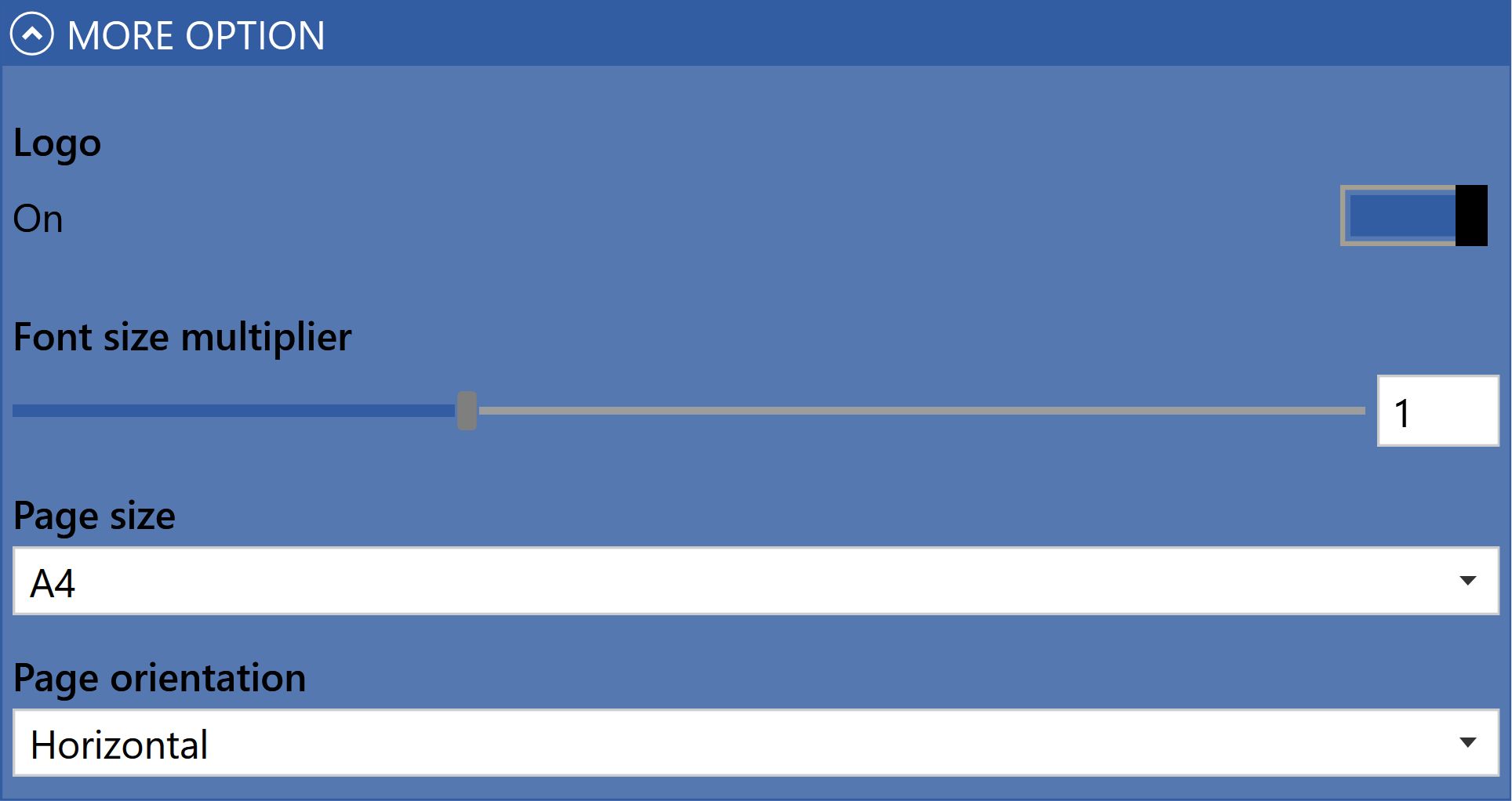
Clicking More options opens a panel where the font size, sheet format, page orientation and logo display can be changed.