Machine technical documentation Operational document
This MES page allows the blocks in the warehouse, i.e. the materials available for production, to be managed.
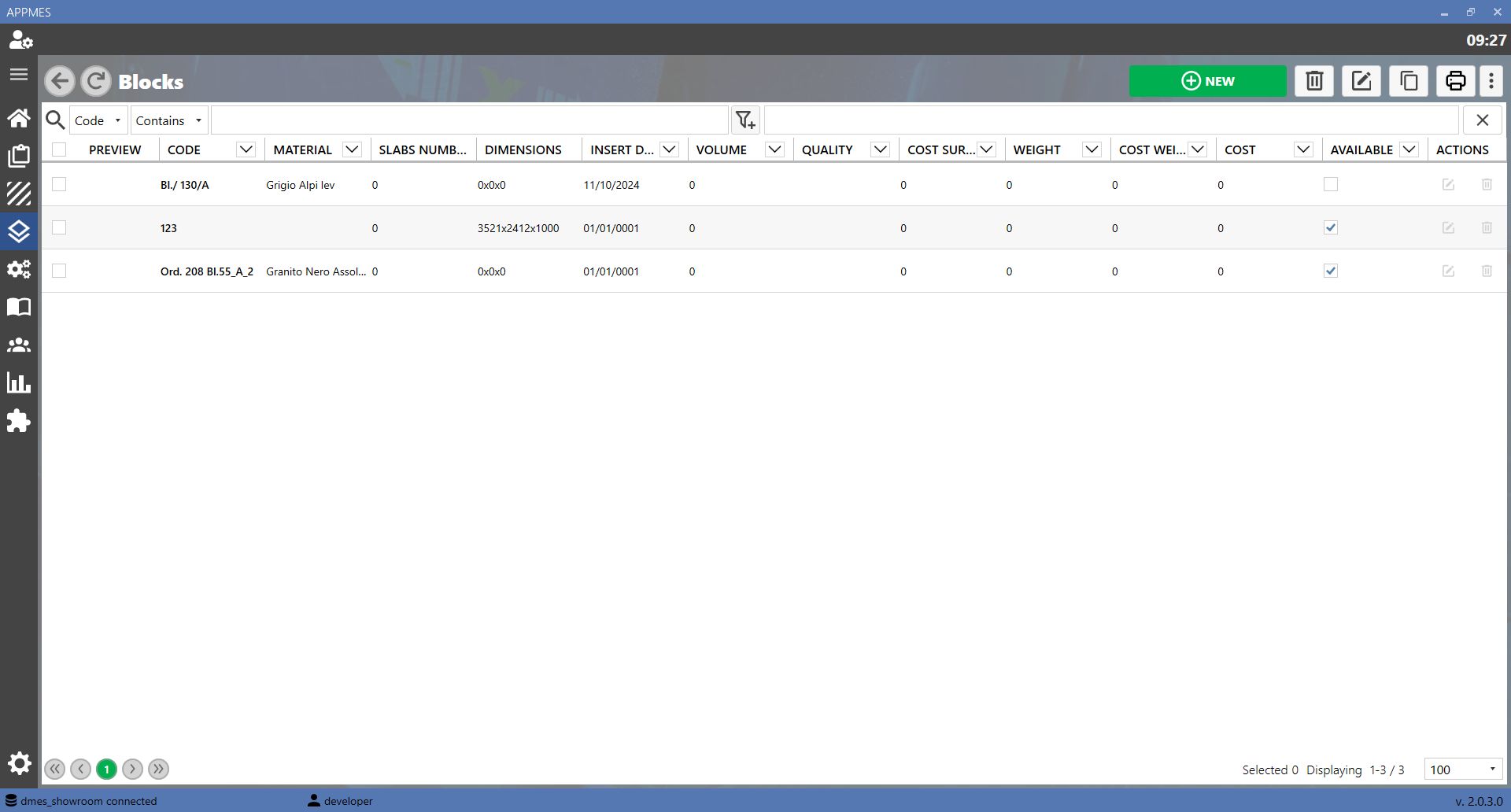
BUTTONS
 | ADD BUTTON |
-20260819-060407.png) | EDIT BUTTON |
 | COPY BUTTON |
 | DELETE BUTTON |
 | PRINT LABEL BUTTON |
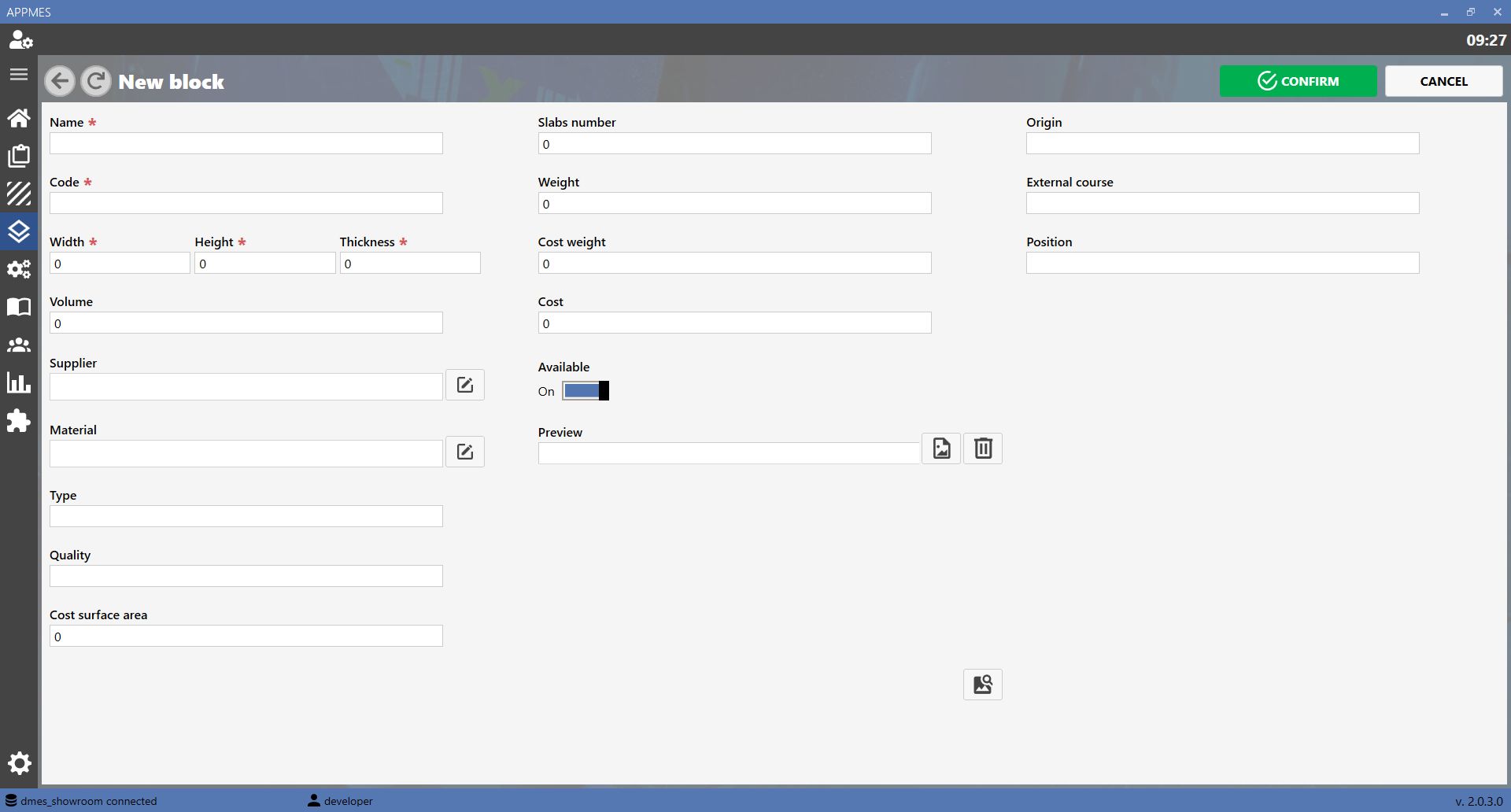
ADDING A NEW BLOCK
To add a new block, click Add. A screen opens where the block name, code, dimensions and other characteristics can be entered.
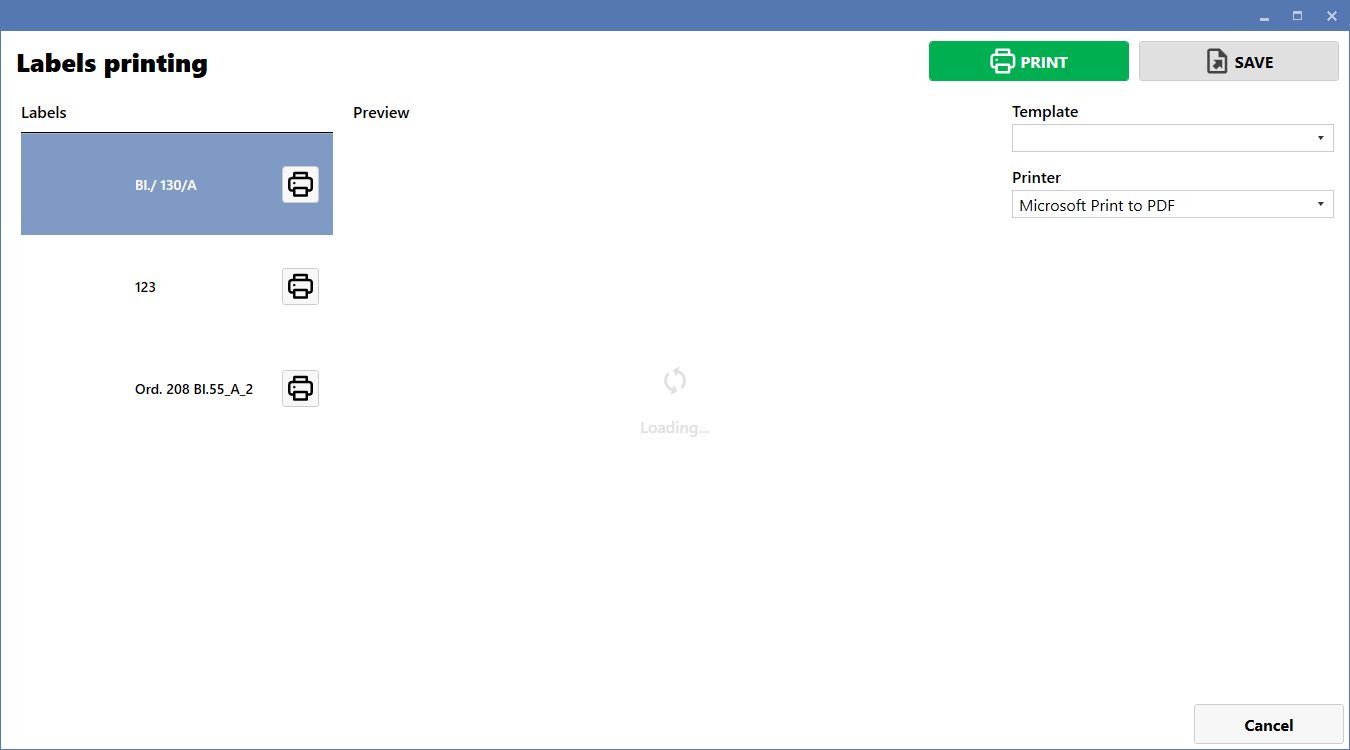
PRINT LABEL
To print a label for a block, click Print label. A screen opens where the template can be selected and the label can be printed or saved as a PDF.