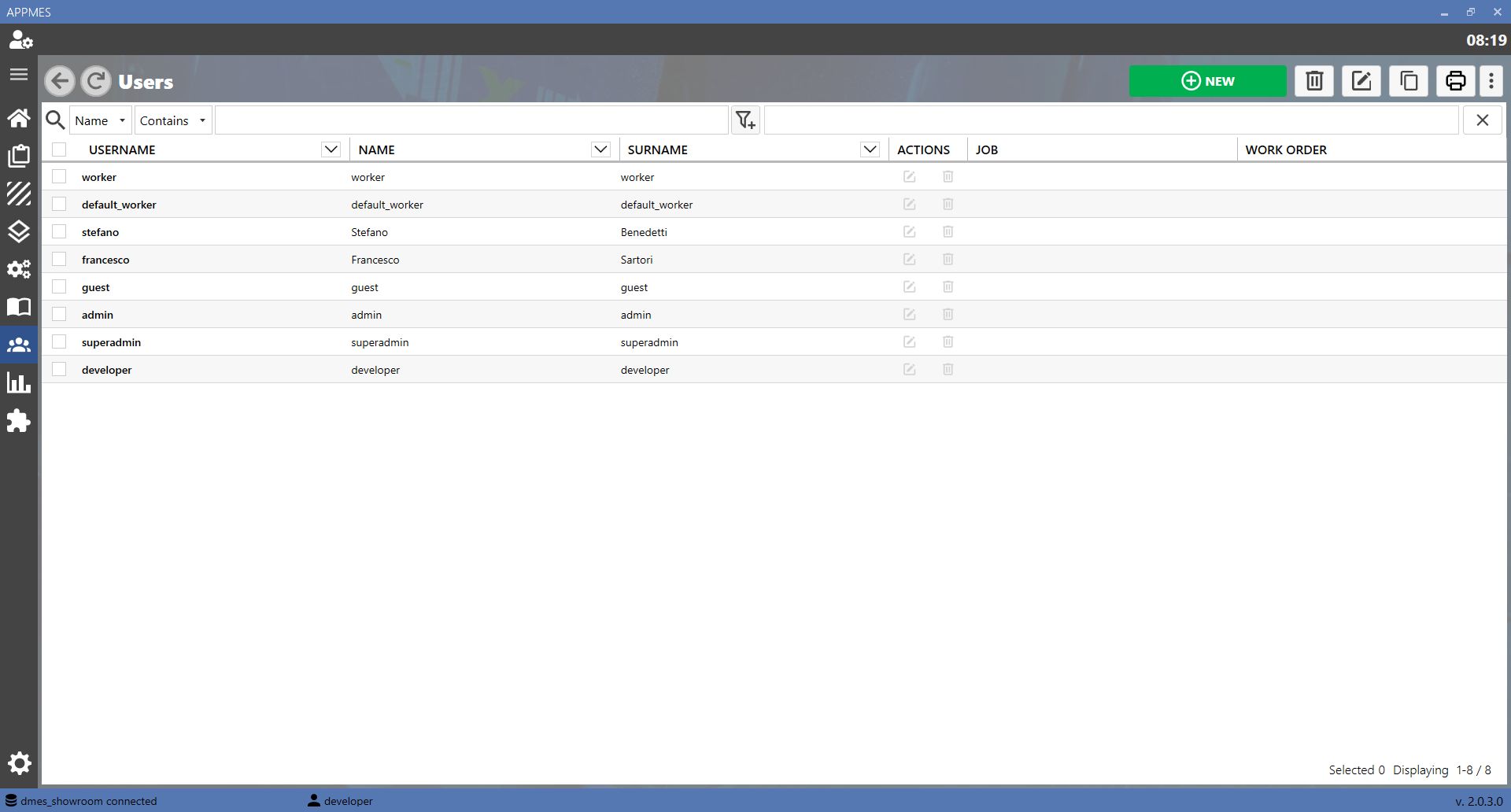
This page allows MES users to be managed. A user is a person authorized to access the system, such as an operator, supervisor or production worker.
BUTTONS
ADD Creates a new user in the MES. Use this button when a new person authorized to access the system needs to be registered.
EDIT Updates the data of a user already present in the MES, such as the name, role or other information associated with the user's profile.
COPY Duplicates an existing user. This is useful when a new profile with data similar to an already configured user needs to be created.
DELETE Deletes a user from the MES. Use this button only when the user no longer needs to be managed or must no longer access the system.
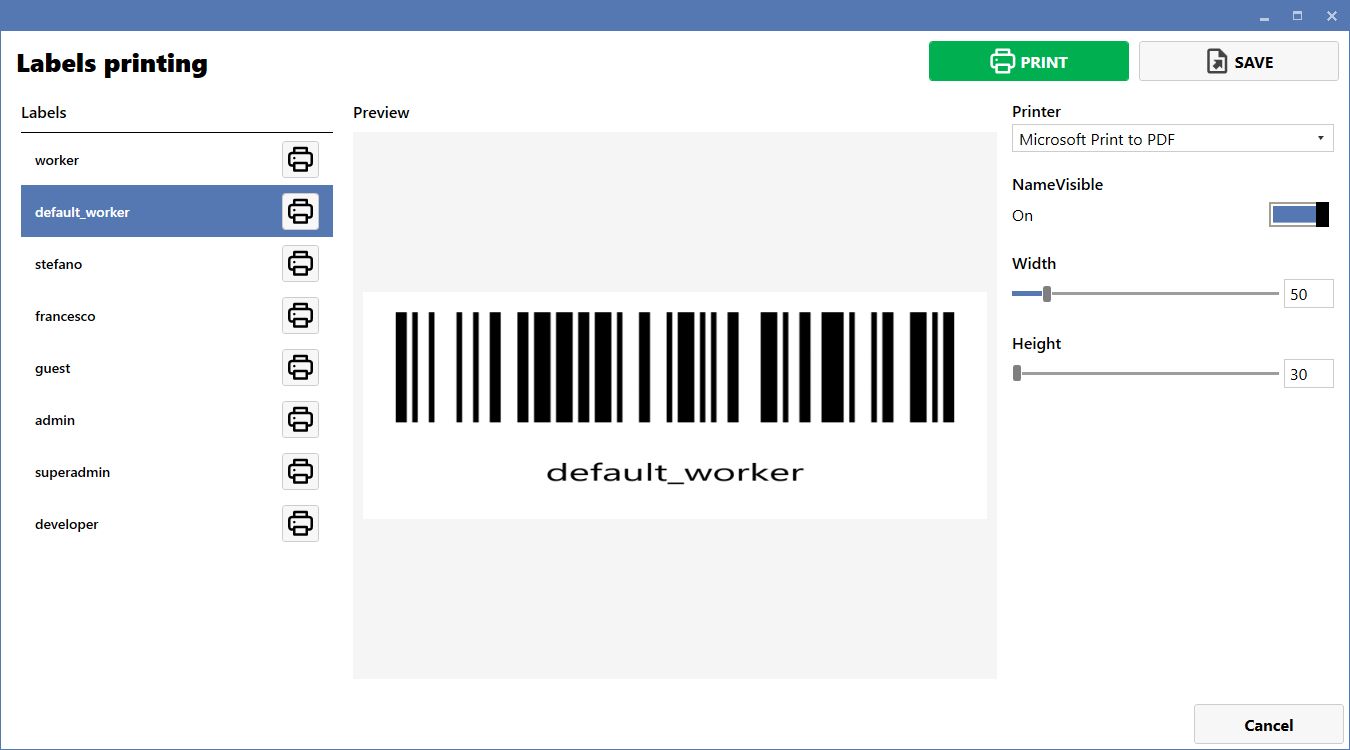
PRINT Prints the label associated with the selected user. The label can be used to identify the user in activities managed by the MES.
CREATING A NEW USER
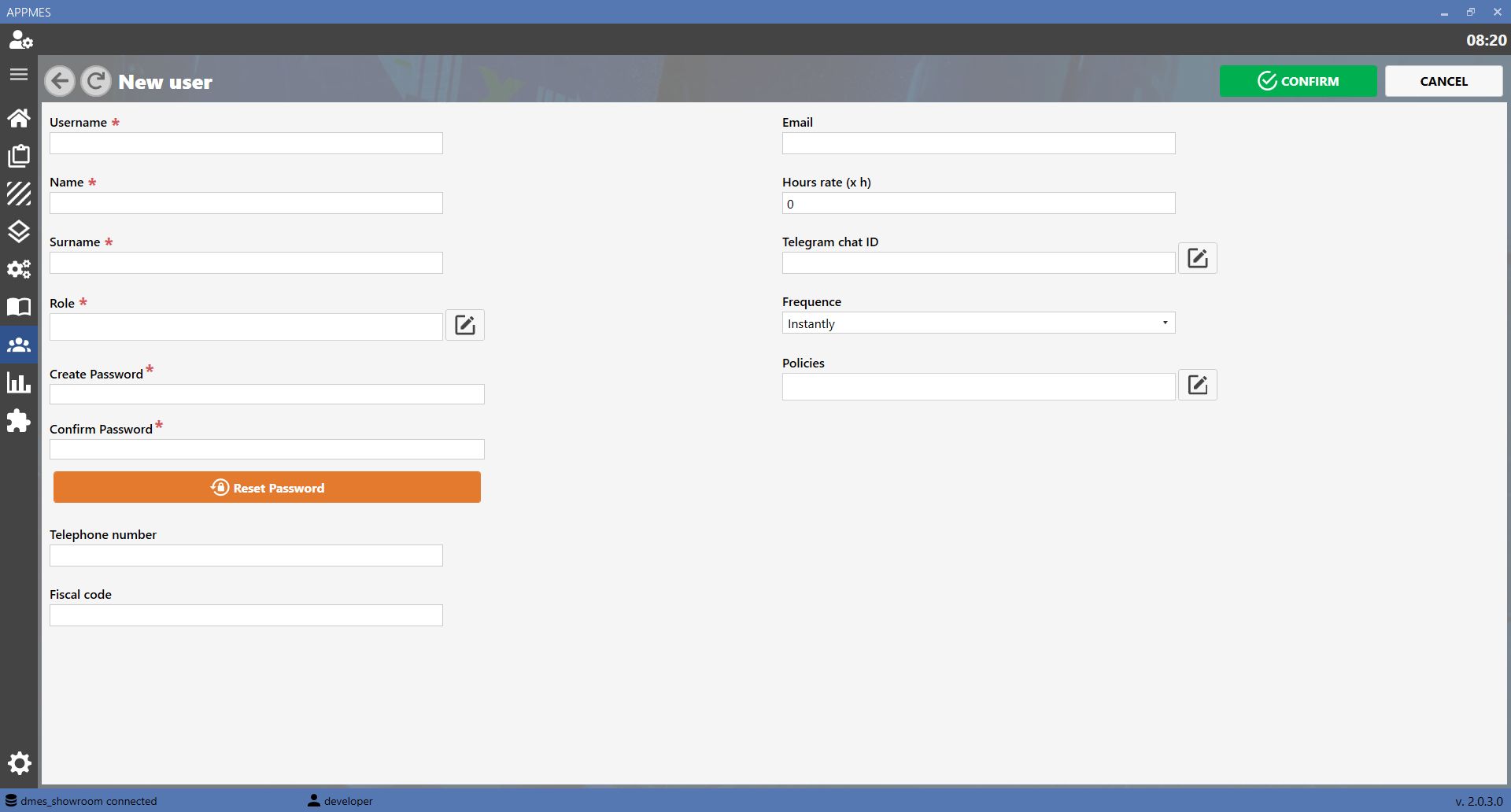
To create a new user, press the ADD button. The MES will open a data entry screen similar to the one shown below. Complete the required fields and save the information.
PRINT LABEL
To print a user's label, press the PRINT button. The MES will open a screen similar to the one shown below. Select the user whose label is to be printed and confirm printing.



-20260819-060407.png)