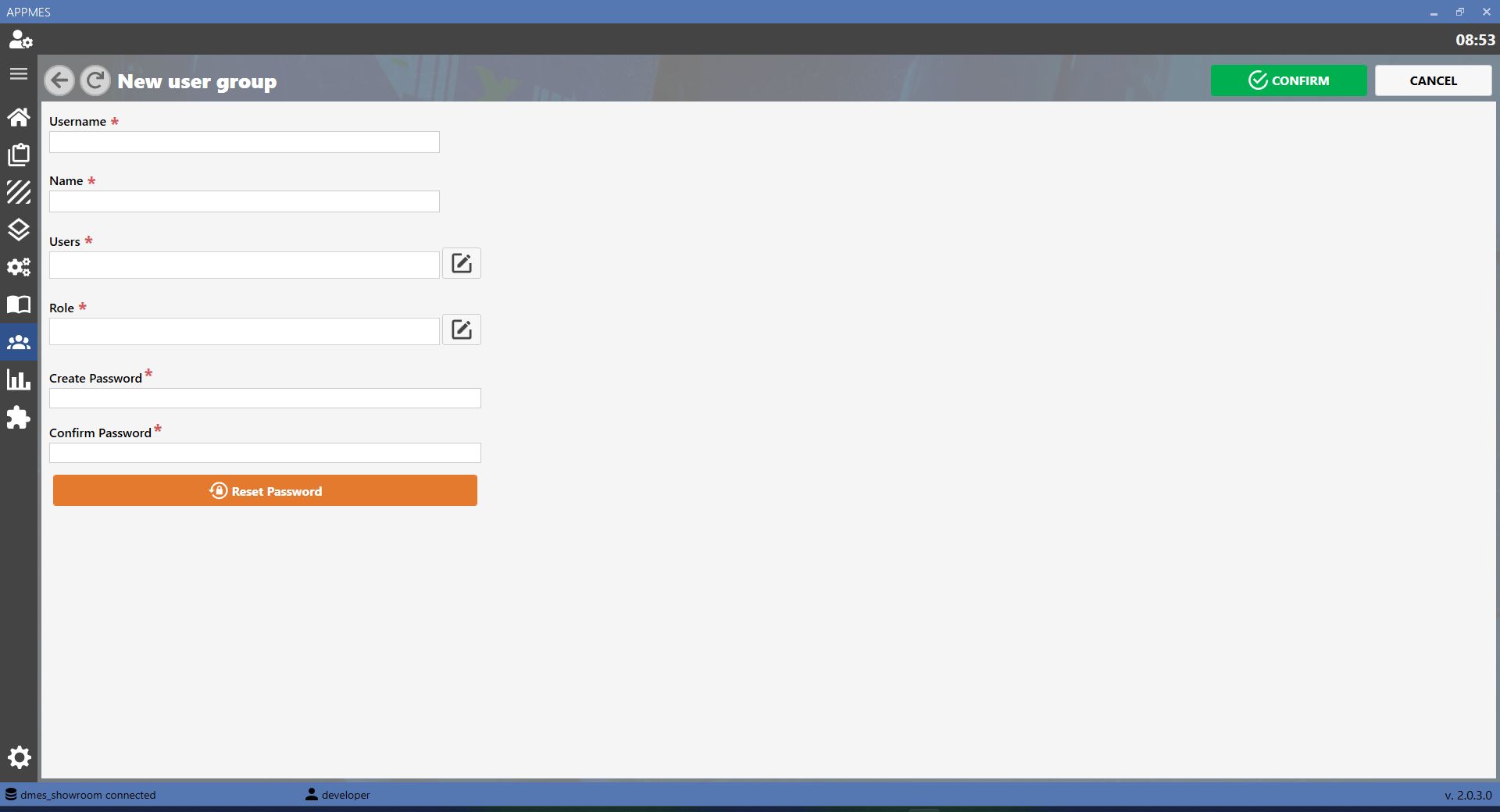
This page allows the MES user groups to be managed. A user group brings together multiple users with the same functions or permissions, simplifying access and activity management in the system.
BUTTONS
ADD Creates a new user group in the MES. Use this button when a group with specific permissions or functions needs to be configured.
EDIT Updates the data of a user group already present in the MES, such as the group name, description or associated permissions.
COPY Duplicates an existing user group. This is useful when a new group with settings similar to an already configured group needs to be created.
DELETE Deletes a user group from the MES. Use this button only when the group is no longer required and must no longer be used to assign permissions to users.
CREATING A NEW USER GROUP
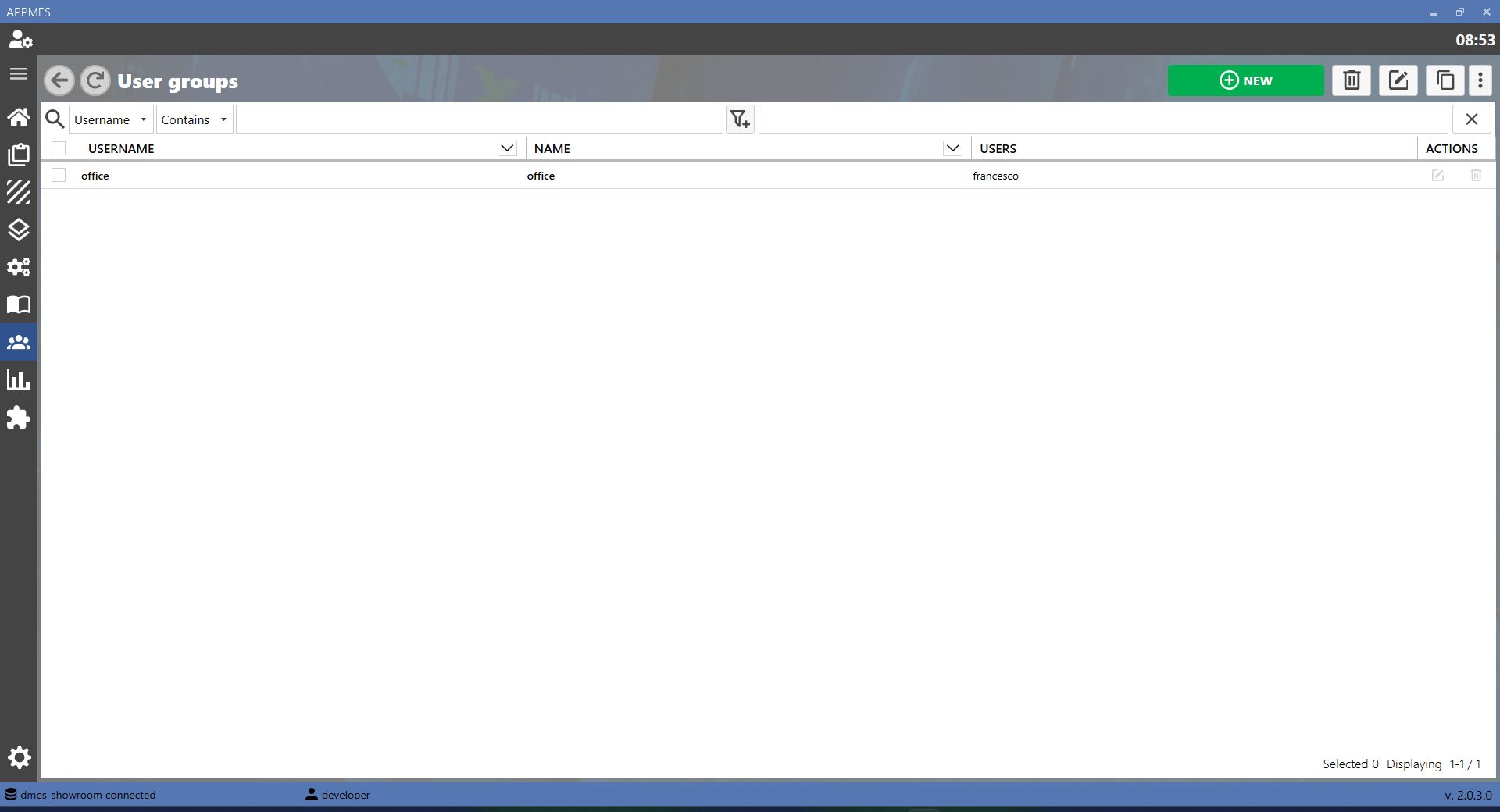
To create a new user group, press the ADD button. A screen similar to the one shown below will open. Enter the required information, such as the group name and any permissions, then save the configuration.



-20260819-060407.png)