

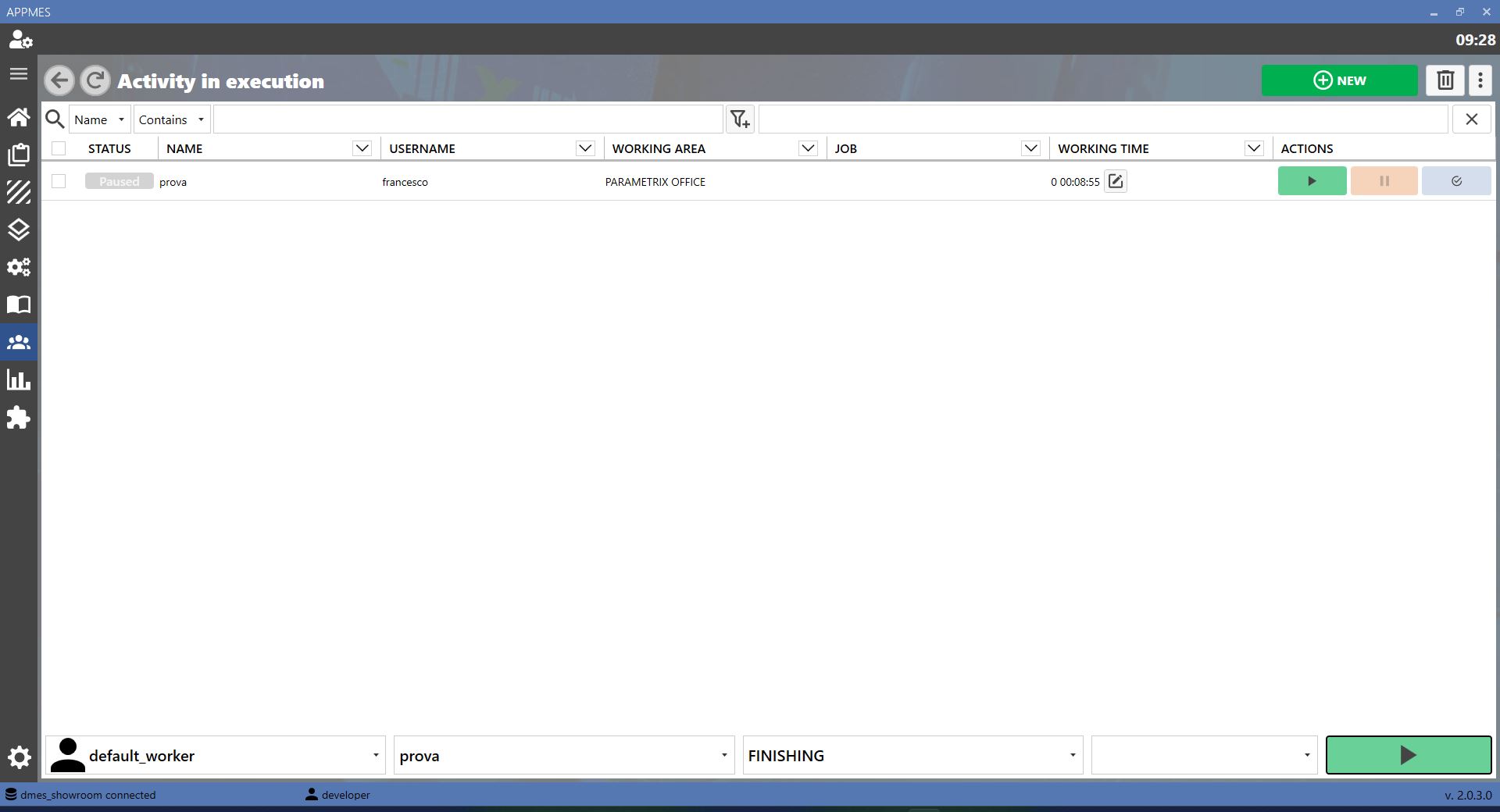
This page allows activities in progress in the MES to be managed. An activity in progress is a work stage that has already started in production: it can be started, paused, resumed or completed according to the actual status of the production process.
BUTTONS
 | ADD |
 | EDIT |
 | COPY |
 | DELETE |
 | PLAY |
CREATING A NEW ACTIVITY IN PROGRESS
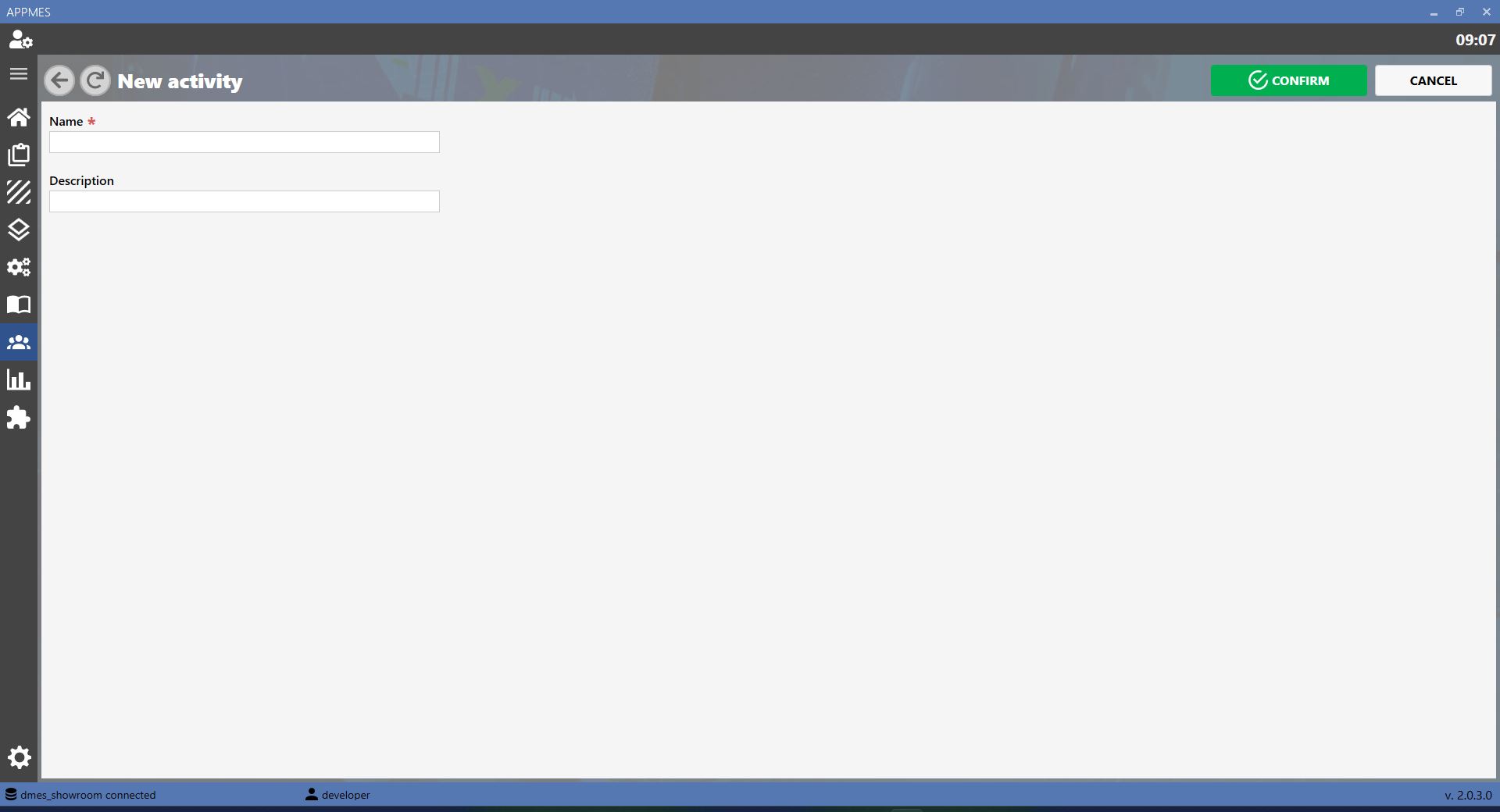
To create a new activity in progress, press the ADD button or select the corresponding item from the menu. A screen similar to the one shown below will open, where the required information can be entered and creation of the activity can be confirmed.
STARTING AN ACTIVITY
To start an activity, select the required activity and press the PLAY button. When the confirmation window appears, press OK. From this point, the activity is shown as started in the MES.

PAUSING AN ACTIVITY
To pause an activity, select the required activity and press the PAUSE button. When the confirmation window appears, press OK. The activity remains recorded in the MES but is temporarily suspended.
COMPLETING AN ACTIVITY
To mark an activity as completed, select the required activity and press the completion button. When the confirmation window appears, press OK. After confirmation, the MES records the activity as completed.

