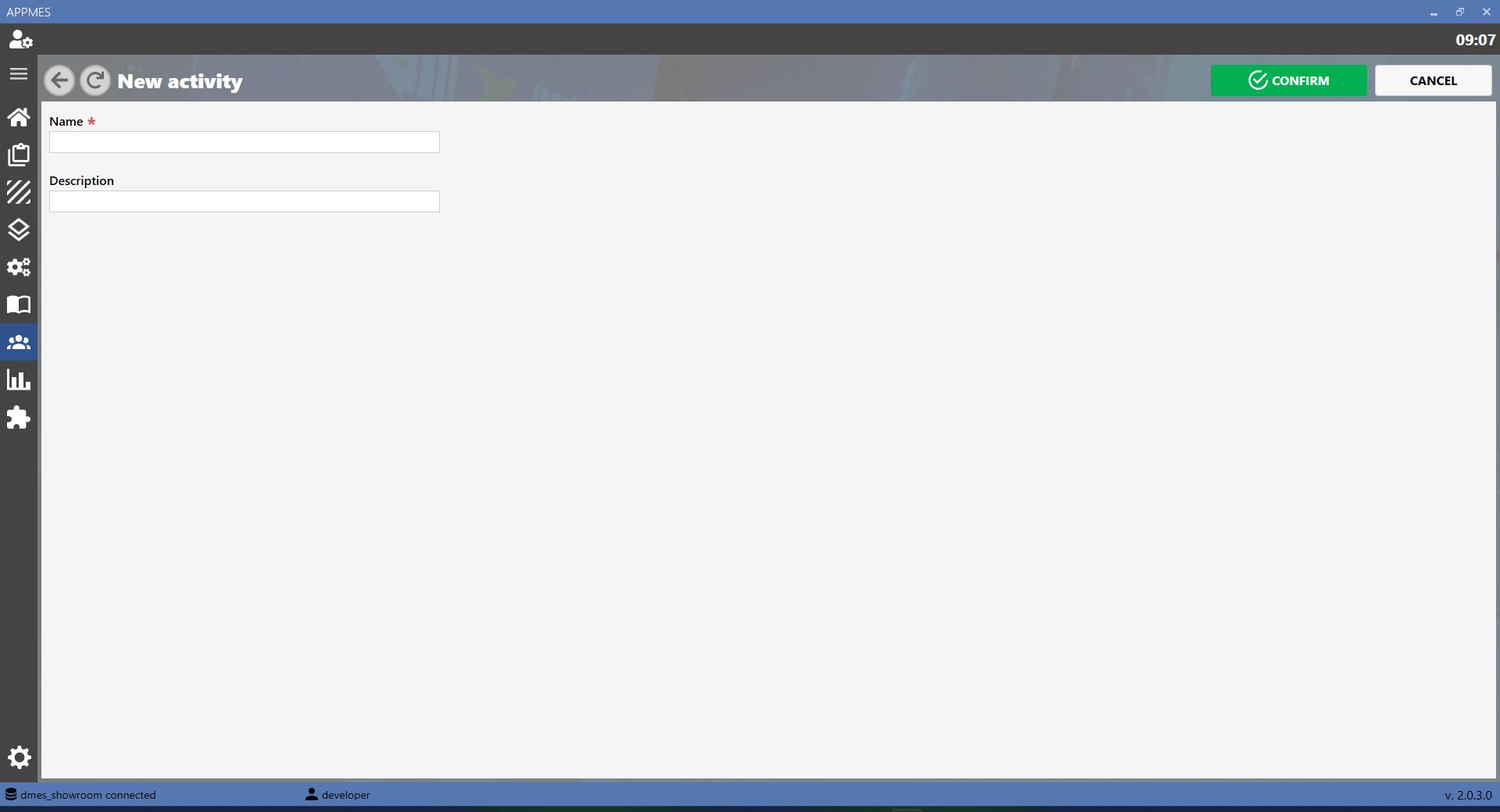
This page allows MES activities to be managed. An activity is an operation or work stage that must be performed, checked or recorded during the production process.
BUTTONS
ADD Creates a new activity in the MES. Use this button when a new operation or work stage to be managed in the production process needs to be added.
EDIT Updates the data of an activity already present in the MES, such as the name, description or information required to perform it correctly.
COPY Duplicates an existing activity. This is useful when a new activity with characteristics similar to an already configured one needs to be created.
DELETE Deletes an activity from the MES. Use this button only when the activity is no longer required and must no longer be used in the production process.
CREATING A NEW ACTIVITY
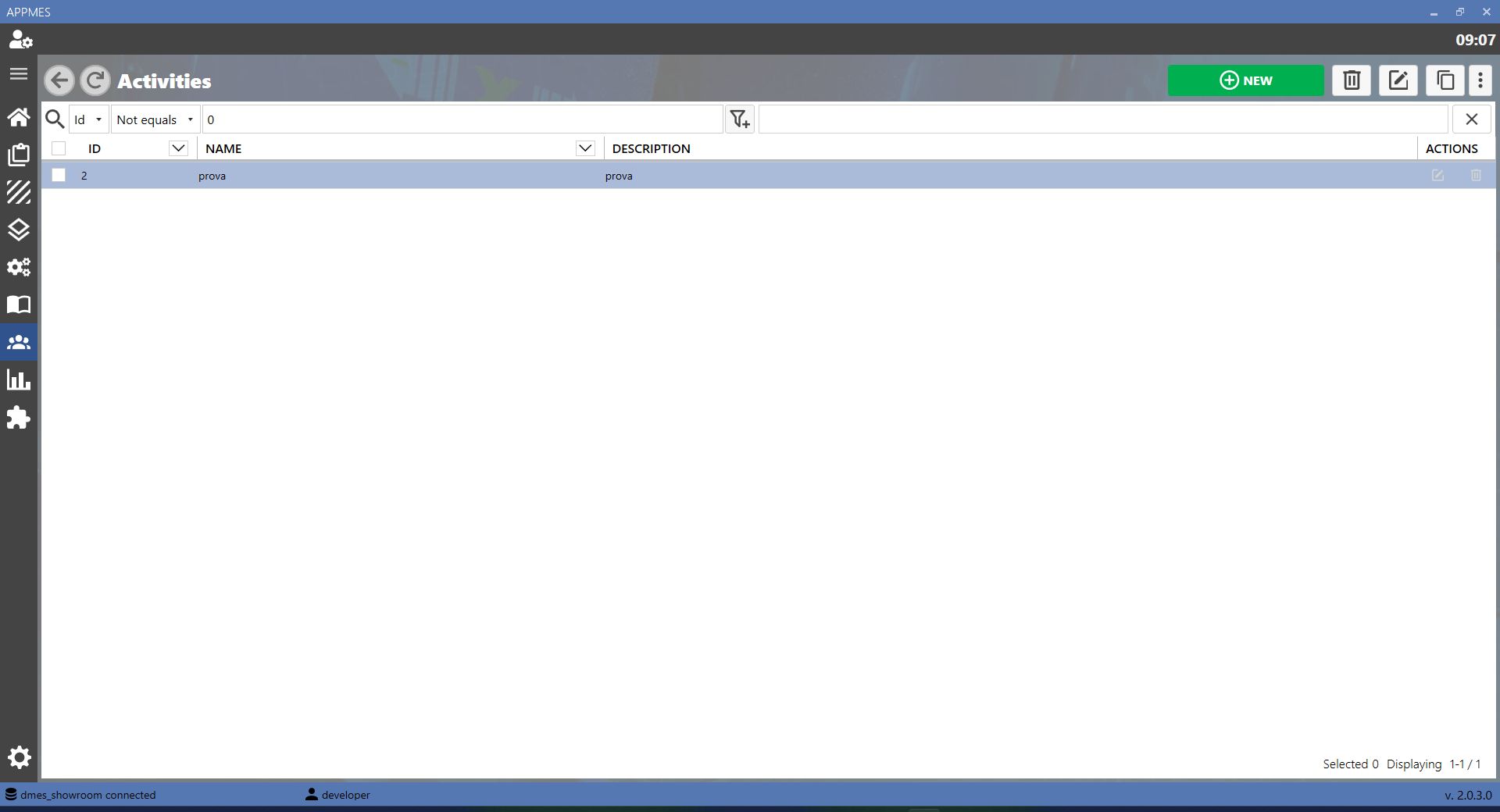
To create a new activity, press the ADD button. A screen similar to the one shown below will open, where the required information can be entered and the new activity can be saved in the MES.



-20260819-060407.png)