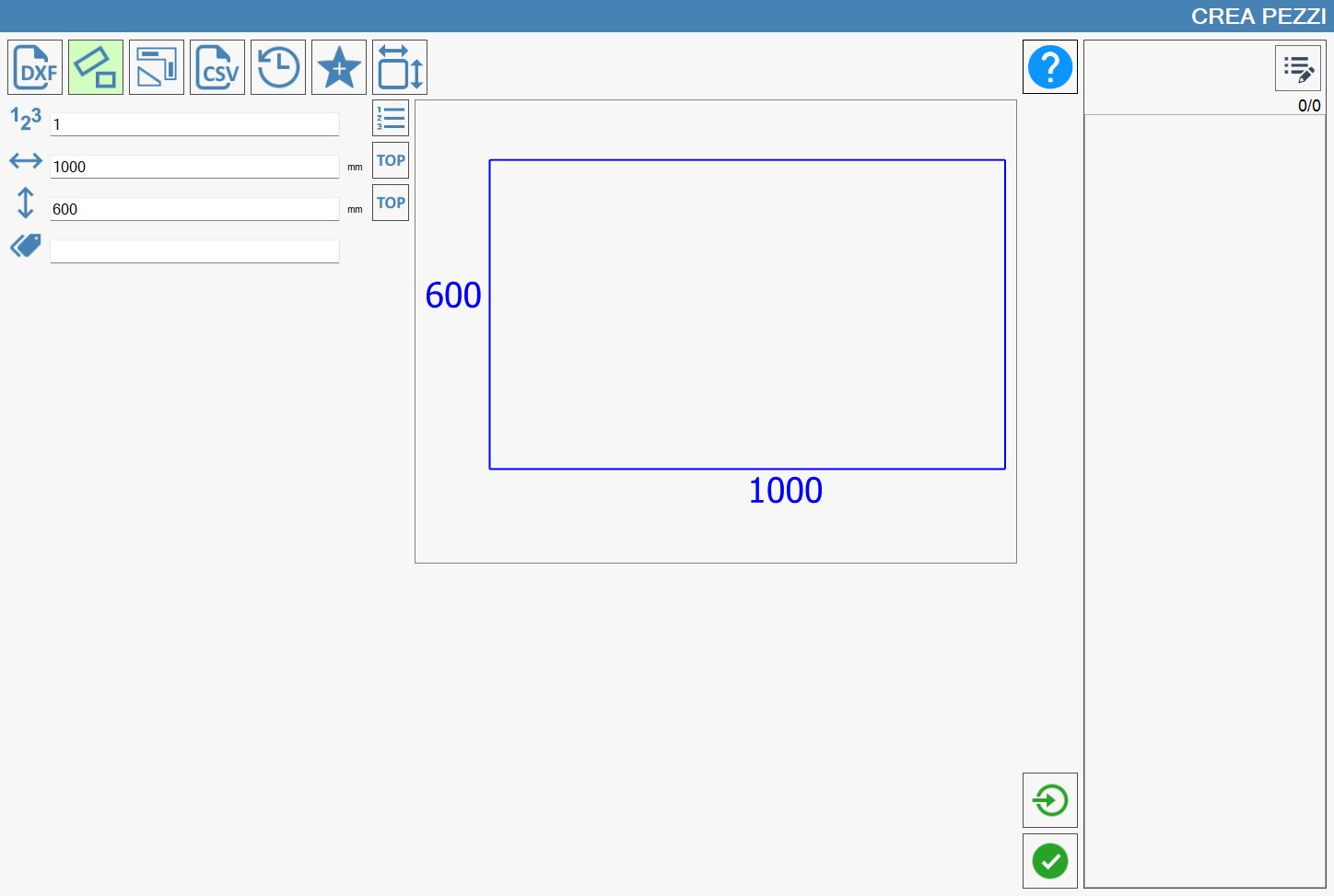
It is possible to build rectangular pieces by inserting the measures of width and height and to arrange them on the list of pieces to be worked.
The program allows also to associate to each piece a mark (or label) identificative, and to set the number of repetition of rectangles with equal dimensions.
The following side buttons also allow to carry out additional actions.
Single importing If this button is enabled, it makes possible the creation of more distinct pieces in a single quantity instead of one piece with more copies.
Dynamic Tag Top Assign to a side of the rectangle the Dynamic Tag Top.
To activate the functionality relating to each button, it is necessary to press it. In this case, it will be highlighted with a light green color.
NOTE
The 'Dynamic Tag Top' buttons that are located next to the width and height boxes are mutually exclusive. It is therefore possible to assign to only one side of the rectangle the Dynamic Tag Top.