

When a or more pieces are created and imported on Parametrix, the program will adds them to the pieces list, located on the right section of the main screen.
Through the pieces list, the operator can:
Insert the pieces on the working area.
Keep trace of pieces executed and of those still to work;
Apply some modifications to pieces.
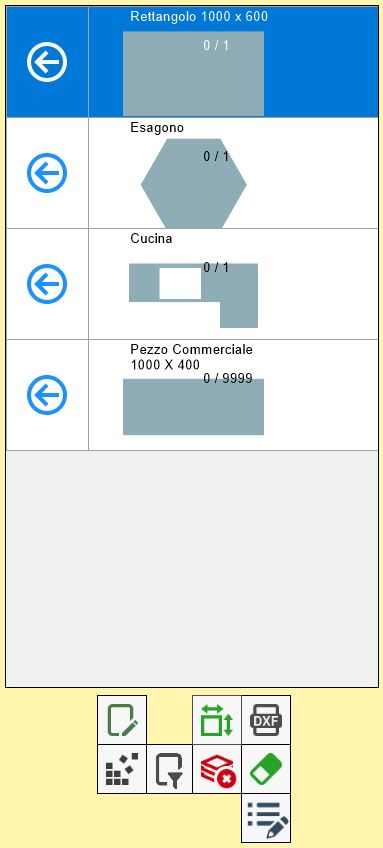
List items
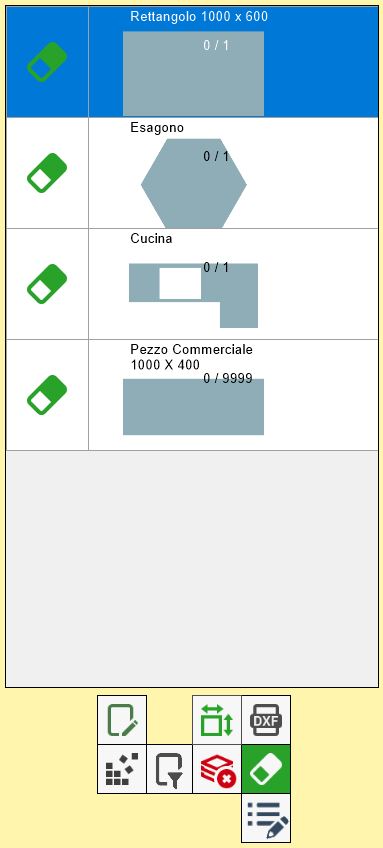
Each line of the list represents a piece that has been imported in Parametrix.
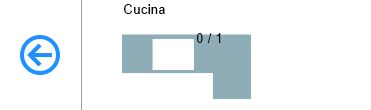
As you can see in this image, in a line are contained the following information relative to the piece:
Shape preview | Simplified representation of the piece's geometry. |
Piece brand | Label that is added to the piece to identify it. |
Number of pieces inserted and total | Indicates the number of pieces of that line that have been inserted inside the work area, and the number total of pieces of that type that is possible to insert. |
Insert the pieces in the work area
To insert the pieces in the working area you use the following button that is found in every row of the list:
 | Insert pieces in the work area |
The selected piece has been placed on the work area, and the number of pieces of this row entered has been updated.
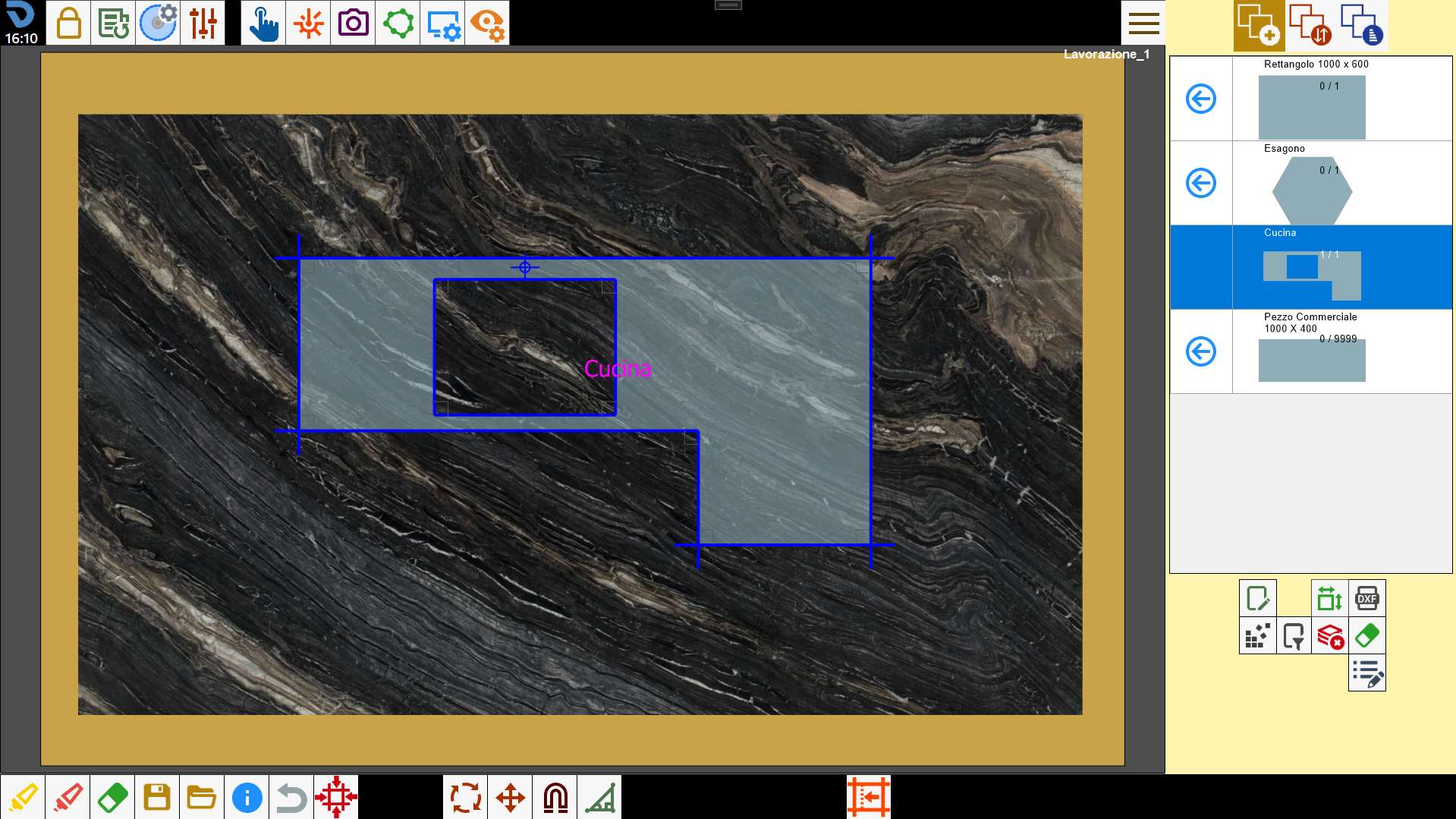
Once reached the maximum number, the button 'Insert pieces' of that line disappear, because all the pieces of that line have been executed.
Operations on the pieces of the list
The buttons below the list allow to manage the list items. In particular:
 | Clean piece list |
 | Hide/Show commercial pieces |
 | Delete piece |
 | Filters/Sort the pieces |
 | Additional piece properties |
Delete piece
This function allows to delete the pieces from the list individually. After pressing the button, the program will ask the user to select the row to delete replacing the piece insertion arrow on the work area with a gum.
Pressing this button, the corresponding line is eliminated, and then all the pieces that it represents.
