The function 'Inclination' defines a working with axis A different from 0.
The interface for the 'Miter Cut' working type resembles the following image:
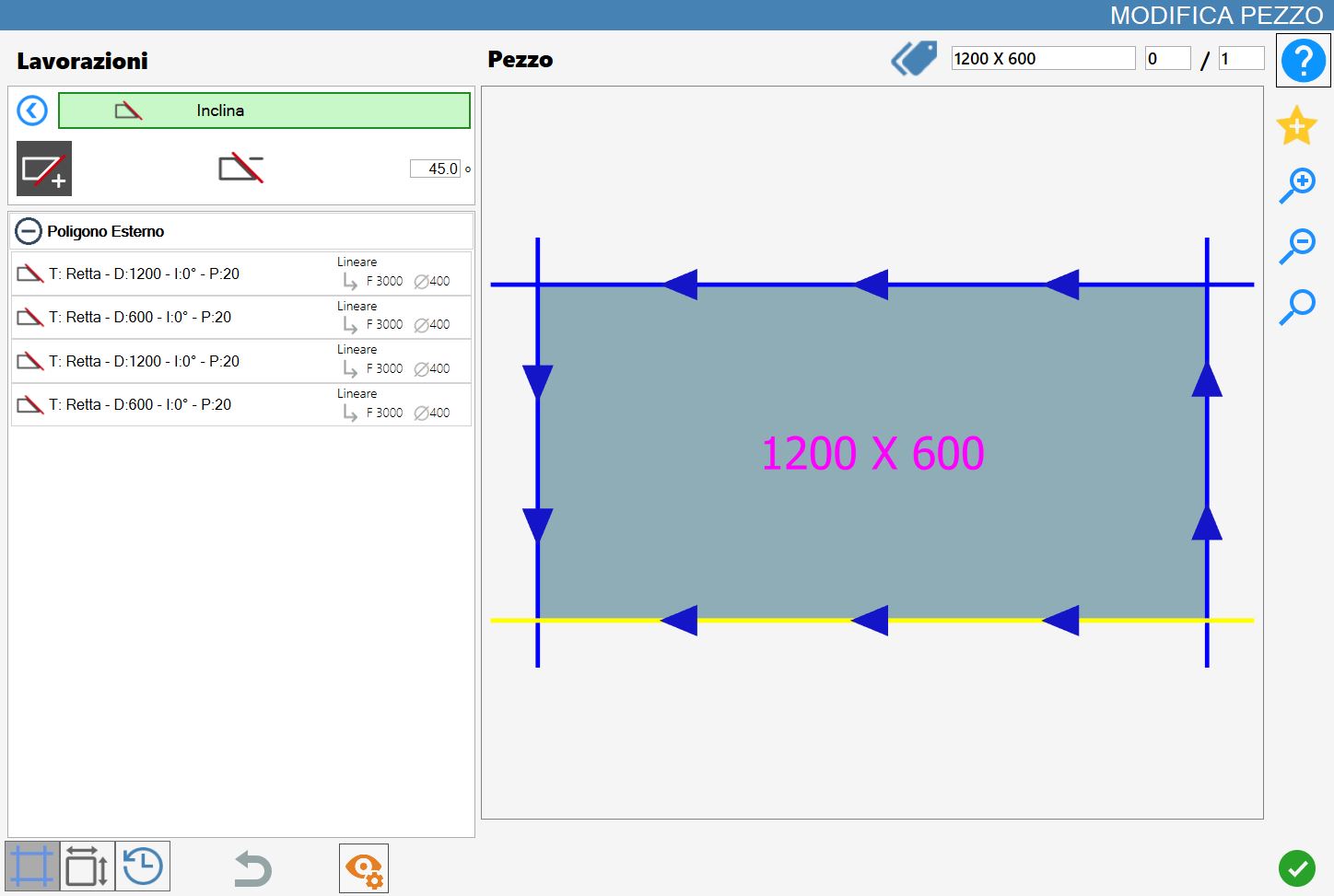
Mode
 | Direction team _ |
 | Direction square - |
Parameters
Gradi | Represents the angle formed between the direction of the mounted tool and the surface of the material to be worked. |
Execution working
It is possible to apply the processing by pressing the button on the left of the suitable edge in the list of polygons.
An icon red with an 'X' indicates that the processing can not be applied to the desired cut.
Once the direction of the square is selected, the desired value is inserted next and the cut to set the inclined cut is selected.
The application of the working will entail the visible of the inclined cut with a different color.
Based on the team selection it is possible to obtain two distinct results:
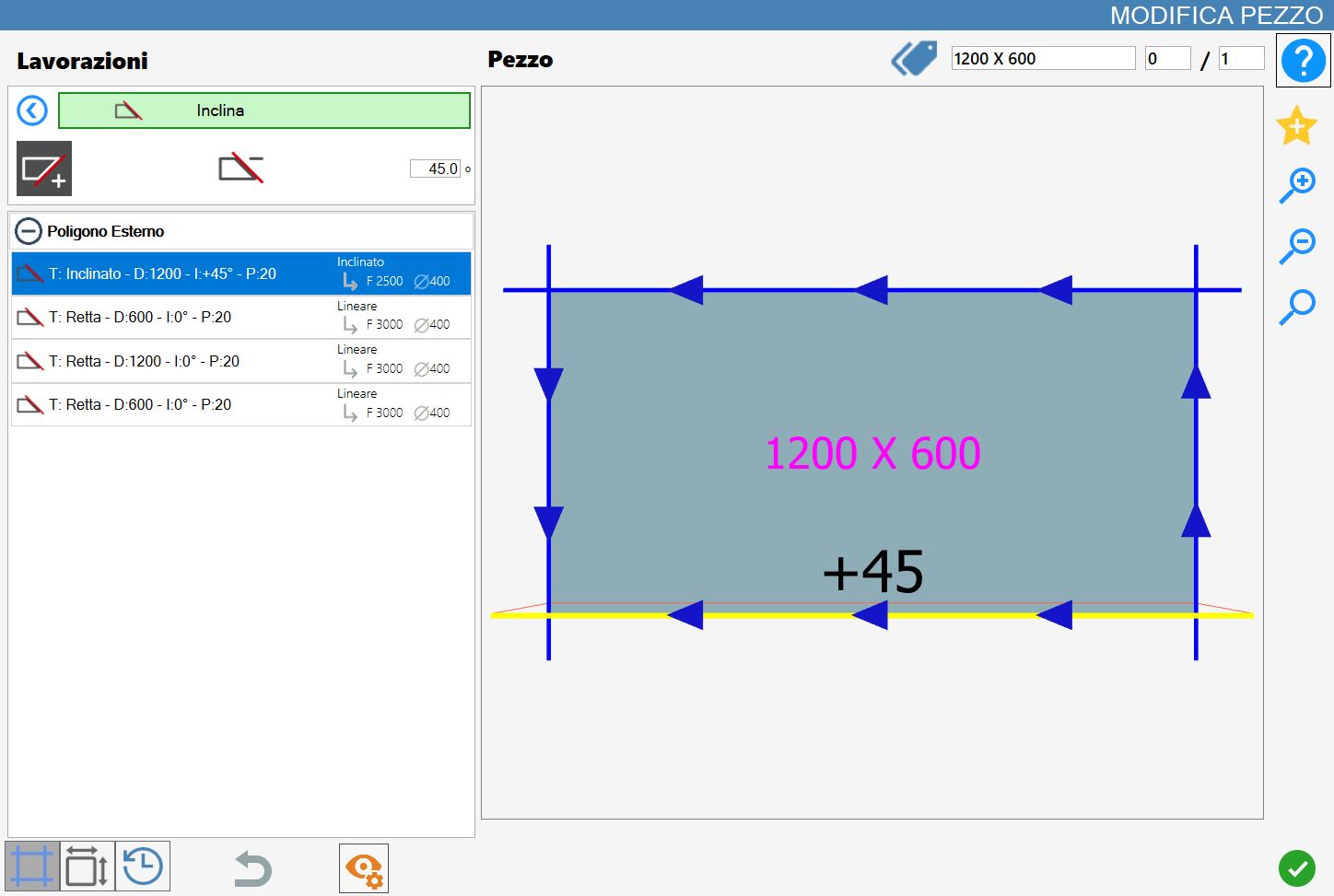
Team Direction: Positive
In the following example image a miter cut (45.0_) was applied with positive team direction on each side except the internal arc, because is not possible to tilt the tool internal to perimeter.
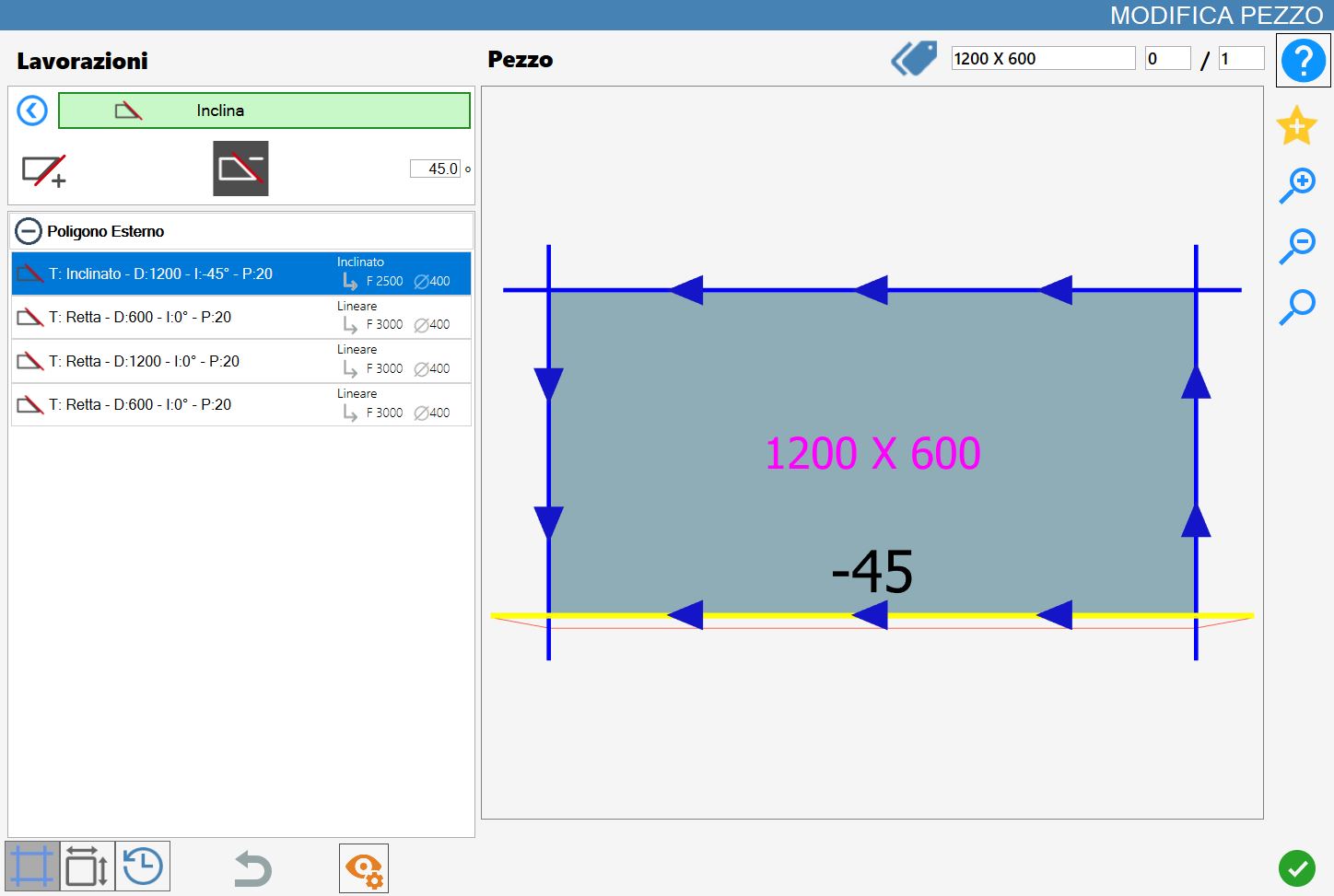
Direction team: Negative
In the example image shown, the miter cut workings (45.0_) with negative team direction were applied to the piece's cuts in reverse to the configuration illustrated in the previous paragraph.