

This function allows to widen the piece moving in parallel way to the selected cut.
In the following image is illustrated the interface of the function, utilizing a sample piece for demonstrative purpose.
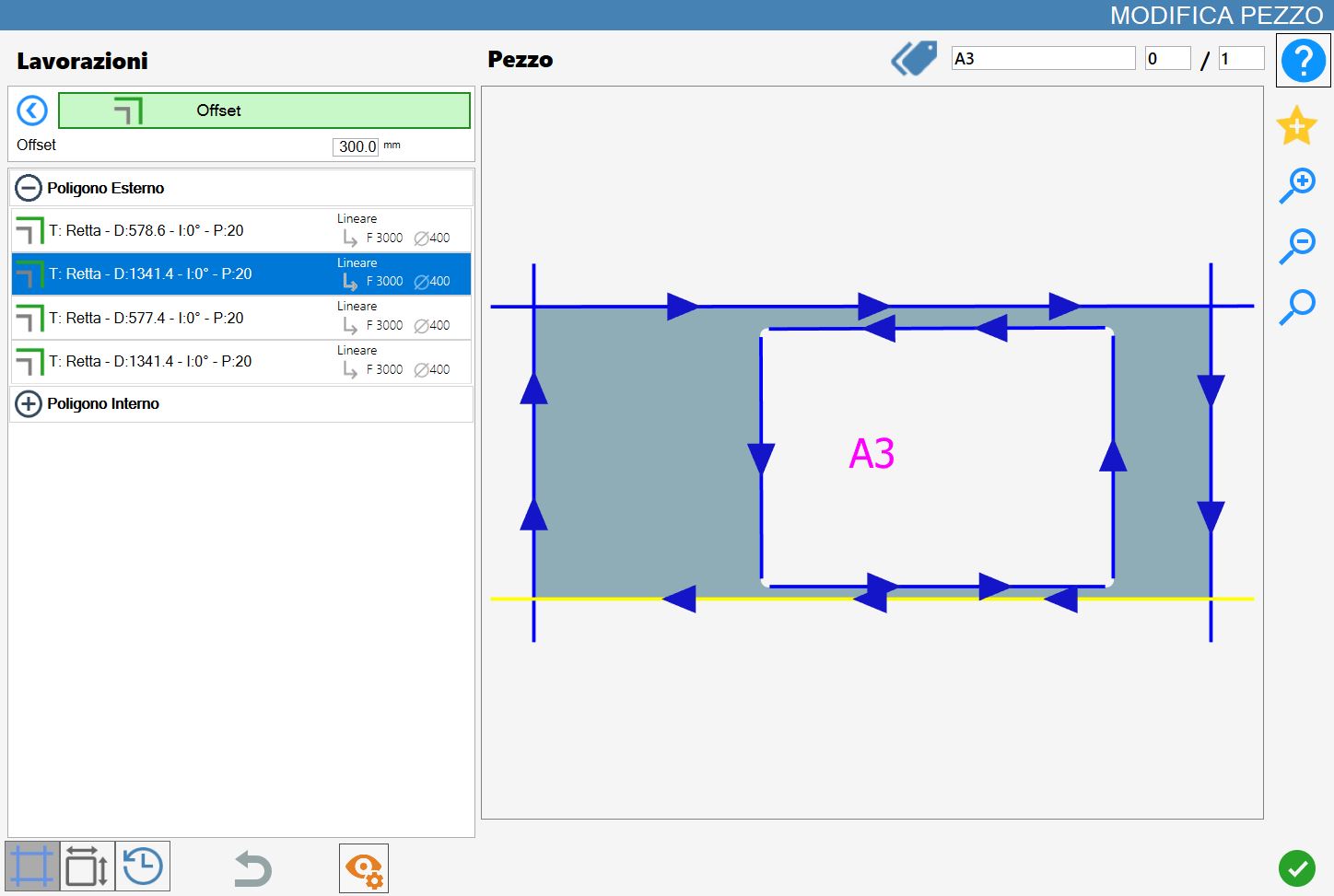
Parameters
Offset | Allows to widen the piece moving it parallel to the selected cut. |
Execution of working
It is possible to apply the working by pressing the button on the left of the suitable cut in the list of polygons.
An icon red with an 'X' indicates that the process can’t be applied to the desired cut.
The image below depicts the piece after having added an offset, taking as reference the lower cut of the external polygon.
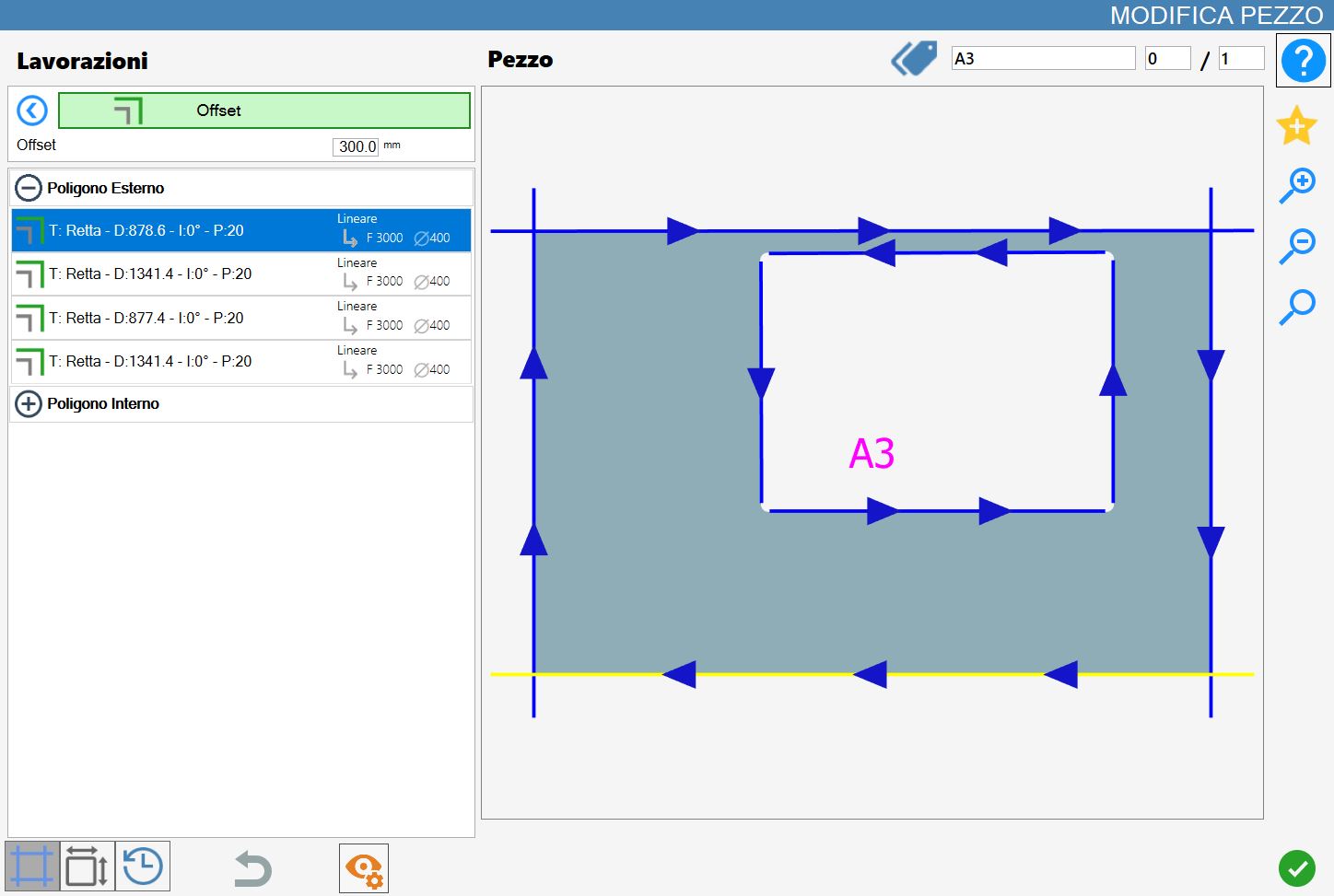
This working, one time executed, it doesn't involve the adding or the removal of cuts from the list, but it is limited to update the parameters of the cuts involved according to the modifications made.
