The function 'Rim' allows to add a profile to the upper edge of the piece or of the kitchen work top.
Is used mainly to lower by a certain quantity the recesses of the kitchen tops, so as to be able to insert the sink.
The tool used to execute this working is the Mill.
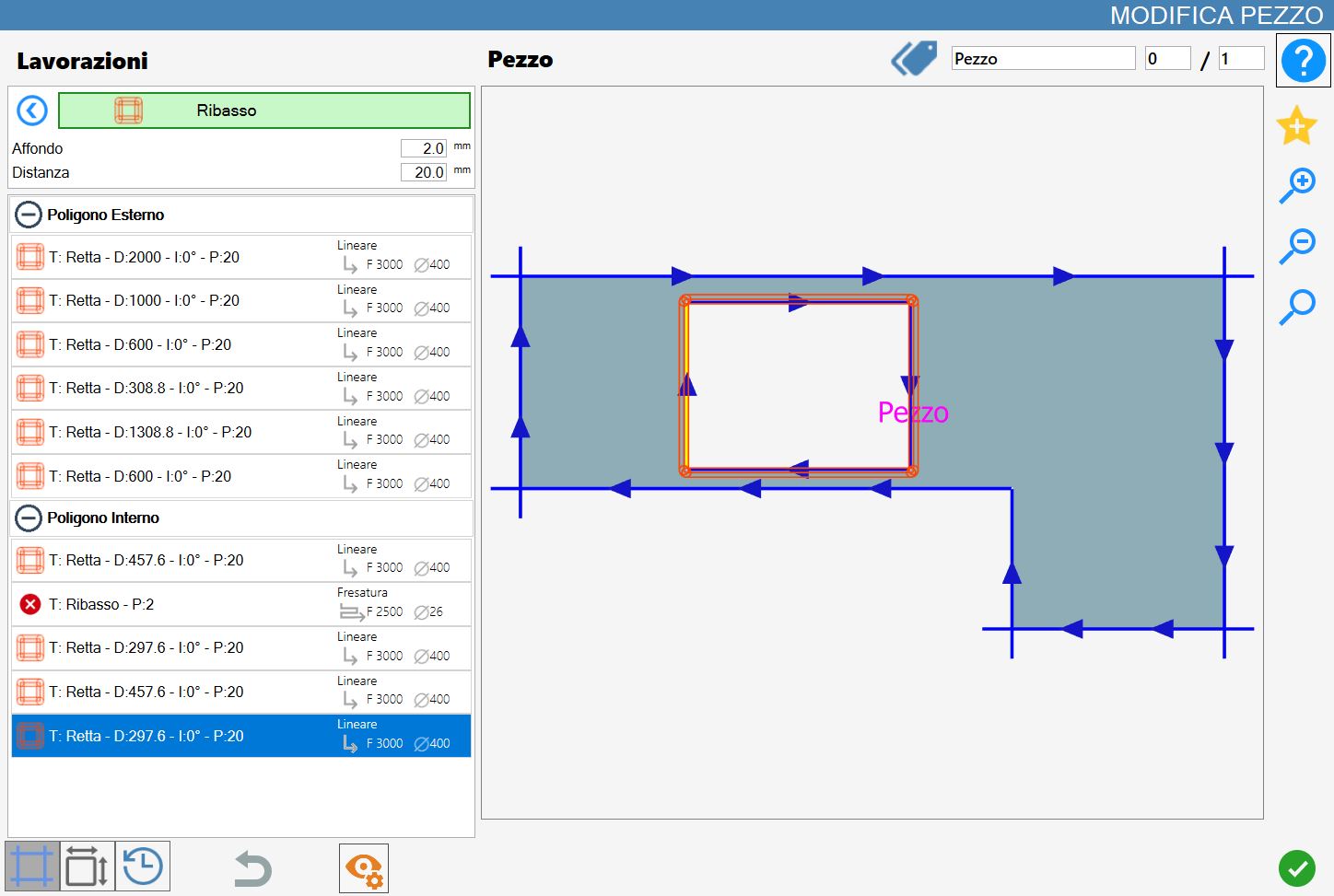
The interface for this function is similar to the following image:
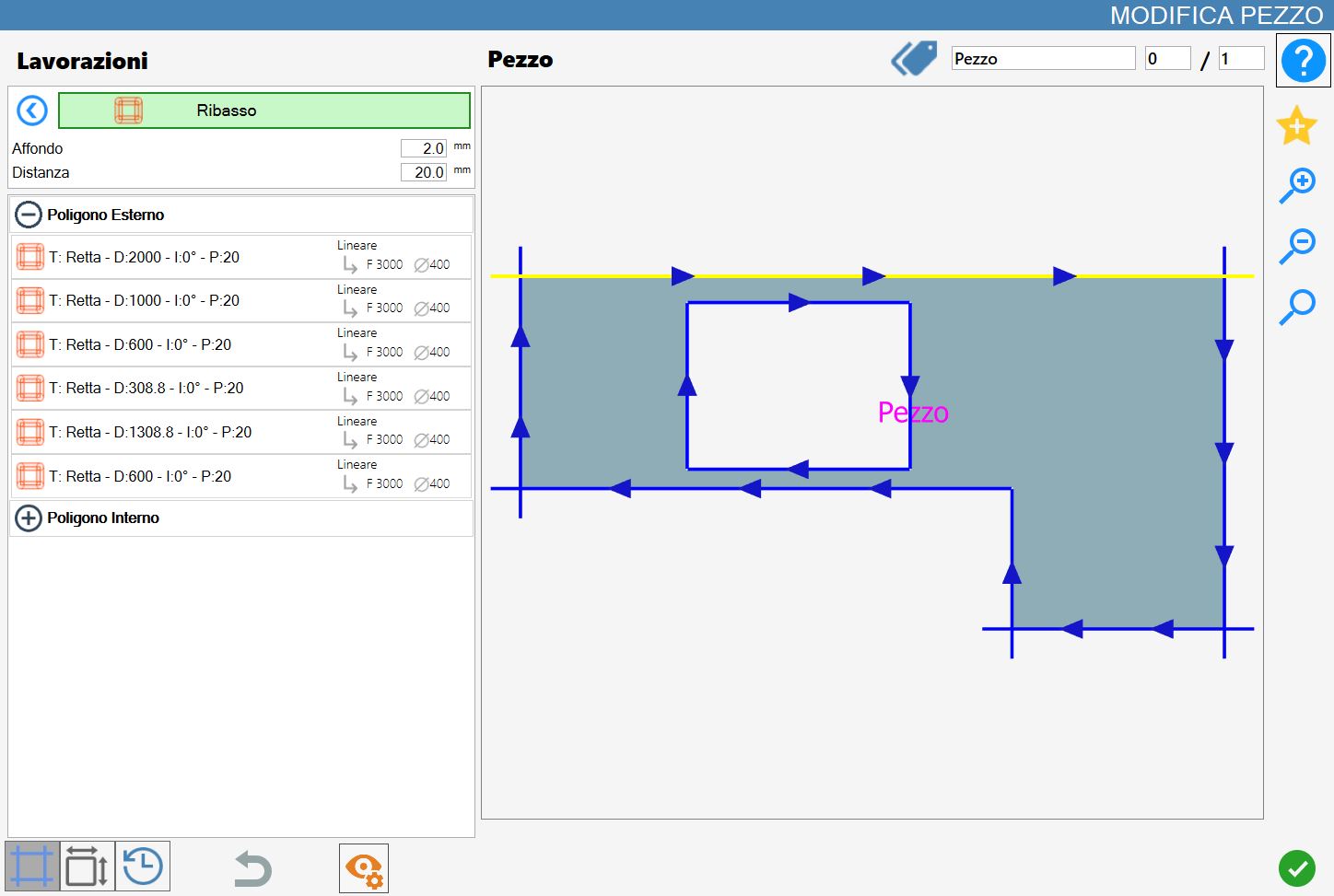
Parameters
Penetration | The depth with which to execute the cut. |
Distance | Allows to specify the desired distance with respect to the piece's side. Positive, negative and equal to zero values are admitted.
|
Execution working
It is possible to apply the working pressing the button on the left of the suitable cut in the list of polygons.
An icon red with an 'X' indicates that the working can’t be applied to the desired cut.
A rim will be applied on the entire polygon of a selected cut, regardless of where this was selected.
Below a sample of Rim with the parameter distance value positive: