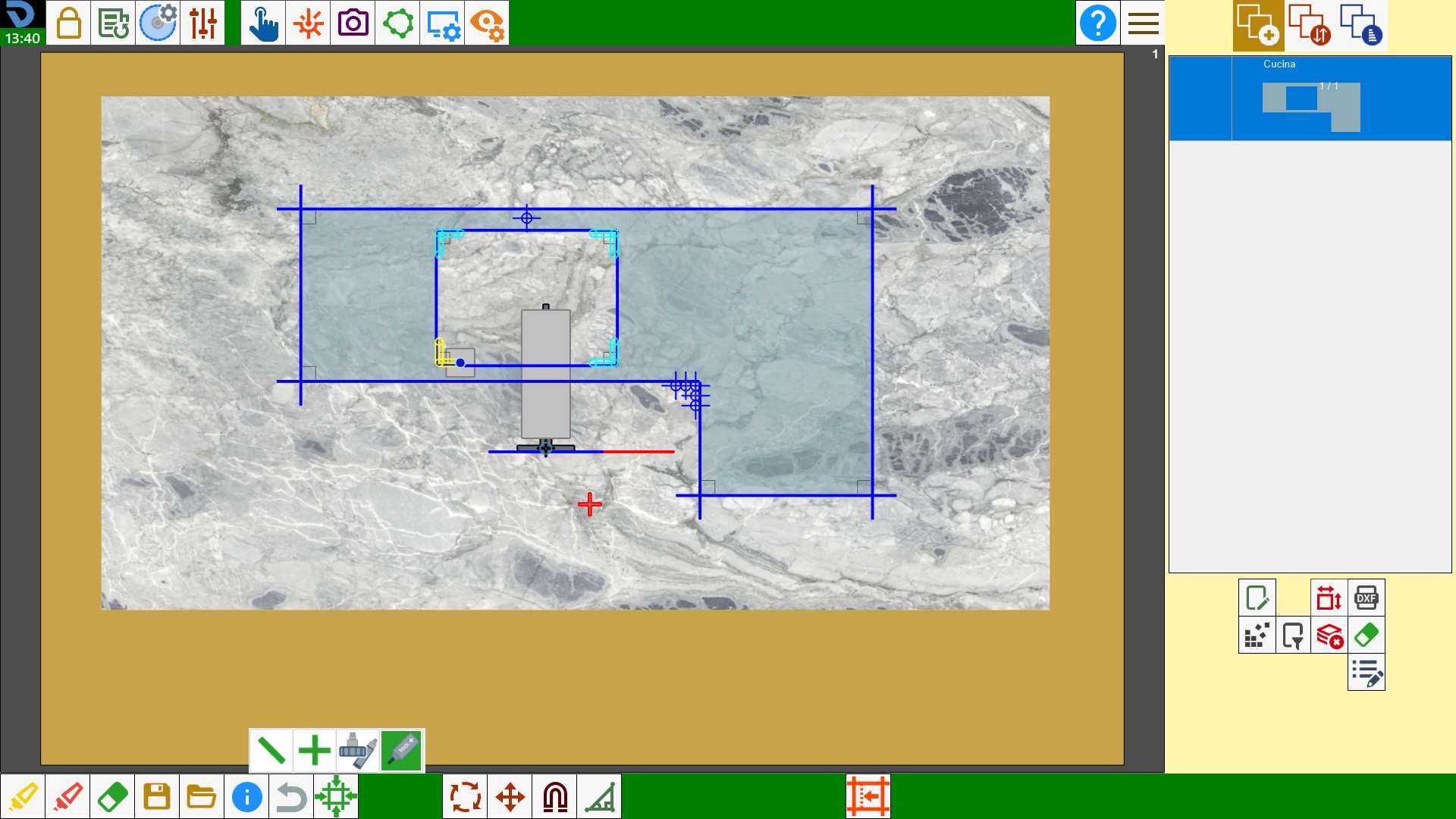
Allows to check the position of the piece in the work area with respect to the position on the machine. When 'Machine on cut' is active one cut is selected on the video and the machine moves in the relative position.
This operation is useful when you want to check if a cut is inside the material.
Execution
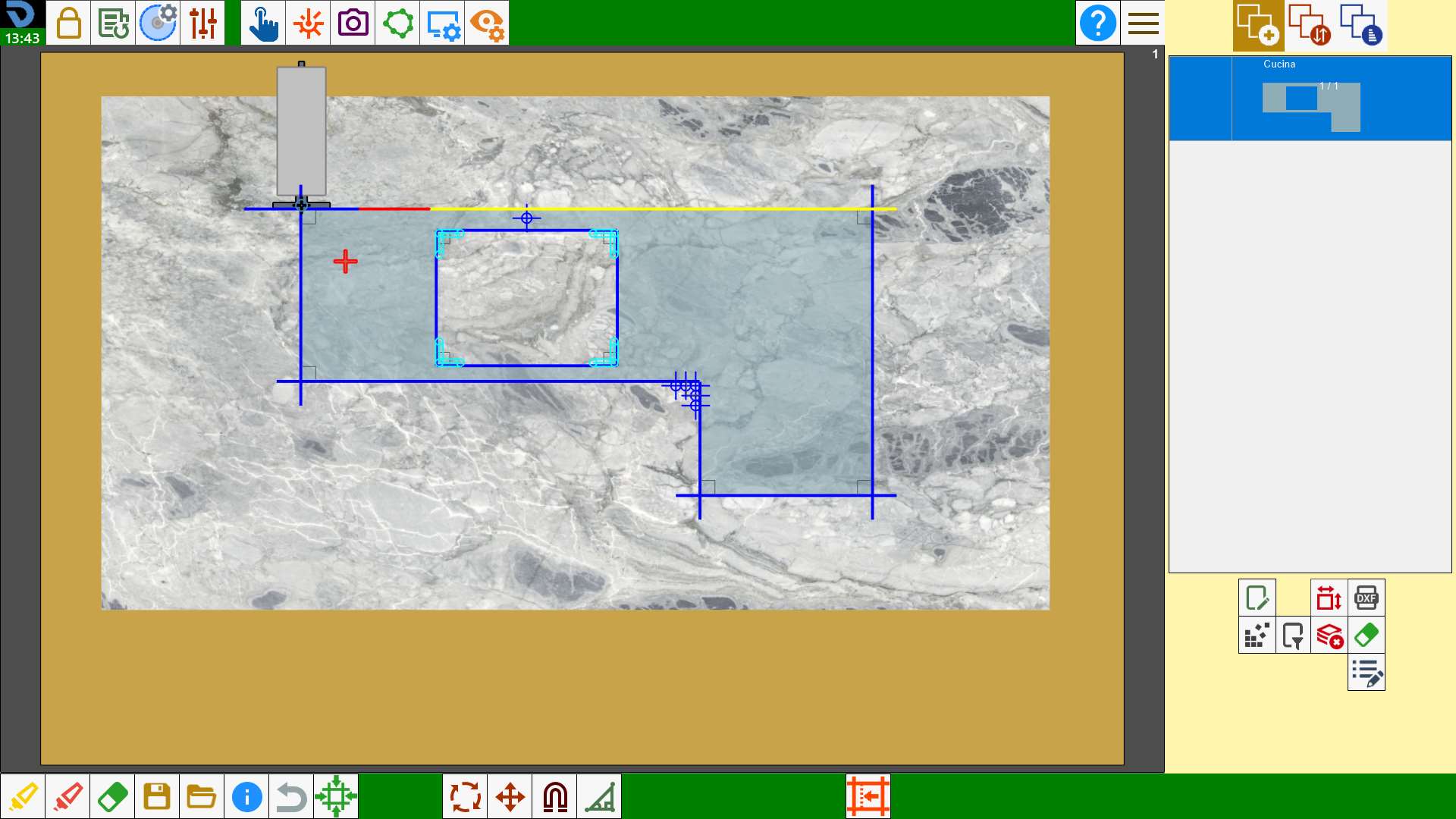
Pressing the button, the machine is visible on the work area.
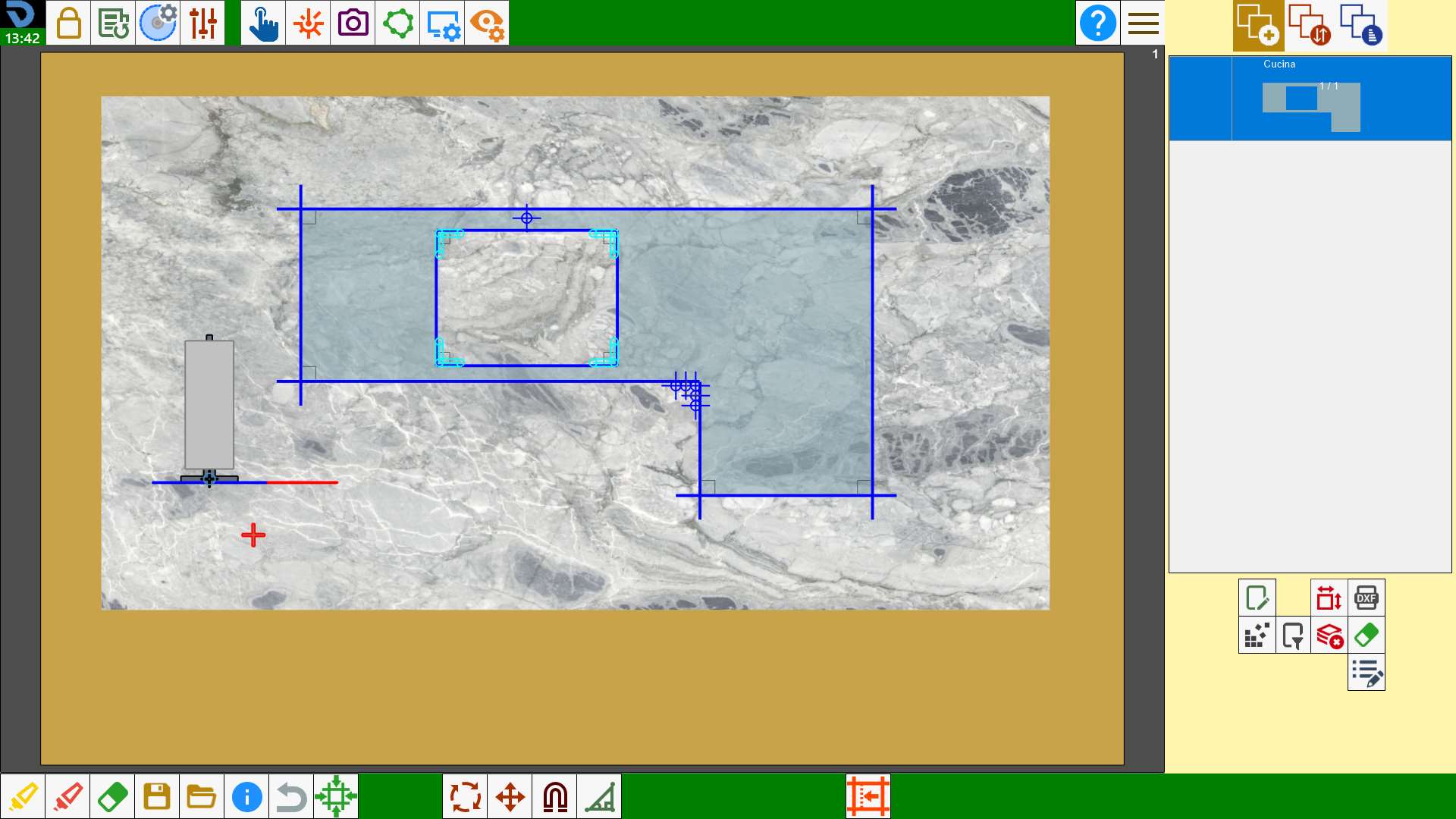
Pressing on one of the cuts, the machine will move so as to position the center of the disk on the extreme of the closest cut.
Advanced mode (Optional)
The advanced mode allows to place different elements of the machine on the selected point.
By activating the functionality, the following panel will appear:

 | Disk center alignment |
 | Laser cross alignment |
 | Alignment according tool |
 | Alignment tool plus |
The fourth and last button of the panel will be visible only if the 'tool plus' is present in the machine.
Alignment disk center
It is equivalent to standard mode. The machine moves in such a way as to place the center of the disk on the edge of the cut closest to the selected point.
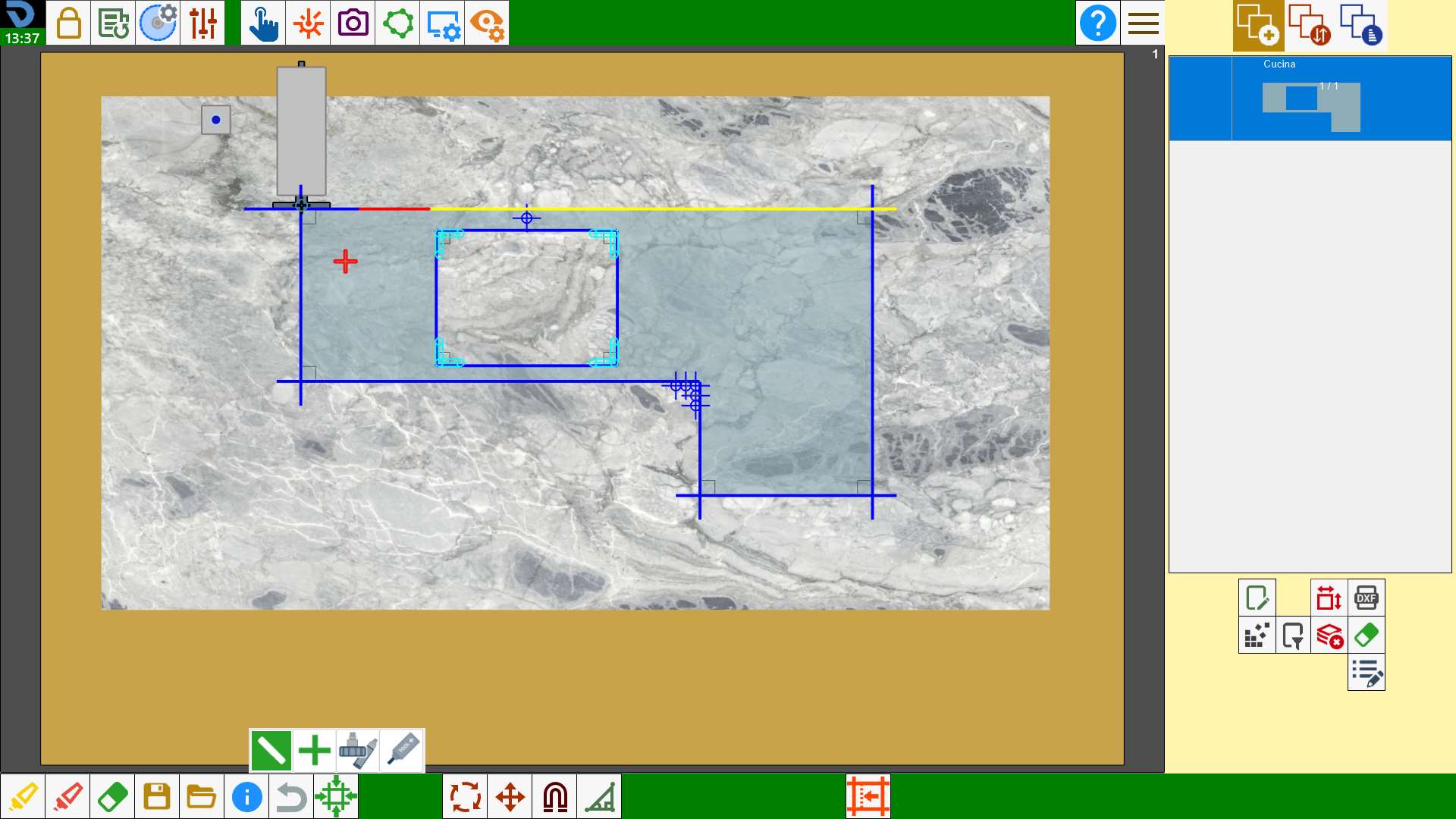
Laser cross alignment
The machine moves so as to position the cross laser pointer on the extreme of the cut closest to the selected point.
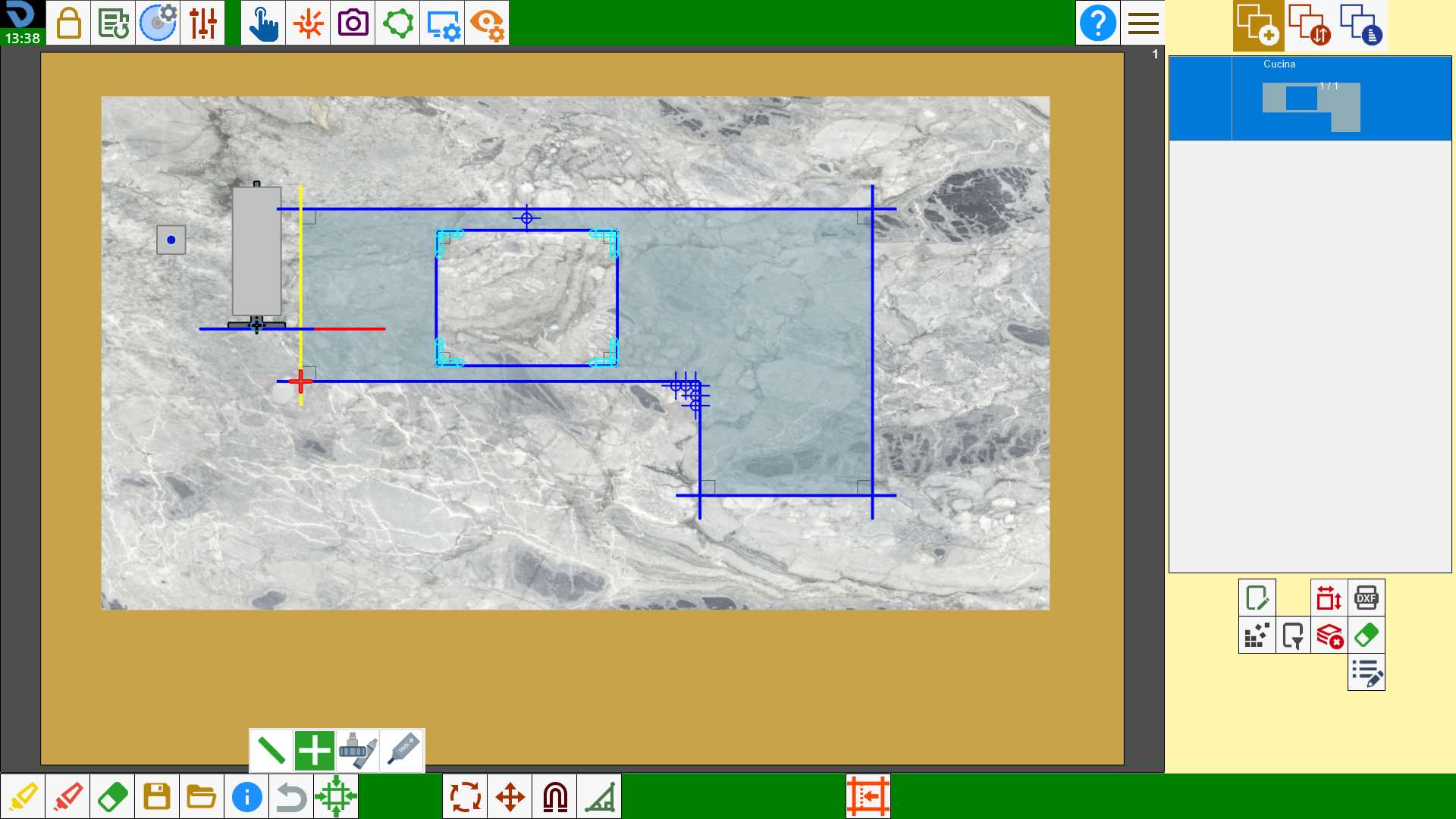
Alignment of cutter or hole
The machine moves so as to position the center of the second tool mounted on the machine, whether it be a mill or a drill, on the extreme of the cut closest to the selected point.
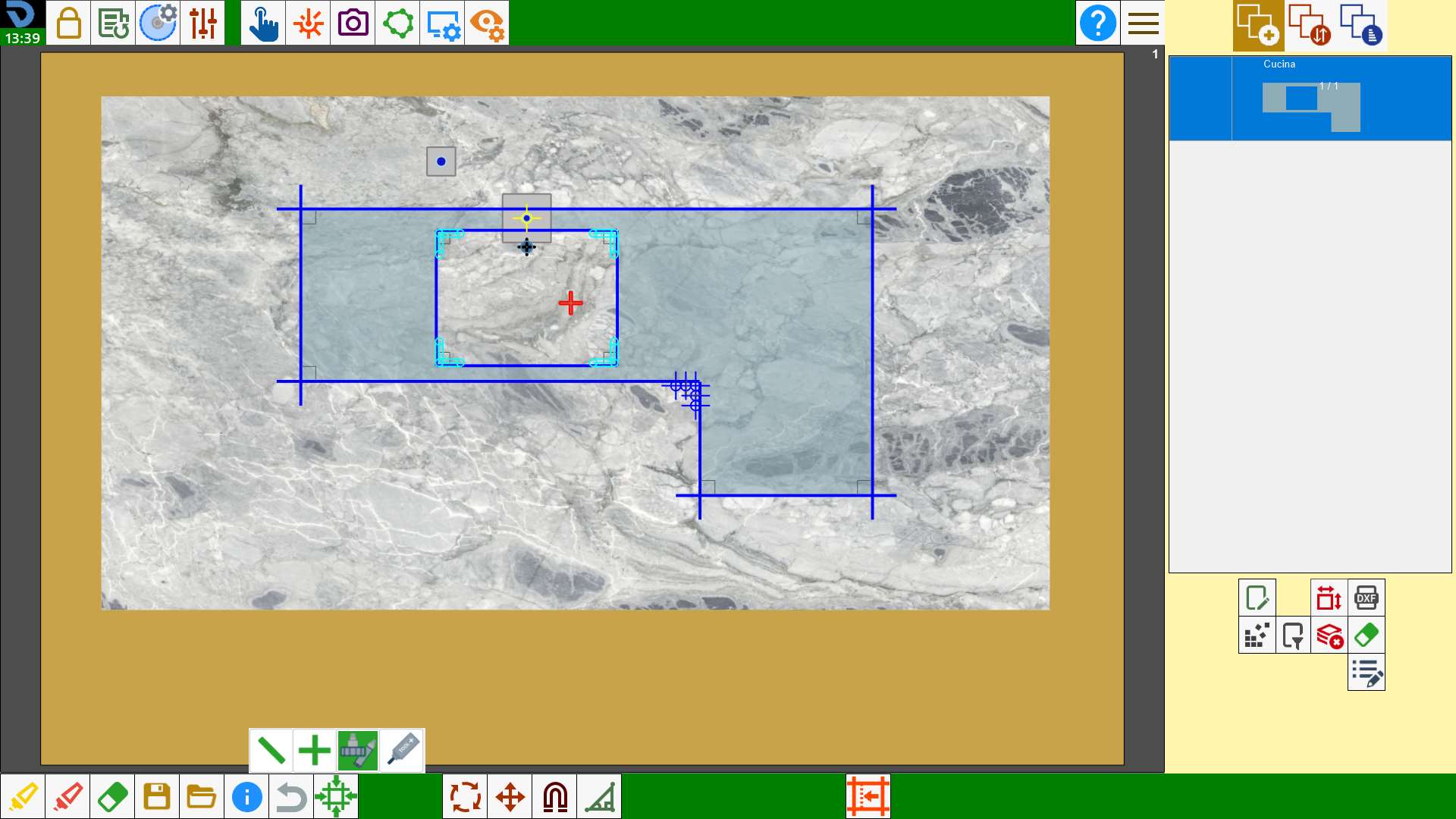
Alignment tool plus
The machine moves so that to position the center of the mounted tool on the tool plus on the end of the cut nearest to the selected point.