

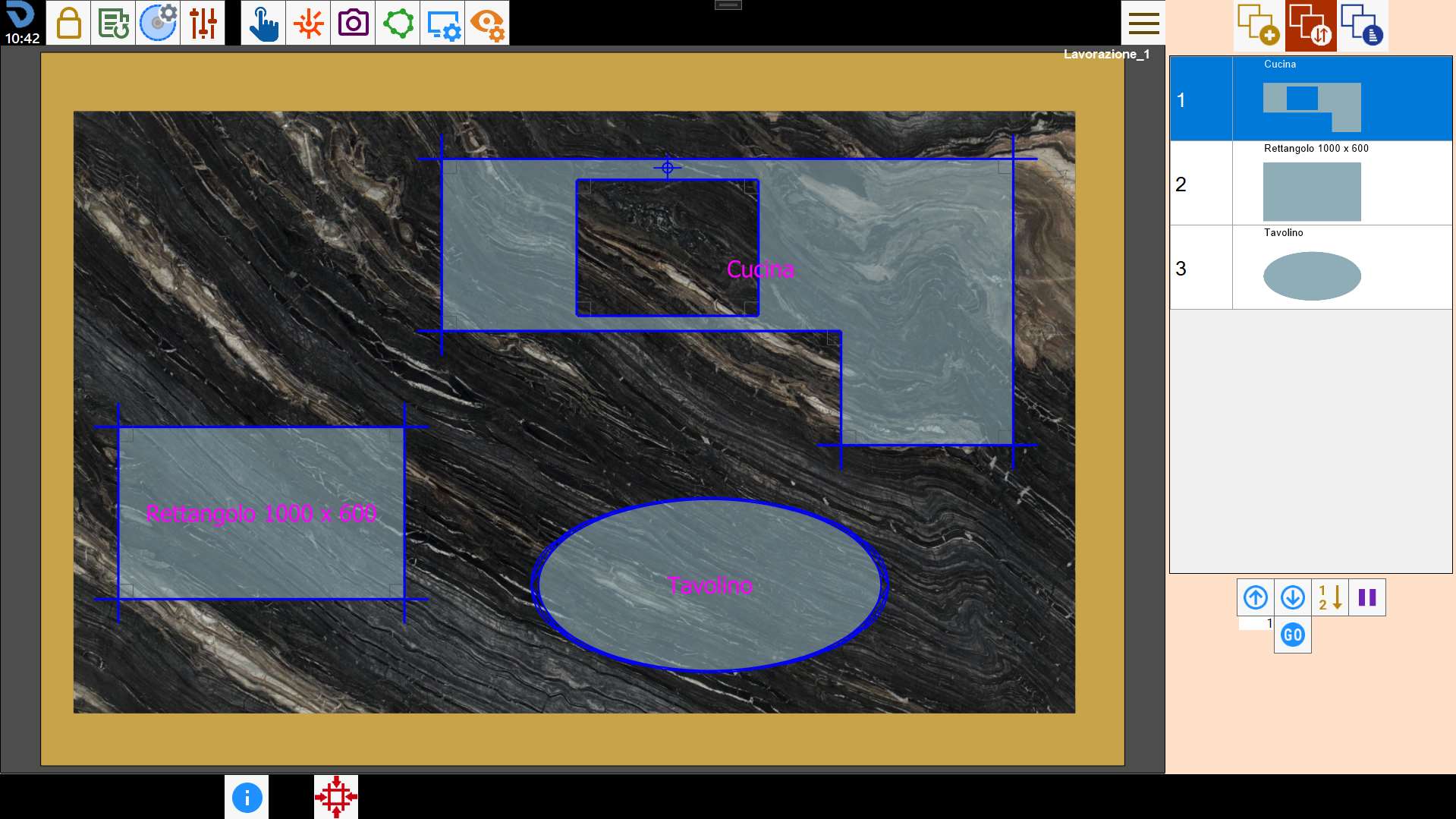
Once the pieces have been positioned on the working area, it is possible to access the screen dedicated to managing the order of cutting of the pieces.
Buttons
The arrangement of the pieces in the right list, indicates the order in which they are cut.
With the buttons below, is possibiele modify this order, or insert one pause in the execution of the operations between one piece and the other.
 | Move with arrows |
  | Displacement to desired position |
 | Selection of order from working area |
 | Pause |
Move with arrows
With these buttons it is possible move the selected piece in the upper or lower position.
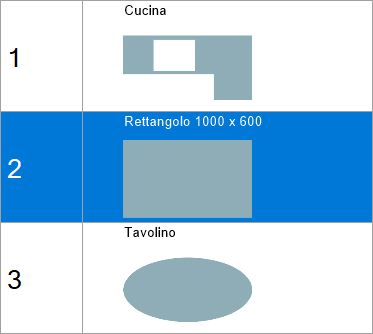
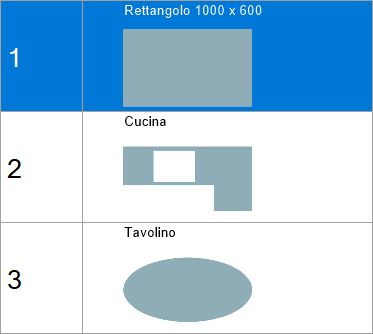
In the following example you want to move the piece placed in second position and put it at the top of the list.
Prima dello spostamento | Dopo lo spostamento |
 |  |
Displacement to desired position
This function allows to move the selected item to the position of the list indicated in the adjacent text box.
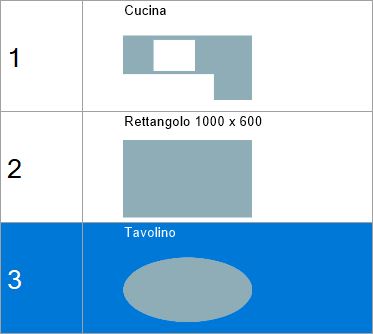
In this example, it is desired to make the first position covered to the last piece of the list. It will be necessary to insert the value '1' in the box and subsequently press the button.
Prima dello spostamento | Dopo lo spostamento |
 | 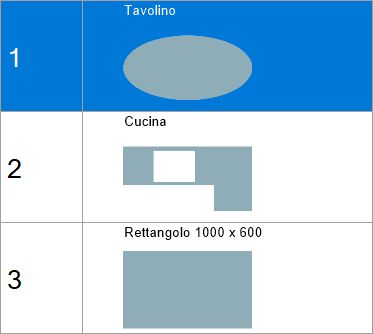 |
Selection of order from the work area
Through this function it is possible to choose the cutting order of the pieces, directly from the work area.
By pressing the button, the program writes on each piece a number that indicates the position that it occupies in the list.
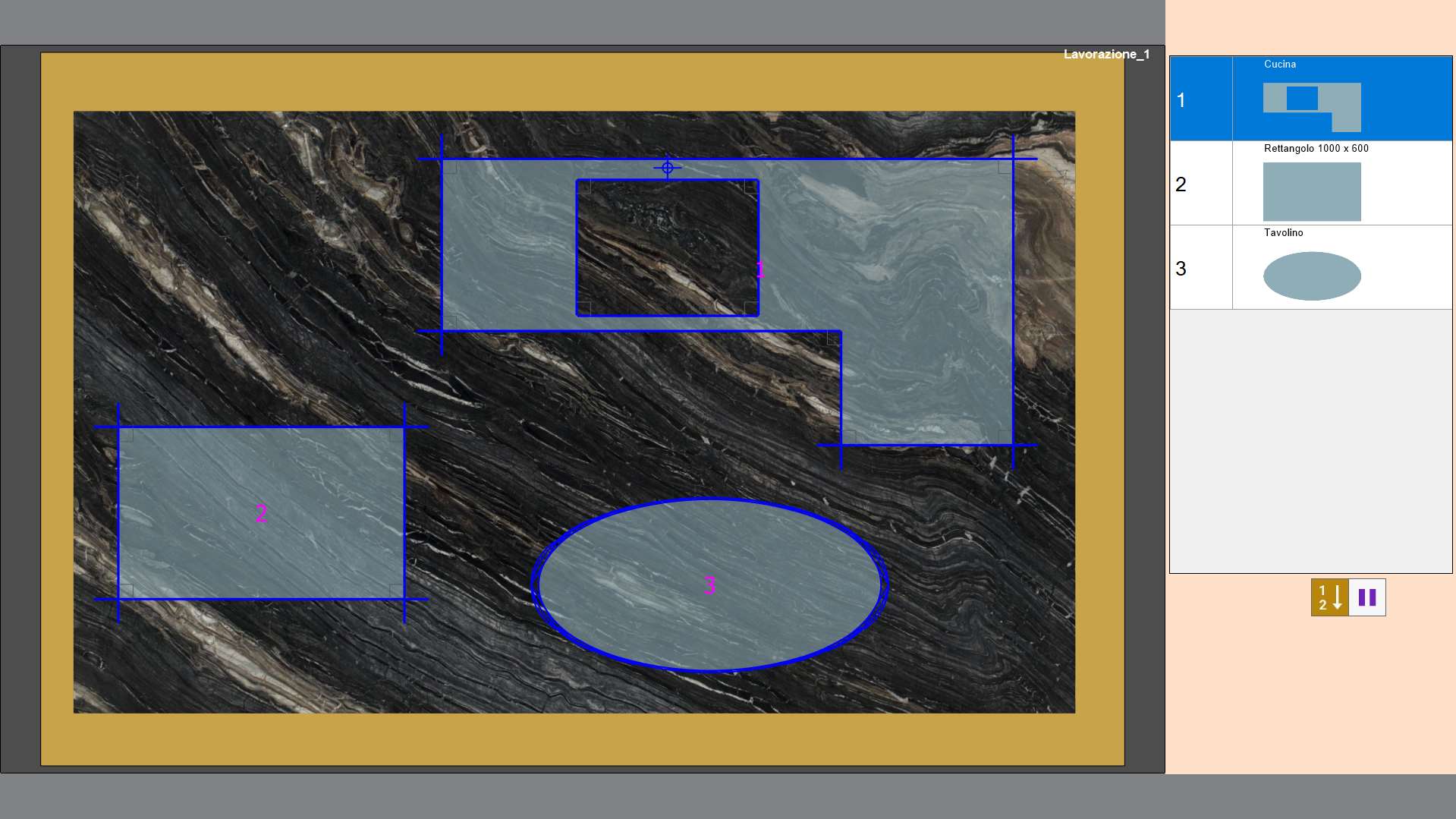
To change their order, click in sequence inside the piece you want to have as first, then the second and so on.
Once finished, press the button again to validate the choice made.
Pause
During the order cutting of the pieces it is possibiele set a pause between the execution of the operations between a piece and the other.
The program will execute all cuts of the previous pieces, then stop the machine and wait the command of Start by the operator.
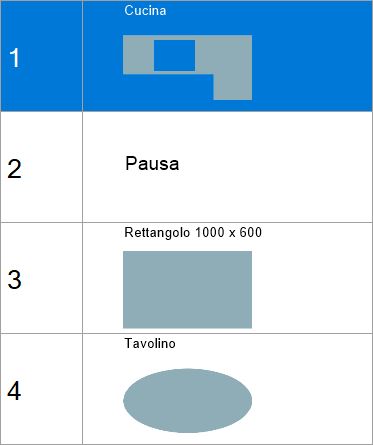
The pause is inserted after the execution of the selected piece, which in this case is the first of the list.
