

Once the button is pressed, it is possible to view various windows.
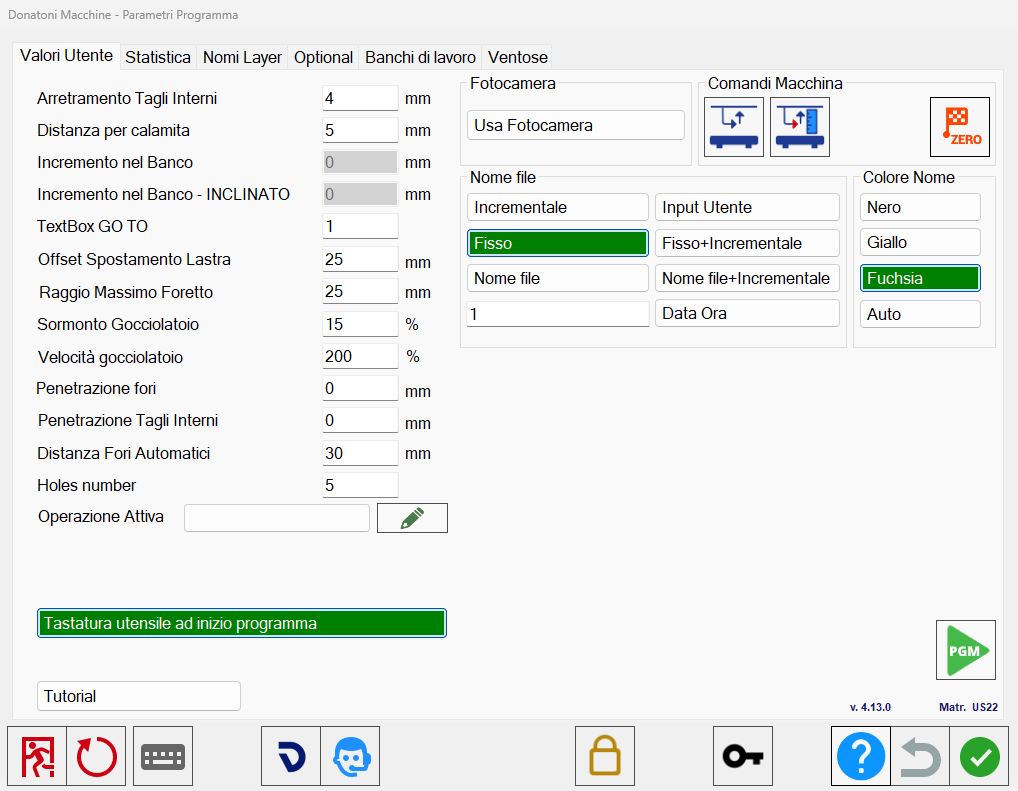
Windows
There are 4 different windows that will be individually illustrated later.
User Values | Window dedicated to changing some settings related to workings. |
Statistic | The operator can view the statistics of the workings performed. |
Layers name | Window dedicated to the settings for the import of DXF files on Parametrix. |
Suction cups | Parameters relative to the vacuum movement speed. |
Bottom bar
 | Close Parametrix |
 | Restart Parametrix |
 | Probing |
 | Camera connection |
 | Remote Assistance |
 | Technical Parameters |
 | Password insertion |
 | Don’t save changes |
