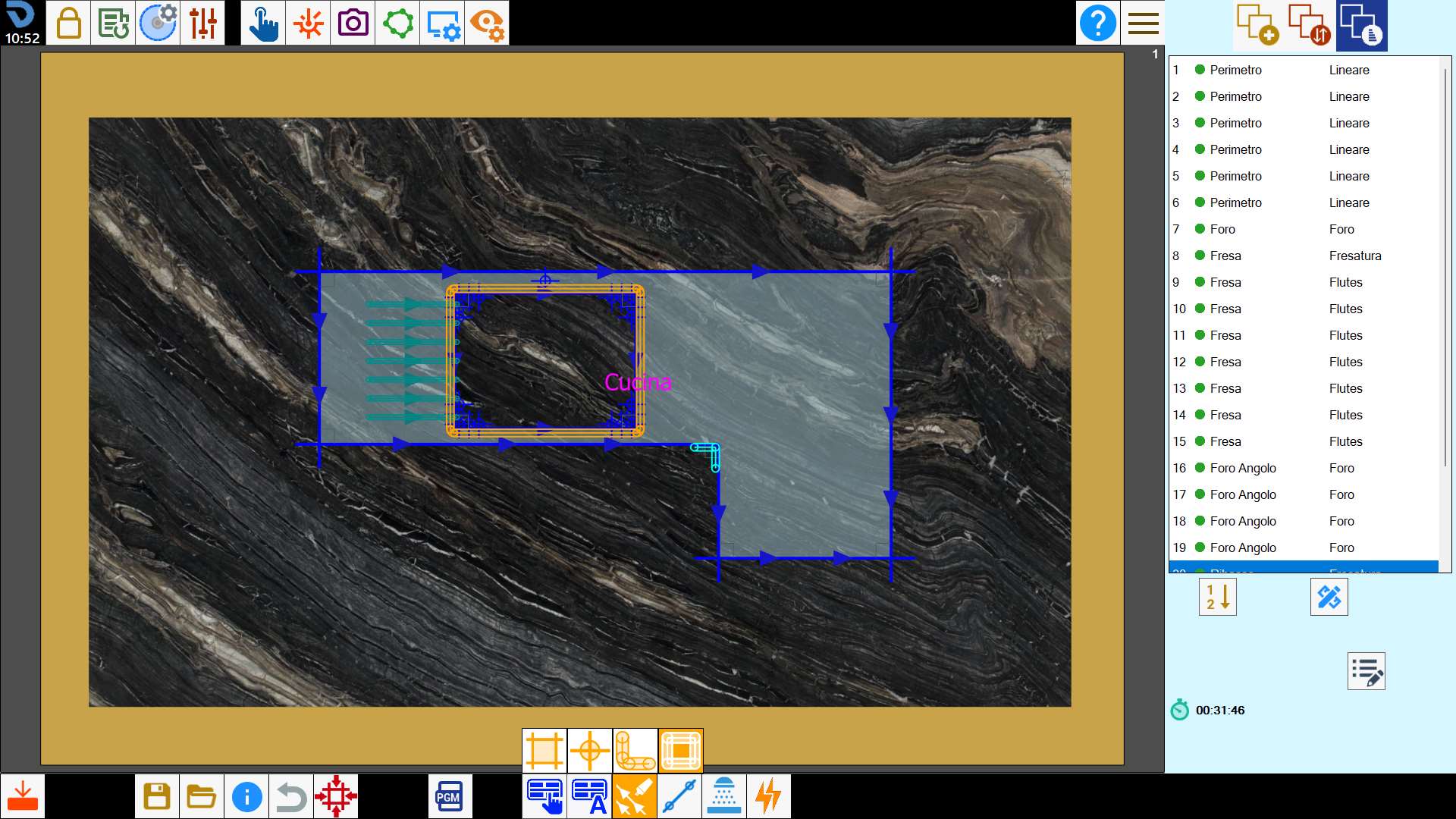
This function allows the multiple selection of cuts on the working area.
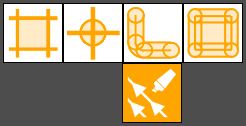
Buttons
 | Select/deselect cuts with disk |
 | Select/unselect holes |
 | Select/unselect milling |
 | Select/deselect rims |
Selection from working area
Pressing the button activates multiple selection mode. In this mode you can select multiple cuts at the same time. To deselect a cut, click it inside the work area or press the corresponding voice in the cuts list.
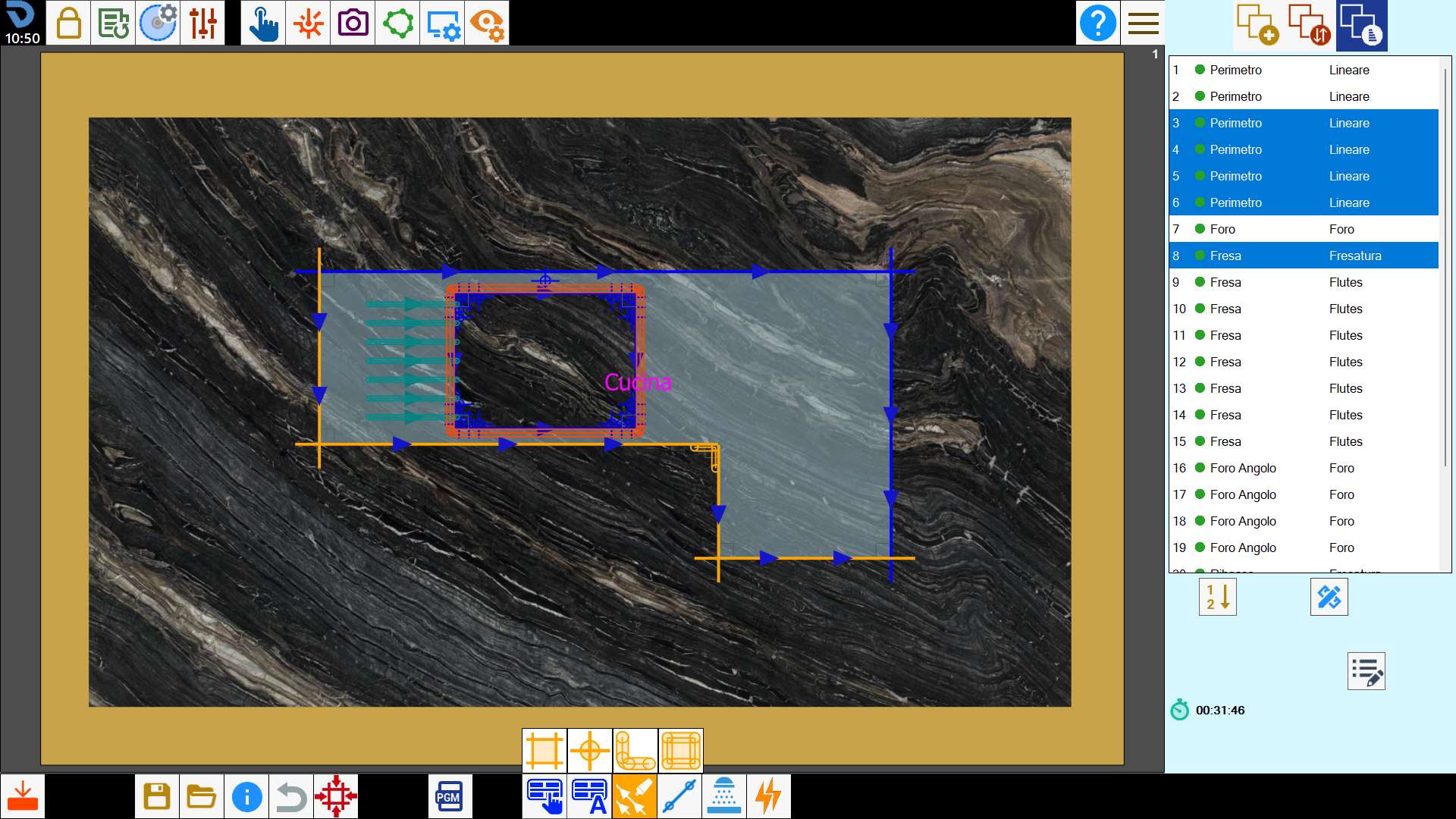
Select the cuts with disk
This button allows to select simultaneously all cuts on the working area executed with the disk.
For example linear cuts, cuts on arcs and miter cut.
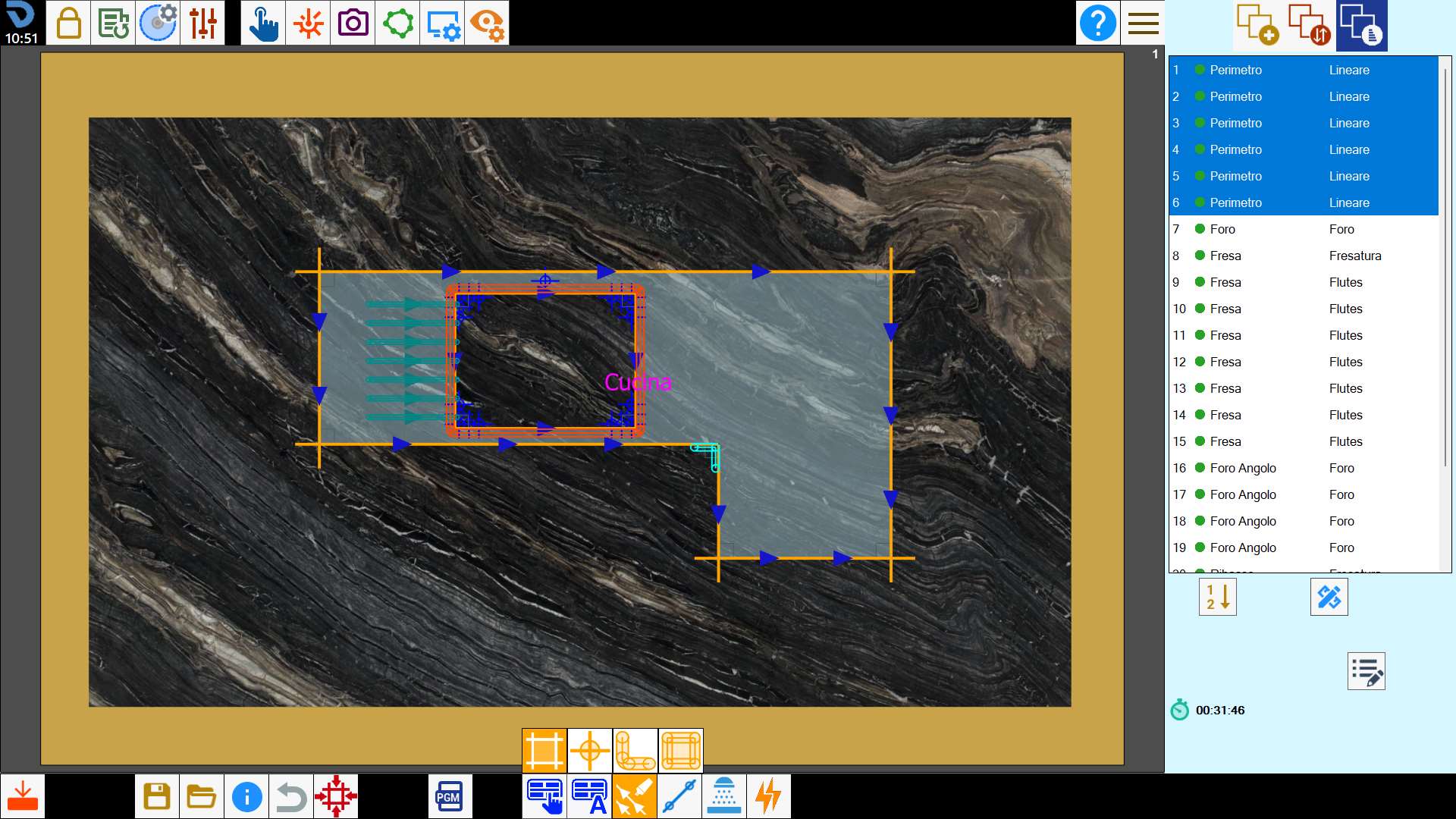
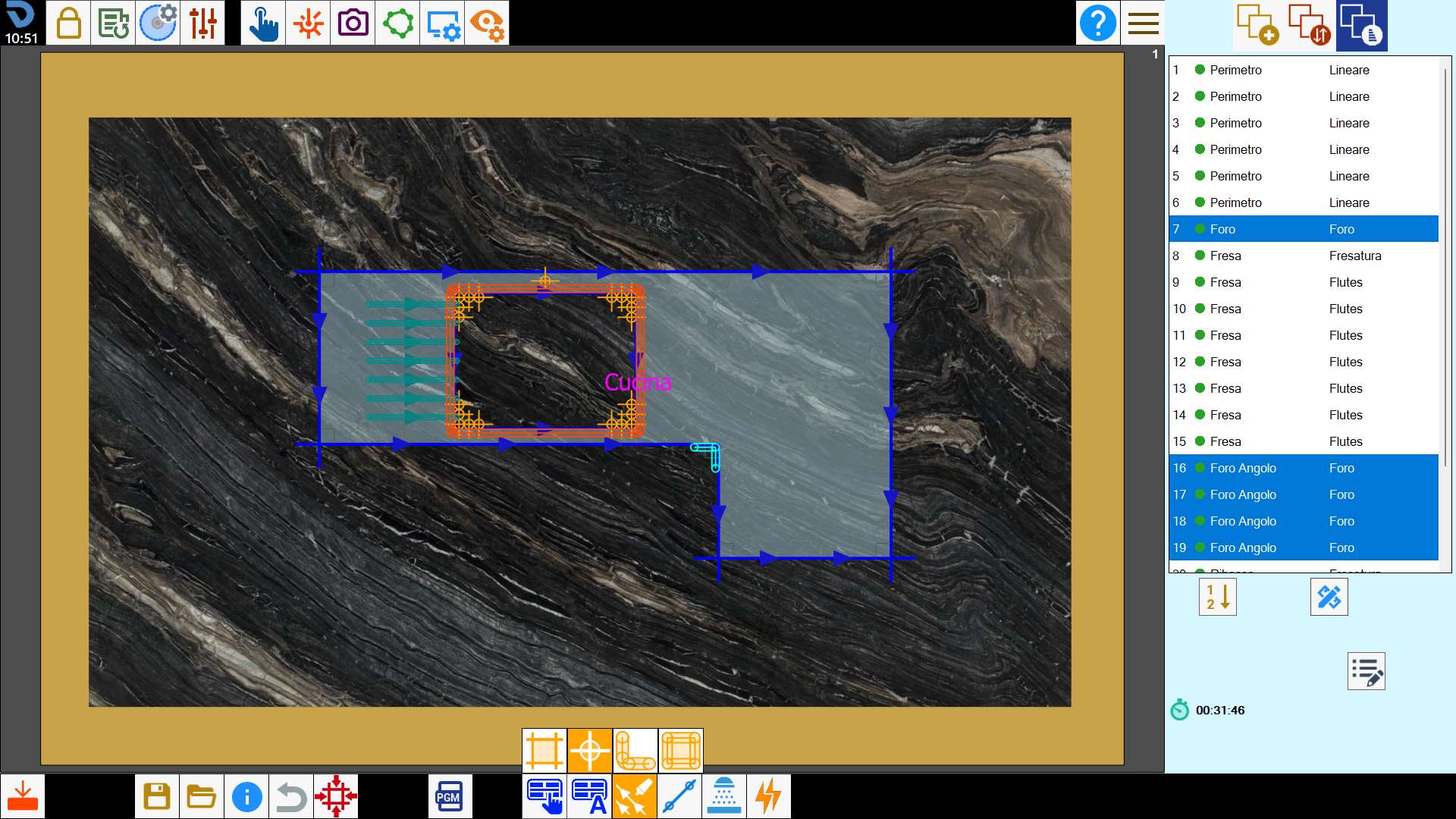
Select the holes
This button allows to select simultaneously all the holes on the working area, included the holes on angle.
Select the millings
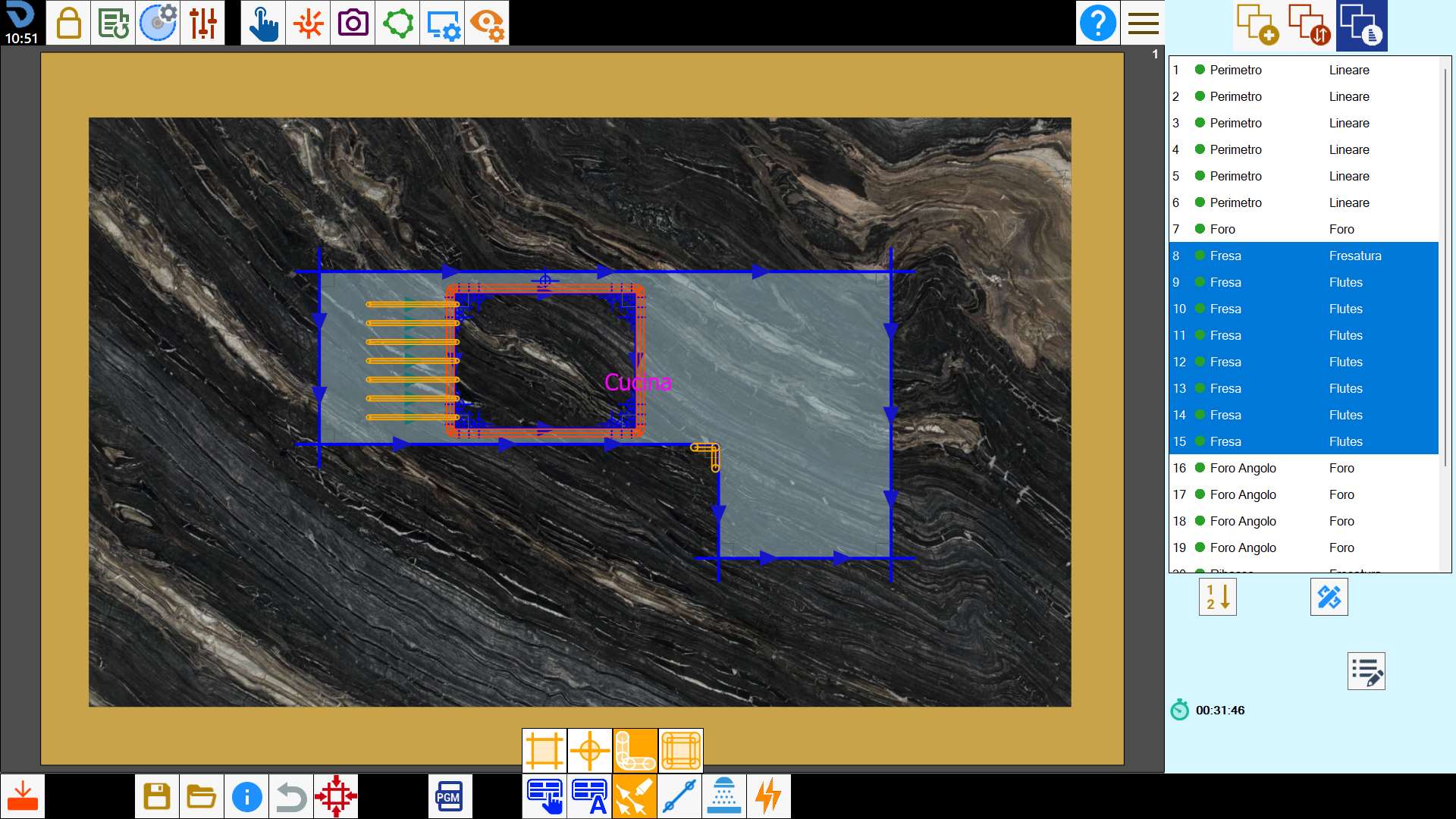
This button allows to select simultaneously all engravings on the working area.
They comprise milling and grooves, but not steps.
Select the rims
This button allows to select simultaneously all reliefs on the working area.