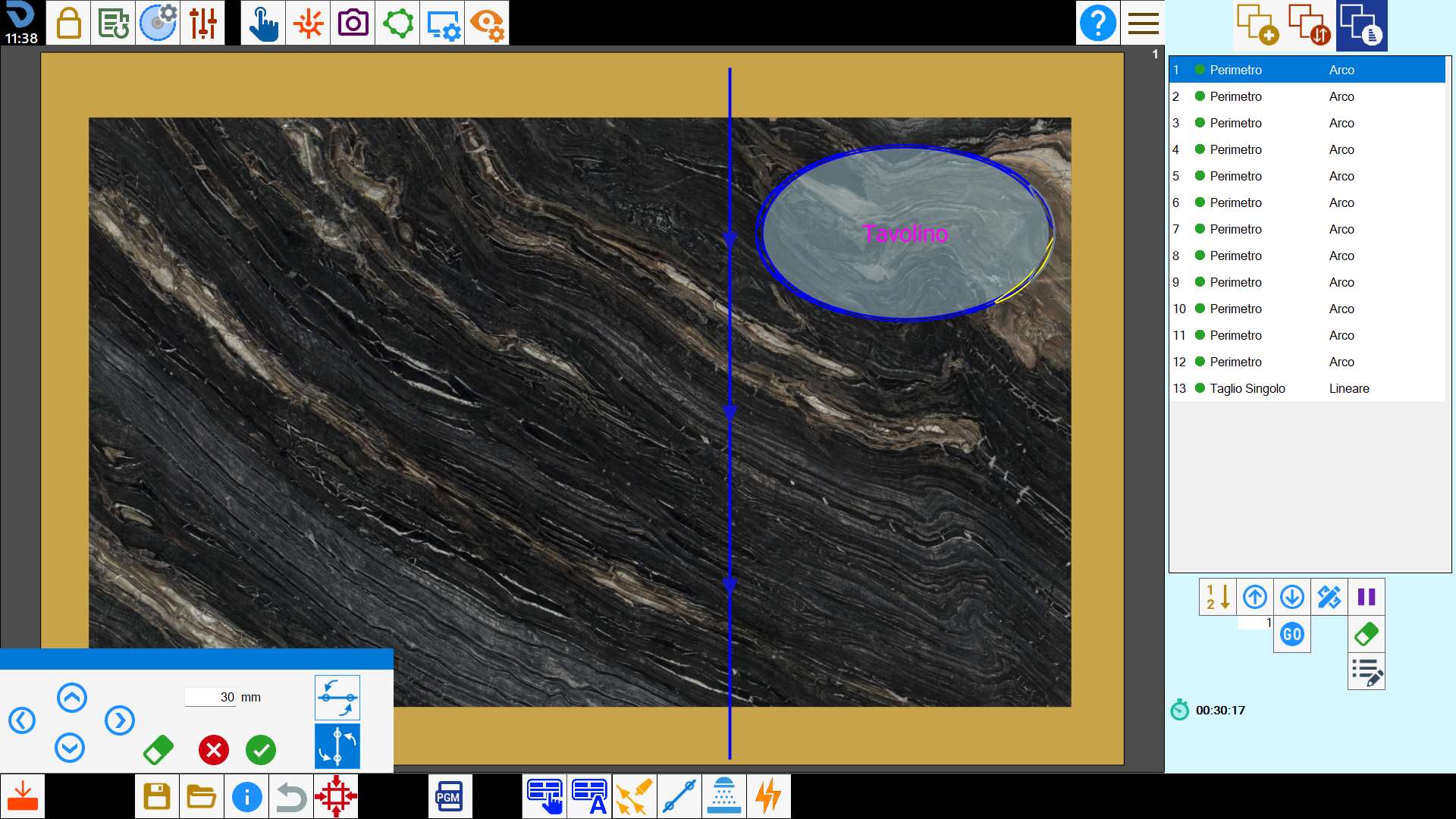
This functionality allows to insert manually linear cuts with disk on the work bench.
Buttons
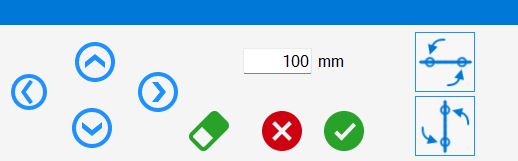
 | Directional Move |
 | Delete |
 | Horizontal Cut |
 | Cut in vertical |
Execution of the functionality
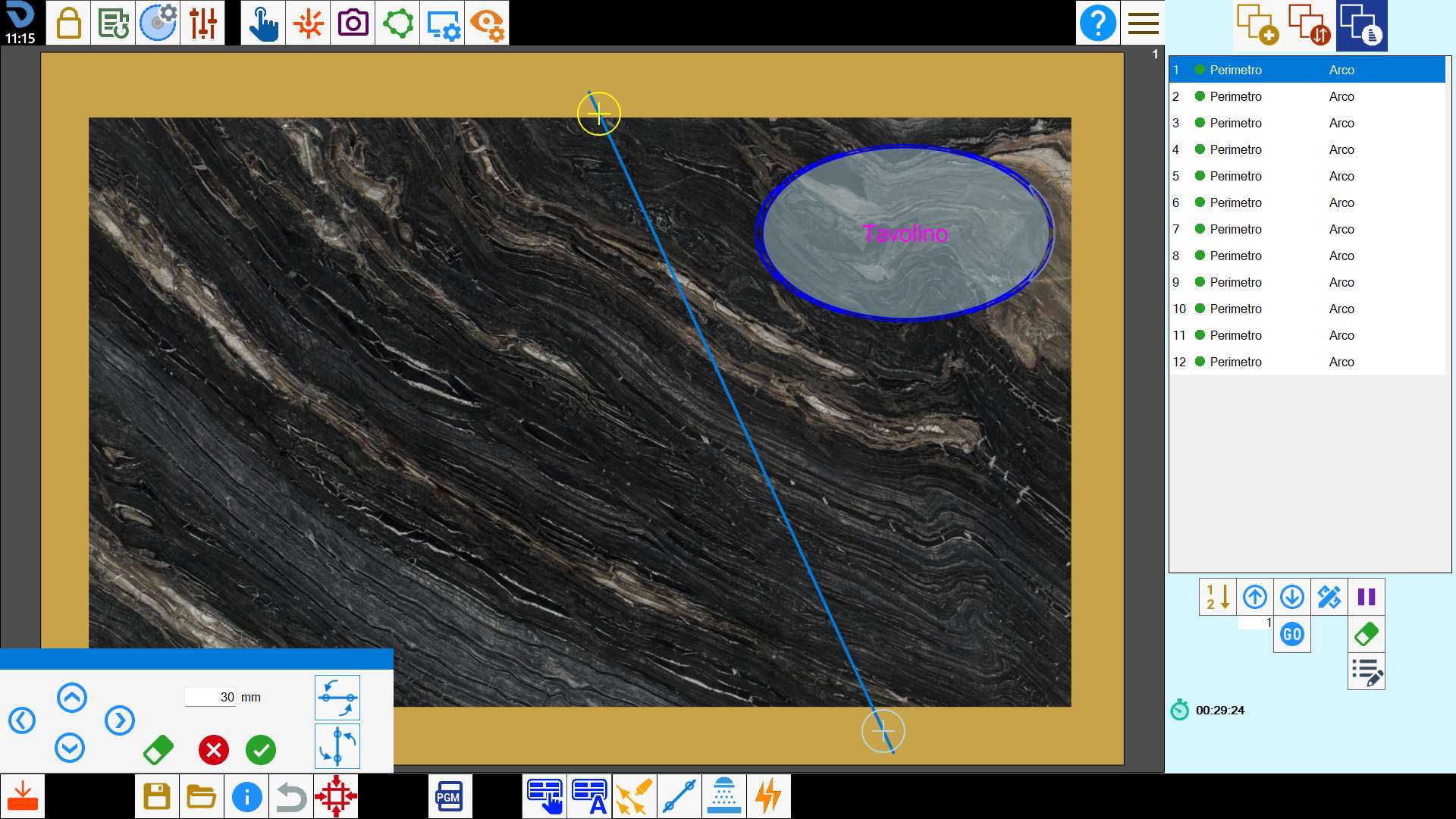
After having pressed the button, the program will ask the user to select on the working area the starting and ending point of the cut that you want to add.
It is possible to change the position of the ends of the selected cut by selecting them and dragging them on the working area, or using the arrows for directional movement.
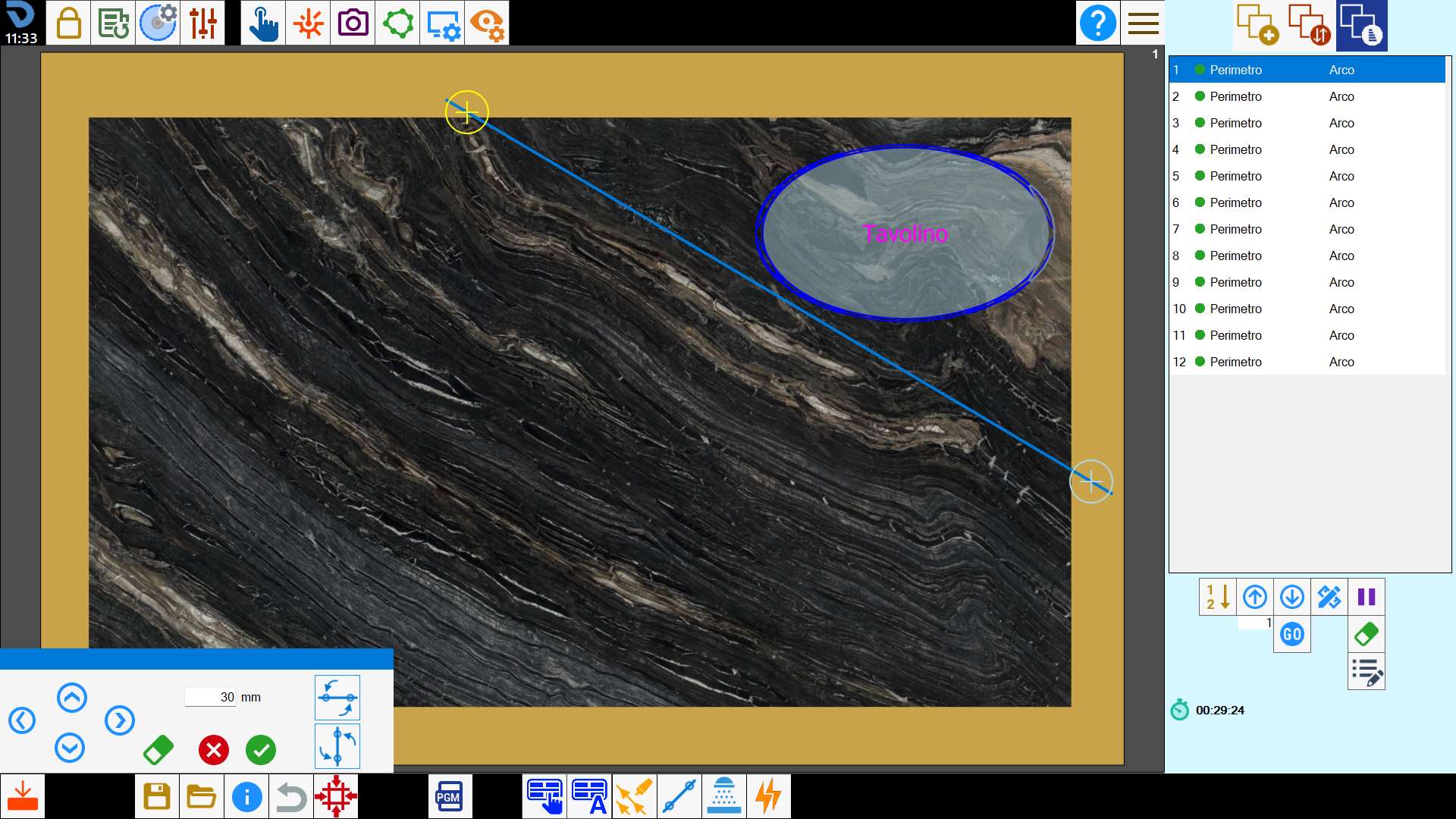
The operator can impose that the resulting cut must be arranged horizontally or vertically.
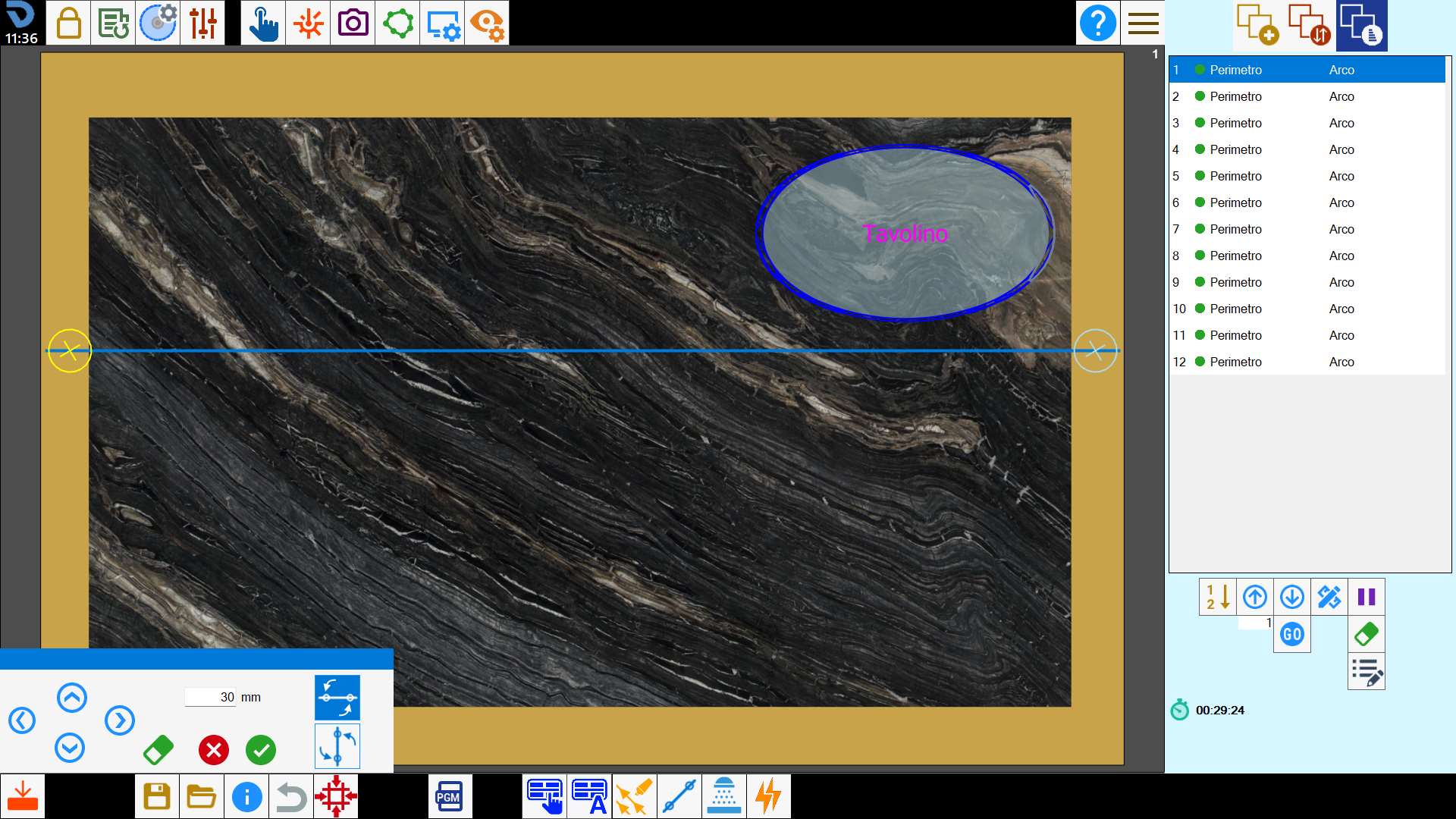
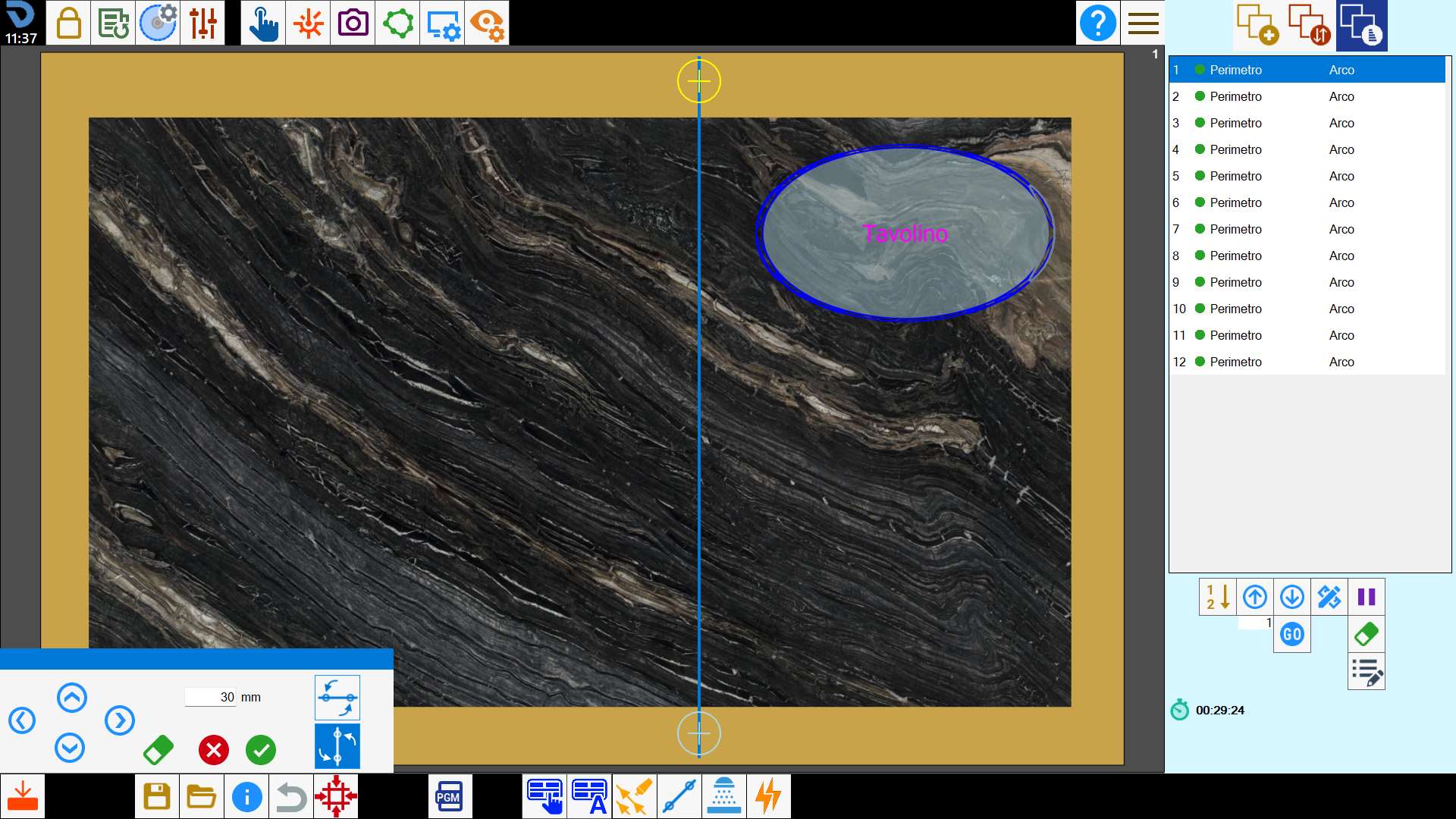
At confirmation, the new cut is added at the end of the list.