This function allows to add a photo on the work area.
In the case Parametrix is connected to a camera, the photo of the slab on the work bench is taken.
Otherwise, it is required to select a photograph from the files of the computer.
Take a photo
Generally, this functionality allows taking a picture of the machine's work bench using the built-in photographic device.
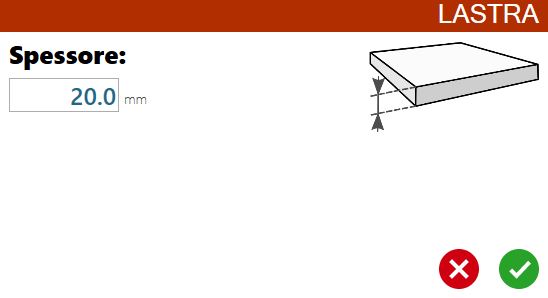
Pressing the button, is open a window where is required to insert thickness of the slab that is about to be captured.
The photo is taken, and then the panel that allows the operator to decide the perimeter of the slab opens.
Choose a photo from the computer files
This mode allows computers not connected to a photographic device, usually arranged in office, to insert inside the program photo from file.
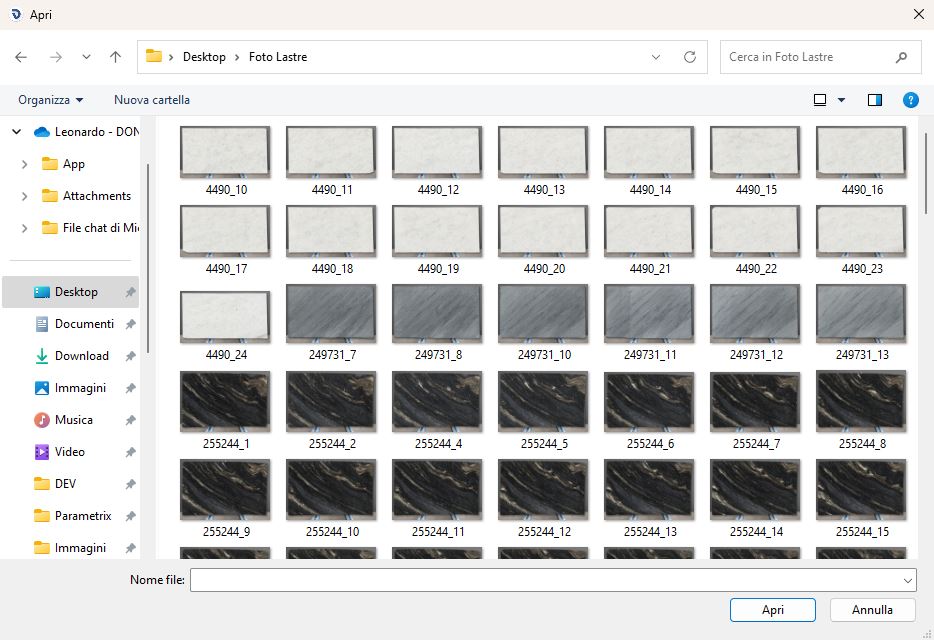
By pressing the button the window for the exploration of the resources is opened, so that you can choose a file to load.
The user is then directed to the panel for the perimeter selection of the slab.
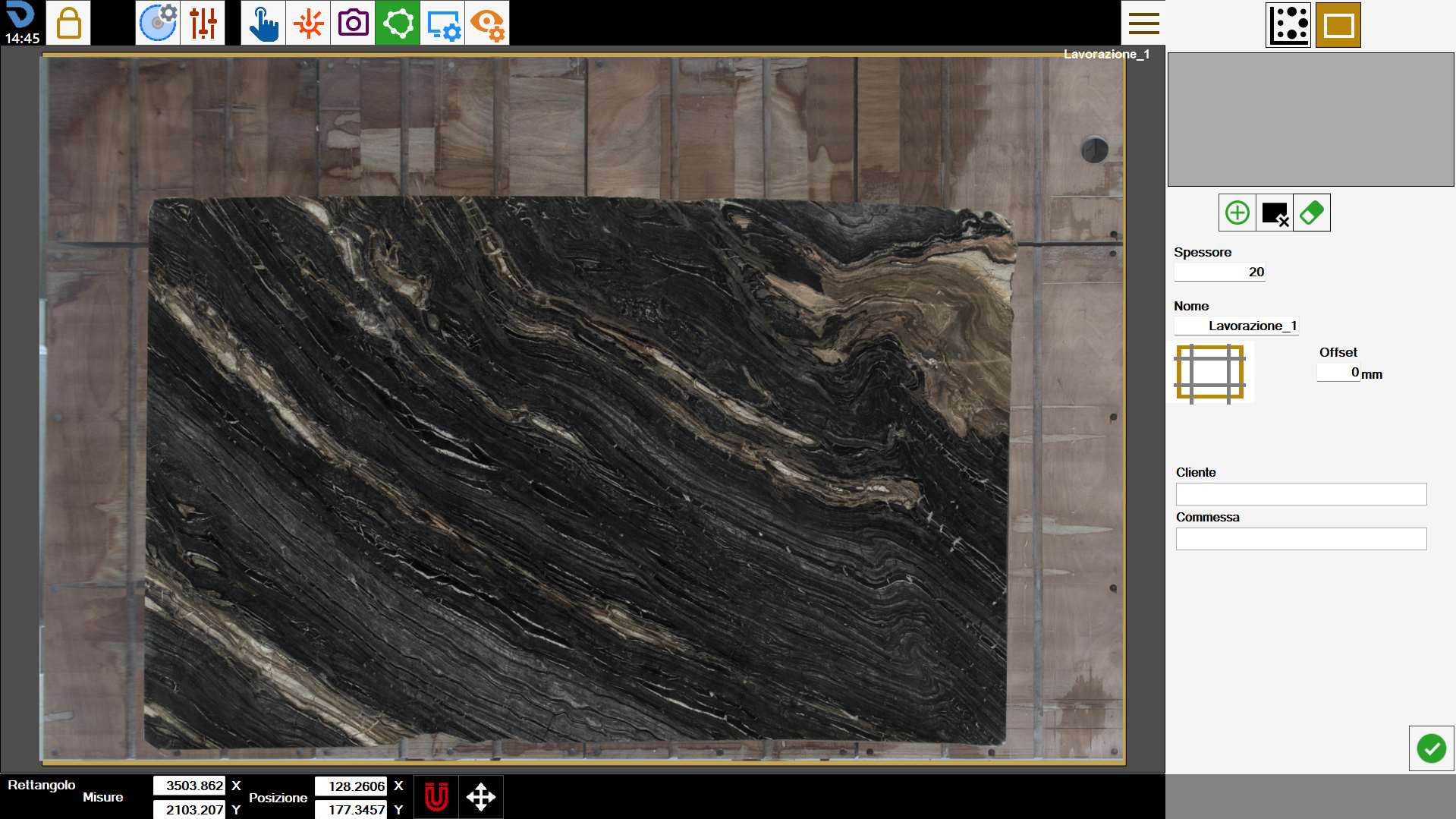
Select Perimeter
After selected or taken the photo, this screen will appear where the operator must indicate a perimeter within which the pieces can be positioned.
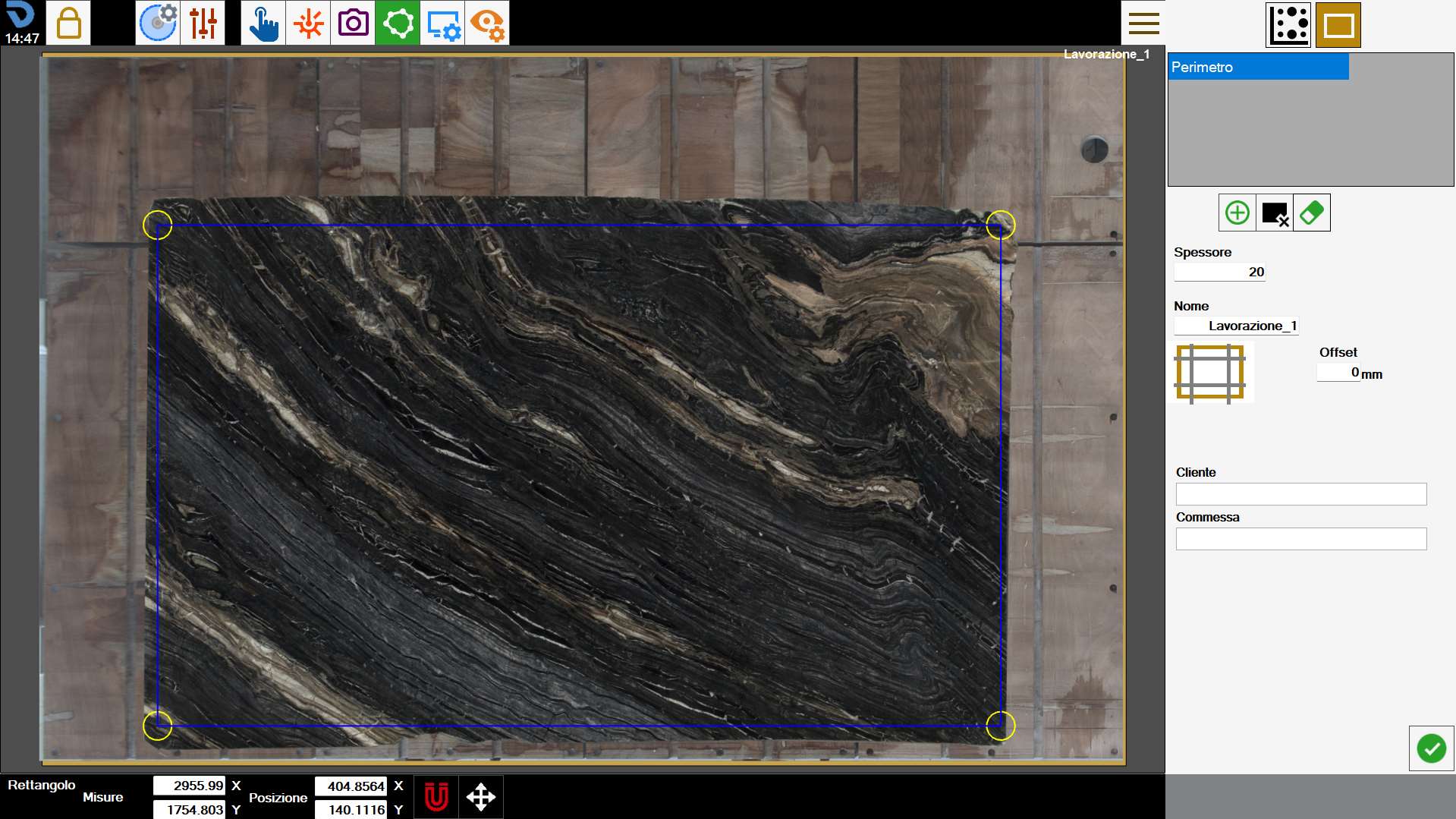
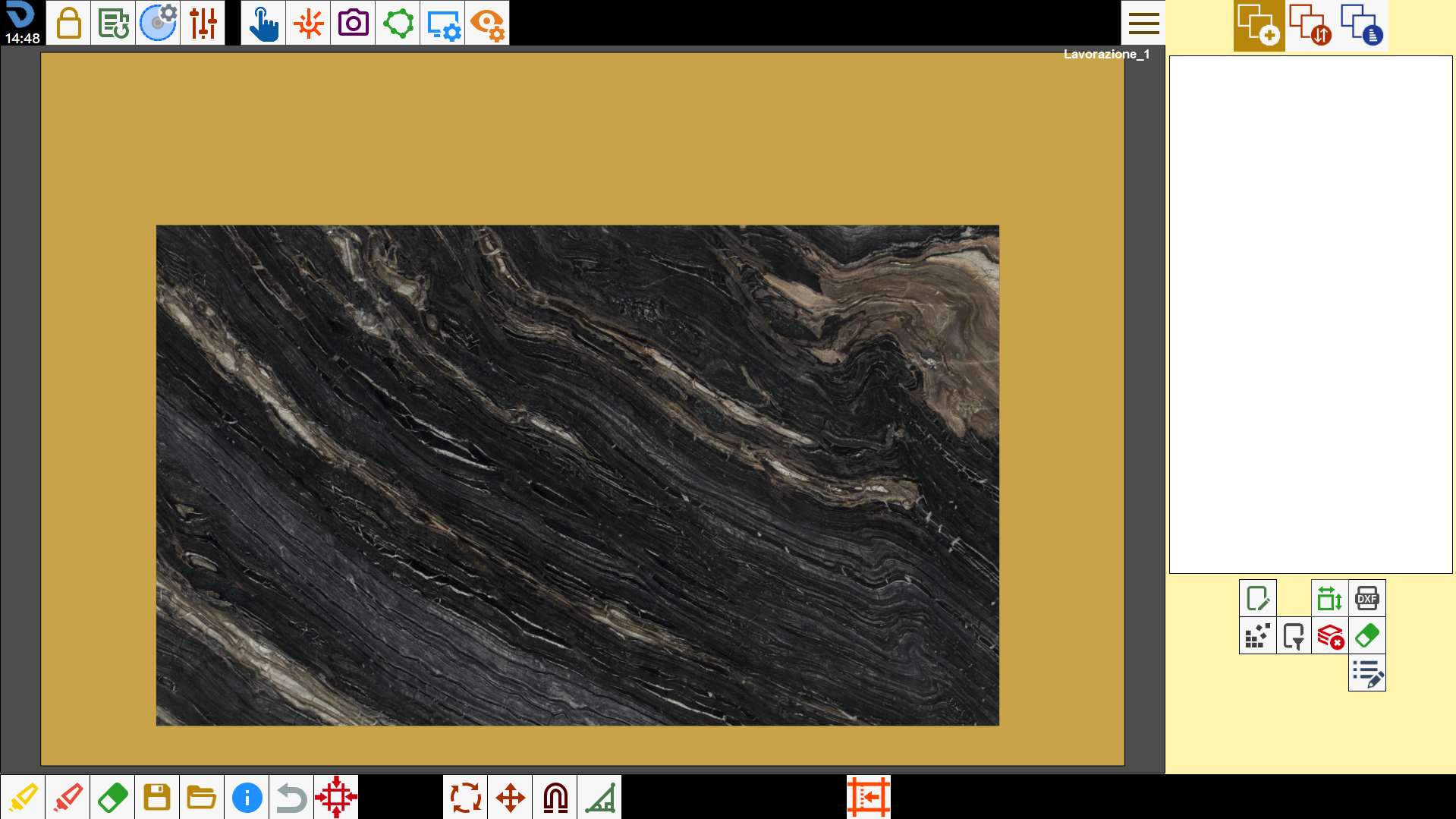
Once confirmed the perimeter, the photo of the slab will be added on the working area of Parametrix.