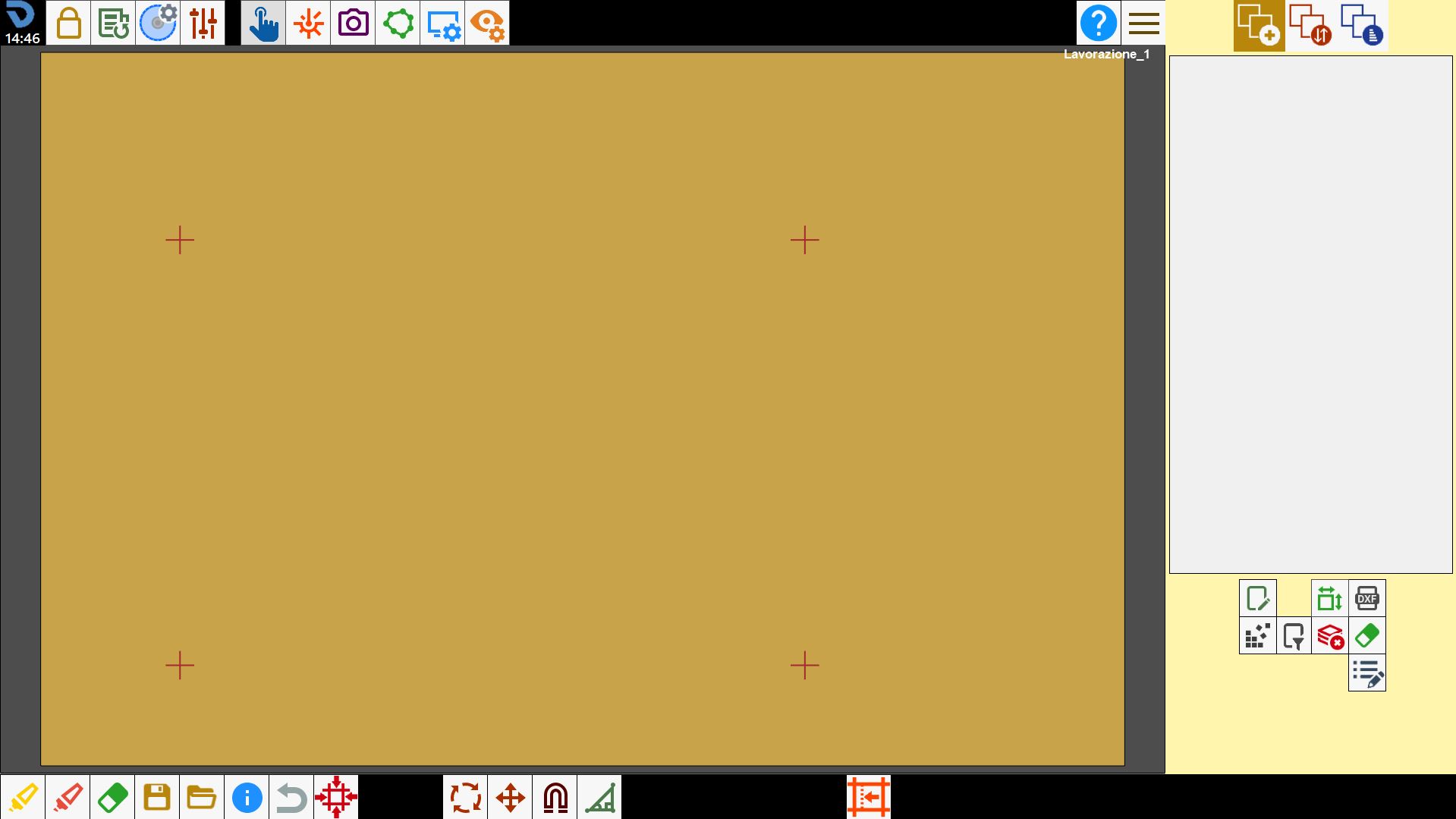
This panel allows to add or remove laser references on the working area.
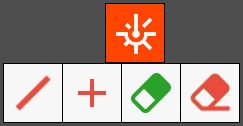
Buttons
 | Laser reference to line |
 | Draws laser cross |
 | Delete all drawings |
 | Delete a single drawing |
Laser to line
The line laser is a tool aligned with the disk mounted on the machine. It is used to collect information related to the position and the orientation of the disk on the bench.
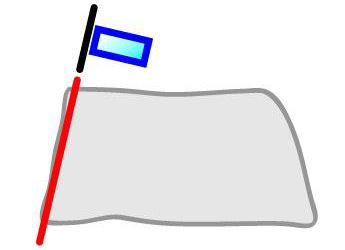
To acquire the reference, bring the machine to the desired point, and press the button to detect the direction of the laser at line and add the reference on the working area.
Using more references, it is possible to recognize the perimeter and the position of the slab or of a piece on the work bench.
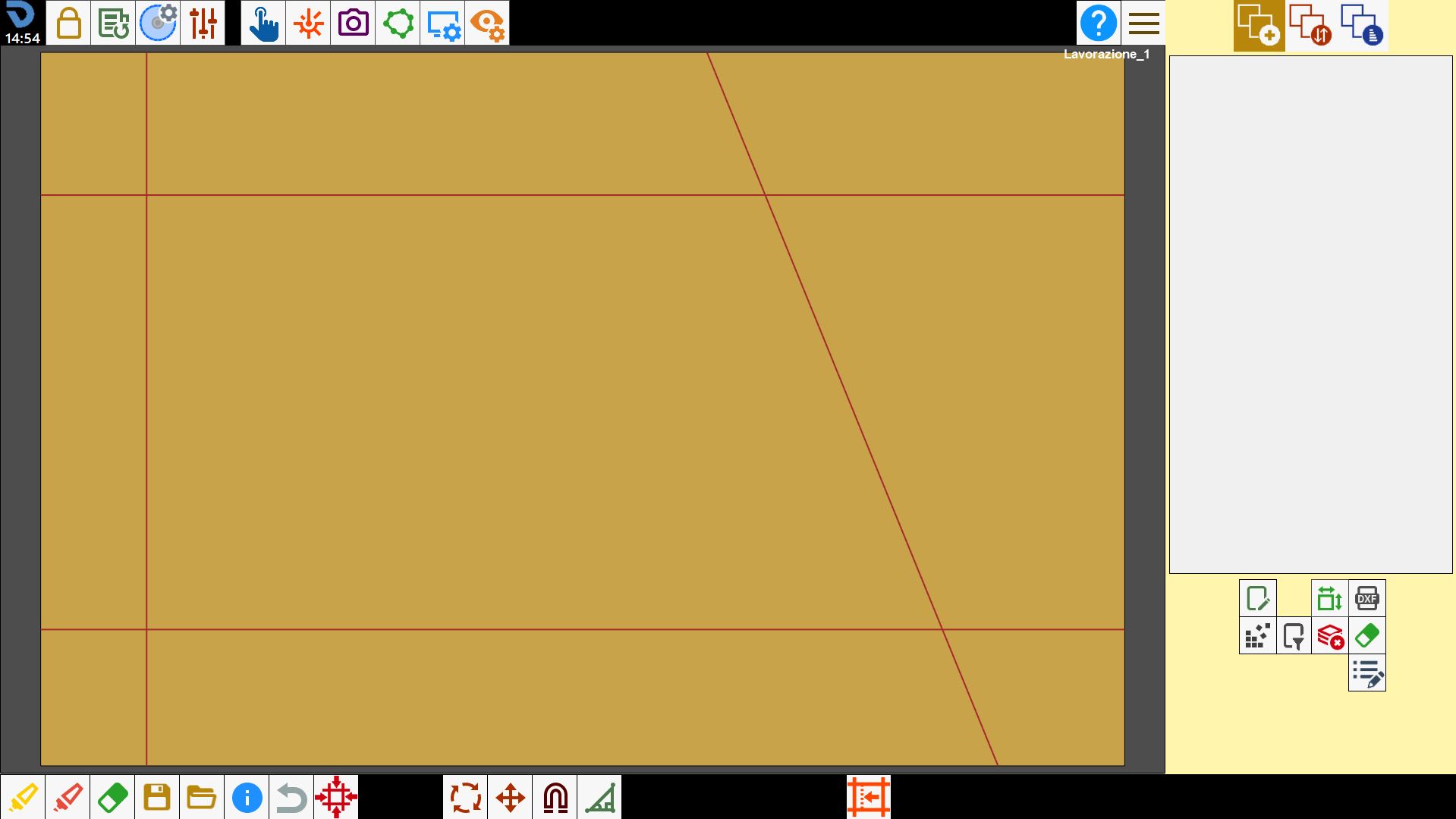
Laser cross
The laser cross is used to collect information related to the position of the laser pointer on the bench.
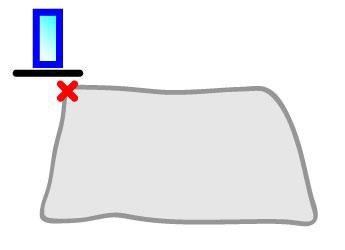
To acquire the reference, bring the machine to the desired point, and press the button to detect the position of the laser cross and add the reference to the work area.
Using more references, is possible to recognize the perimeter and the position of the slab or of a piece on the working bench.