

This function allows the additional properties of the piece to be modified. These are pieces of information about the piece that can be displayed in different parts of the program and are also included in the ISO file generated for the machine.
Pressing the button and then the desired row in the pieces list opens the following window.
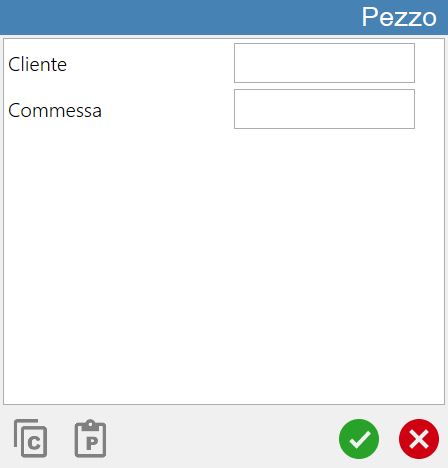
Properties configuration
The central section of the panel lists the additional properties that can be assigned to a piece.
The fields shown in this window can be customised with the assistance of a Donatoni technician.
Buttons
The lower section of the window contains the two buttons shown below:
 | Copy |
 | Paste |
Upon confirmation, this information will be associated with all pieces linked to the selected list row.
