

When one or more pieces are created and imported into Parametrix, the program adds them to the piece list located in the right-hand section of the main screen.
Using the piece list, the operator can:
Insert pieces into the work area;
Keep track of processed pieces and pieces still to be processed;
Apply certain changes to the pieces.
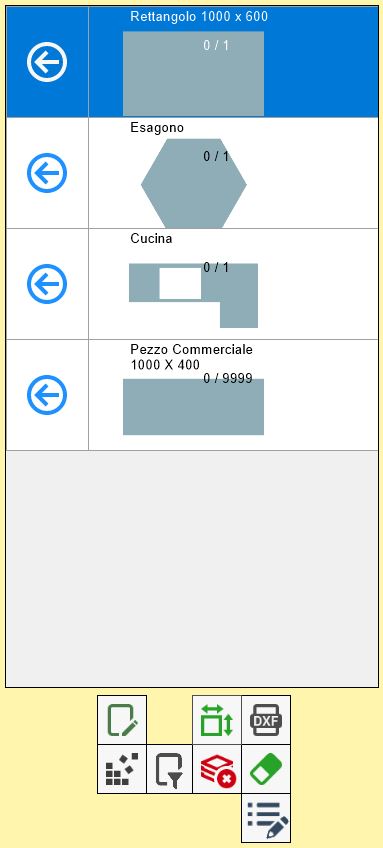
List elements
Each row in the list represents a piece that has been imported into Parametrix.

As shown in this image, a row contains the following information relating to the piece:
Shape preview | Simplified representation of the piece geometry. |
Piece mark | Label added to the piece for identification. |
Number of inserted and total pieces | Indicates the number of pieces in that row that have been inserted into the work area and the total number of pieces of that type that can be inserted. |
Insert pieces into the work area
To insert pieces into the work area, use the following button found in each row of the list:
 | Insert pieces into the work area |
The selected piece has been positioned in the work area, and the number of inserted pieces in this row has been updated.
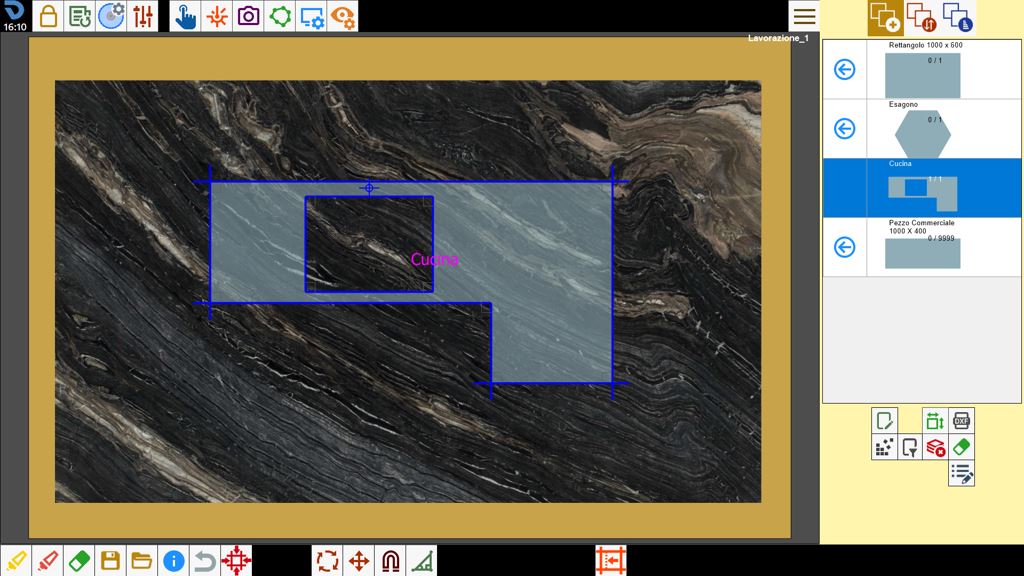
Once the maximum number is reached, the “Insert pieces” button for that row disappears because all pieces in that row have been processed.
Operations on pieces in the list
The buttons below the list allow the list items to be managed. In particular:
 | Clear piece list |
 | Hide/Show commercial pieces |
 | Delete piece |
 | Filter/Sort pieces |
 | Additional piece properties |
Delete piece
This function allows pieces to be deleted individually from the list. After pressing the button, the program asks the user to select the row to be deleted, replacing the arrow used to insert pieces into the work area with an eraser.
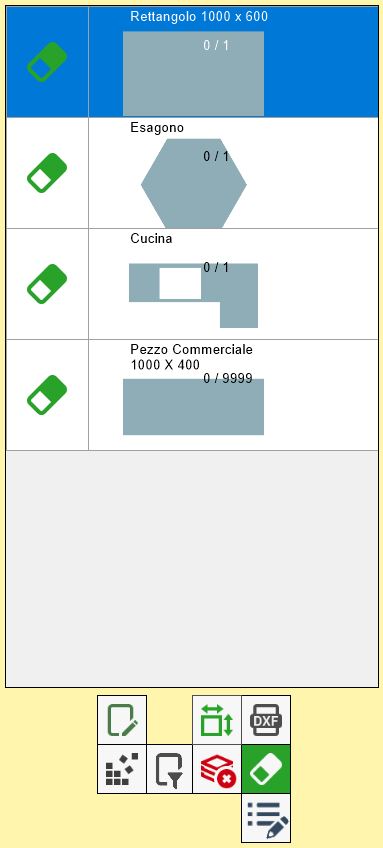
Pressing this button deletes the corresponding row and therefore all the pieces it represents.
