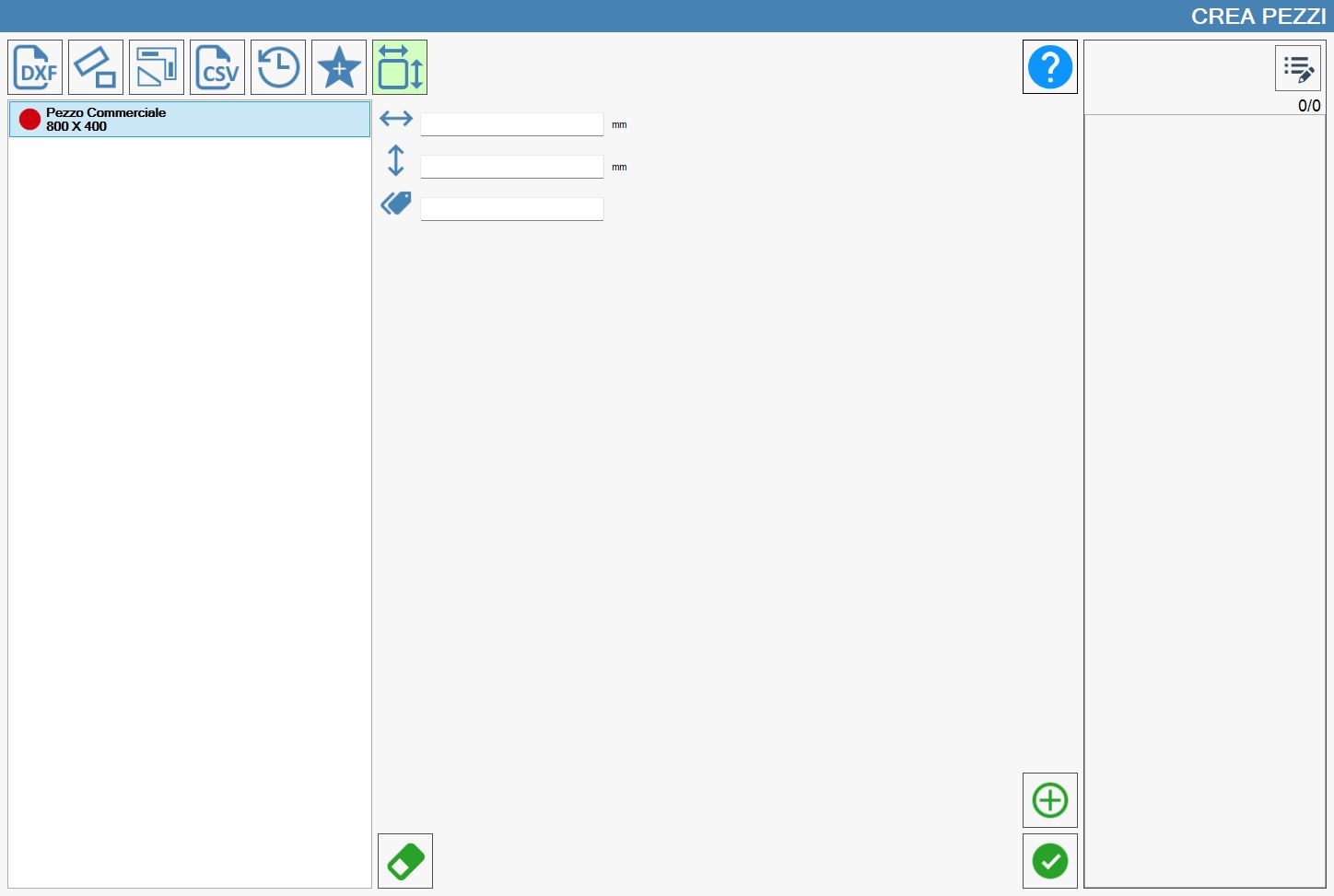
In this section of the “Create Pieces” panel, commercial pieces can be created. This type of piece has the following characteristics:
they are created with a high number of copies;
the width and height dimensions can also be changed after a piece is inserted in the work zone.
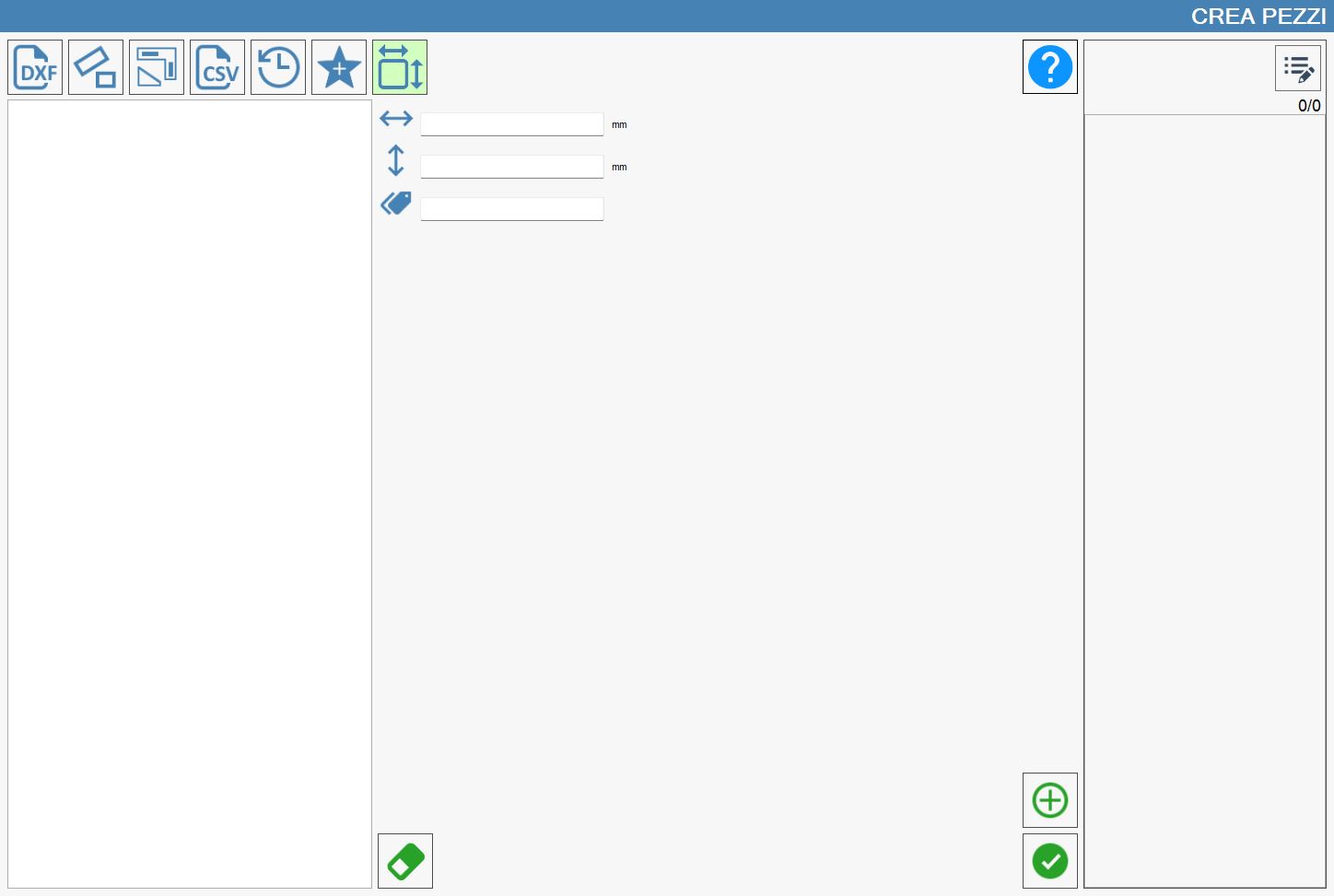
Parameters
 | Width |
 | height |
 | Mark |
Importing a commercial piece
To correctly complete the creation of a commercial piece, use the following button:
 | Import commercial pieces |
The creation procedure will also update both the list of commercial pieces on the left and the list of pieces to be processed on the right. The following example shows both updated lists:
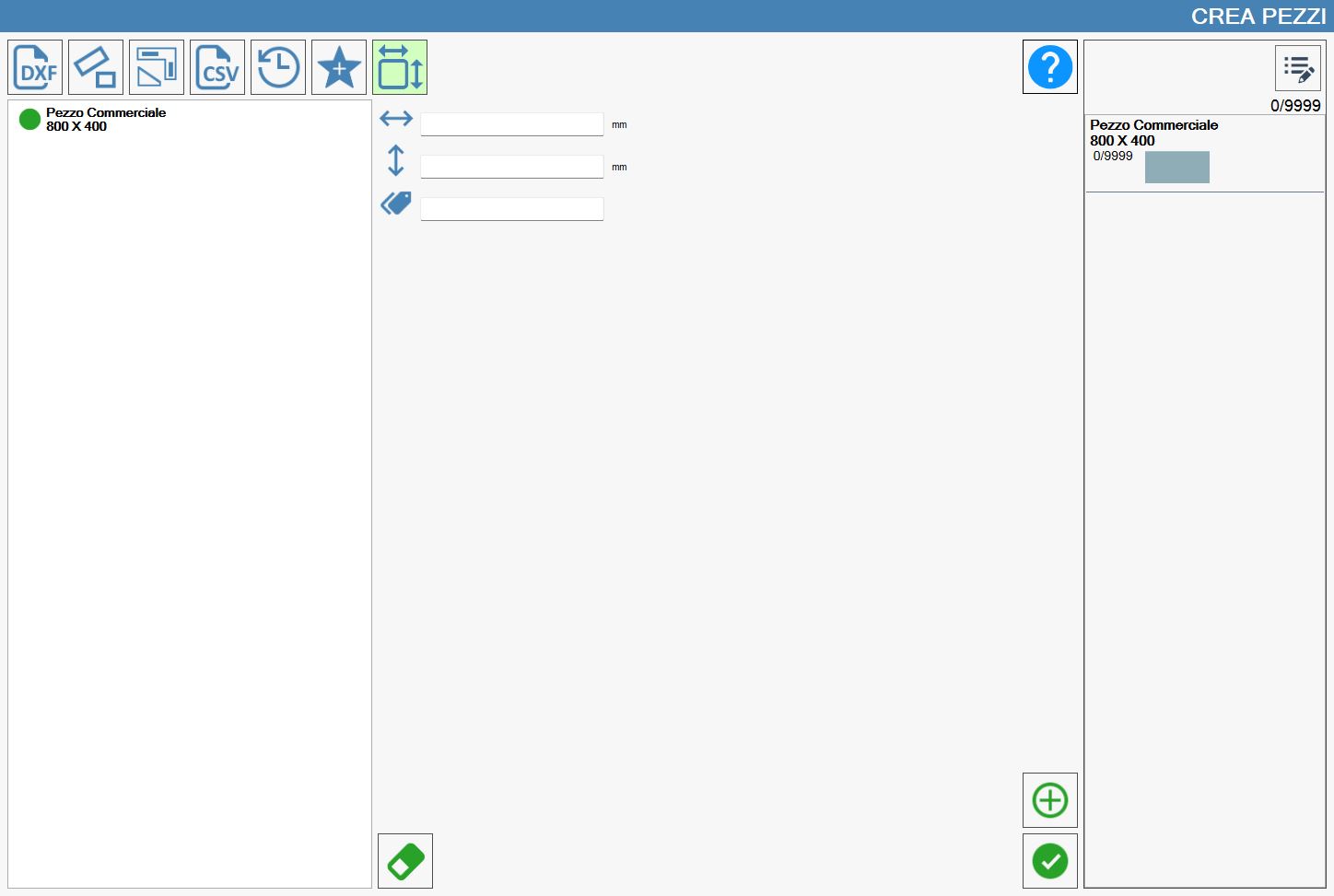
As can be seen in the column on the left side of the screen, a green icon precedes the piece name. Clicking this icon changes it to red and removes the piece from the list on the right.