Machine technical documentation Operational document
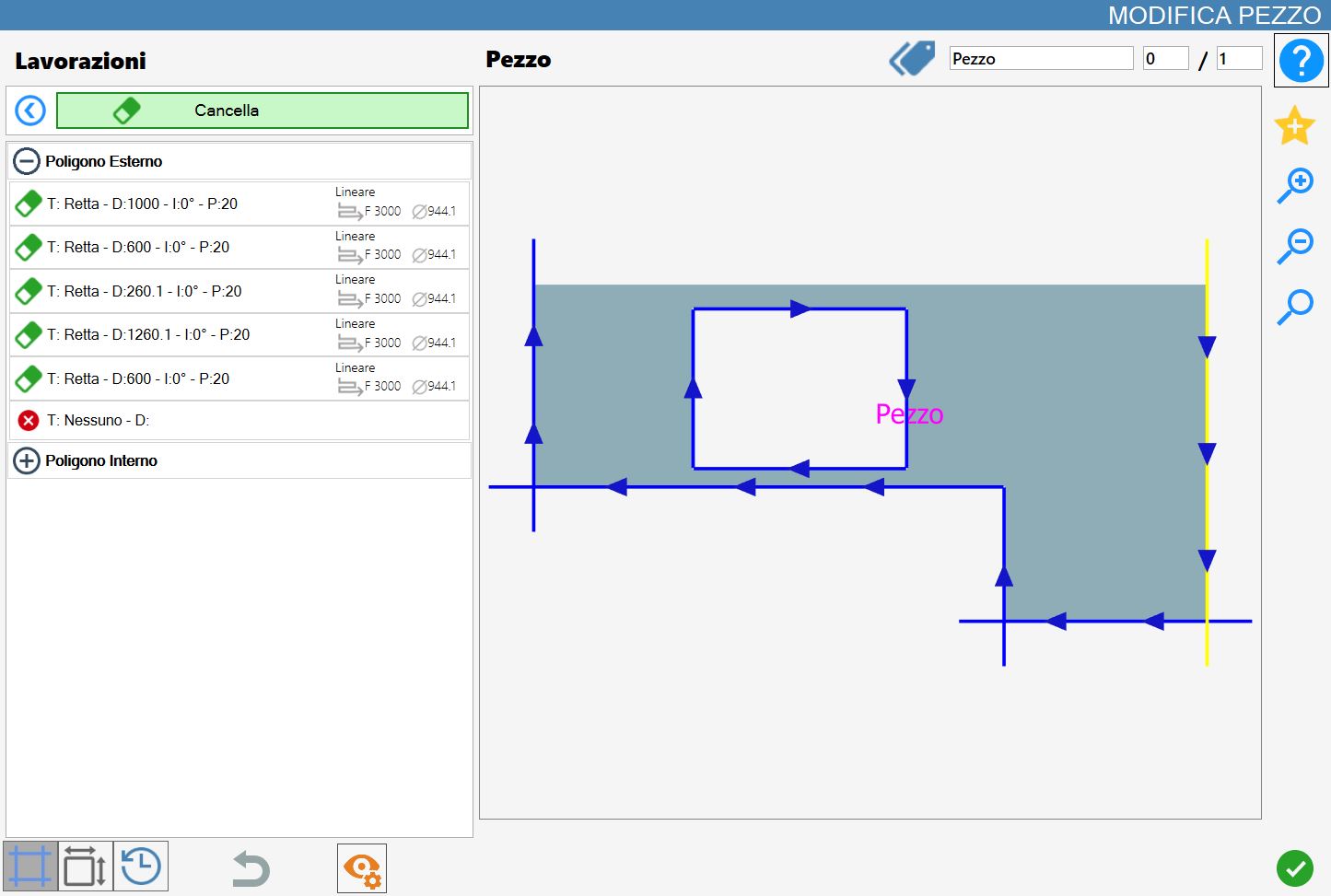
The ‘Delete’ function allows one or more cuts on the figure to be deleted.
The interface for this function is similar to the following image:
Executing the working
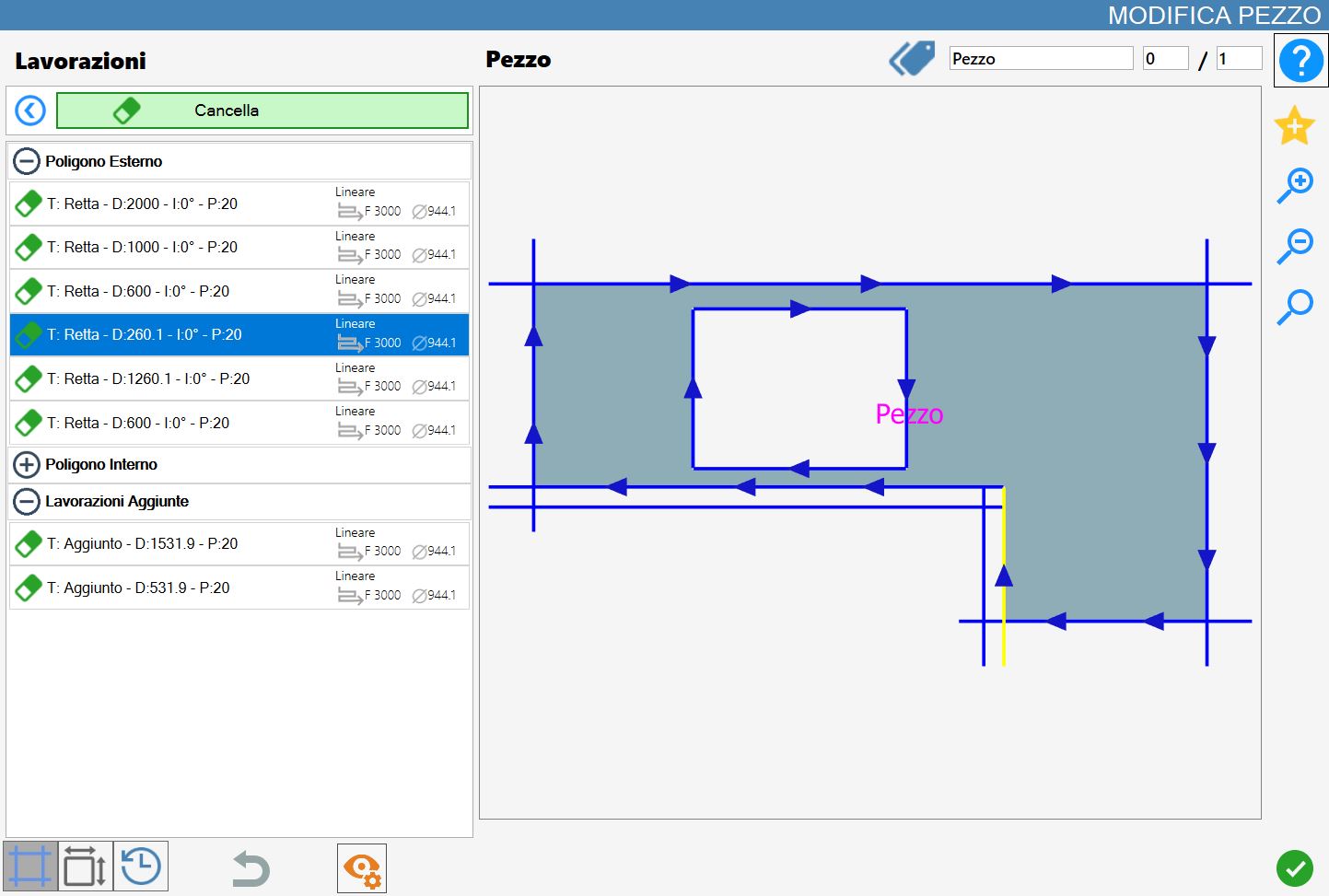
The working can be applied by pressing the button to the left of the appropriate cut in the polygon list.
A red icon with an 'X' indicates that the working cannot be applied to the desired cut.
Once one of the cuts has been deleted, the following changes will be visible:
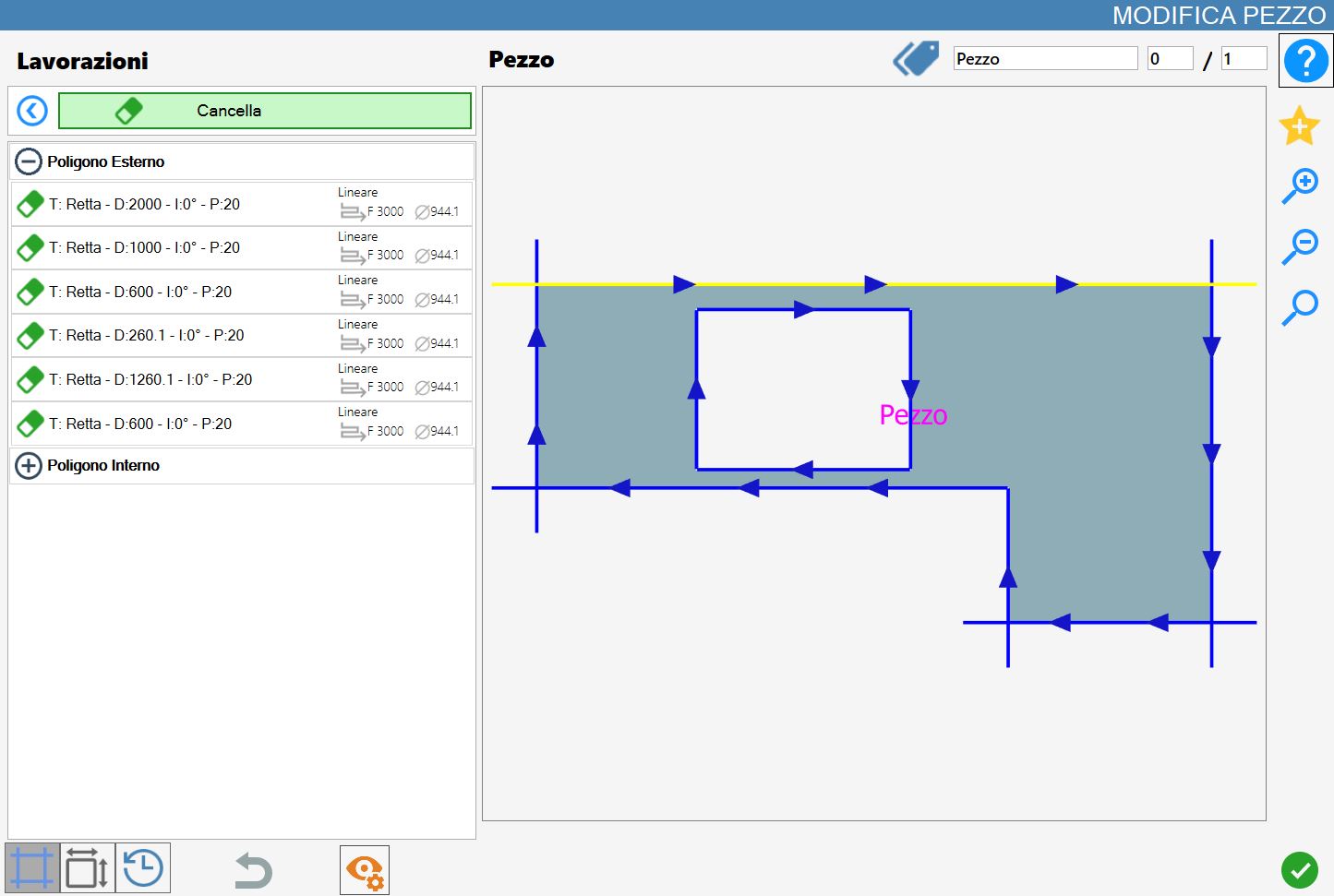
When all cuts are removed from the added workings list, the list itself is automatically deleted.
Deleting a cut from the polygon produces a result similar to that shown in the following image: