

This function allows the piece to be enlarged by moving it parallel to the selected cut.
The following image shows the function interface, using a sample piece for demonstration purposes.
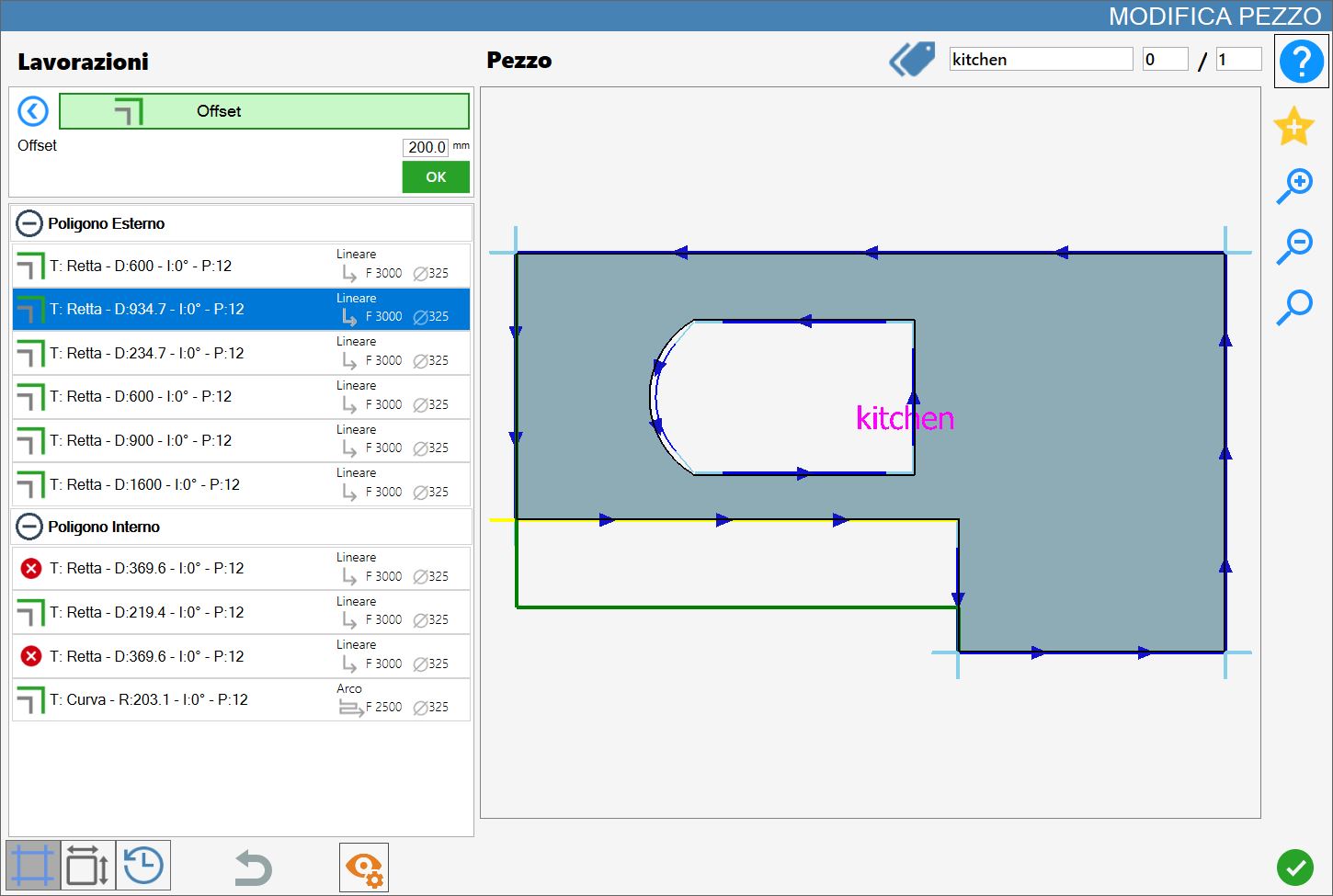
Parameters
Offset | Allows the piece to be enlarged by moving it parallel to the selected cut. |
Executing the working
The working can be applied by pressing the button to the left of the appropriate cut in the polygon list.
A red icon with an 'X' indicates that the working cannot be applied to the desired cut.
The image below shows the piece after adding an offset, using the left side cut of the internal polygon as reference.
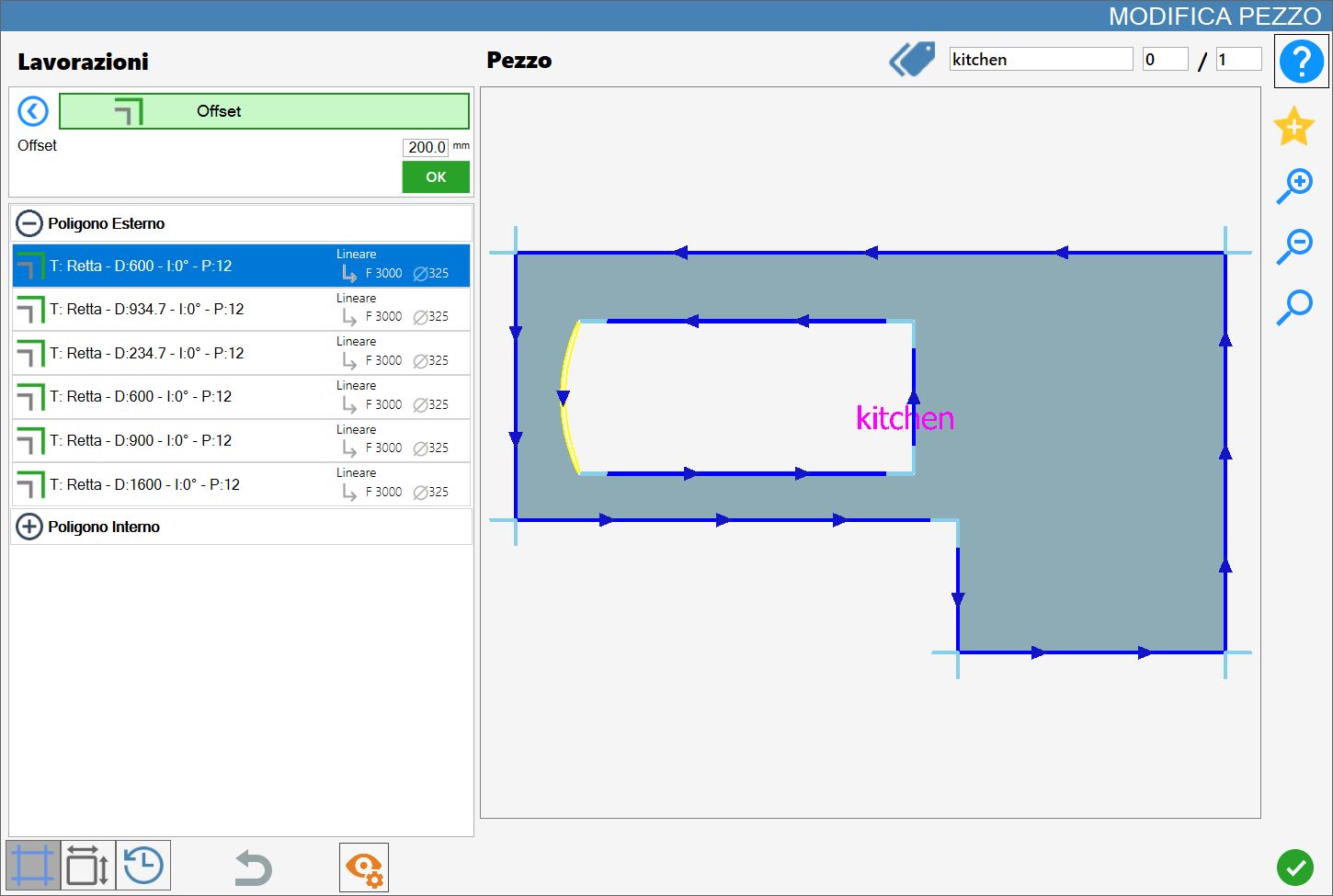
Once this working has been performed, it does not add or remove cuts from the list; it only updates the parameters of the cuts involved according to the changes made.
