The ‘Rim’ function allows a profile to be added to the upper edge of the piece or kitchen worktop.
It is mainly used to lower the internal cut-outs of kitchen worktops by a certain amount so that a sink can be installed.
The tool used to perform this working is the Milling cutter.
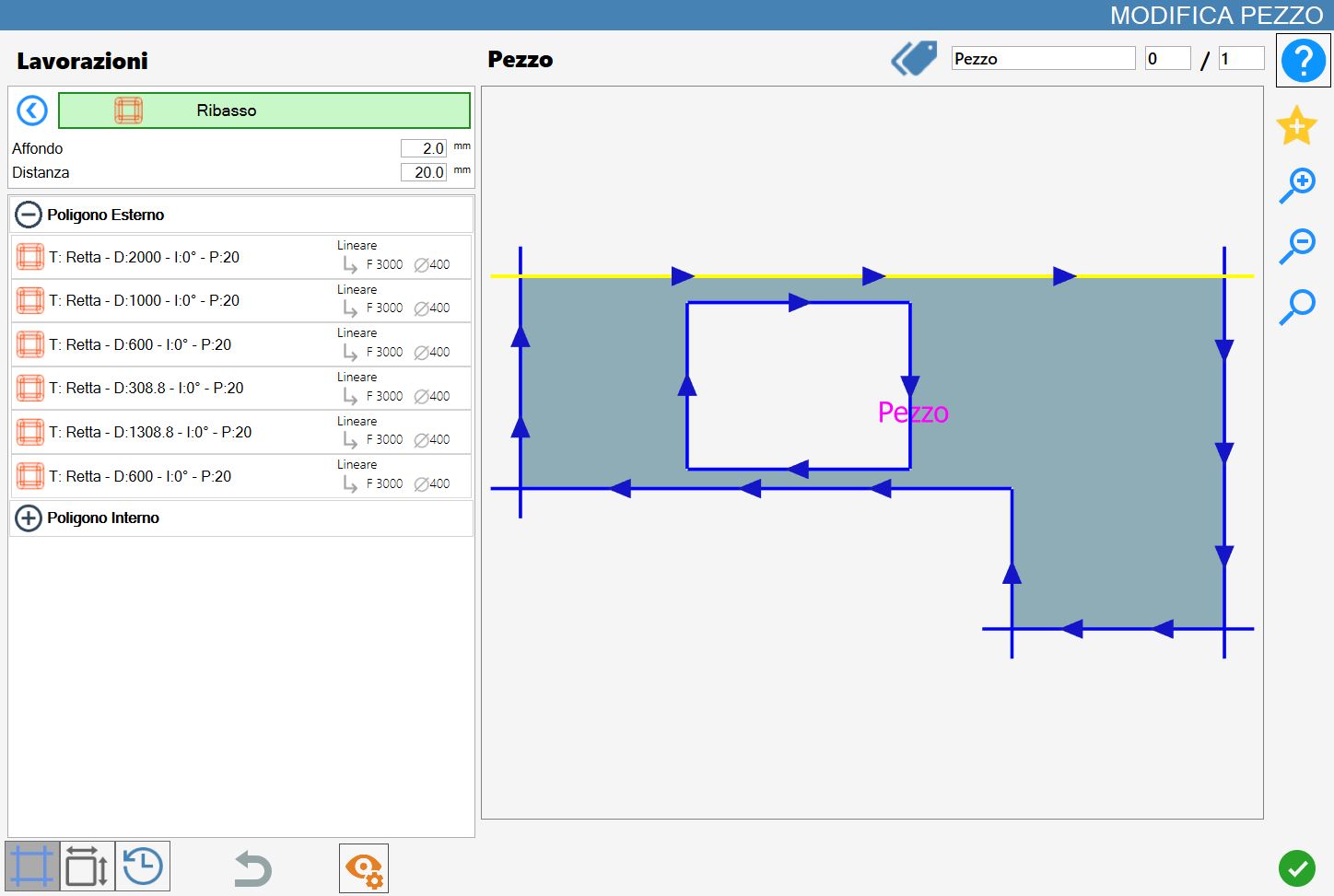
The interface for this function is similar to the following image:
Parameters
Plunge | The depth at which the cut is to be made. |
Distance | Allows the desired distance from the side of the piece to be specified. Positive, negative and zero values are allowed.
|
Executing the working
The working can be applied by pressing the button to the left of the appropriate cut in the polygon list.
A red icon with an 'X' indicates that the working cannot be applied to the desired cut.
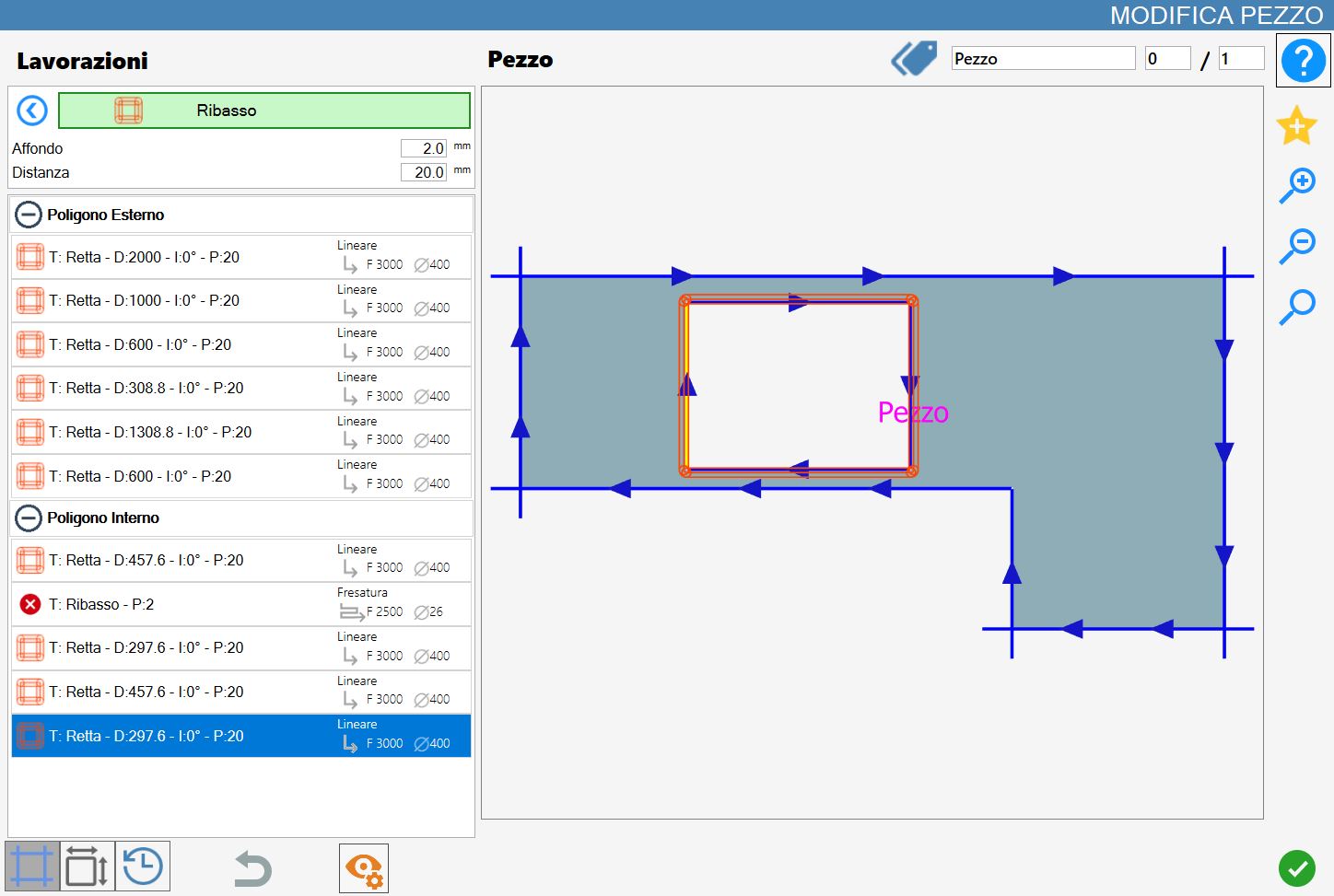
A rim will be applied around the entire polygon of a selected cut, regardless of where the cut is selected.
The following is an example of a rim with a positive distance parameter value: