The Nesting function automatically and optimally arranges pieces within the slab perimeter.
How to use the function
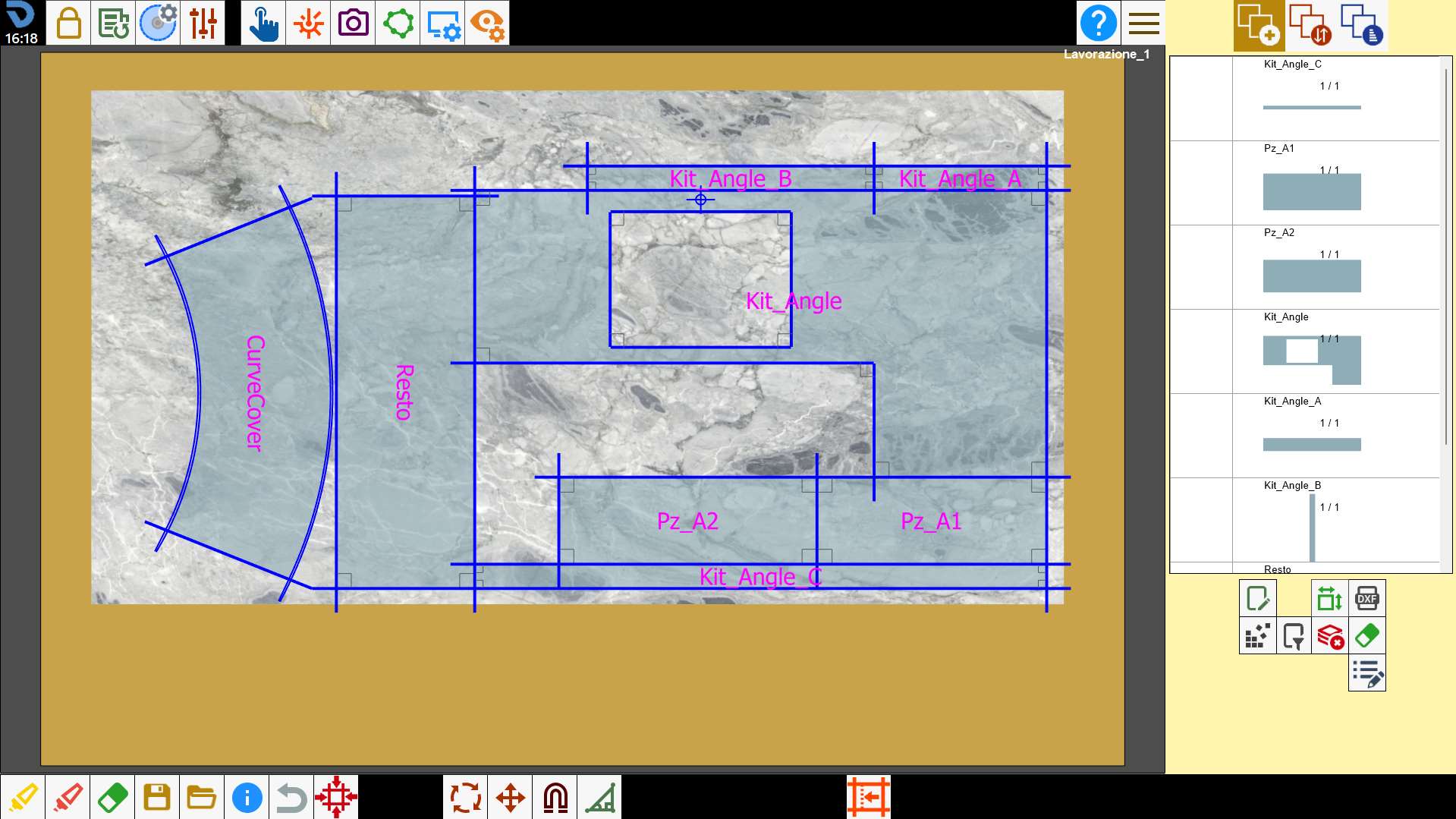
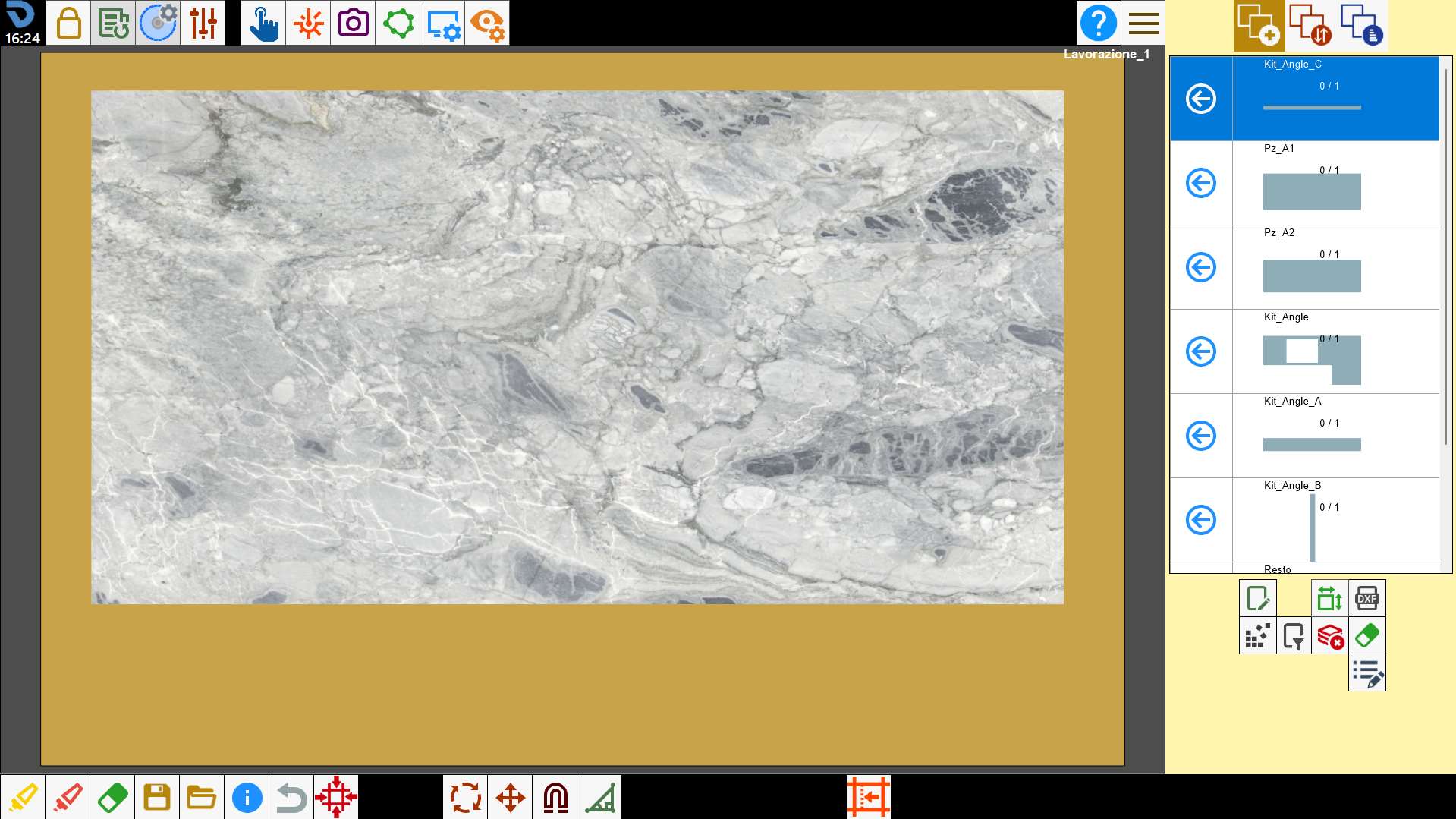
To use this function, create a piece list and define the perimeter in which they are to be inserted.
Then press the button: the program automatically arranges the pieces within the slab perimeter.
The pieces are inserted on the slab taking into account subsequent use of the suction cup material handling system to resolve collisions between pieces and taking into account defects marked on the slab.
If the solution found is not satisfactory, press the button again to apply Nesting again and find a different configuration.
The Nesting function arranges pieces according to different insertion strategies; therefore, each time the button is pressed, the program changes the piece arrangement, up to a maximum of 4 solutions (the fifth attempt proposes the first solution again).
The program arranges the pieces in 4 different ways, allowing the user to compare them and choose the best arrangement.
Some examples
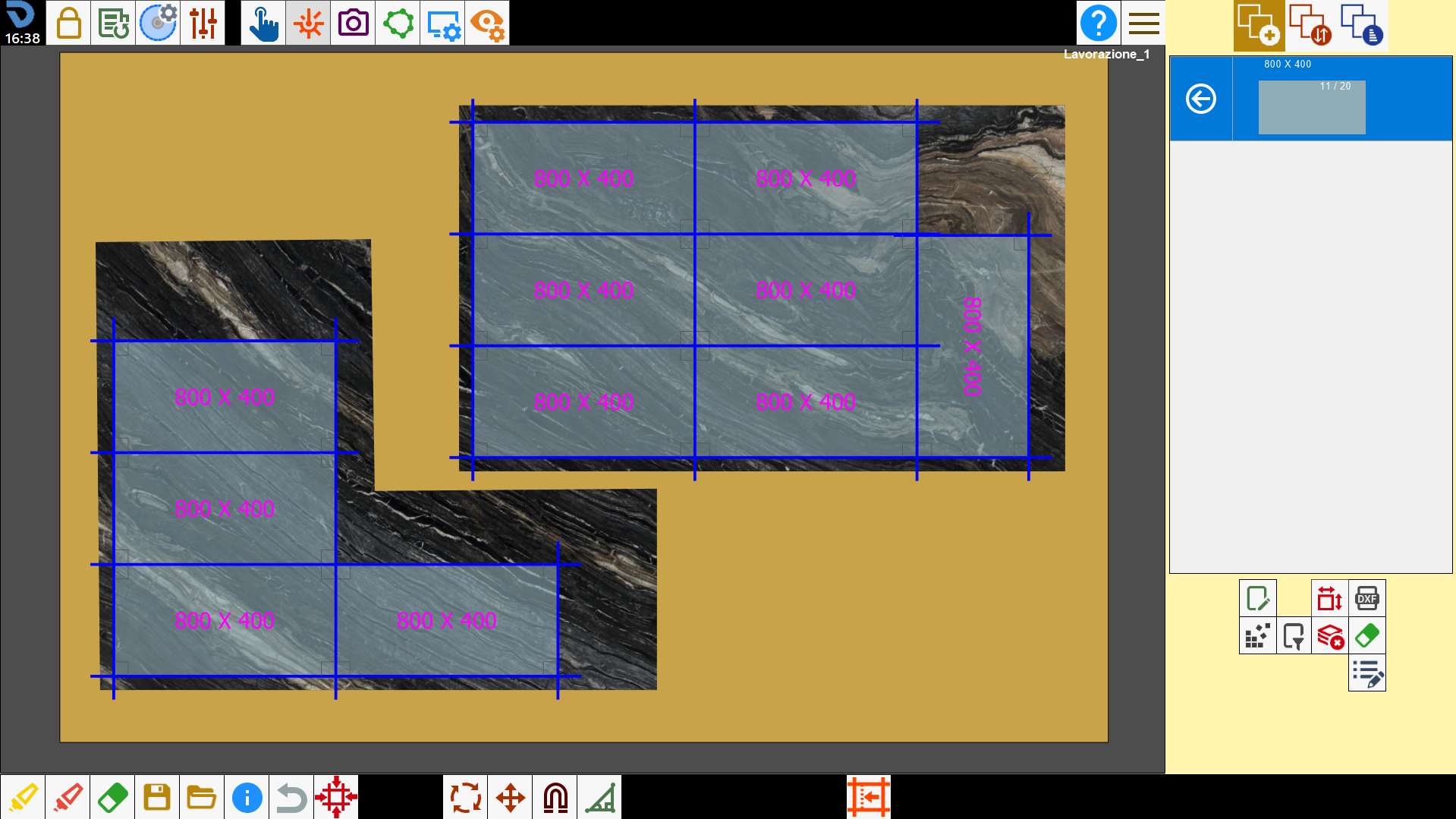
Some examples of using the Nesting function are shown below.
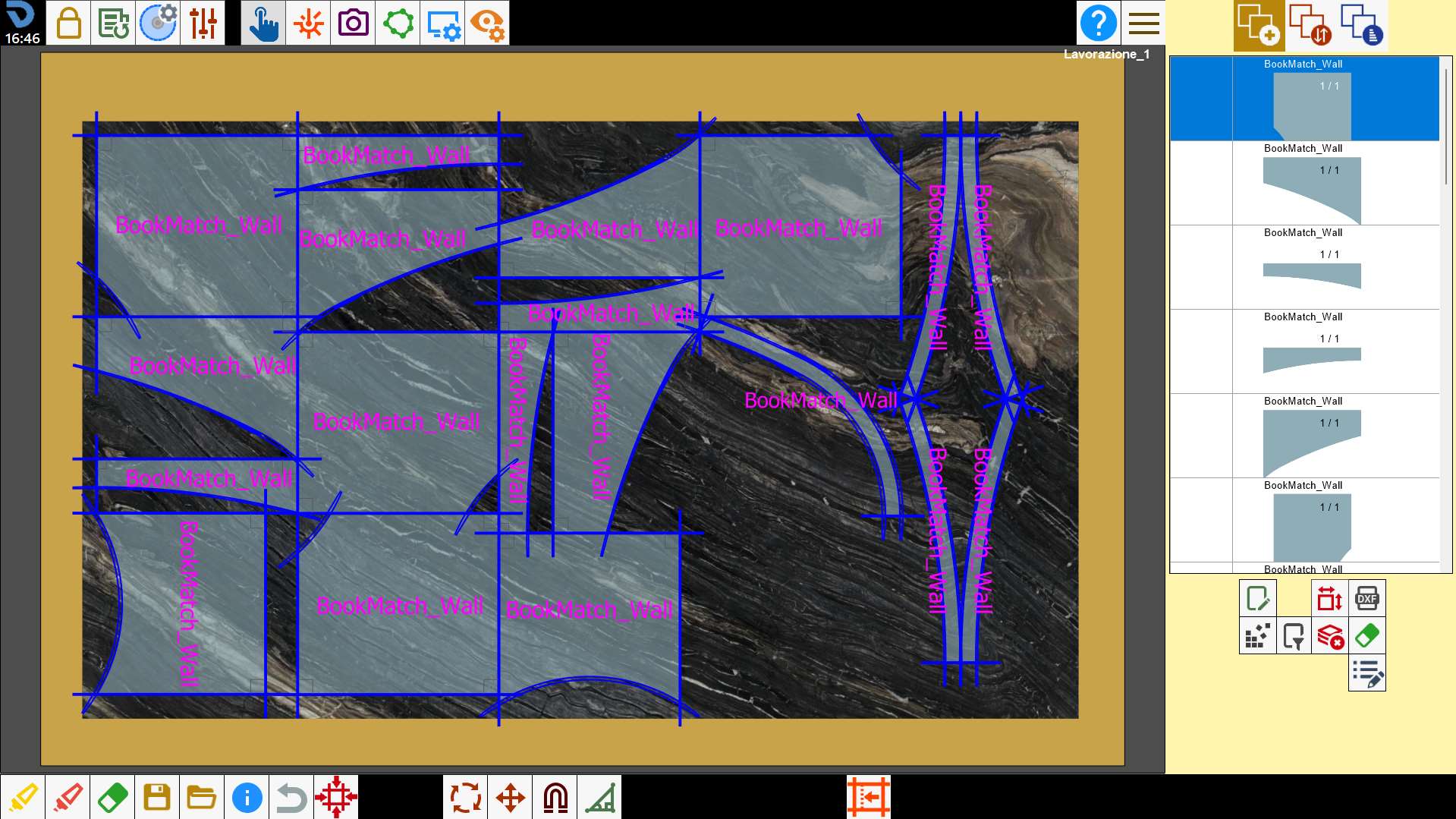
It can be used to arrange simple-shaped pieces more quickly.
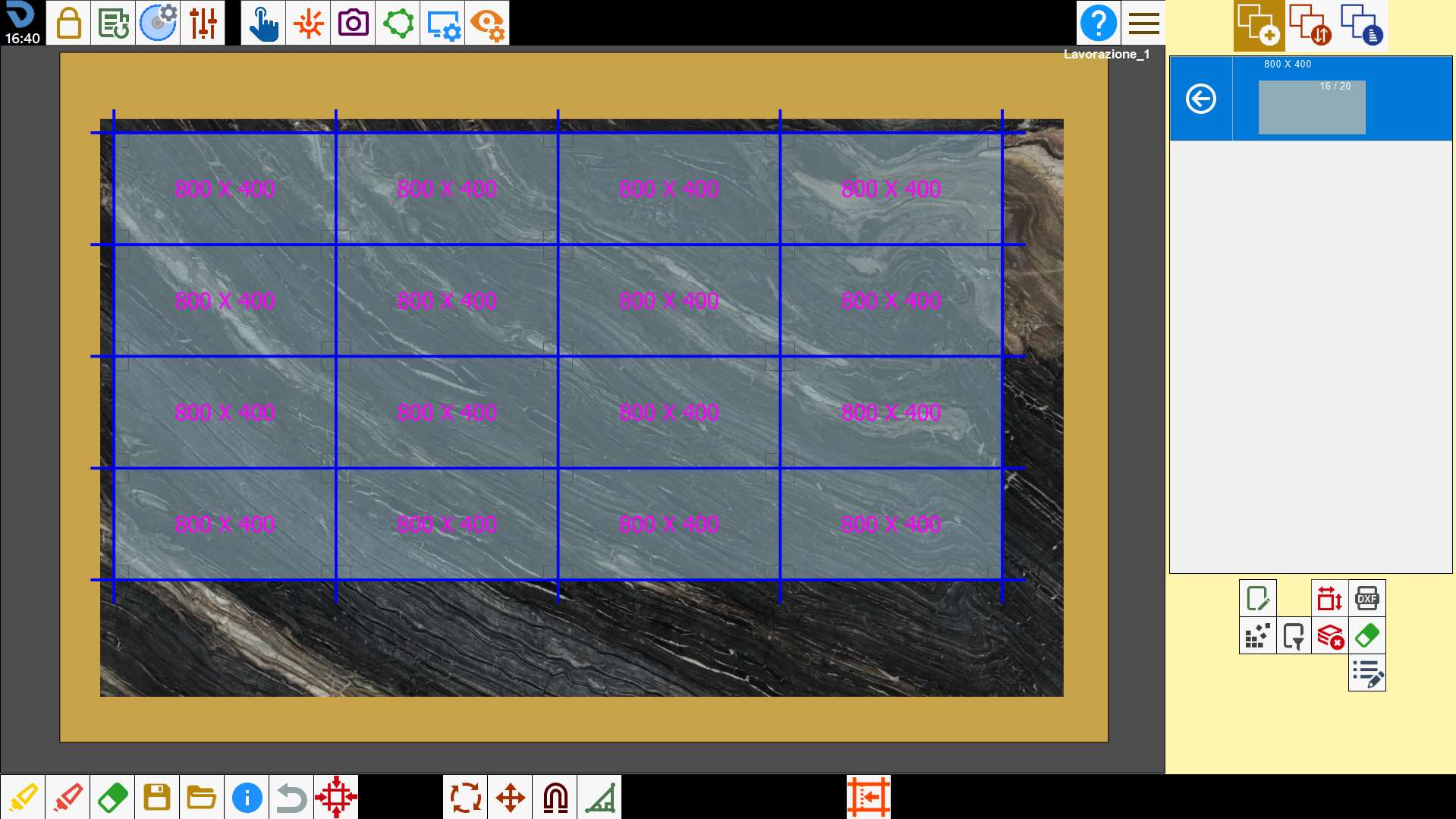
This function finds the arrangement and combination of pieces that fills the largest possible slab area.
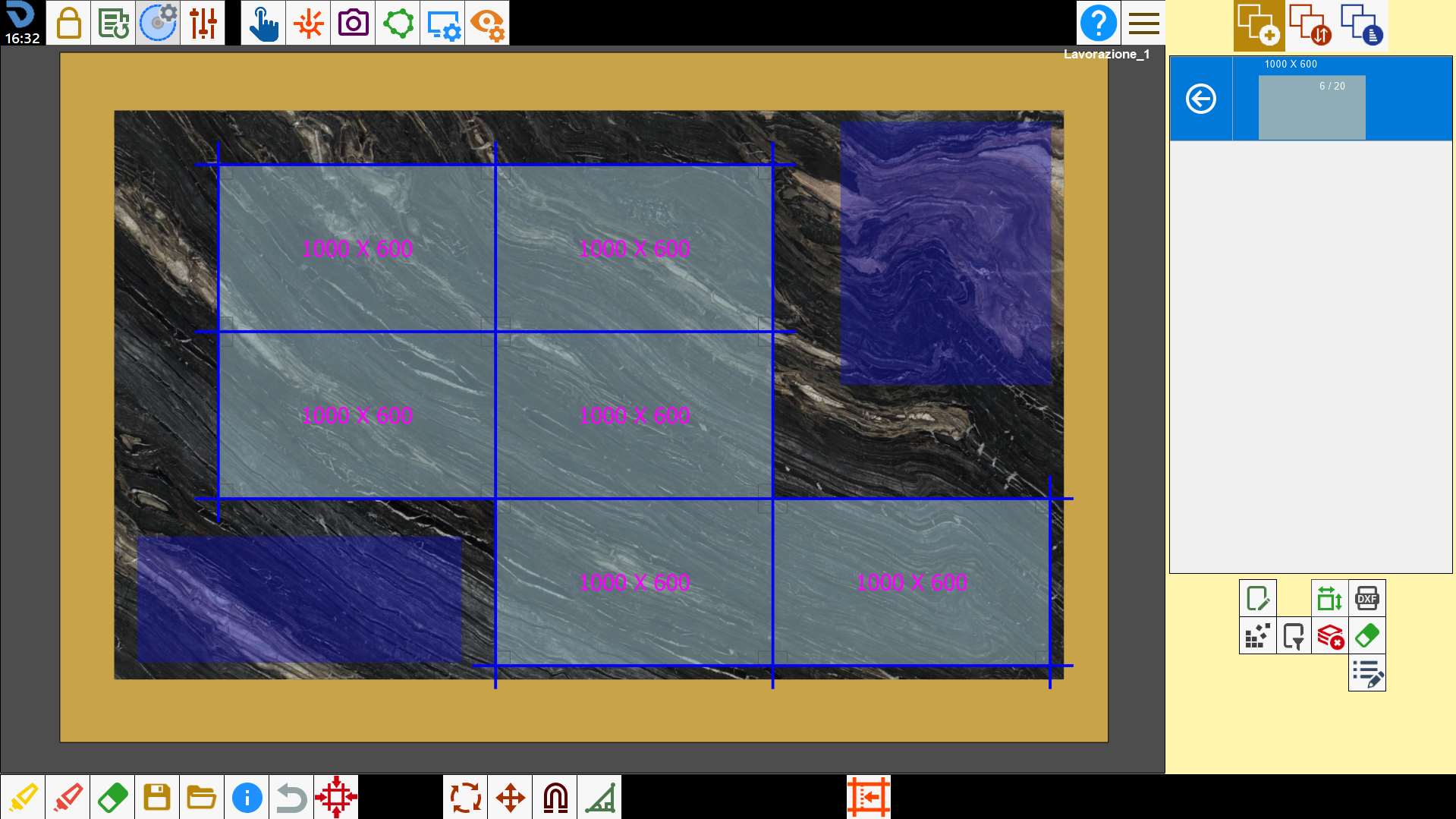
Nesting does not insert any piece inside the slab avoid areas.
Slab perimeters of any shape can be used.
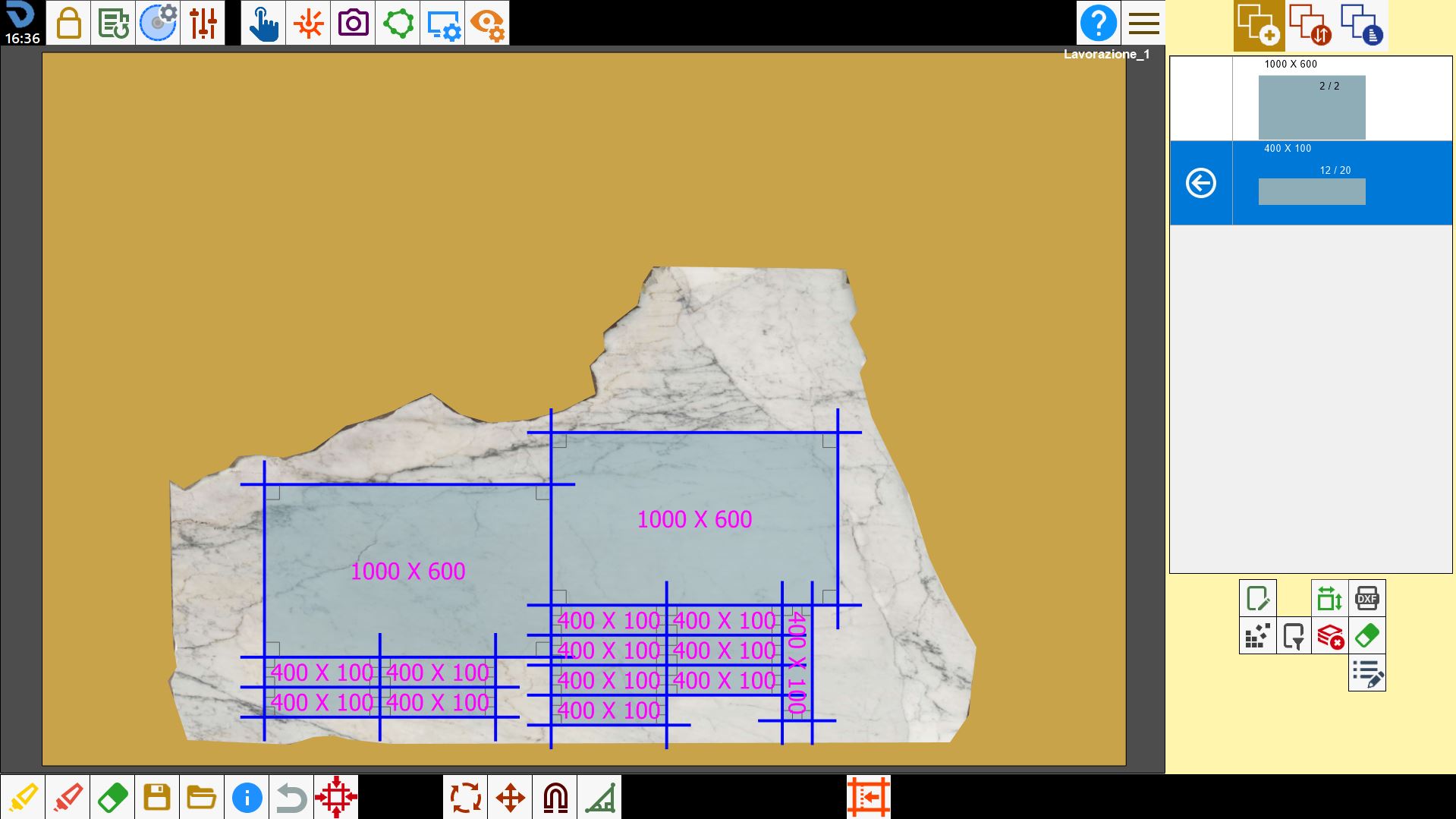
If multiple perimeters are present, Nesting arranges pieces in each of them.