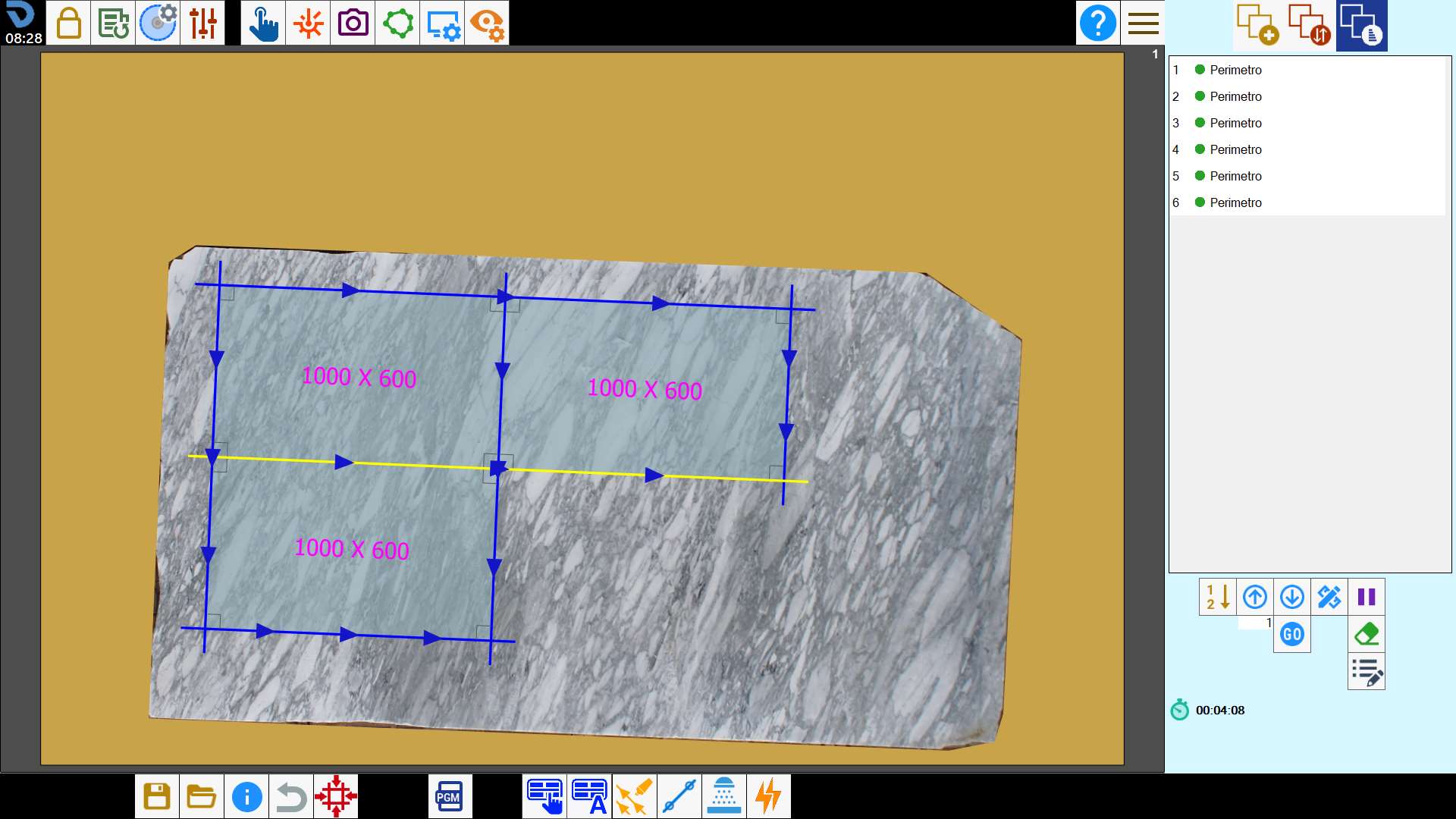
This function allows the operator to load a cutting project prepared in the office and adapt it to the actual position and dimensions of the slab on the machine.
Buttons
 | X-axis offset |
 | Y-axis offset |
 | Rotation |
 | Directional movement arrows |
 | Clockwise/Counterclockwise rotation |
 | Reset positioning |
 | Automatic Slab Matching |
 | Show/Hide pieces |
How to use Slab Matching
The operator can plan a slab cutting project in the office using a photo taken from the camera stand as reference, and save it.
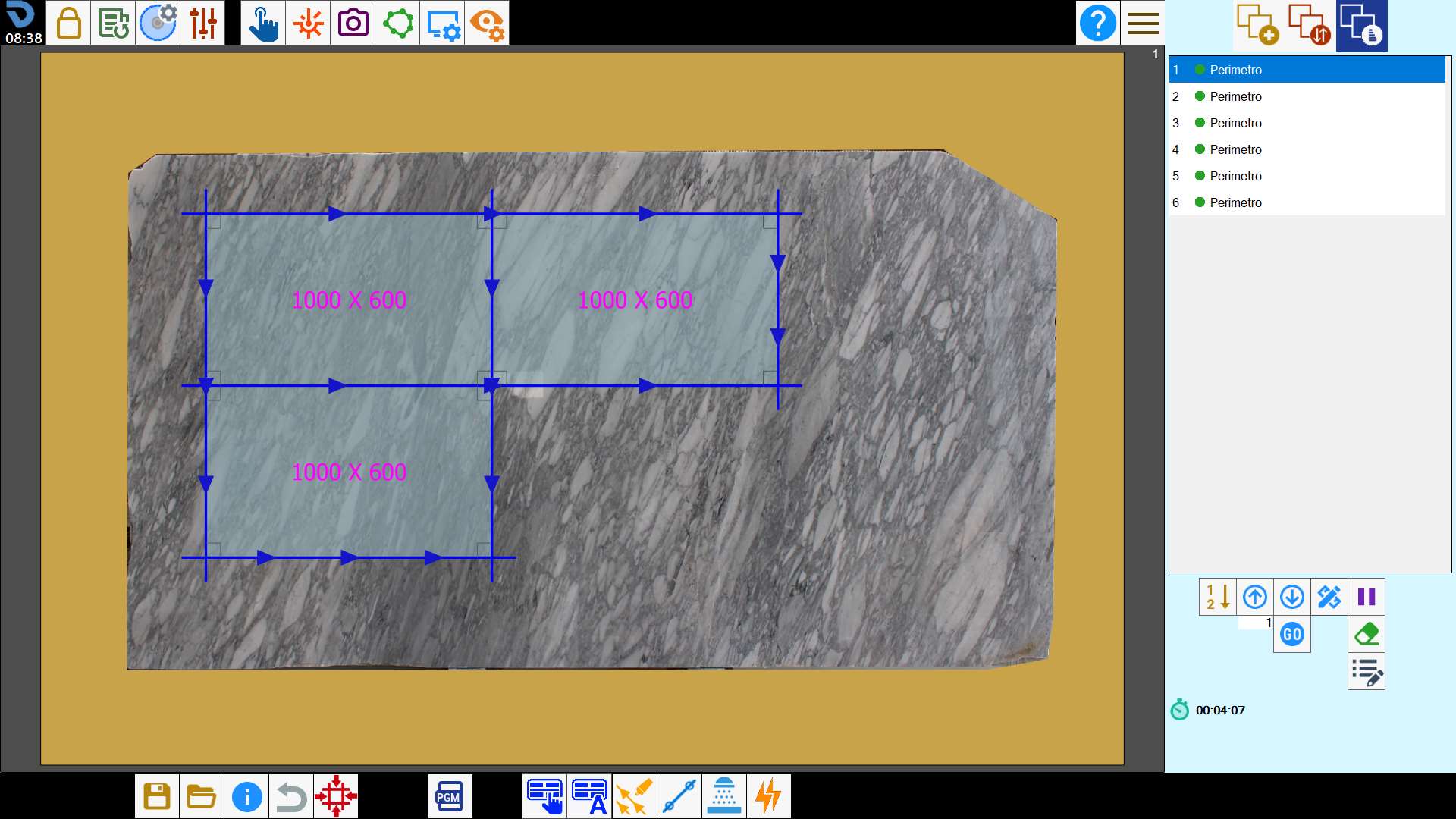
After taking a photo of the slab on the workbench, the machine operator can load the project file saved in the office using the Slab Matching function.
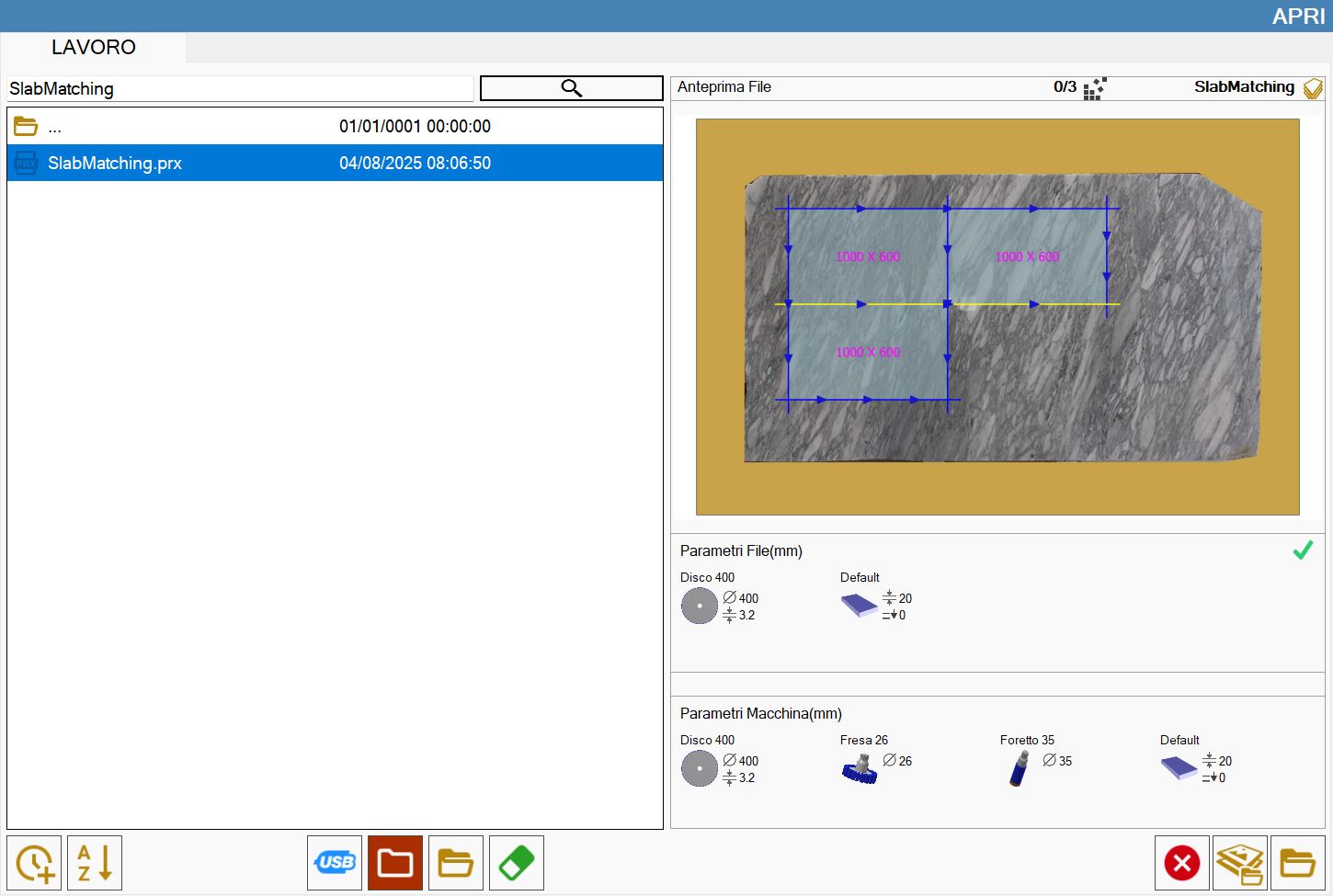
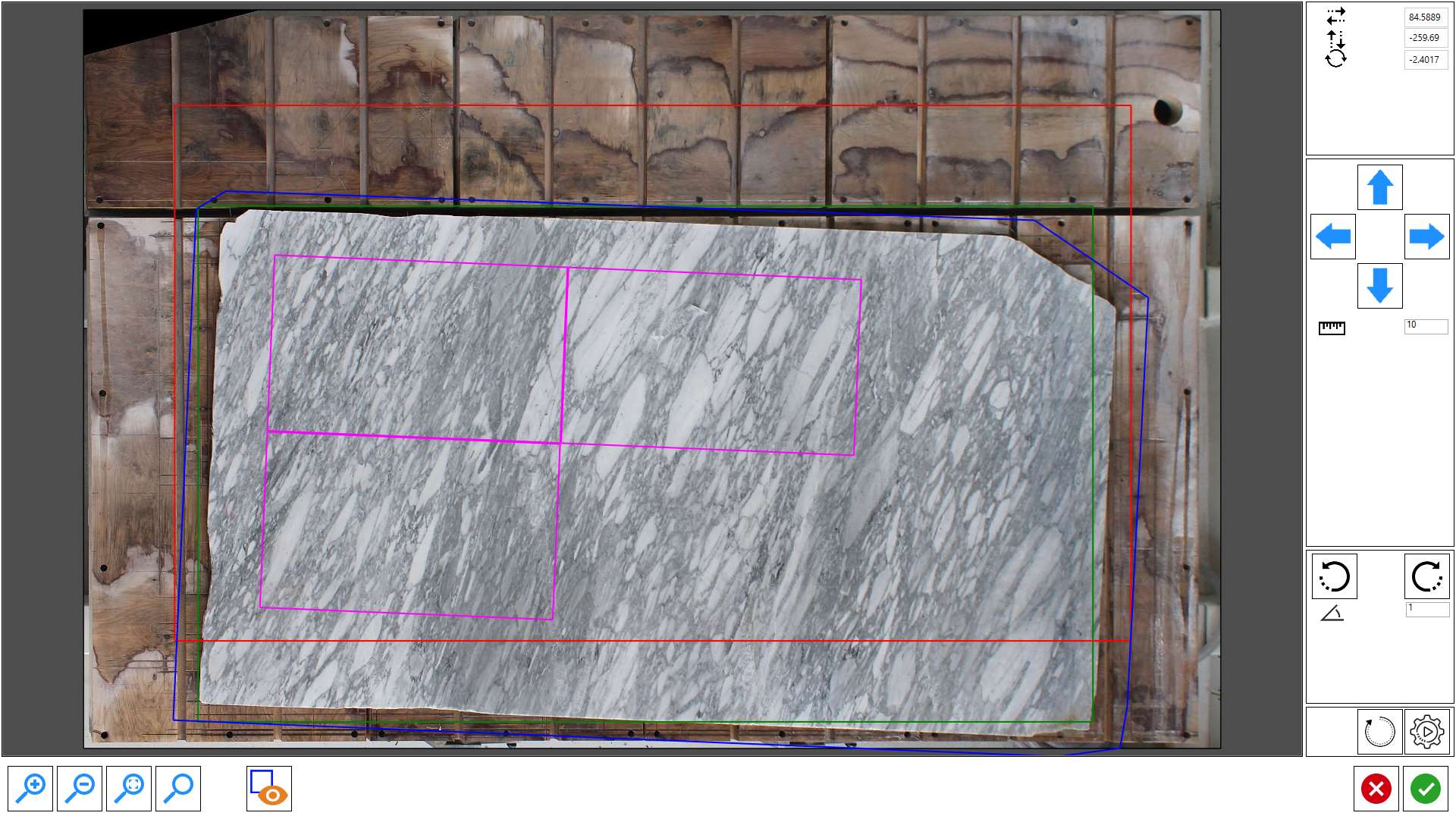
The window that opens shows the photo taken of the workbench and a preview of the slab perimeter programmed in the office.
The elements shown on the screen represent:
Blue | Perimeter of the slab programmed in the office. |
Fuchsia | Perimeter of the pieces within the slab programmed in the office. |
Red | Original position of the slab programmed in the office. |
Green | Position of the slab on the workbench. |
The operator can move and/or rotate the perimeter within the work area to the correct position by dragging it, using the arrows or using the automatic alignment button.
Once the perimeter is correctly positioned, press Confirm and the pieces will be displayed on the actual slab in the positions defined in the file.