

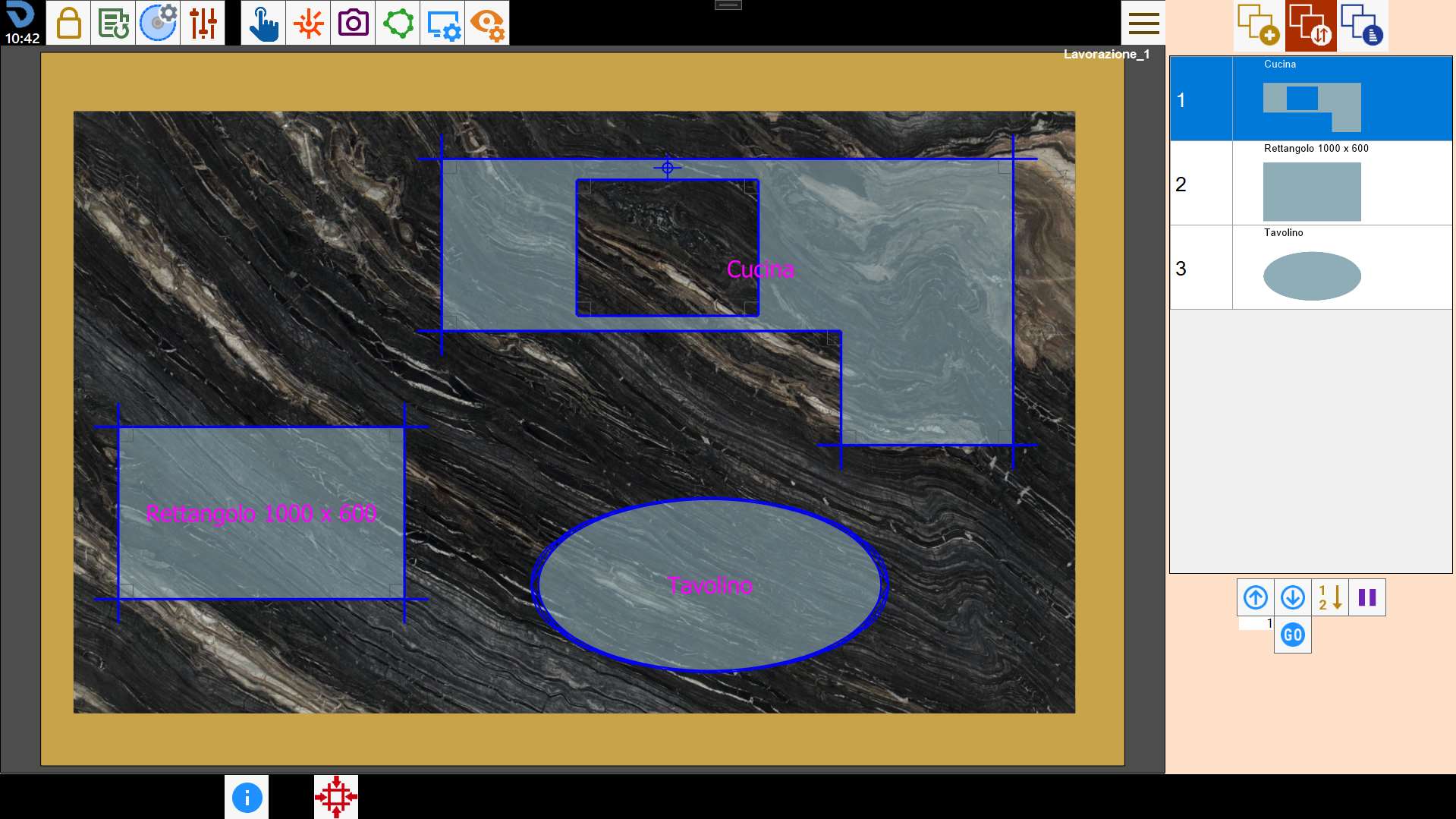
Once the pieces have been positioned in the work area, the screen dedicated to managing the piece cutting order can be opened.
Buttons
The arrangement of the pieces in the list on the right indicates the order in which they are cut.
The buttons below can be used to change this order or insert a pause in operation execution between one piece and the next.
 | Move using arrows |
  | Move to desired position |
 | Select order from work area |
 | Pause |
Move using arrows
These buttons can be used to move the selected piece to the position above or below.
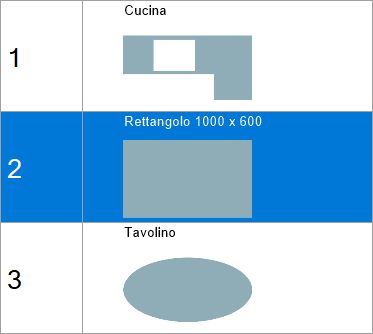
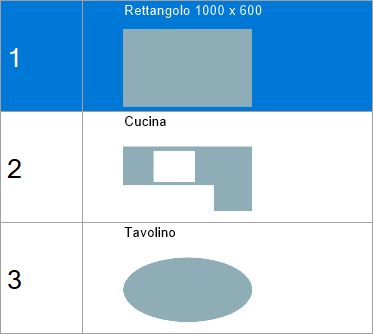
In the following example, the piece in second position is to be moved to the top of the list.
Before movement | After movement |
 |  |
Move to desired position
This function moves the selected item to the position in the list indicated in the adjacent text box.
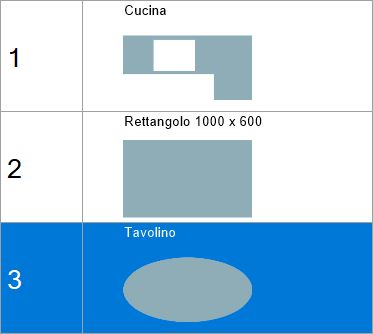
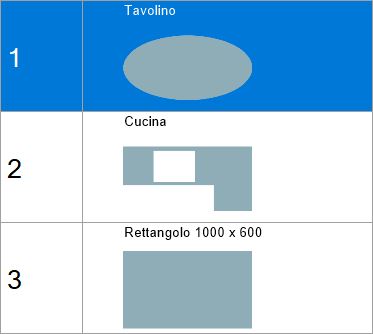
In this example, the last piece in the list is to be moved to the first position. Enter the value “1” in the box and then press the button.
Before movement | After movement |
 |  |
Select order from work area
This function allows the piece cutting order to be selected directly from the work area.
Pressing the button causes the program to write a number on each piece indicating its position in the list.
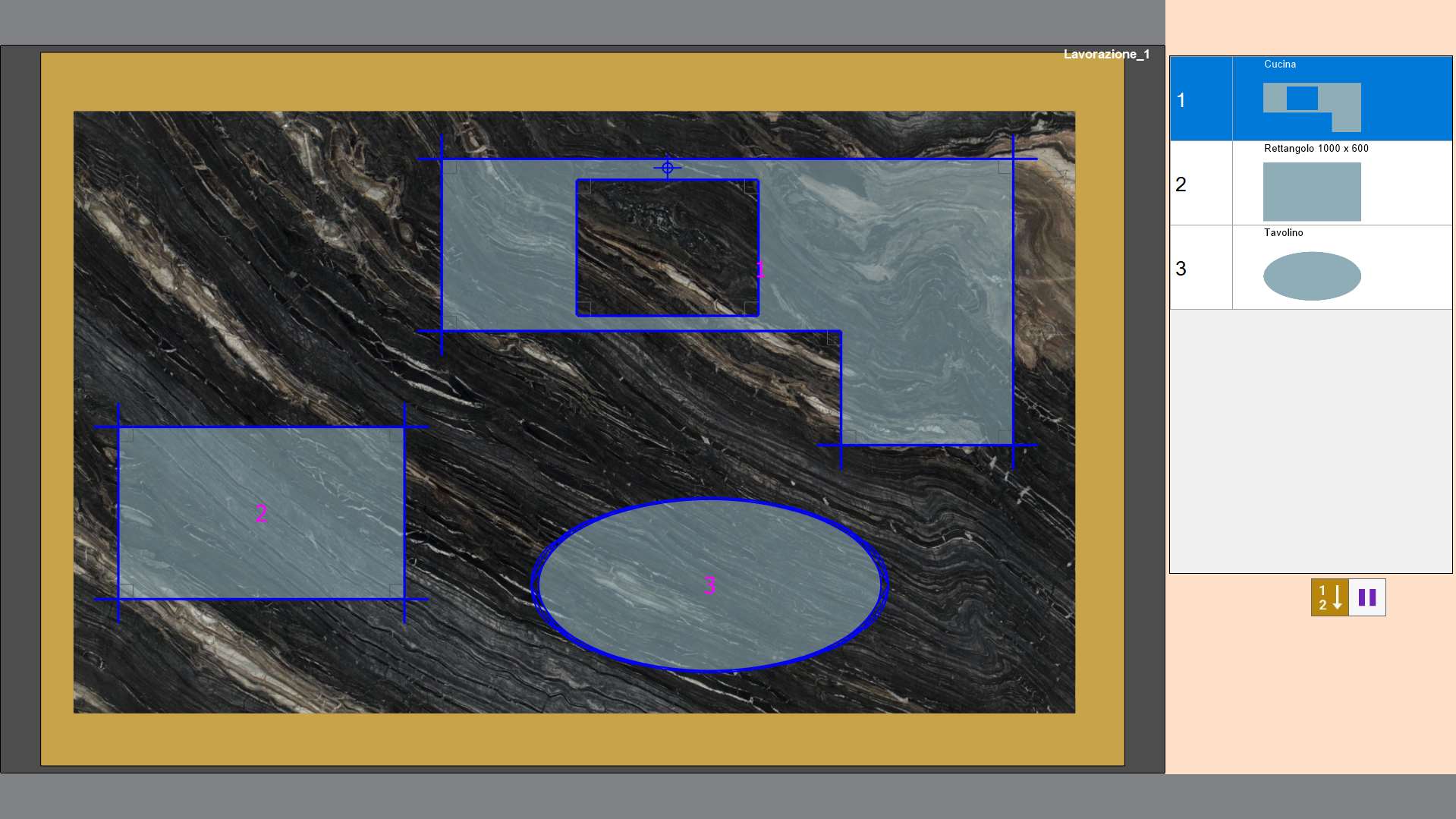
To change the order, click in sequence inside the piece that is to be first, then the second, and so on.
When finished, press the button again to confirm the selected order.
Pause
When setting the piece cutting order, a pause can be set between operation execution for one piece and the next.
The program performs all cuts on the pieces before the pause, then stops the machine and waits for the operator to issue the Start command.
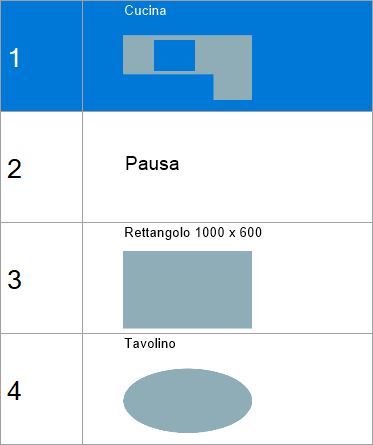
The pause is inserted after execution of the selected piece, which in this case is the first in the list.
