

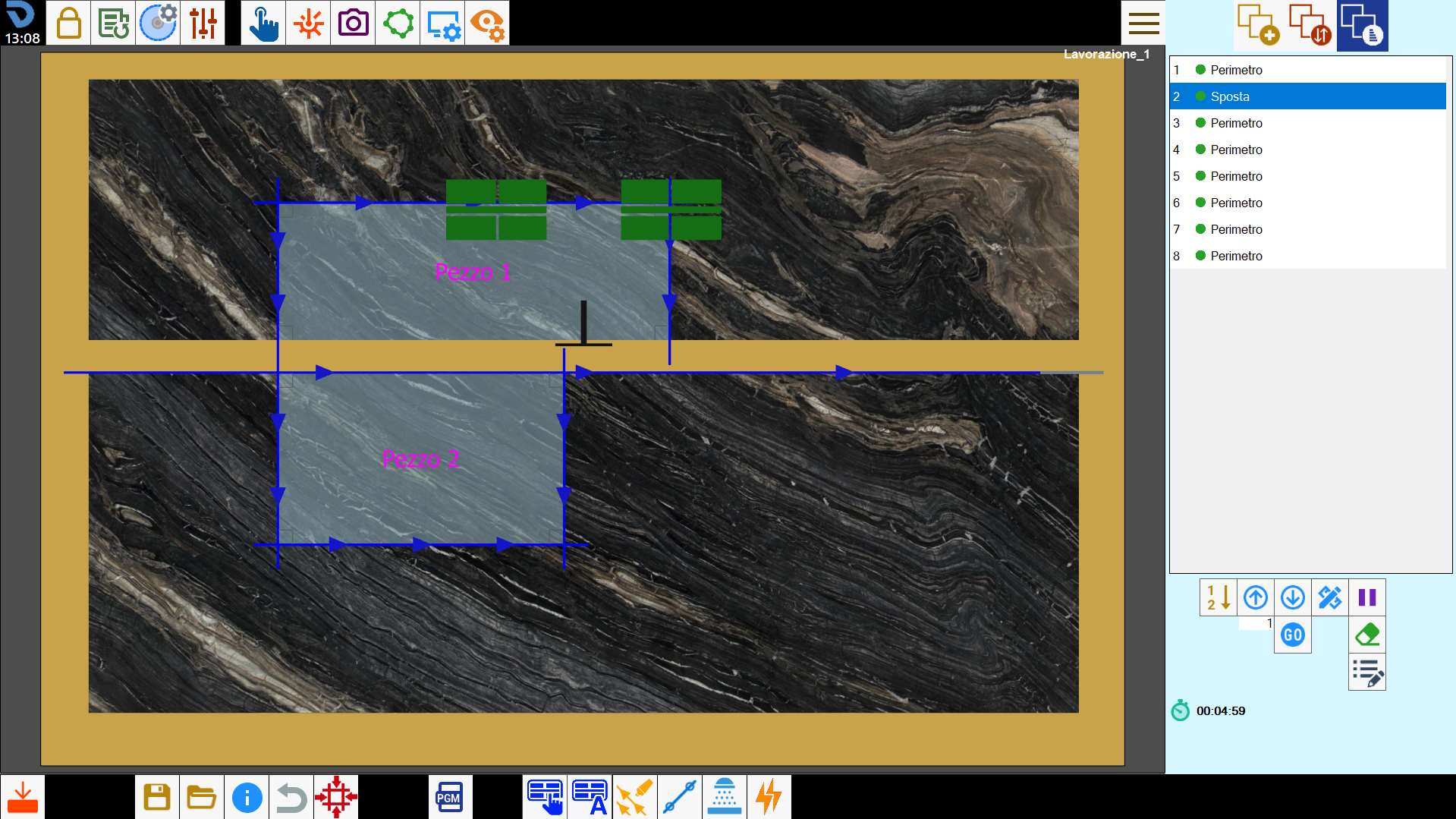
This function allows the slab to be divided and the material to be moved using the suction cups.
Buttons
 | Manual handling |
 | Automatic handling |
Manual handling
This function allows the operator to divide the slab using cuts and move the material to the desired position using the suction cups.
This function has two modes depending on the number of selected cuts.
Single selection mode
To perform a movement using the suction cups, select a disk cut, either linear or arc, and press the button.
The cut is extended until it reaches the edge of the slab, where possible.
If the selected cut is inclined, a linear cut is automatically added specifically to allow the slab to be divided.
The following panel then opens, where the direction, orientation and distance of the desired movement can be specified.
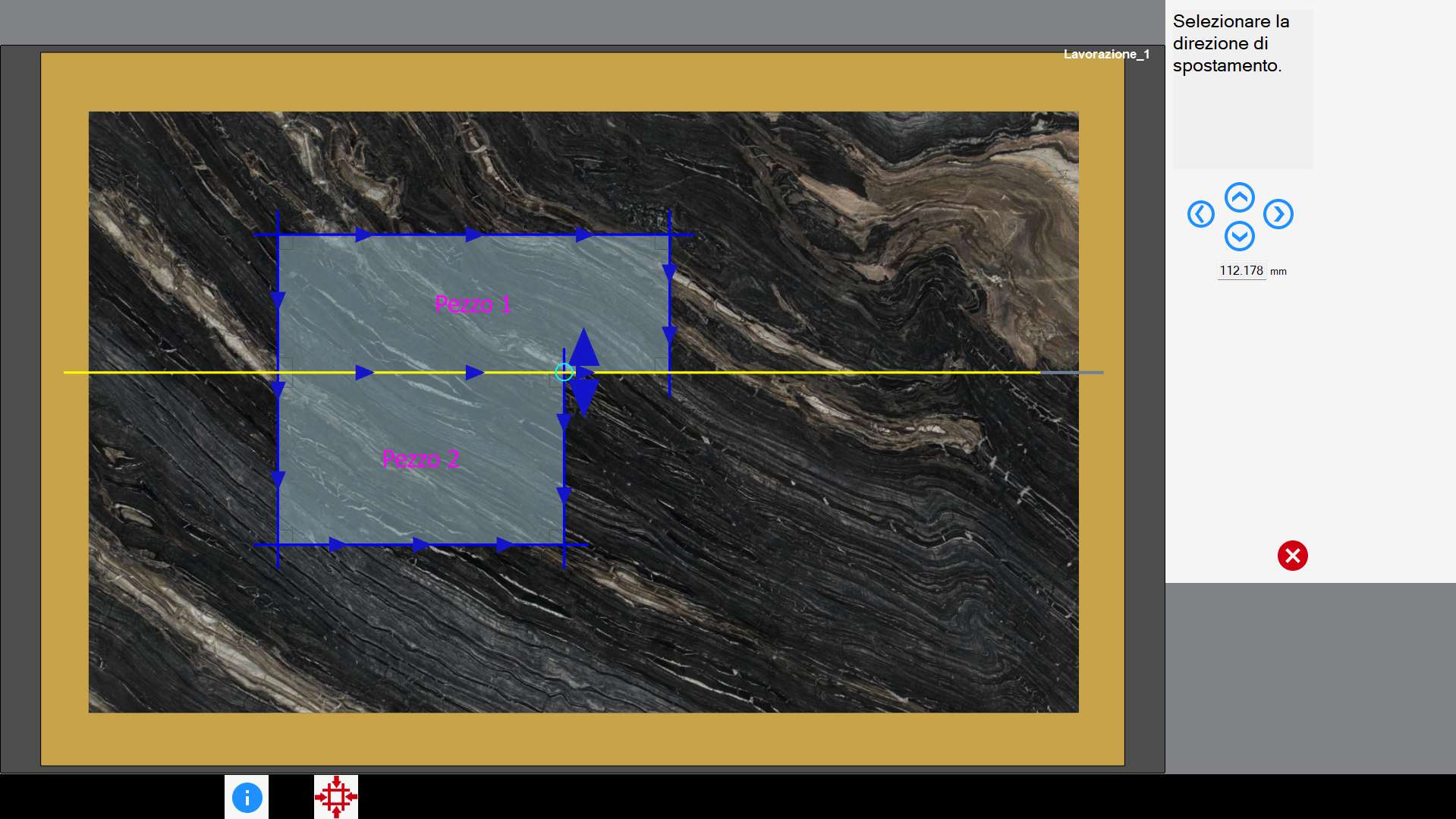
The following buttons are located in the section on the right:
 | Directional movement |
Select an arrow in the work area or press one of the buttons on the right to select the direction and orientation of the movement.
The slab is divided and moved according to the type of cut selected.
In both cases, the slab movement distance can be changed using the text box below the four directional buttons.
The selected cut is placed as high as possible in the list of cuts to be performed. Immediately afterwards, the movement using the suction cups is performed.
Multiple selection mode
Multiple selection mode allows pieces of any shape to be lifted. To do this, select the desired cuts for dividing the slab using multiple selection mode.
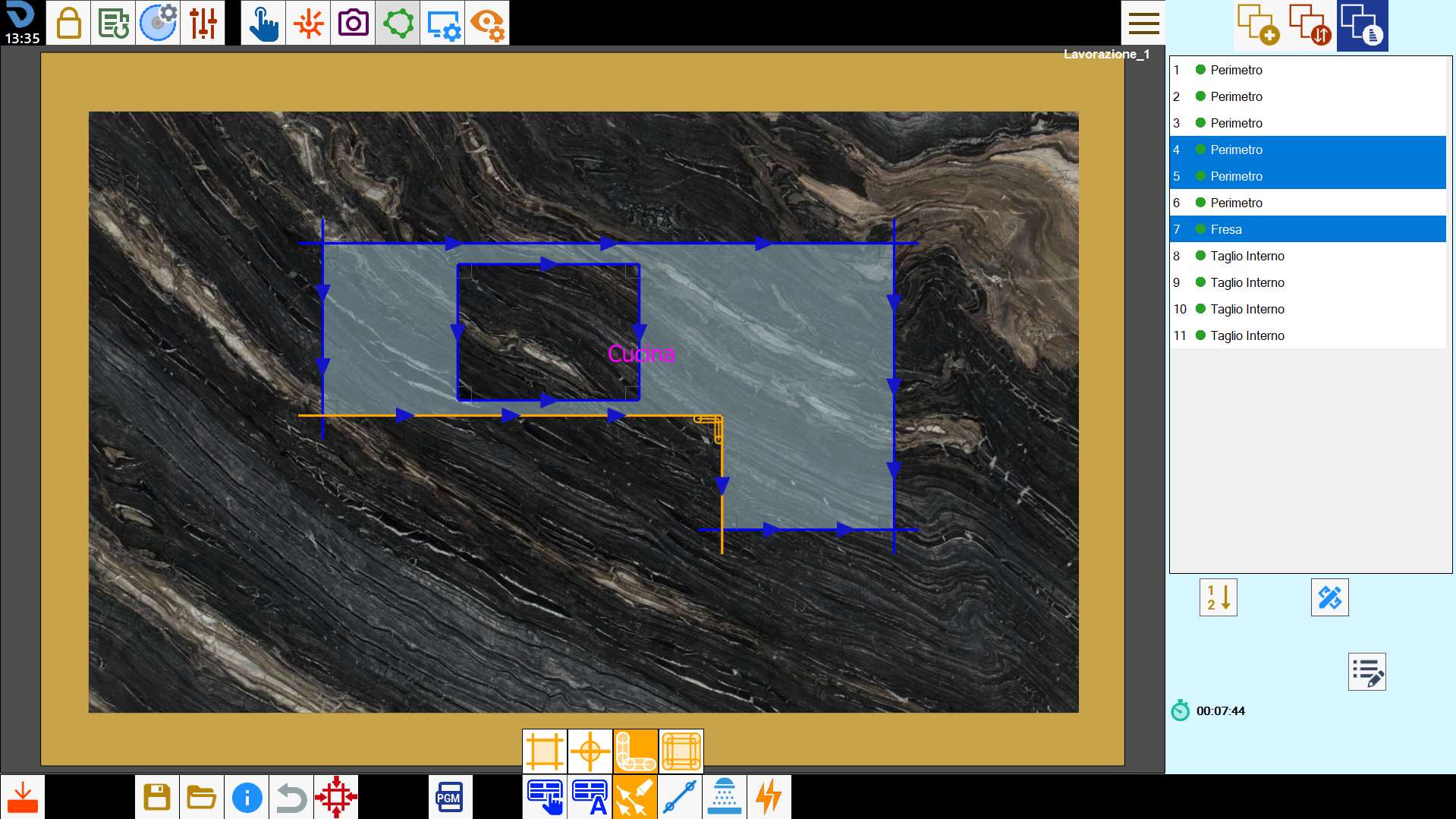
Once the selection has been made, press the button to start the procedure.
The selected cuts are extended, where possible, to form a continuous path capable of dividing the slab. If one or more of the selected cuts are inclined, they are automatically replaced by non-inclined cuts.
The following panel then opens.
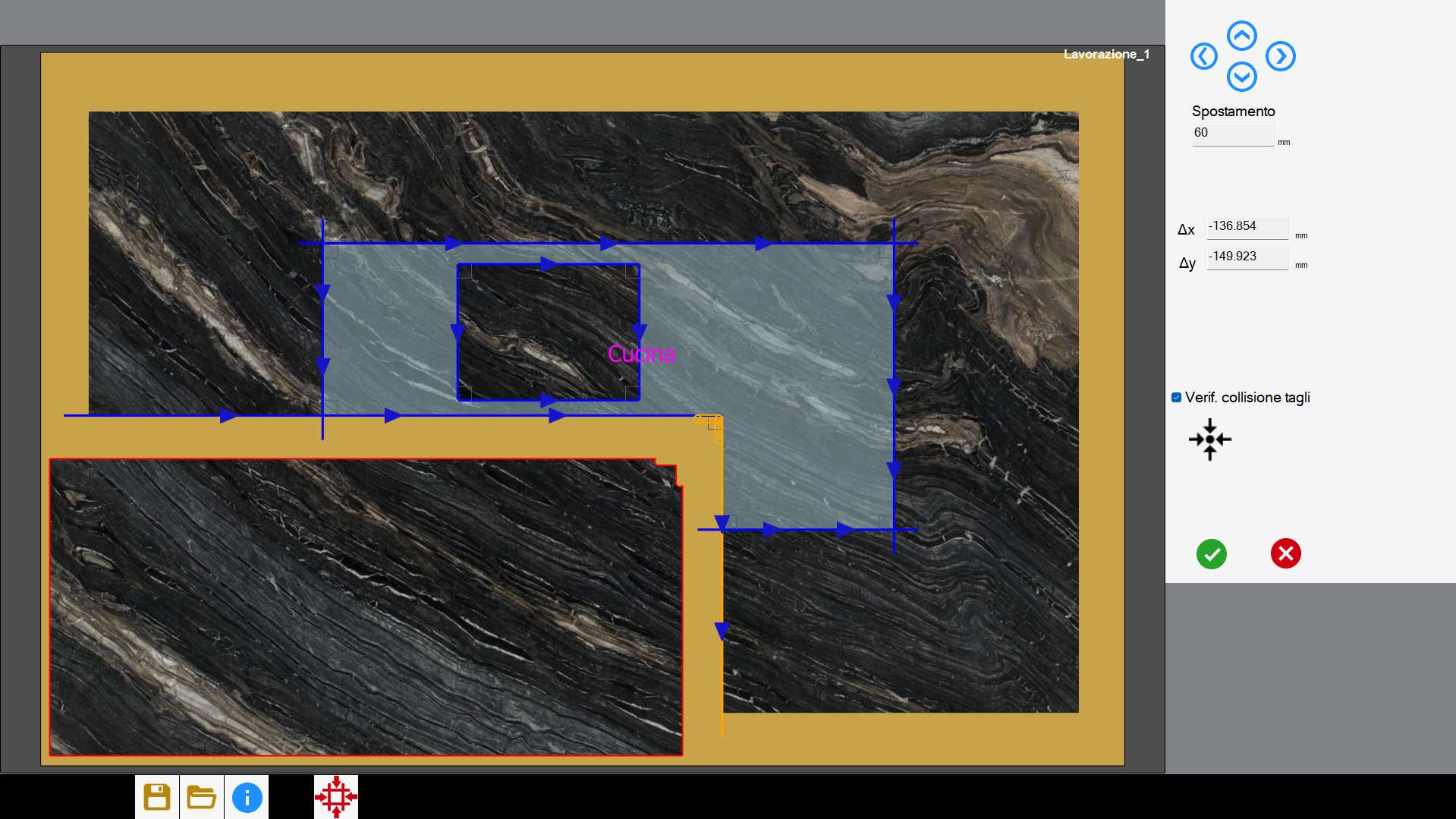
After selecting the slab to be moved, the movement can be defined by dragging it in the work area or by using one of the following buttons:
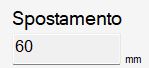 | Step |
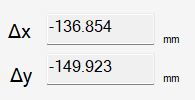 | Movement along the axes |
 | Cut collision check |
 | Restore original position |
Upon confirmation, the selected cuts are placed at the top of the list of cuts to be performed. Immediately afterwards, the movement using the suction cups is performed.
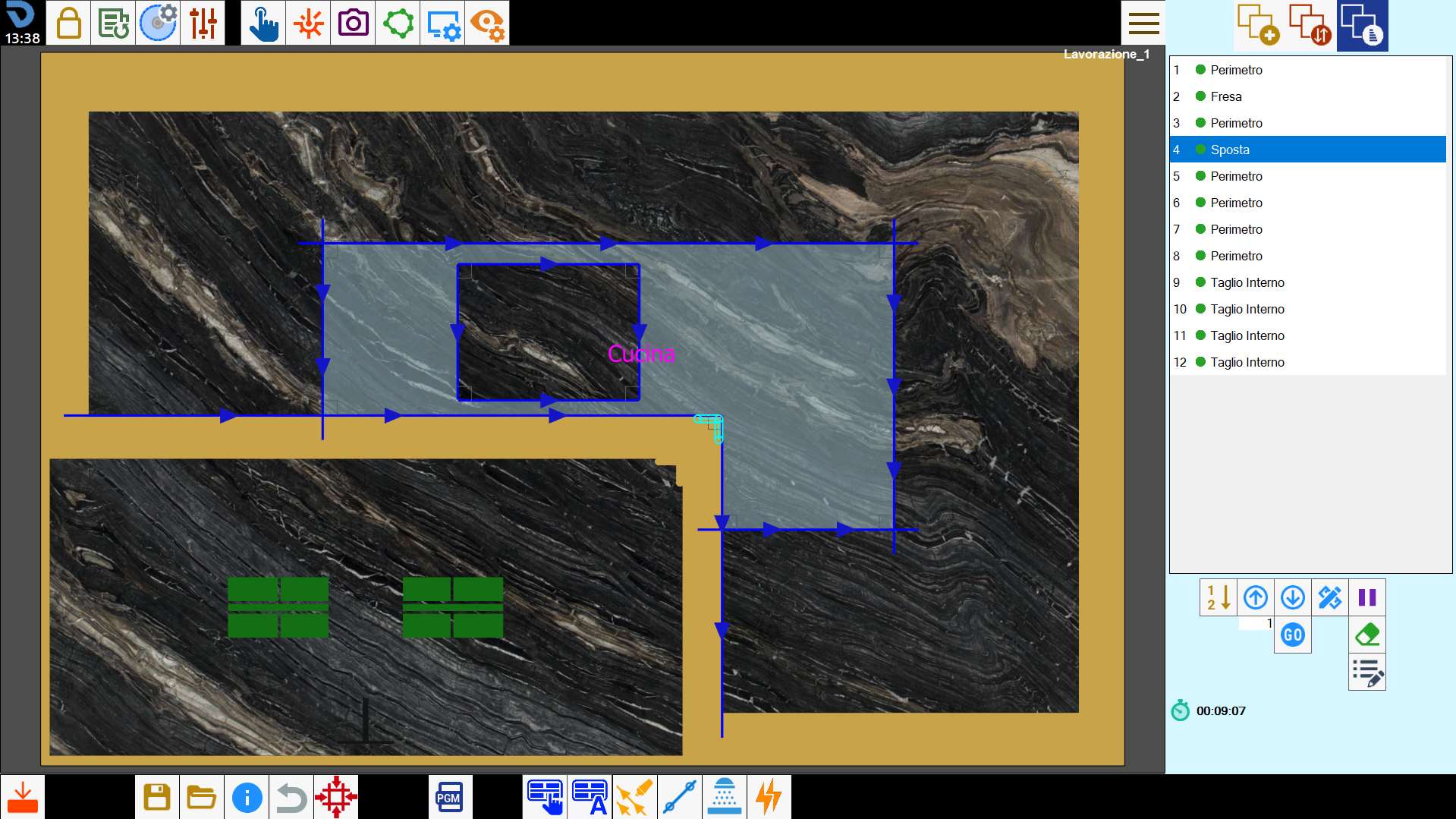
Multiple selection mode allows pieces of any shape to be lifted, including overhanging pieces.
The operator is responsible for checking whether the movement is feasible.
Rules for valid cut selection
To divide the slab correctly, the following guidelines for cut selection must be observed.
The selected cuts can be disk cuts, both lines and arcs, milling operations and multiple corner holes.
The selected cuts must be able to form a path that divides the slab in two. Selecting cuts that form a closed path is not allowed.
The program automatically extends linear disk cuts until a solution is found that allows the slab to be divided. Arc cuts, milling operations and holes are not modified automatically.
With this in mind, it is advisable for the first and last cuts in the path to be linear disk cuts.Where internal corners are present and the disk obstruction does not completely separate the material, vertex milling operations or multiple holes must be inserted.
The penetration of the selected cuts must be sufficient to separate the slab.
The first and last cuts must be able to extend outside the slab.
Operation not possible message
If the handling operation is considered impossible by the program, the causes may be as follows:
The selected cuts are not sufficient to create a path that divides the slab in two;
The selected cuts form a closed path;
The selected cuts cannot separate the piece because of the disk obstruction;
Extending the selected cuts would damage other pieces;
The penetration of at least one selected cut is not sufficient to separate the slab;
Automatic handling
With this function, the program attempts to automatically resolve situations in which one or more pieces in the work area would be damaged by other cuts.
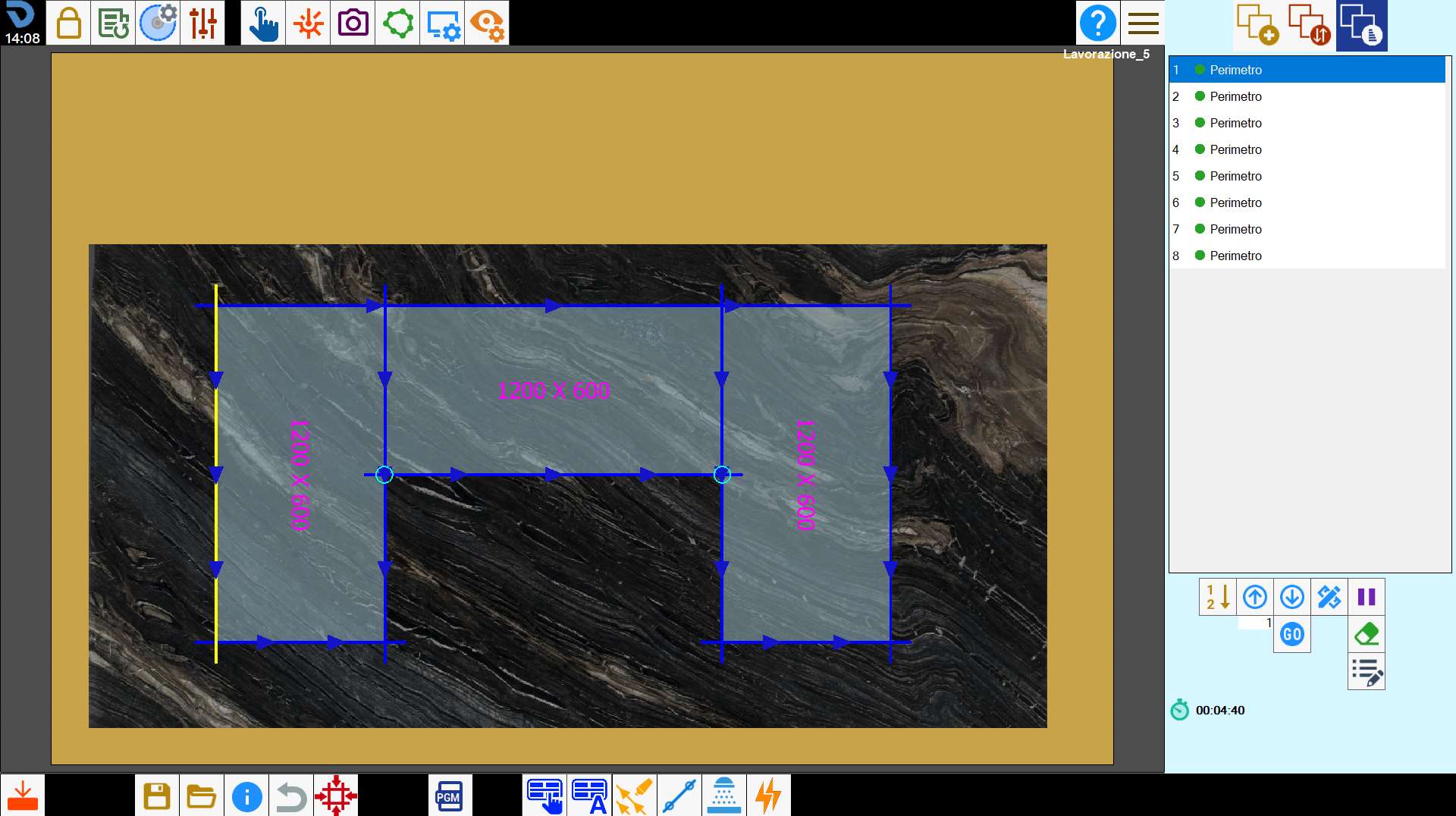
The algorithm analyses the cut arrangement and independently determines how and where to perform the movements, optimising the sequence of operations.
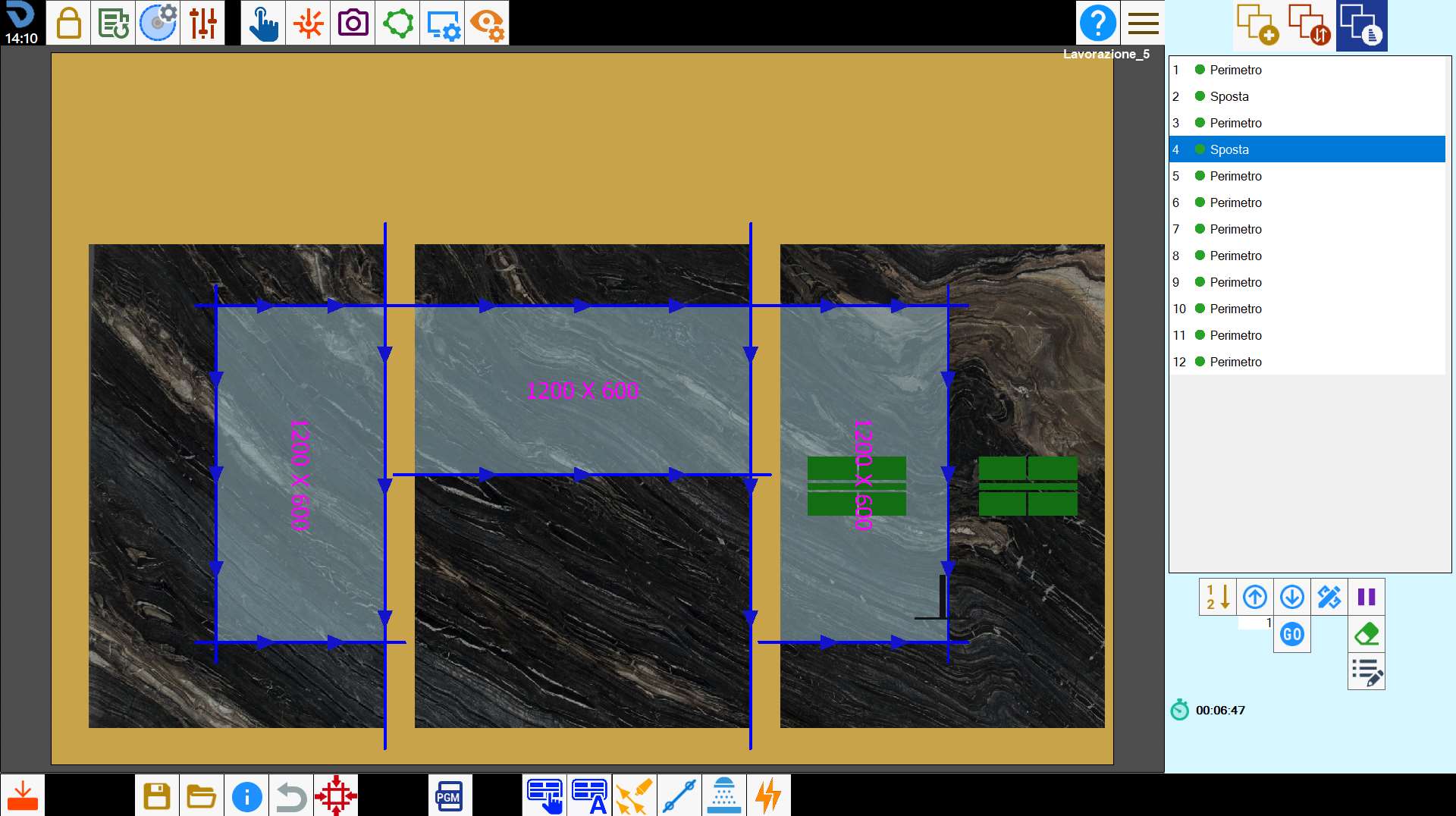
However, the automatic calculation cannot always handle every case. In particularly complex situations, manual intervention may be required to complete or correct the movement operations.
Change suction-cup position
During this phase, the operator can change both the suction-cup pickup position and the activation of the corresponding vacuum areas to ensure optimal and safe grip on the material.
To do this, select the “Move“ item in the list and press the button for modifying cuts.
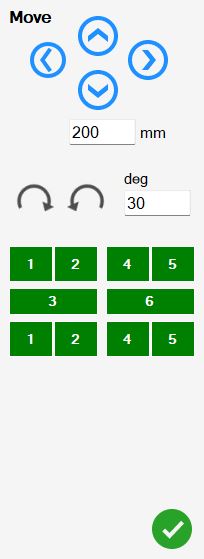
The buttons on this panel allow the operator to interact with the suction cups.
| Directional movement |
 | Suction-cup rotation |
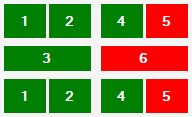 | Suction-cup group diagram |
