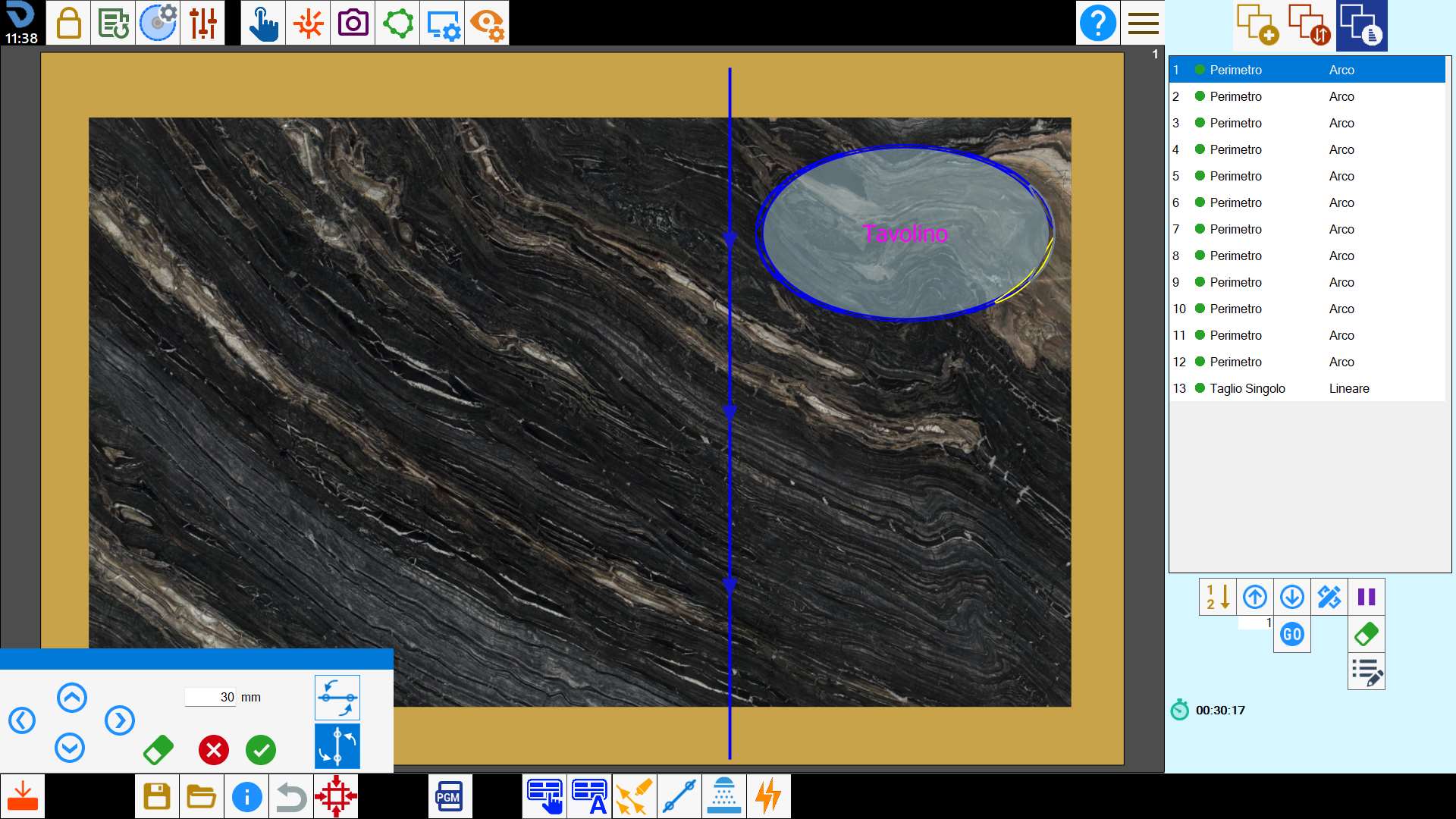
This function allows linear disk cuts to be inserted manually on the workbench.
Buttons
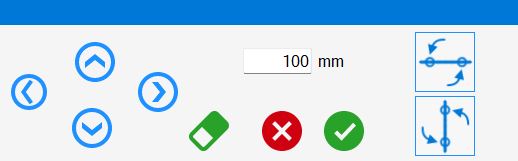
 | Directional movement |
 | Delete |
 | Horizontal cut |
 | Vertical cut |
Executing the function
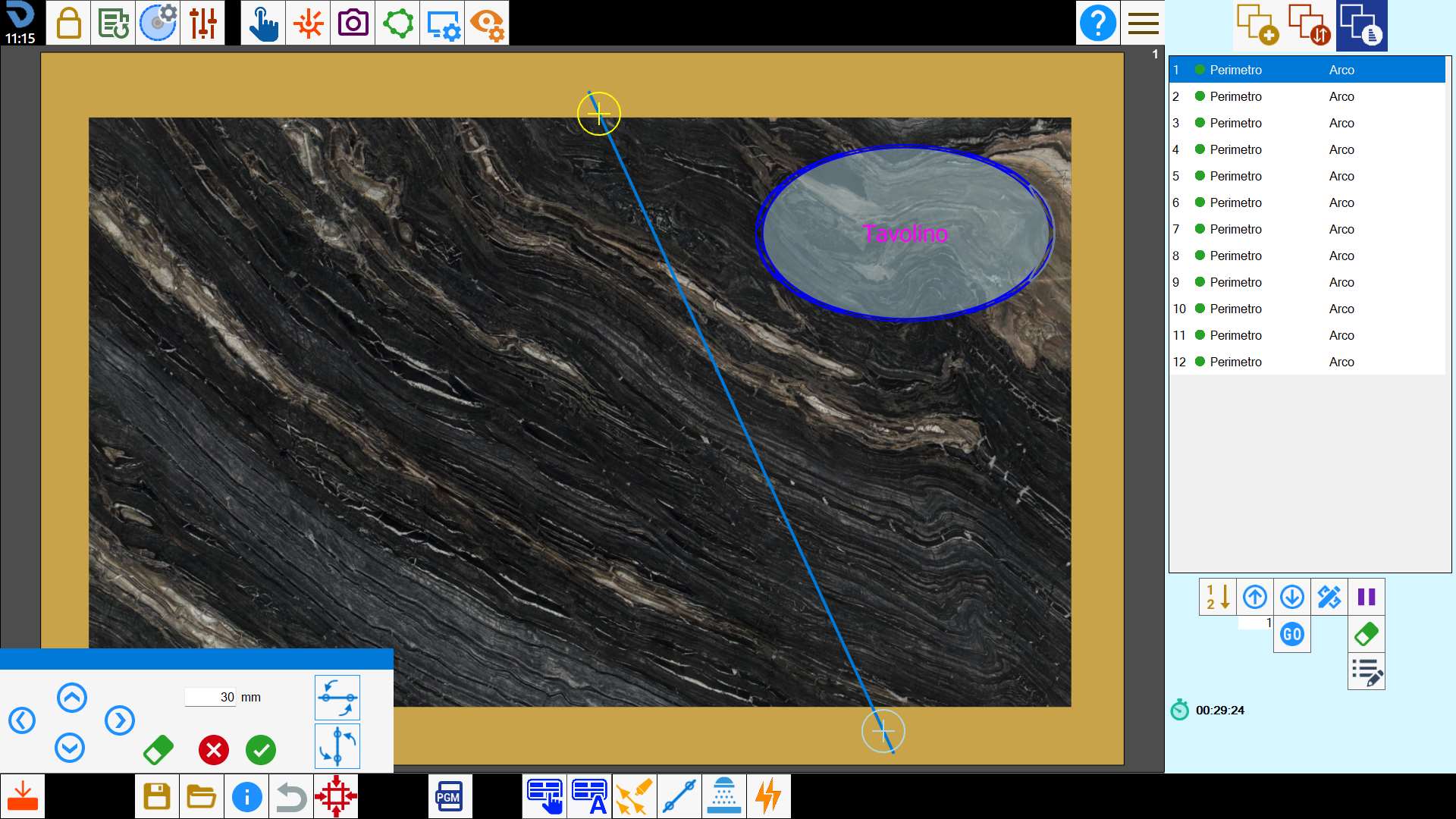
After the button is pressed, the program asks the user to select the start and end points of the cut to be added in the work area.
The positions of the cut endpoints can be changed by selecting and dragging them in the work area, or by using the directional movement arrows.
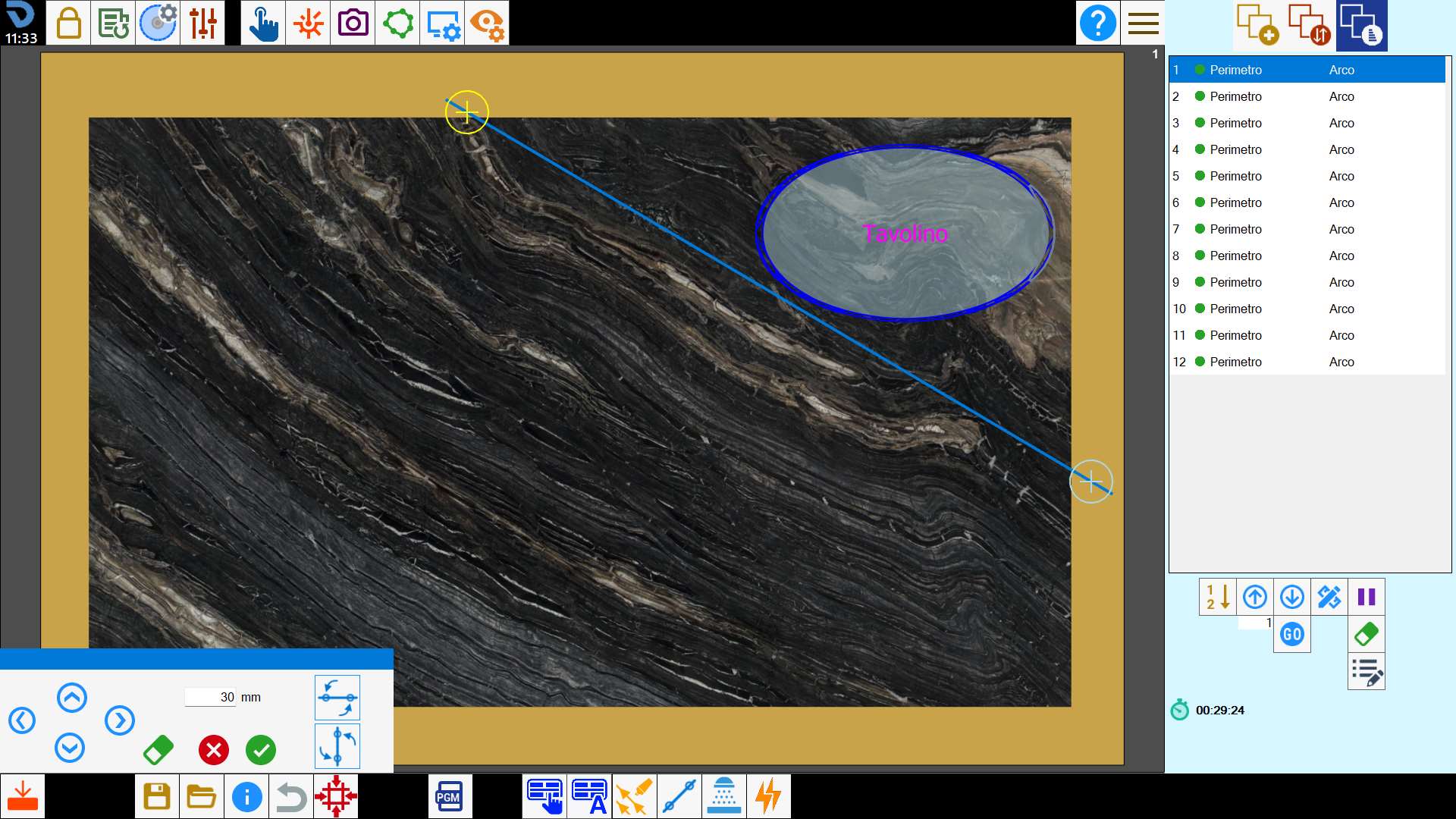
The operator can require the resulting cut to be horizontal or vertical.
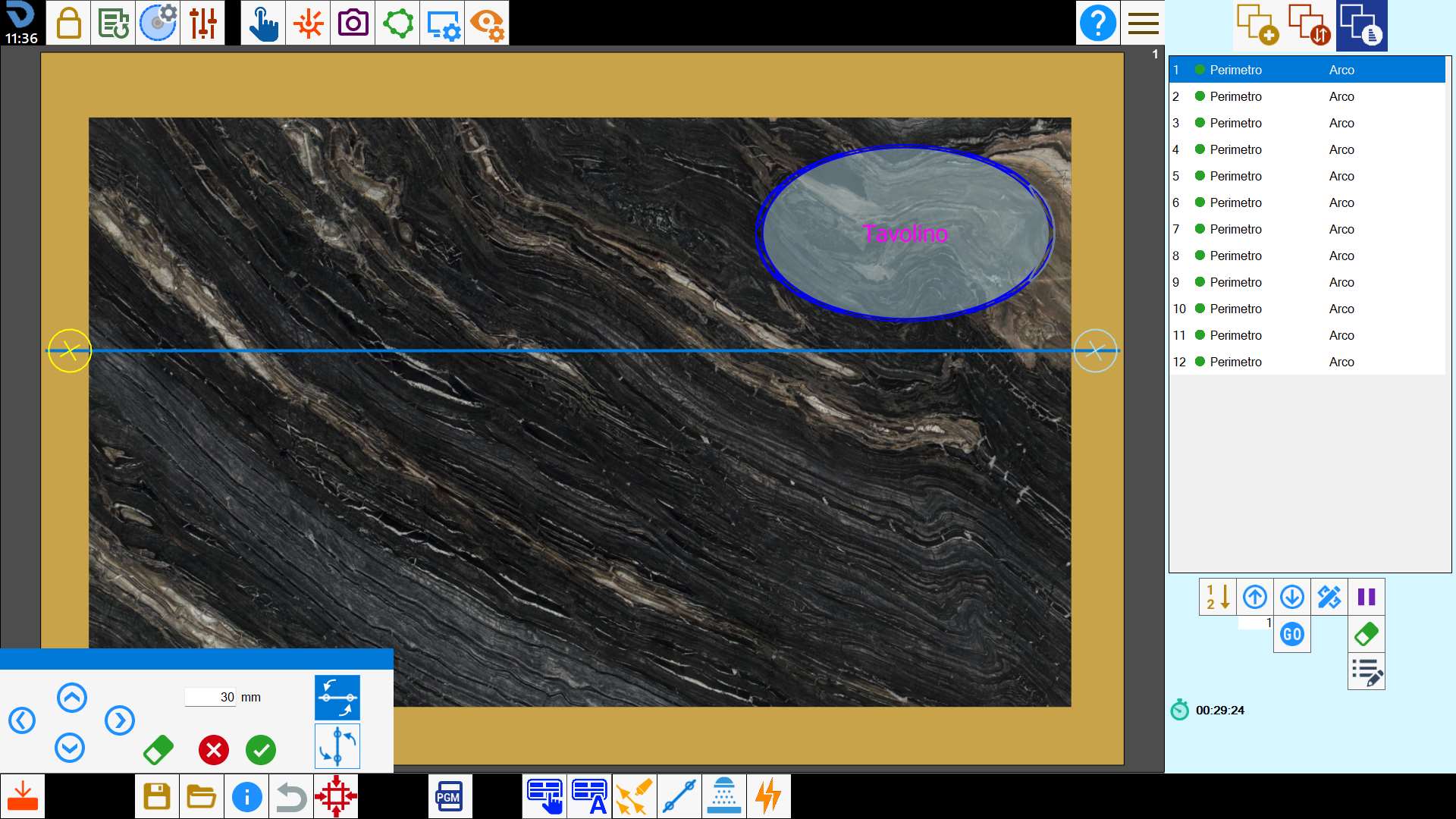
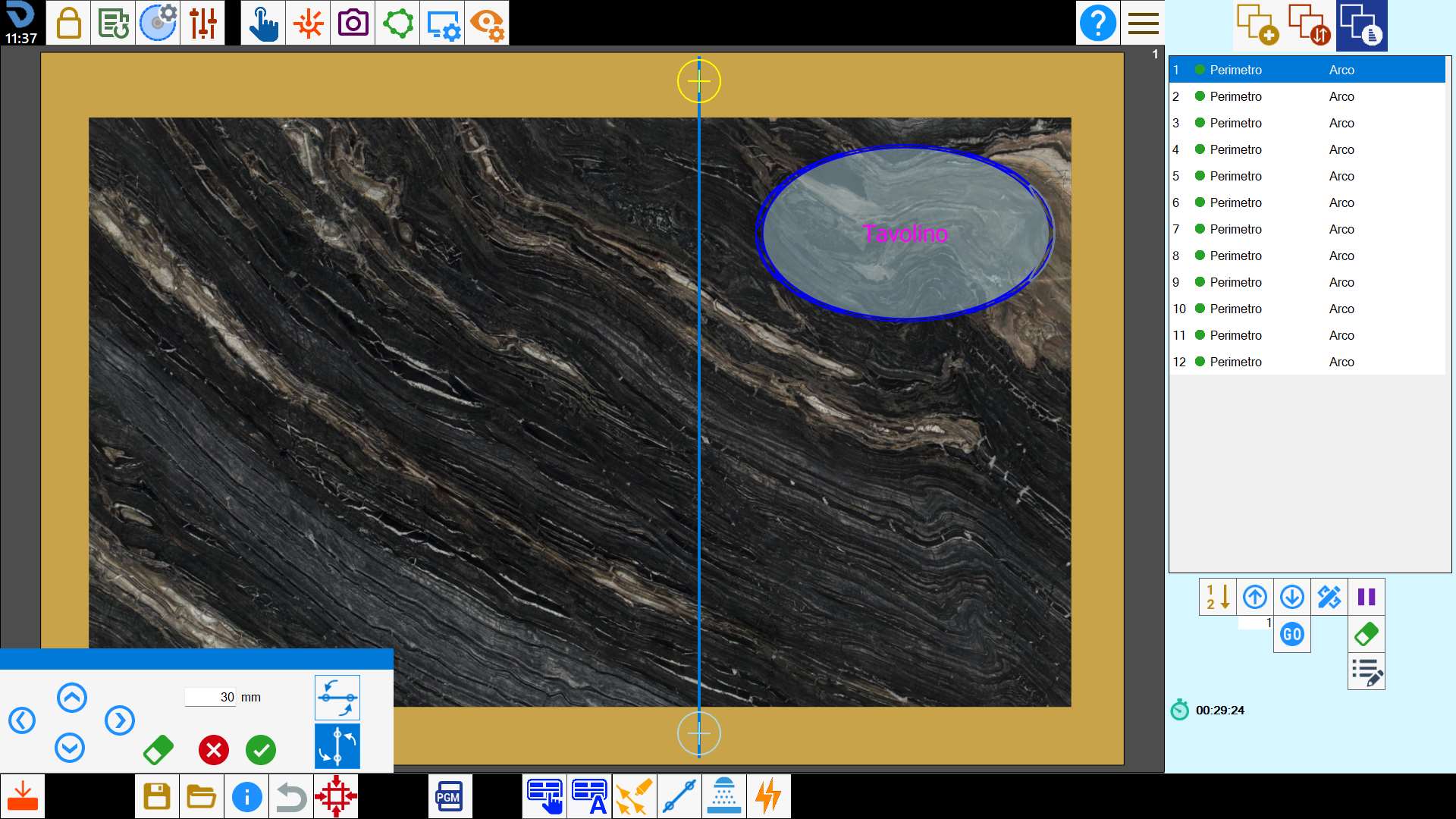
Upon confirmation, the new cut is added to the end of the list.