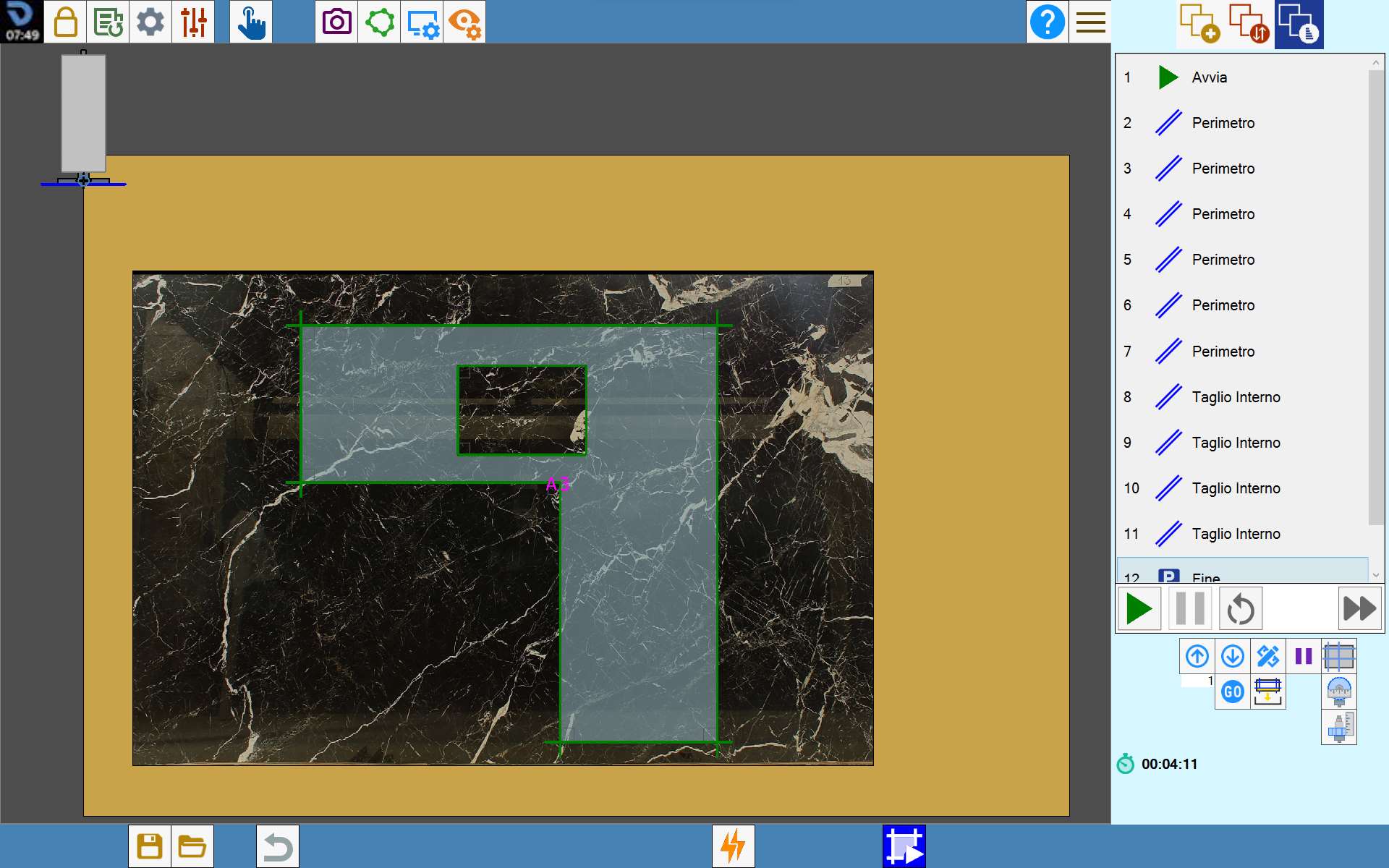
This function allows a simulation of the operations performed on the piece to be viewed.
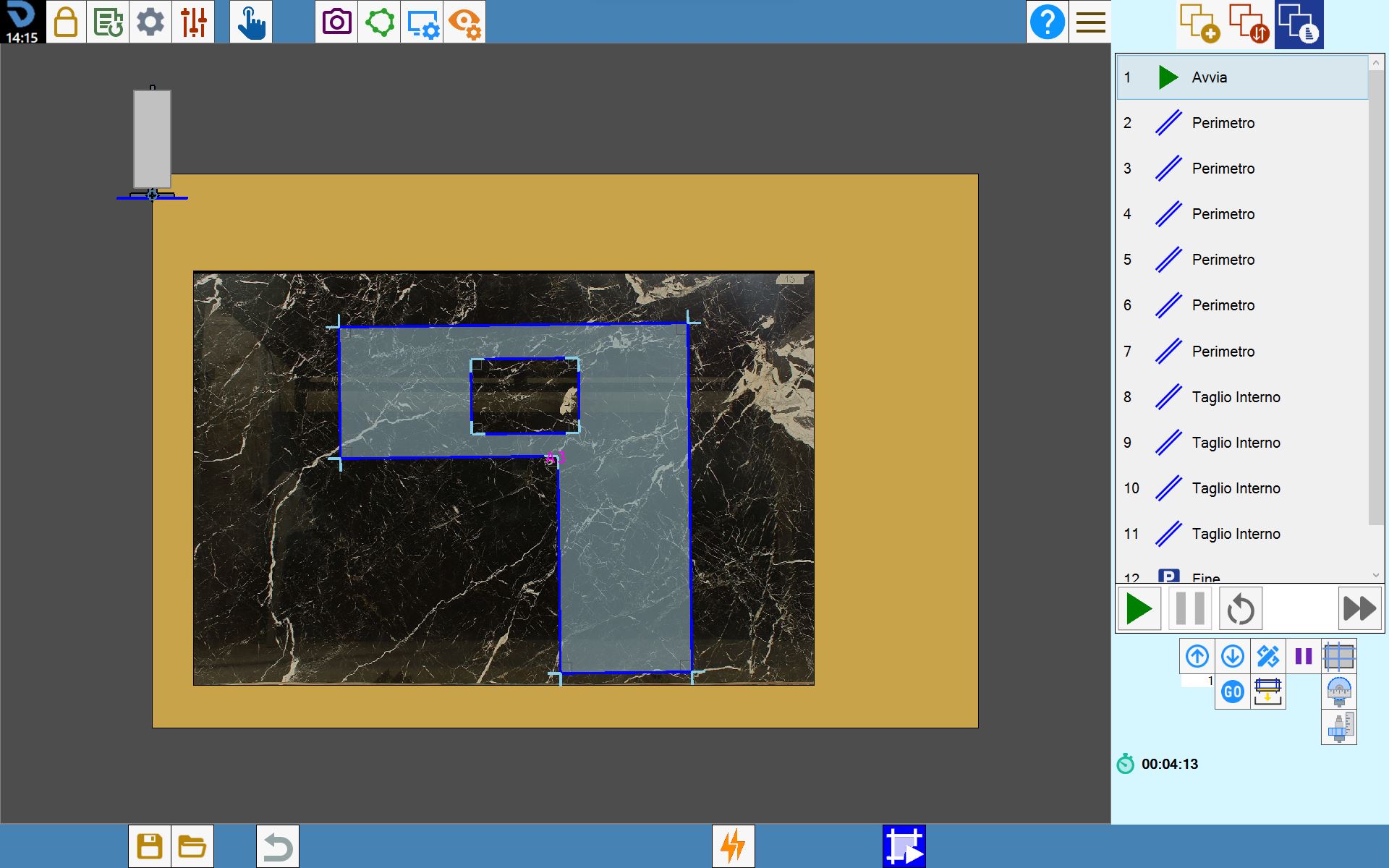
Buttons
The button used to access the cut simulation function is located in the bottom bar of the Parametrix cut editing screen.
 | Cut simulation |
Cut simulation management
The simulation is controlled by these buttons:
 | Start |
 | Pause |
 | Restart |
 | Simulation speed |
Cut simulation
The simulation starts with the machine in the parking position. The milling cutter or disk then performs the cuts according to the sequence defined in the queue displayed in the right column. At the end of each step, the completed item is highlighted in green.
Different actions or events can be added to the simulation queue and their order can be changed, allowing the sequence to be adapted to the specific working requirements and making the simulation more effective for its intended purpose.