Donatoni Macchine
Machine technical documentation Operational document

Parametrix includes a version specifically designed to simplify the workflow on machines belonging to the SX category.
In particular, it allows the operator to manage cut combinations efficiently in order to optimise the production process.
This chapter describes functions that differ from the standard version of Parametrix.
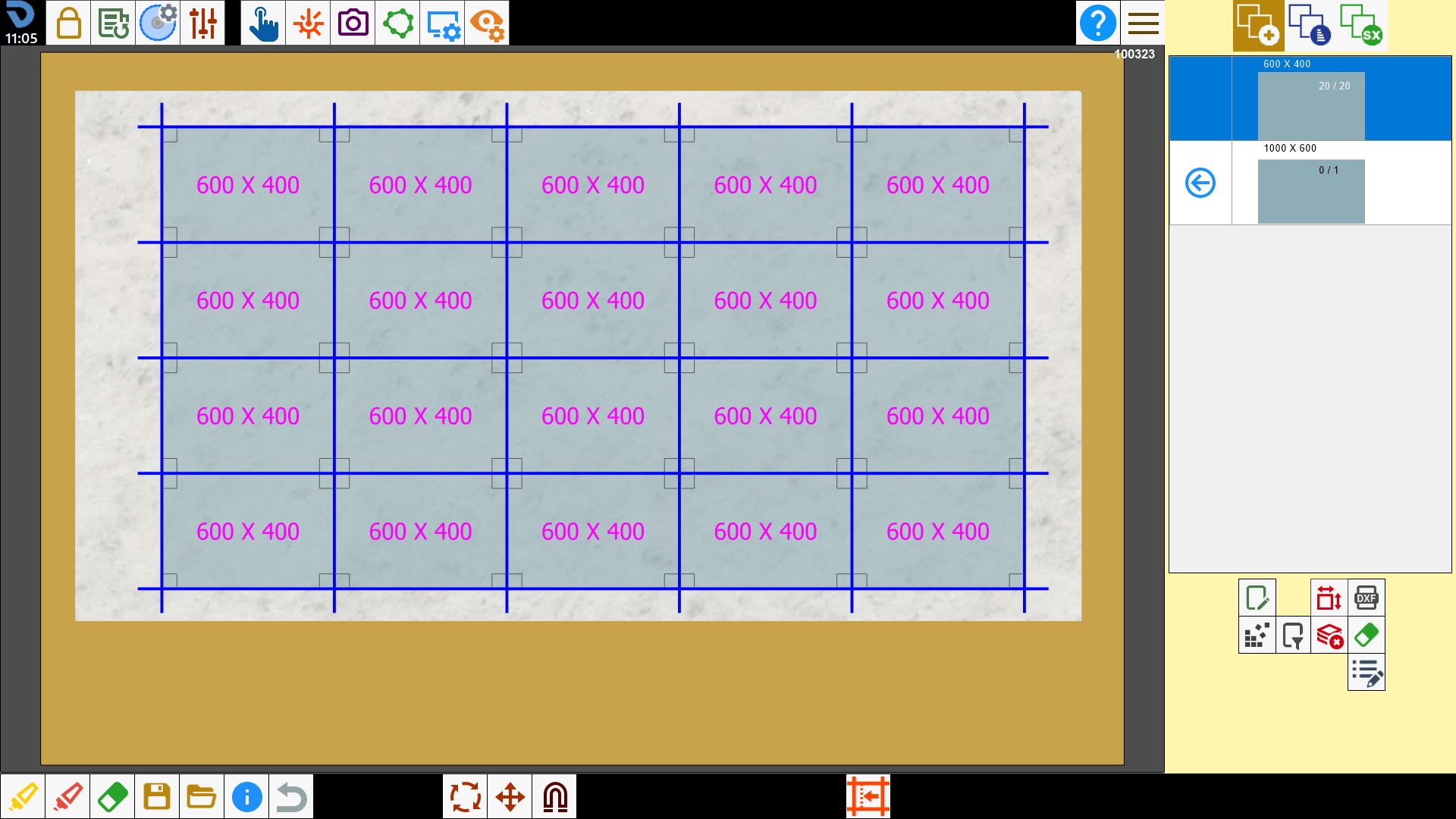
1.0.png

Side section

The buttons at the top right allow the operator to change the Parametrix screen.

1.7.png

Each screen is responsible for a particular aspect of slab machining.

1.5.png

Piece positioning
Main Parametrix screen.
The following operations are performed:

  • creating and editing pieces;

  • acquiring the slab photo on the workbench and its perimeter;

  • positioning the pieces in the work area;

1.6.png

Cut optimisation and management
Screen for cut optimisation and management.
The following operations are managed:

  • moving the material using suction cups;

  • washing the workbench;

  • editing cuts to optimise their combinations;

1.3.png

Cut combination
Final screen of the workflow.
The following operations are managed:

  • displaying and sorting cut combinations;

  • managing the unloader;

  • starting the machine cutting program;

;