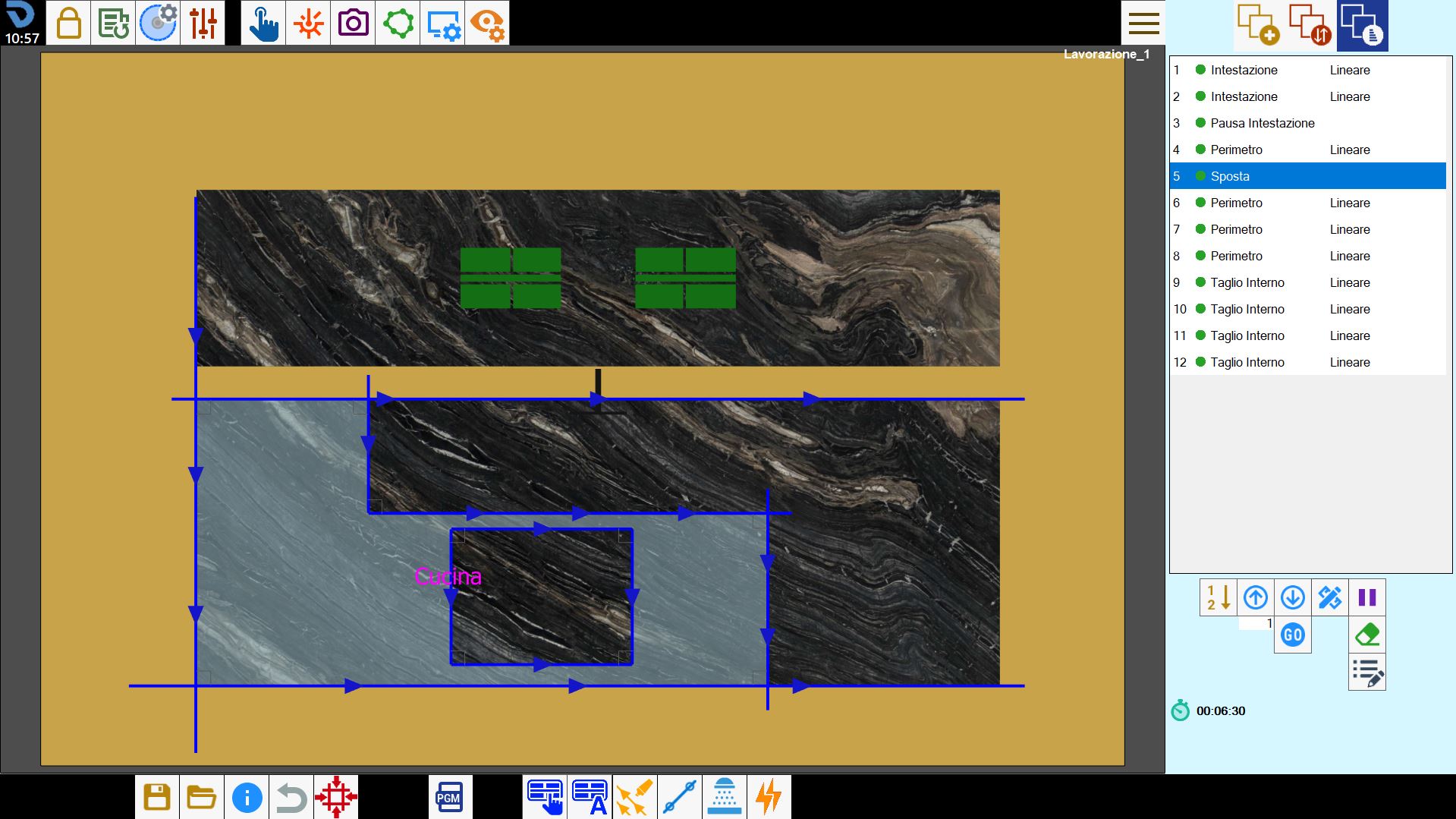
Slab trimming is a function that allows stress-relief cuts to be added to the working. These cuts trim the slab along its edges.
The function can be enabled in the perimeter creation panel.
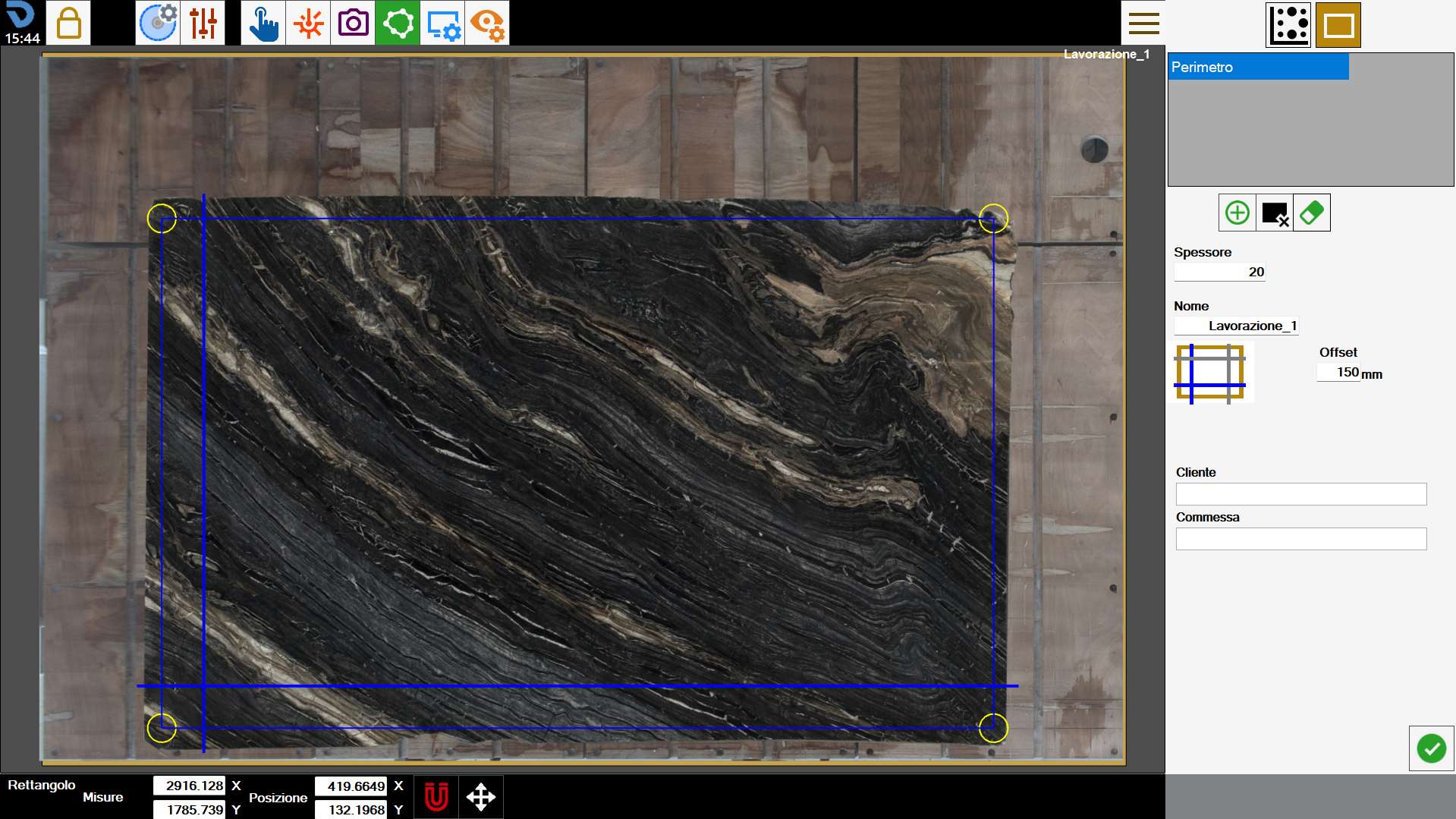
The following example screen contains a diagram showing the four cuts, one for each side, that can be inserted.
Sidebar
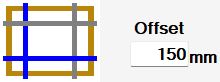 | Slab trimming |
Only slabs with a rectangular perimeter can be trimmed. It does not work in “point” mode.
Multiple perimeters can also be trimmed differently.
Executing the working
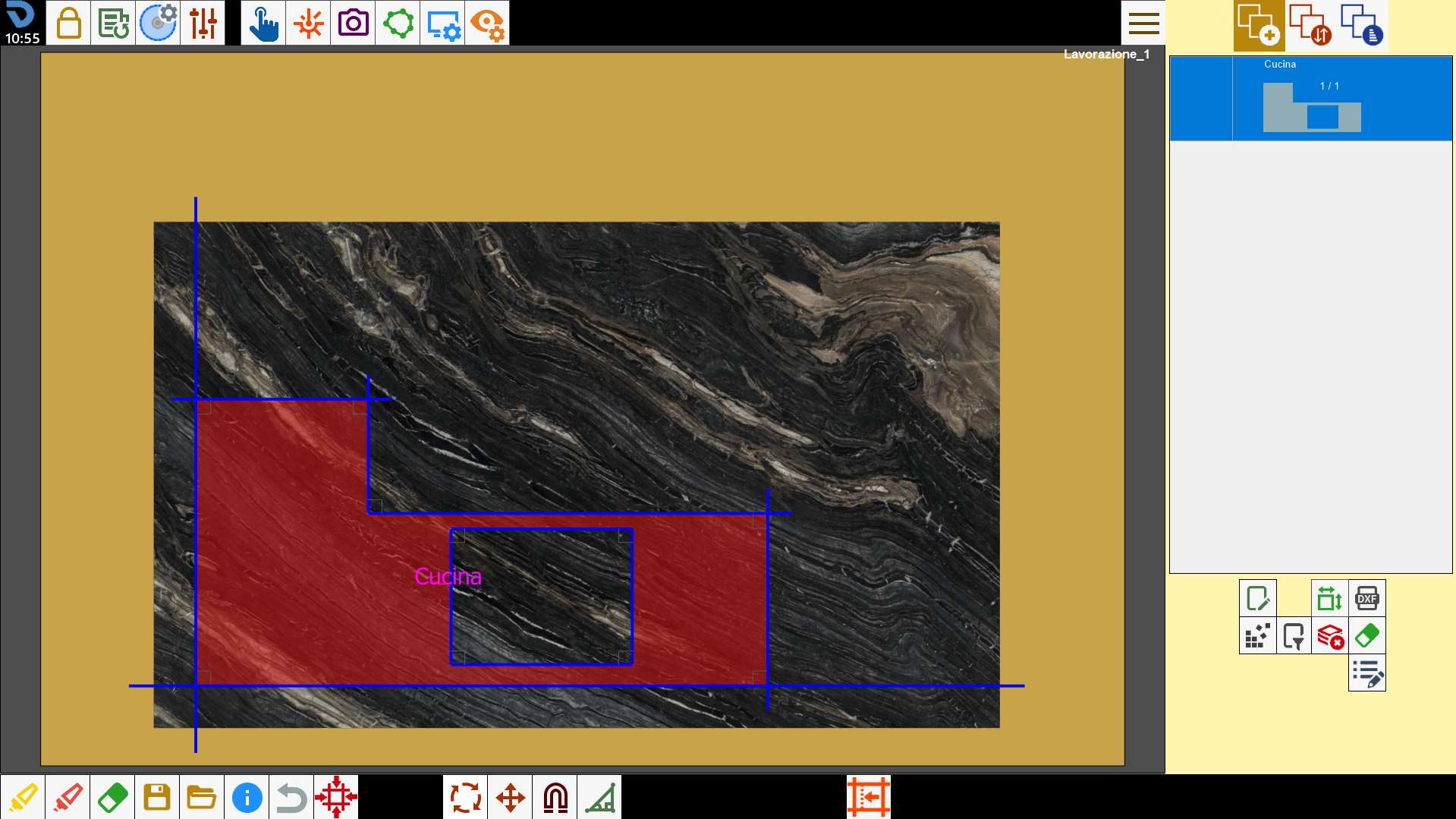
In the work area, the program checks that the operator does not position pieces outside the slab trimming cuts.
Pieces can also be snapped to these cuts, as shown in the figure.
When the cutting program is executed, the machine performs these trimming cuts before any other operation. Immediately afterwards, a trimming pause is performed to give the operator time to remove the discarded slab material.
This allows subsequent slab handling operations using suction cups to be performed without interference from the trimmed material.
These operations can also be seen in the list on the cut management and optimisation screen.