

This function opens a small panel containing tools for resizing the work area.
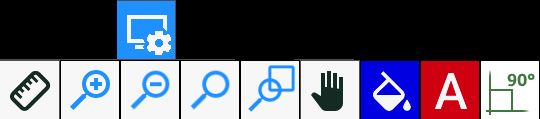
Buttons
 | Ruler |
 | Zoom _ |
 | Zoom - |
 | Reset Zoom |
 | Window zoom |
 | Pan view |
 | Show / Hide background colour |
 | Show / Hide piece names |
 | Show / Hide right angles |
Ruler
To use this function, the operator must indicate two points in the work area. They are represented by two yellow crosses.
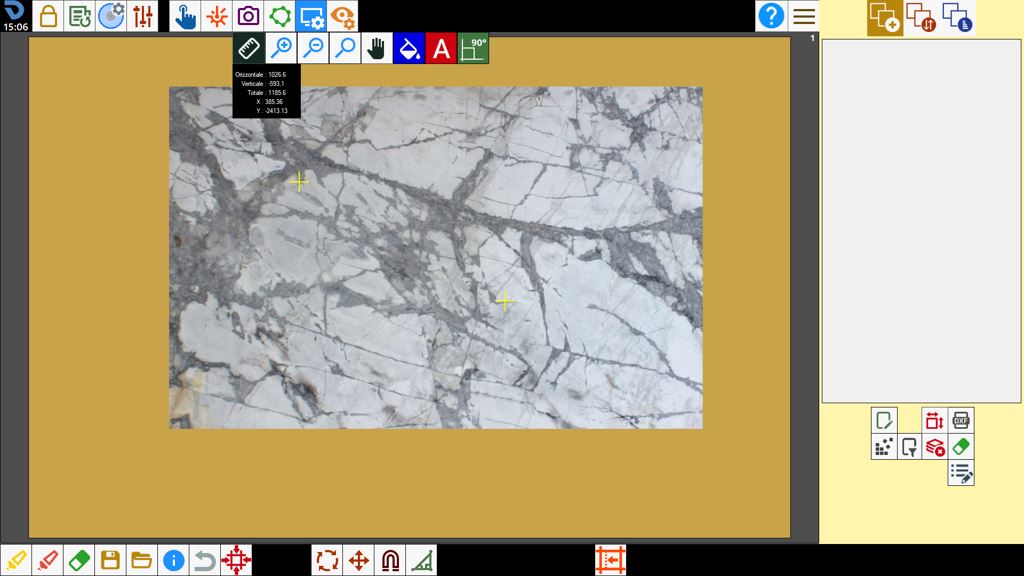
A small panel showing the distance between the two points appears below the ruler button.
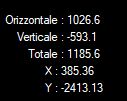
Horizontal | Horizontal distance between the first and second point. |
Vertical | Vertical distance between the first and second point. |
Total | Total distance between the first and second point. |
X | Real-time horizontal mouse position. |
Y | Real-time vertical mouse position. |
