

This panel allows the operator to manage the machine disks.
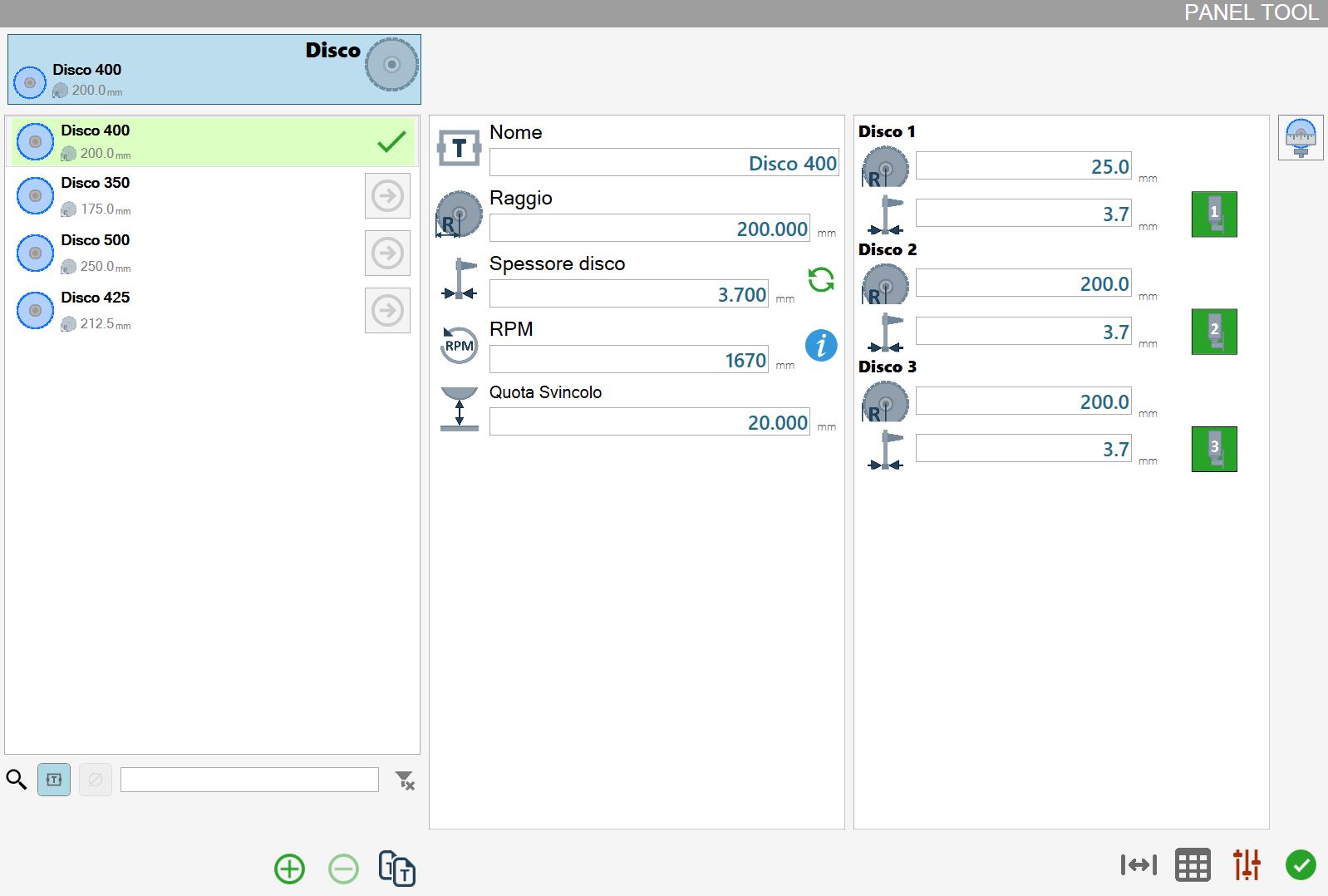
Parameters
The parameters of the selected disk set are shown in this section.
The general parameters of the disk set are shown on the left, while the specific parameters for the disk associated with each spindle unit are shown on the right.
For SX5 or SX6 machines, 5 and 6 disks respectively are shown in the section on the right.
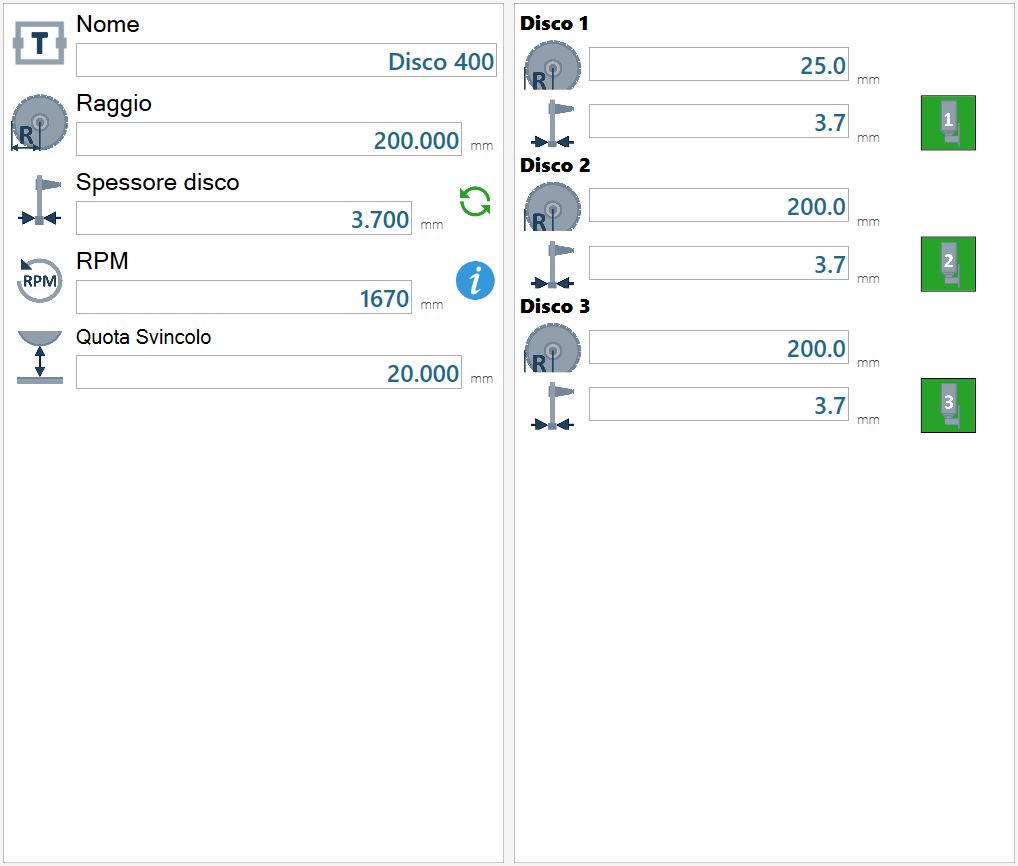
General disk set parameters
The parameters in the section on the left, referring to the selected disk set, are listed below.
 | Name |
 | Radius |
 | Disk thickness |
 | RPM |
 | Junction Quote |
The following buttons are also available:
 | Recalculate thickness |
 | RPM information |
Individual disk parameters
Each of these elements shows the parameters of the disk mounted on the corresponding spindle unit.
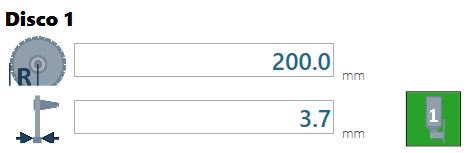
The radius and thickness can be set for each disk. The operator can decide whether to enable the disk using the adjacent button.
 | Enable/Disable disk |
Buttons
 | Probe disk |
 | Compensation |
 | Complete data |
Complete data
In this window, the operator can edit all data relating to the disk set mounted on the machine.
In particular, the radius, tooth thickness and core thickness of each disk can be set.
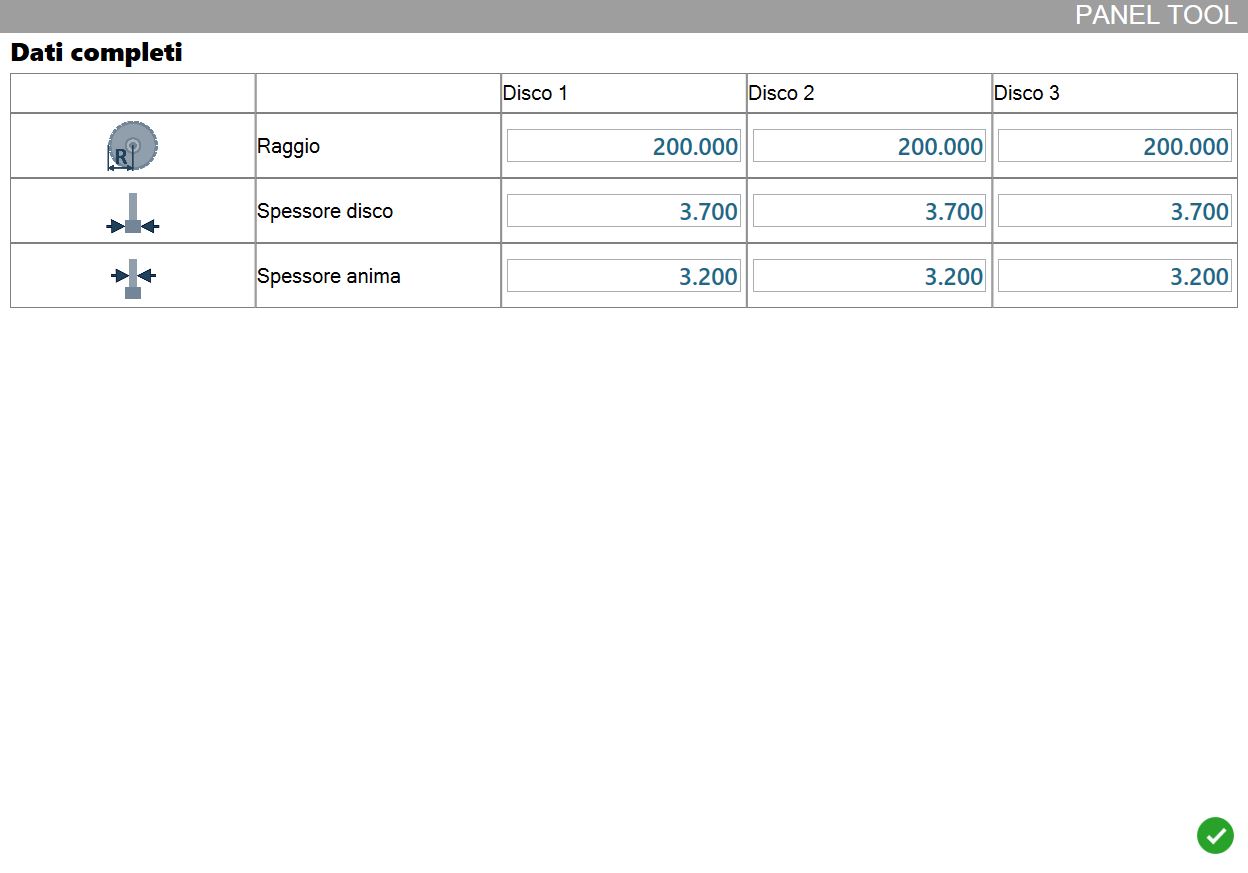
Specifically:
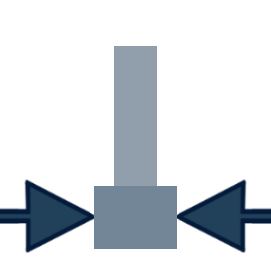 | Disk thickness |
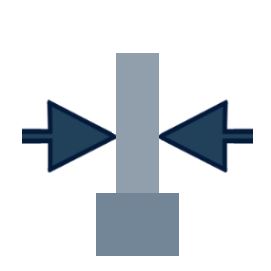 | Core thickness |
